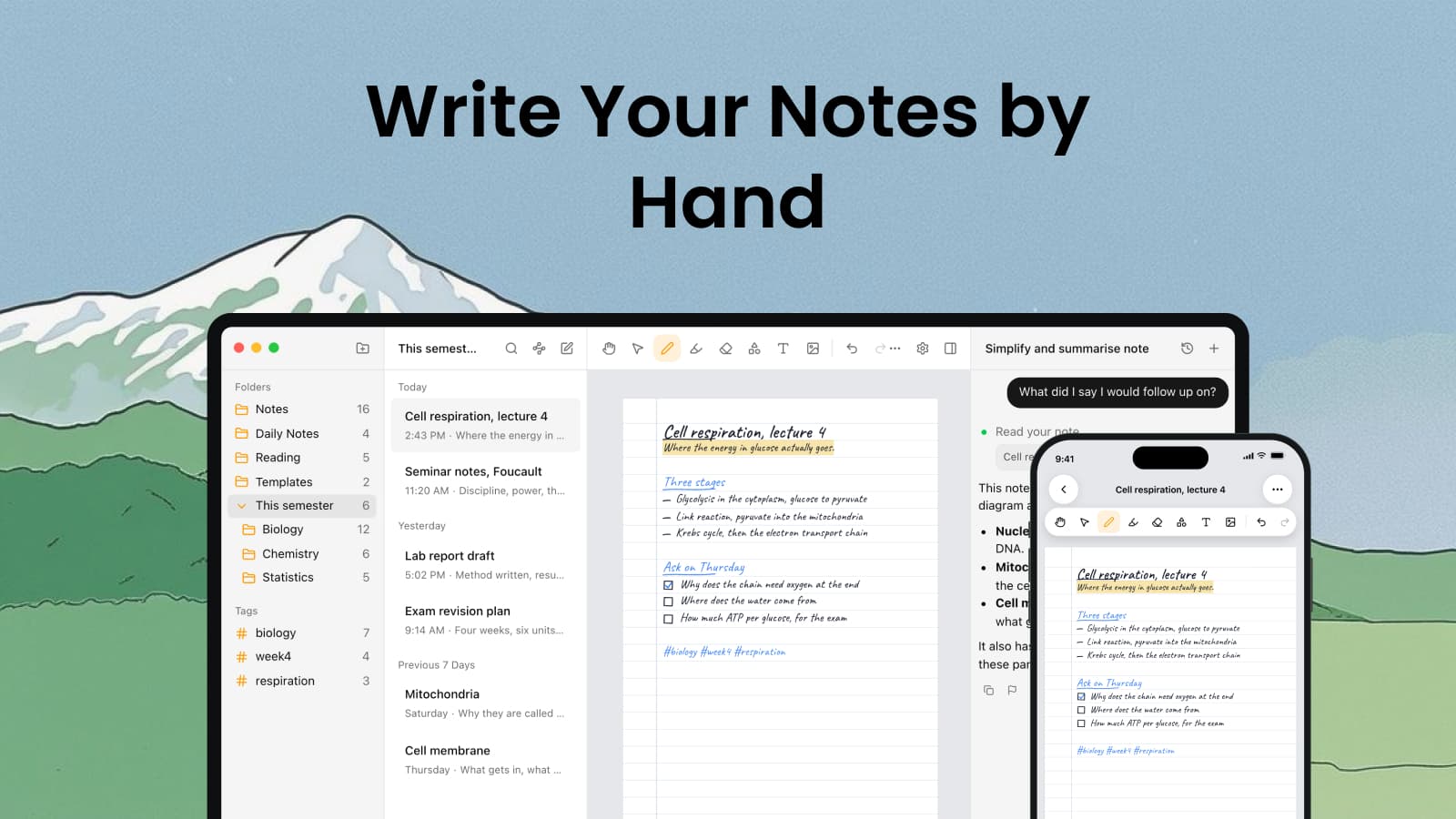
The lecturer draws a pathway on the board, three arrows and a loop, and you start typing it. By the time you have worked out how to type an arrow she is on the next slide. The people with an iPad and a pencil have the whole thing, loop included.
Grape now has that. Turn on handwriting notes and a new note can be a stack of paper pages instead of a text field: lined, plain, grid, dotted or graph, in A4 or Letter, up to a hundred pages long. You write on them with an Apple Pencil, a finger, or a mouse in the desktop app, and the pen, highlighter, eraser, shapes and text boxes are the same ones the drawing canvas already had.
Does it search?
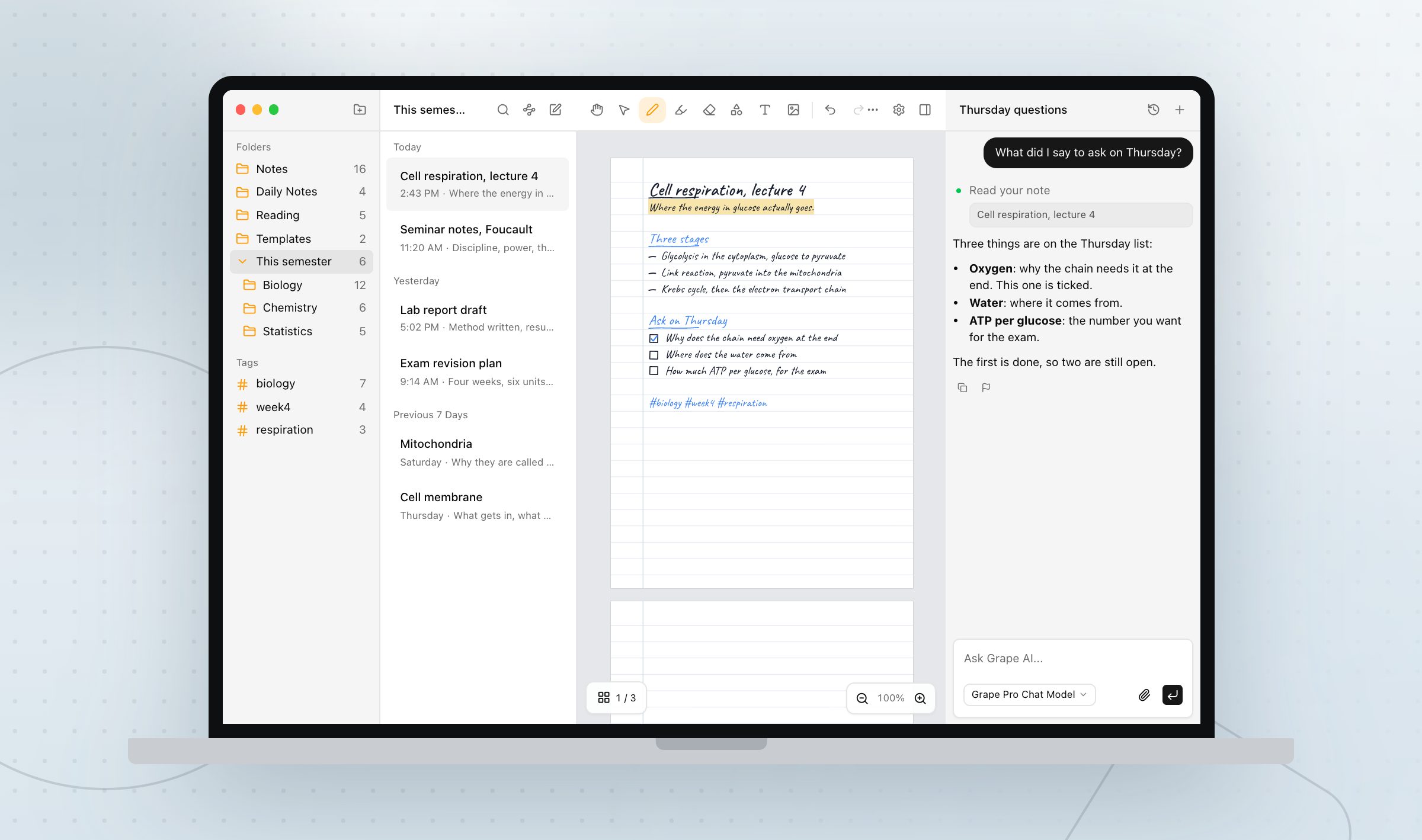
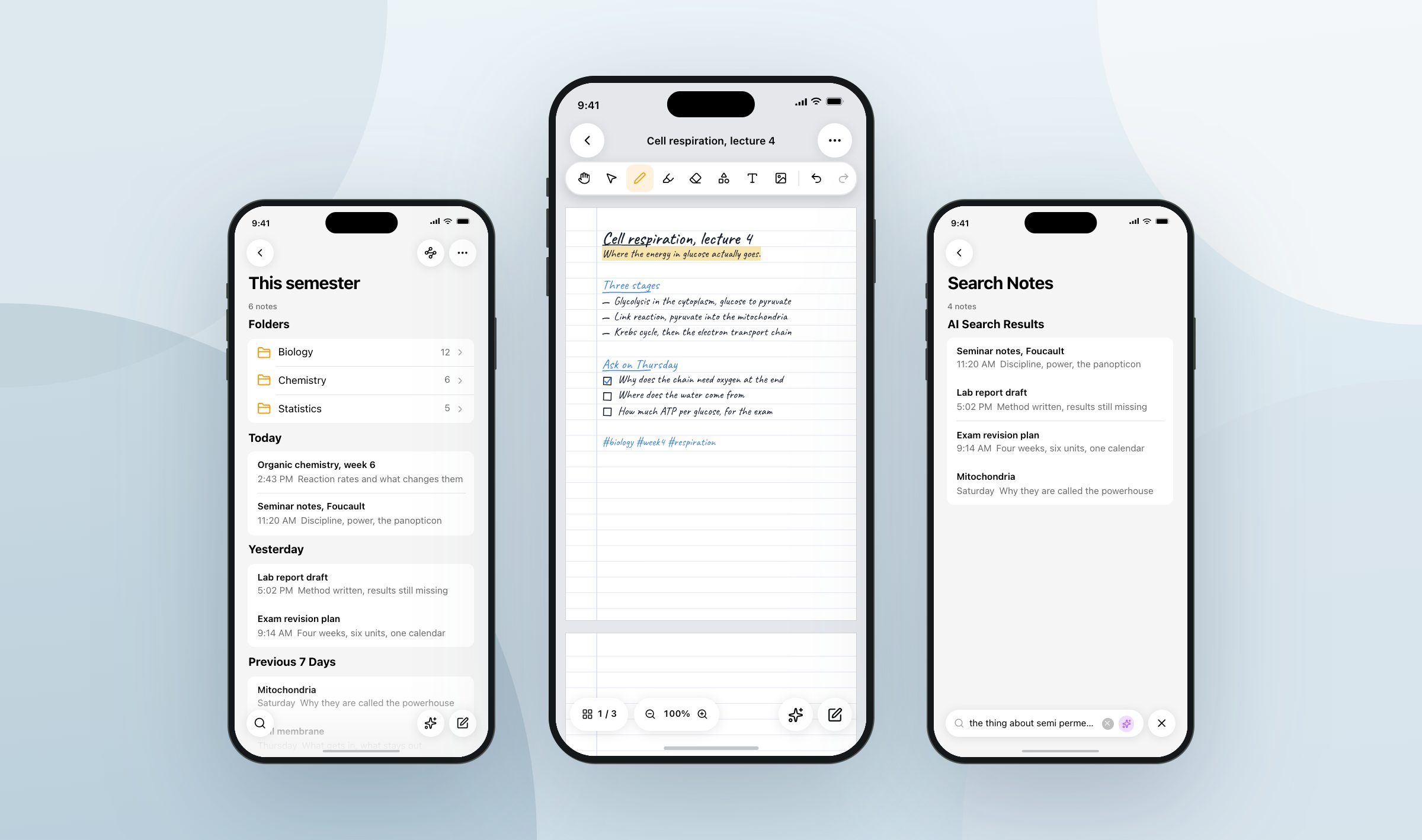
Yes. This is the part that separates it from a photo of a page. While you write, your iPhone or iPad reads the ink and turns it into words, on the device, and nothing leaves it. A few seconds after the pen goes still, the words for that page are in. From then on the note shows up in search like any other, and the assistant can read it when you ask what you wrote down in the lecture on Thursday. It cannot edit it, though. An answer goes into a new note with a link back, and your pages stay as you left them.
Android reads it too. Its recognizer was trained on printed text, so neat writing fares better than cursive. The desktop app has no reader of its own, so search finds a notebook you only ever wrote on with a mouse by its title alone, until a phone or iPad opens it once.
Is it the same note on my other devices?
The words it read travel with the note, so a page written on an iPad on Thursday is found from the laptop on Friday, and the desktop app opens the same pages and writes on them. Pages sync the way drawings do, go into backups, and are deleted with the note. Version history does not cover them, so an erased line is gone once undo runs out.
What about the PDF the lecturer posted?
Import it into a notebook and its pages become the paper. Write over the slides, highlight them, add pages of your own after them. The ink on top is read and searchable. The printed text underneath is not, at least not yet. When you are done, export the whole notebook as a PDF at the paper's own size, and it comes out looking like what you wrote.
Do I have to see any of this if I type?
No. Handwriting notes are off until you turn them on in Settings, and while they are off nothing about paper shows up anywhere. Say you are a student when you set the app up and it is on from the start, with the new note button making a handwriting note. On an iPad there is a switch so a resting hand does not draw and only the pencil does.
It needs no paid plan and no account, and the recognition runs on the device.
Not only in lectures
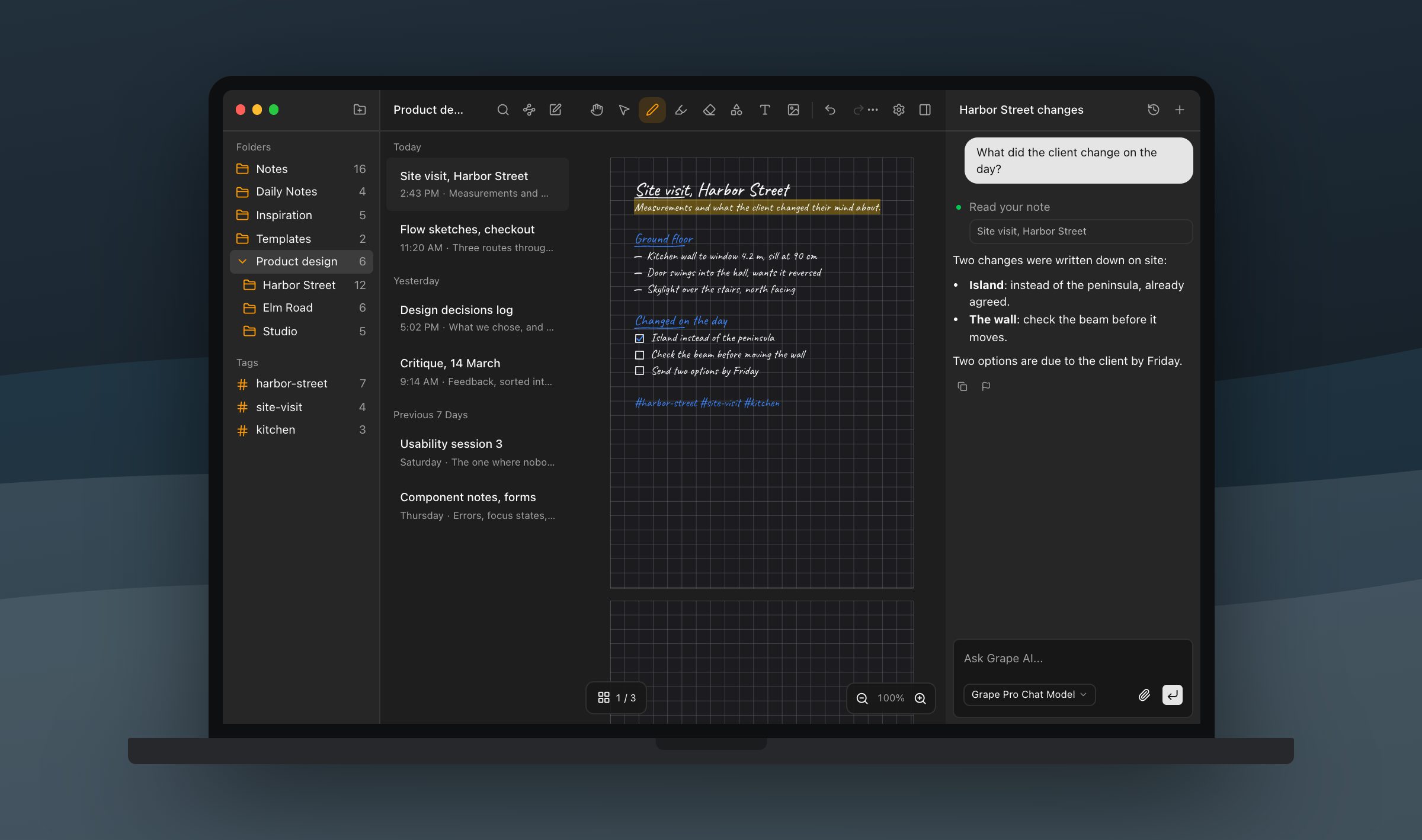
A designer on a site visit measures a kitchen wall and writes it on grid paper, door swing drawn beside it, with the phone in one hand. Back at the desk the same note is open on the laptop with the pen tools in the header, and the sill height is a search away.
Take the paper notebook you carry into meetings and write the next one in Grape instead.
Grape is available for iPhone, Android, Mac, Windows and Linux at grape.cool/download.