You pay Notion $12 a month for Plus. You ask Notion AI to sum up a week of meeting notes, and once its free answers run out it says the rest comes with Business, at $24 a month for each person. On the train, the project database you saved for offline use shows its first 50 rows. And on October 23, for about twenty minutes, Notion's status page said people could not sign in or load their pages.
Notion has 100 million users by its own count, and it does a lot at once, which is what makes leaving it hard. It is a notebook, a set of databases and a team wiki at the same time, and no one app replaces all three. Below are eleven that each replace part of it, with what happens to your pages on the way in. Grape comes first because this is Grape's blog, and its entry says what it cannot do.
Get the workspace out first
Every app below either signs in to your Notion account or reads one of Notion's exports, and they do not all read the same one. Export all workspace content is in Settings, under General, on the desktop app or the web, and it works on the free plan. Pick HTML or Markdown & CSV, turn on folders for subpages, and wait: Notion emails a link that lasts seven days, and a big workspace can take hours. Take both formats while you are there. A database comes out as a CSV file of its current view plus a Markdown file for each row, and every file and folder name ends in a 32-character ID.
| App | How it takes your Notion | What a database becomes |
|---|---|---|
| Grape | Markdown & CSV export, unzipped, desktop and phone | A note per row, the table stays behind |
| Obsidian | Your Notion account, or the HTML export | A Base through your account, a note per row either way |
| Capacities | Markdown & CSV export, desktop app | An object type you set up first |
| Apple Notes | Markdown files, on a Mac | A note per row, the table stays behind |
| Anytype | Your Notion account, desktop app | A collection with its properties |
| AppFlowy | Markdown & CSV export, through AppFlowy Cloud | A grid with its rows |
| Superhuman Docs | HTML export | A table of values, without formulas |
| Craft | Your Notion account, page by page | Not documented |
| AFFiNE | HTML export, marked experimental | A table, some column types kept |
| Outline | Your Notion account, by an admin | A page, with its rows as pages and only their titles |
| ClickUp | HTML export | A list of tasks, fields as text |
Formulas, relations and saved views are where every importer is weakest, so write down the views you rely on before you start.
Grape
Grape is for the pages you write for yourself, when what you want more of is the AI. Its agent reads across all your notes, not only the one you have open: ask what is still open on a project and it answers with the owner and the status, and names the note it read. Search takes the sentence you remember rather than the words you typed. Grape AI comes with Plus at $9 a month, and the notes live in a database on your computer or phone, so they open with no connection.
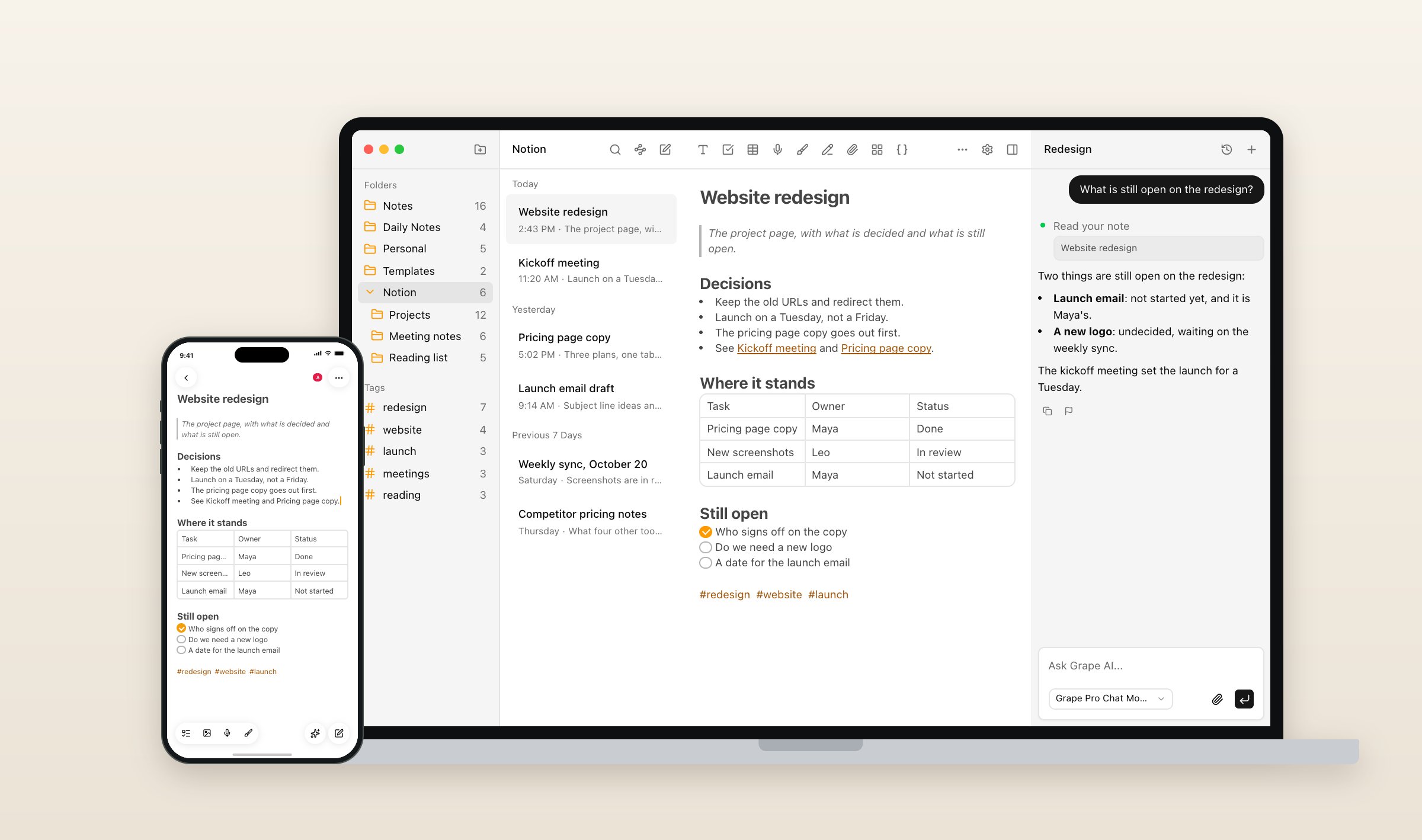
There is no Notion importer. Unzip the Markdown & CSV export, and the desktop and phone apps import the folder on any paid plan: each page becomes a note, each folder a folder, and the pictures come along. Expect to tidy up afterward. Folder names keep Notion's IDs, links between pages arrive as web links rather than note links, and callouts arrive as HTML. Database tables stay behind, though each row comes in as a note, and PDFs and other attachments do not come at all. You can share a folder or a note by email, with people who edit or only read, and their edits merge with yours. Everyone in a share needs Sync, Plus or Pro, though, and there are no public pages, no databases and no web version. On Pro, Grape's AI can also read a Notion workspace you connect, so a team's pages can stay where they are.
Grape is free with no account. Sync is $3 a month, Plus is $9, Pro is $19 with the best model and live typing in shared notes, and Lifetime is $49 once, with the AI on your own key and sync through your own Dropbox or Google Drive. There is a longer comparison of Grape and Notion for students, and every plan is on the pricing page.
Obsidian
Obsidian keeps every note as a Markdown file in a folder you own, and its Bases show a folder of notes as a table, as cards or, since version 1.14, as a kanban board. That is the nearest thing outside Notion to a database you can filter. The free Importer plugin has two ways in. Signed in to your Notion account with an integration token, it turns each database into a Base, each row into a note with its properties, and formulas into Bases formulas, though only a database's main view comes across. From the HTML export it needs no token, but the databases stay behind and each row comes in as a note with its properties. It refuses Notion's Markdown export, which its docs say leaves out too much. Either way the IDs come off the names and links between pages become Obsidian links.
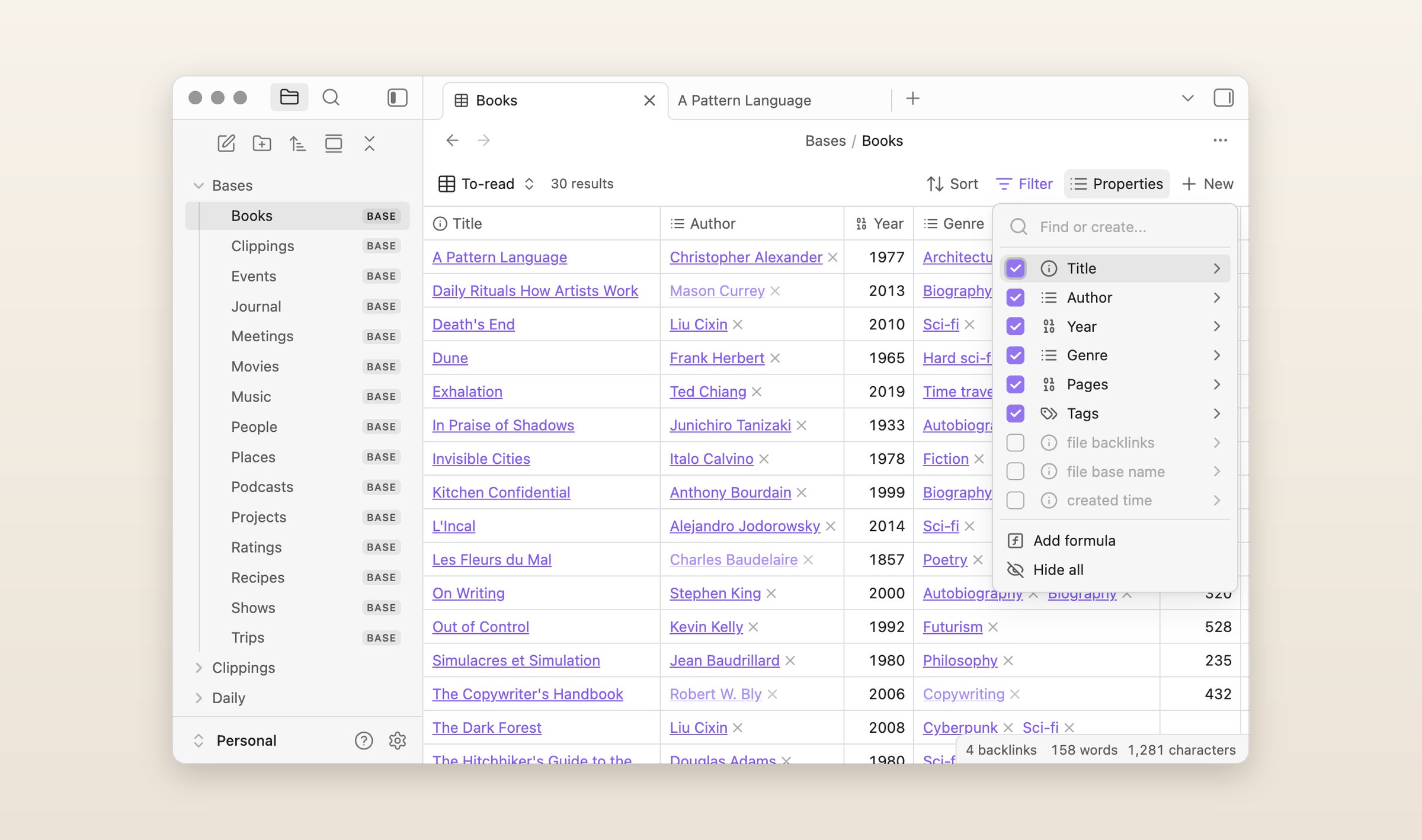
Obsidian is free, Sync is $5 a month or $4 paid yearly, and it runs on Mac, Windows, Linux, iPhone, iPad and Android, with no web version. It has no AI of its own. If you outgrow it later, there is a list of Obsidian alternatives too.
Capacities
If your Notion held a People database, a Books database and a Meetings database, Capacities has those built in as object types, each with its own properties and views. It is made for one person, and its own docs say there is no collaboration. The importer runs in the desktop app and reads the Markdown & CSV export. You create the types first and map each database to one, and properties come across by name. Formulas arrive as their results and some relations flatten, so its docs tell you to check links and pictures afterward.
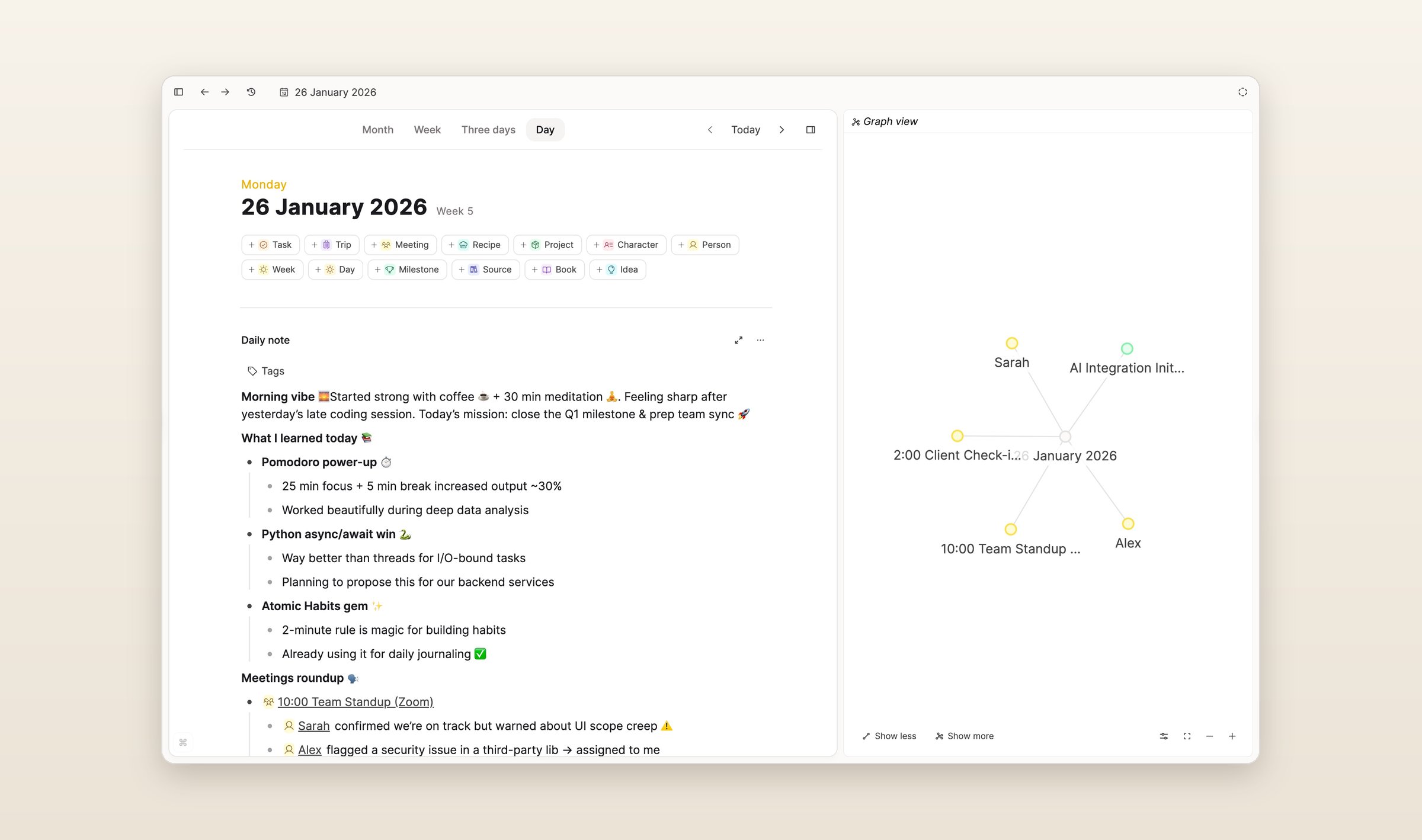
It keeps your notes on the device and works offline, on Mac, Windows, Linux, iPhone, iPad, Android and the web. The free plan includes sync and 5 GB of media, then 100 MB a month. Pro is $11.99 a month, or $9.99 paid yearly, with a small AI budget, and more AI is an add-on.
Apple Notes
If Notion turned out to be more than you needed and every device you own is an Apple one, Apple Notes is already installed. Since macOS 26 a Mac imports Markdown files and whole folders, with an option to keep the folder structure, so an unzipped Markdown export goes straight in, minus the CSV files. Notes have checklists, tables and tags, Apple Intelligence rewrites and summarizes on newer devices, and export to Markdown arrived in the same release, for the day you move again.
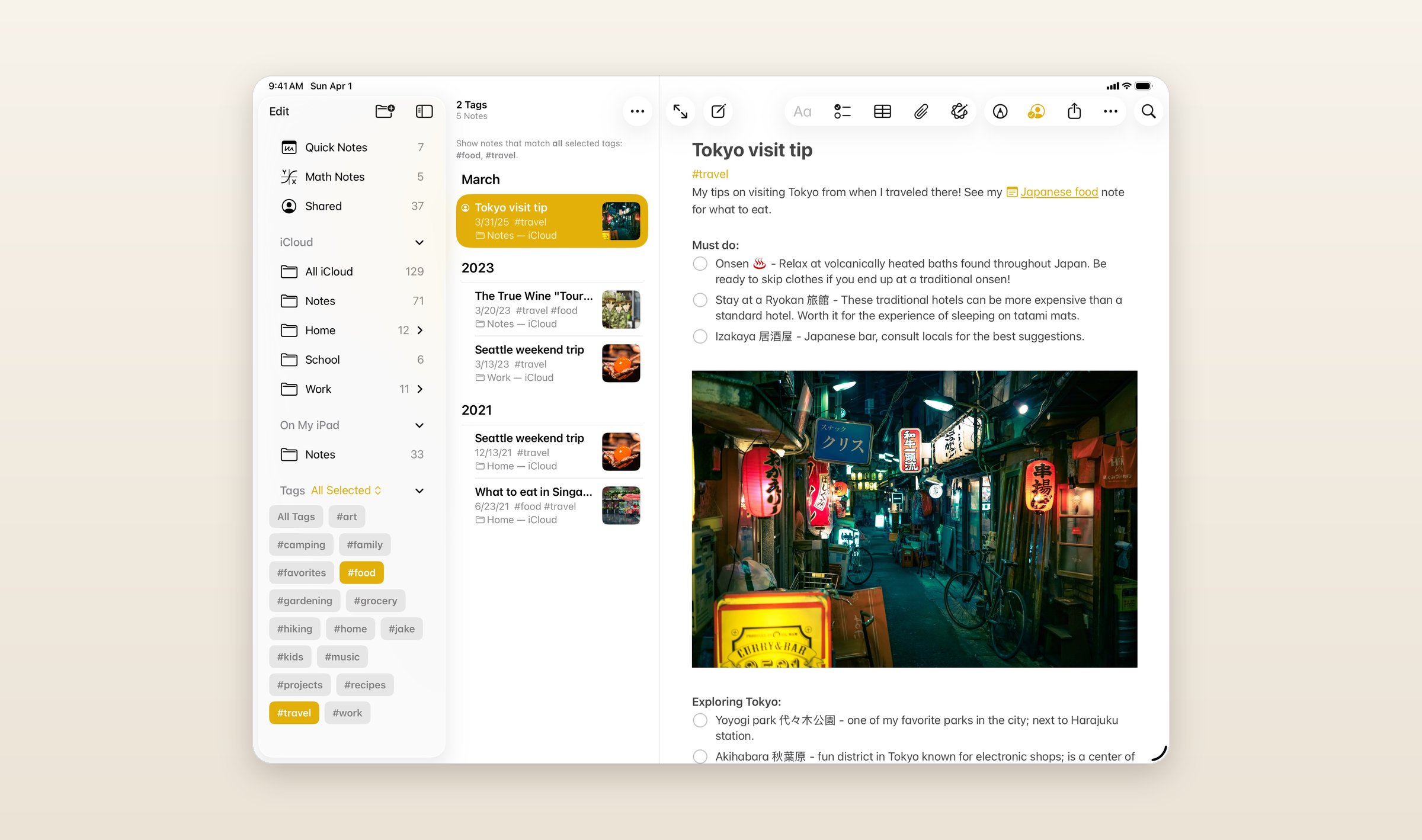
It is free with 5 GB of iCloud storage, shared with everything else on the account, and iCloud+ starts at $0.99 a month. It runs on iPhone, iPad and Mac, with iCloud.com in a browser elsewhere. There is no Android app and nothing like a database.
Anytype
Anytype is built from the same parts as Notion's databases, pages with a type and properties, but it keeps them on your own devices, encrypted with a key only you hold. You sort and filter each type in grid, kanban, calendar and gallery views. The importer runs on the desktop and signs in to Notion through an integration you create there. Each database becomes a collection with its properties, though @mentions turn into plain text, formulas into fixed values, and links to pages the integration cannot see break.
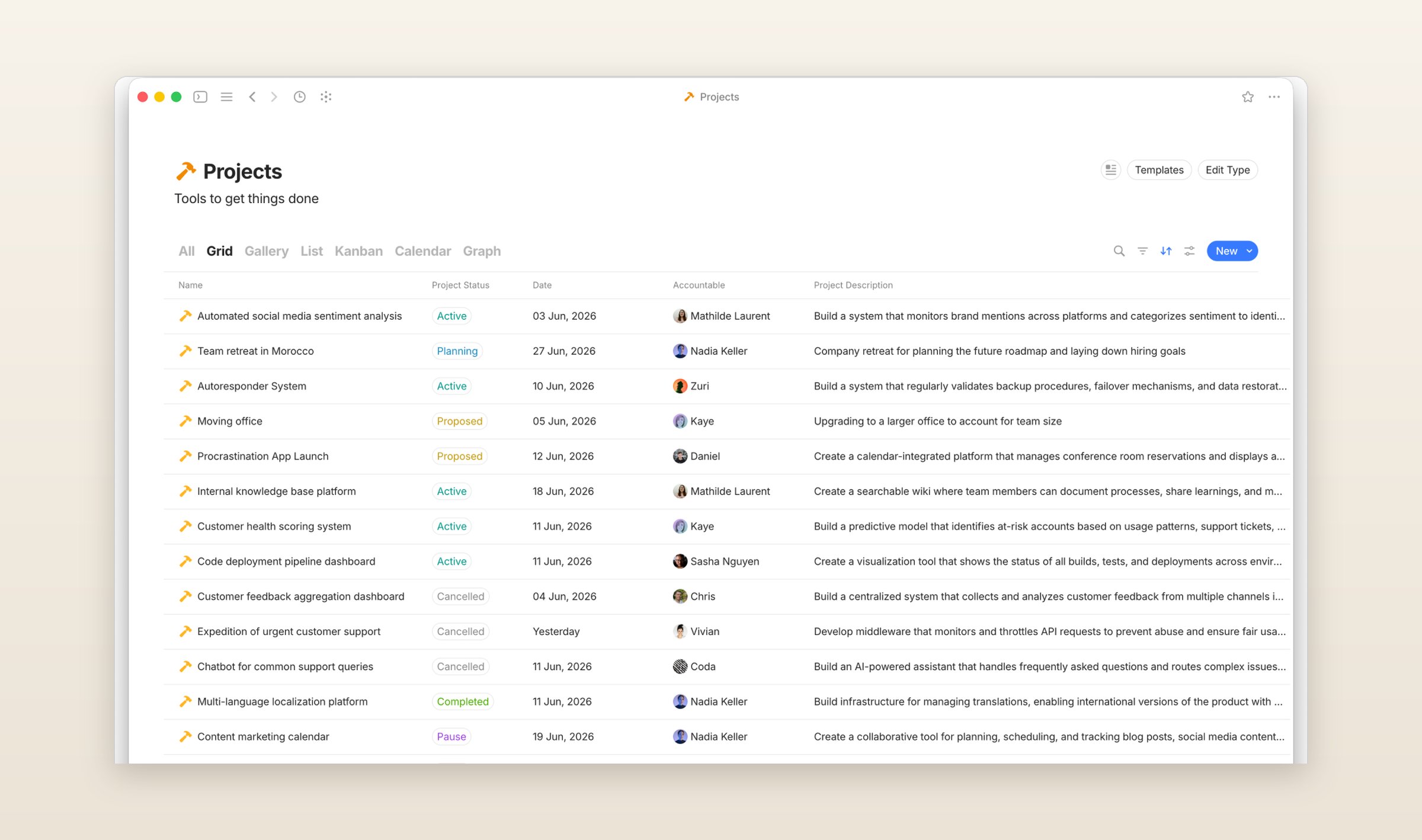
It is free with 100 MB on Anytype's servers, and Plus is $5 a month for 1 GB. It runs on Mac, Windows, Linux, iPhone, iPad and Android, with no web version and no AI in a released version. The catch is timing. In September the team announced Anytwo, a rebuild with a first public version planned for the end of the year and a one-time migration from Anytype. Anytype keeps working, but a workspace moved in now may have to move again.
AppFlowy
AppFlowy is open source under the AGPL and looks more like Notion than anything else here: pages in a sidebar, slash commands, and databases with grid, kanban, calendar, gallery, timeline and chart views, with relations and rollups. The desktop app imports Notion's whole workspace export, the Markdown & CSV zip, and turns each database into a grid with its rows. The import runs on AppFlowy Cloud, so it does not work in a workspace kept only on your computer.
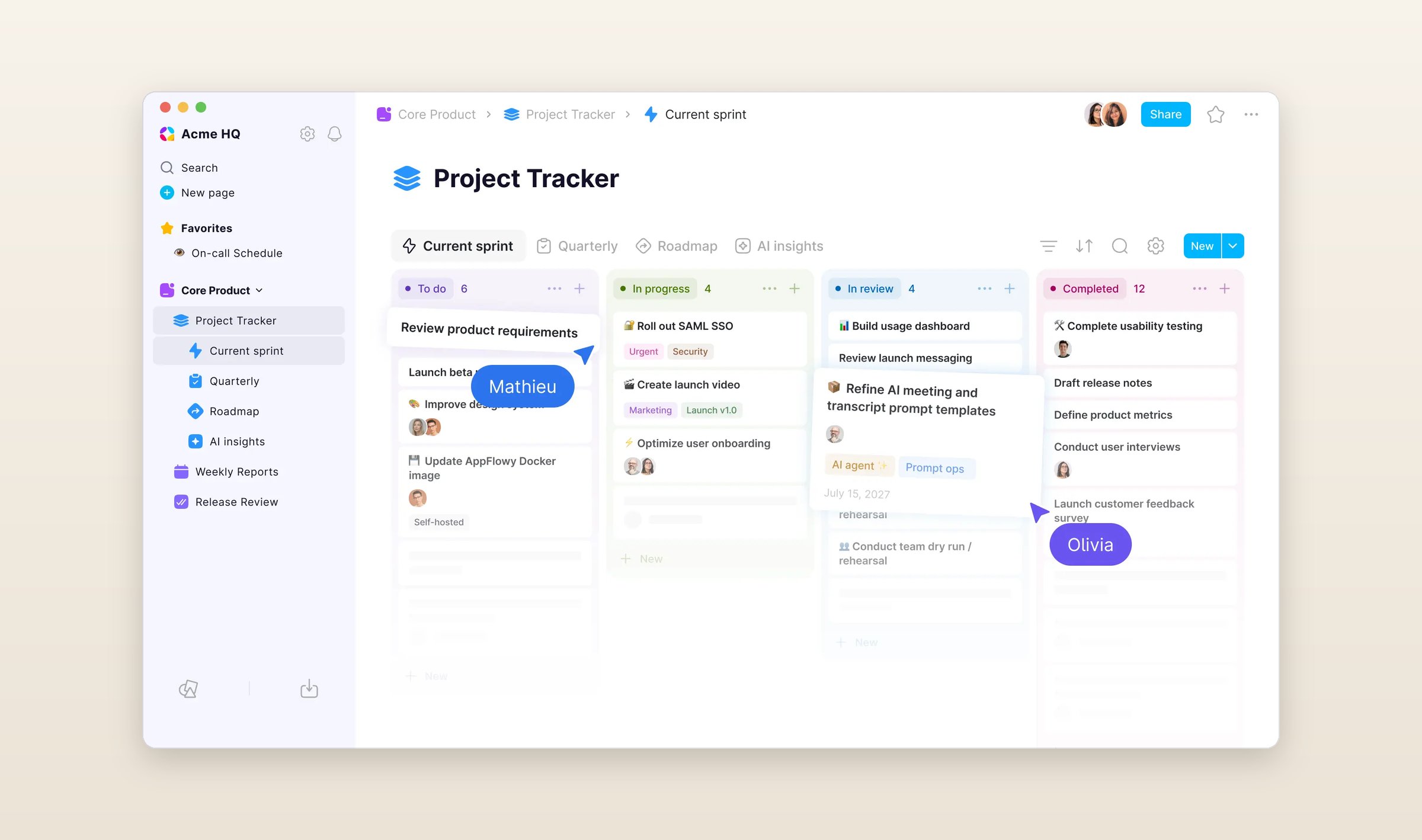
The free plan holds 100 MB, and Pro is $16 per person a month, or $12 paid yearly. It runs on Mac, Windows, Linux, iPhone, Android and the web, and you can host the server yourself. AI search and local models through Ollama or LM Studio come with the free plan too.
Superhuman Docs, which was Coda
If your databases grew into small apps, with formulas and buttons doing the work, that is what Coda was built for, and on July 8 it became Superhuman Docs. The importer reads Notion's HTML export with its subpages. A database's values arrive as a table, while its formulas, filters and other views do not, and a whole workspace becomes roughly one doc with pages inside it, plus a page listing what to fix.
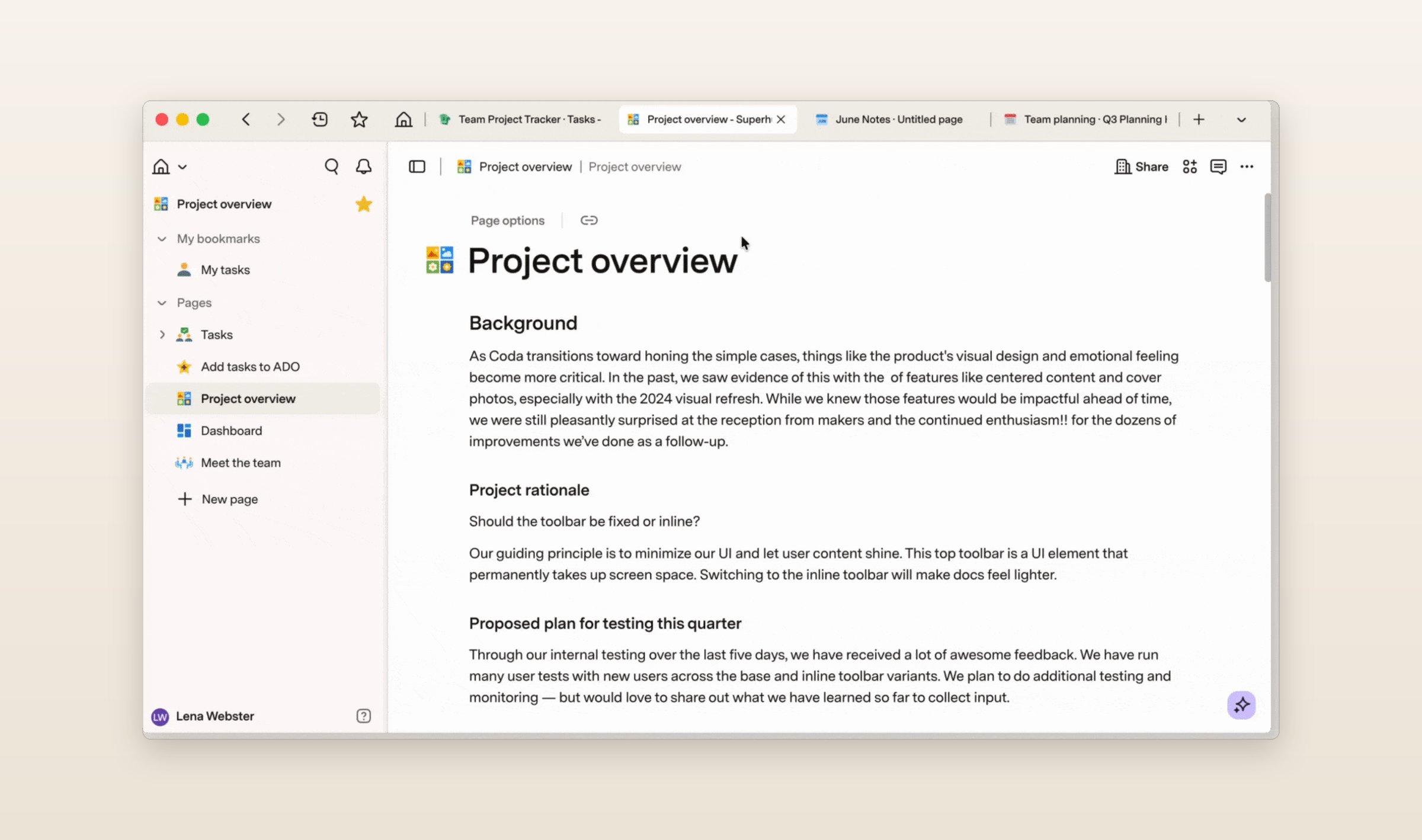
New customers get it in the Superhuman bundle with Grammarly. Pro is $15 a month per person, or $12 paid yearly, and Business is $40, or $33 yearly. It runs in the browser, in a Mac app since July and in phone apps that cannot add or edit formulas. Offline means a doc you already opened online, with your edits kept in the browser until you reconnect. Docs AI is in beta.
Craft
Craft is built around documents that look good with no setup, and since its Android app arrived in November 2025 it runs on Mac, Windows, iPhone, iPad, Android and the web. Several people can edit a doc at once, each shared in as a viewer or an editor, collections give you table, gallery and kanban views with up to 20 fields, and every plan includes some AI, on Craft's models or your own key. The importer signs in to your Notion account, and you hand Craft each page and database one at a time in Notion's settings. It skips linked database views.
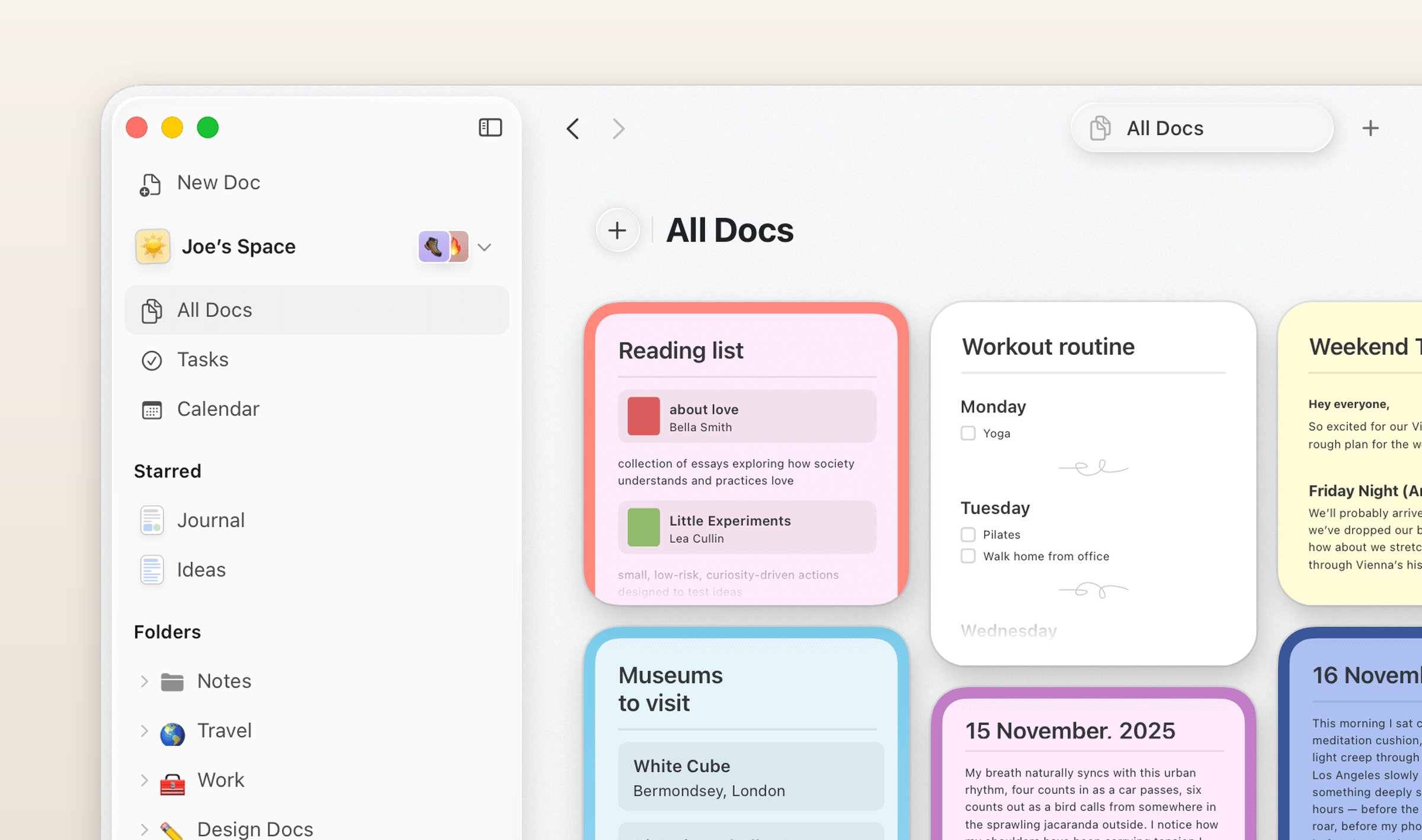
The free plan stops at 1,500 blocks. Plus is $10 a month or $96 a year, and spaces shared with others need Family at $18 or Team at $60 a month. It works offline on its own on a Mac and an iPhone. On Windows, Android and the web you turn offline mode on, and it keeps the docs you have opened.
AFFiNE
AFFiNE puts documents, an endless whiteboard and databases in one workspace, and any page opens as a document or as a board. It is open source, keeps local workspaces on your device with no account, and is free to host yourself for up to 10 people. Its Notion importer, still marked experimental, reads the HTML export on the web or the desktop. Pages become docs in the same folder tree, pictures and files come along, and a database becomes a table that keeps its select, number, checkbox, text and date columns and turns the rest into text.
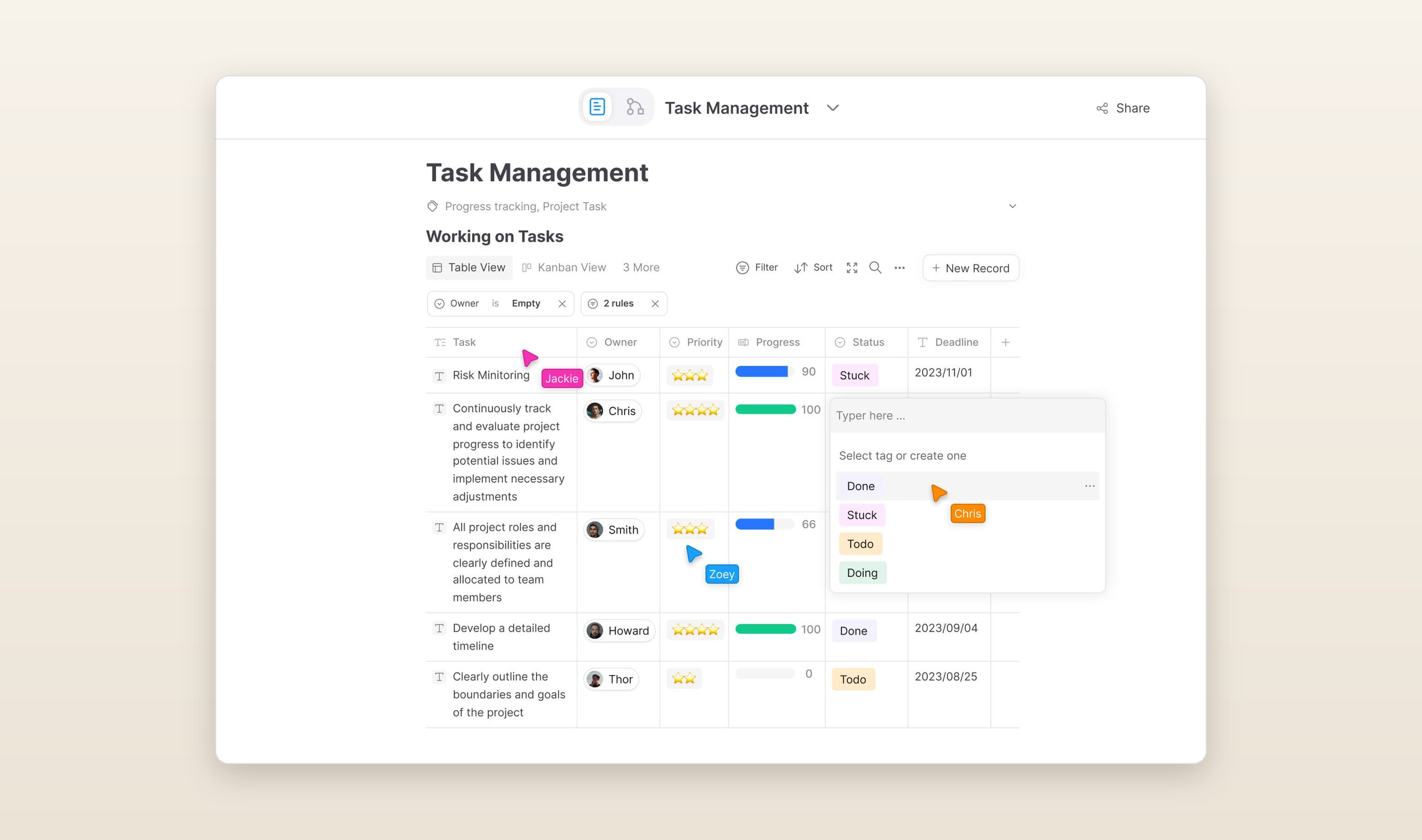
The cloud plan is free up to 10 GB and three people in a workspace. Pro is $7.99 a month, or $6.75 paid yearly, Team is $12 a seat, and the AI is an add-on at $8.90 a month paid yearly. It runs on Mac, Windows, Linux, iPhone, iPad, Android and the web.
Outline
If your team used Notion as its wiki, Outline is a wiki and nothing else: collections of documents, search, and AI answers that name their sources once an admin turns them on. To import, an admin connects your Notion account. Top-level pages become collections and the pages under them nest the same way. A database becomes a page with its rows as documents under it, and only their titles come along, so the properties are lost.
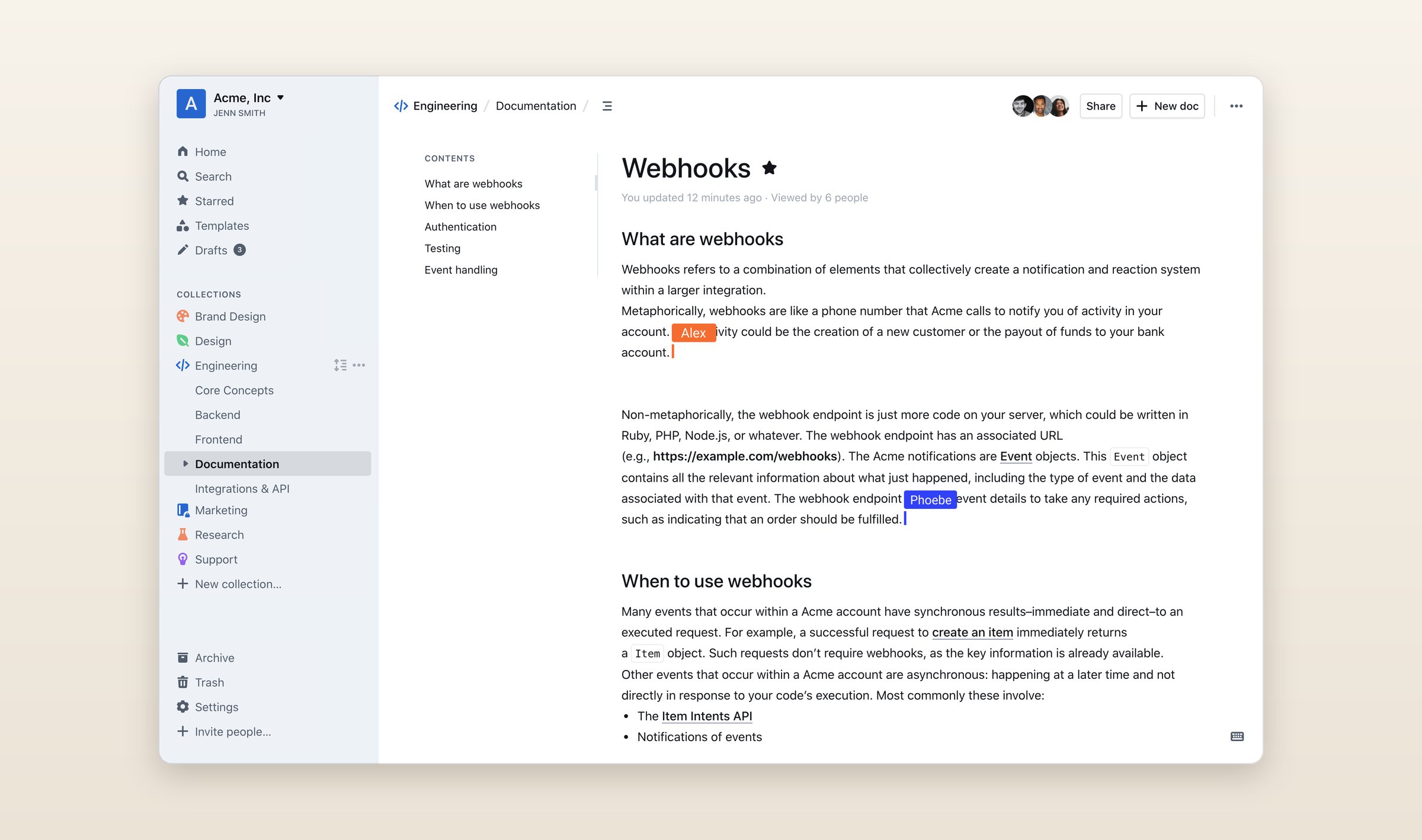
The cloud version is $10 a month for up to 10 people and $79 for up to 100, after a 30-day trial. You can host it yourself for free with fewer features, under a license that only becomes open source in 2030. It runs in the browser and as apps for Mac and Windows. There are no phone apps, and it does not work offline.
ClickUp
If Notion was really your project tracker, ClickUp is a project tracker with docs attached. Its importer reads the HTML export. Databases become lists of tasks in one folder, their fields become custom fields holding text, and pages land as subpages of one ClickUp doc. Toggles, callouts, columns and code blocks flatten to plain text, and attachments inside a database stay behind.
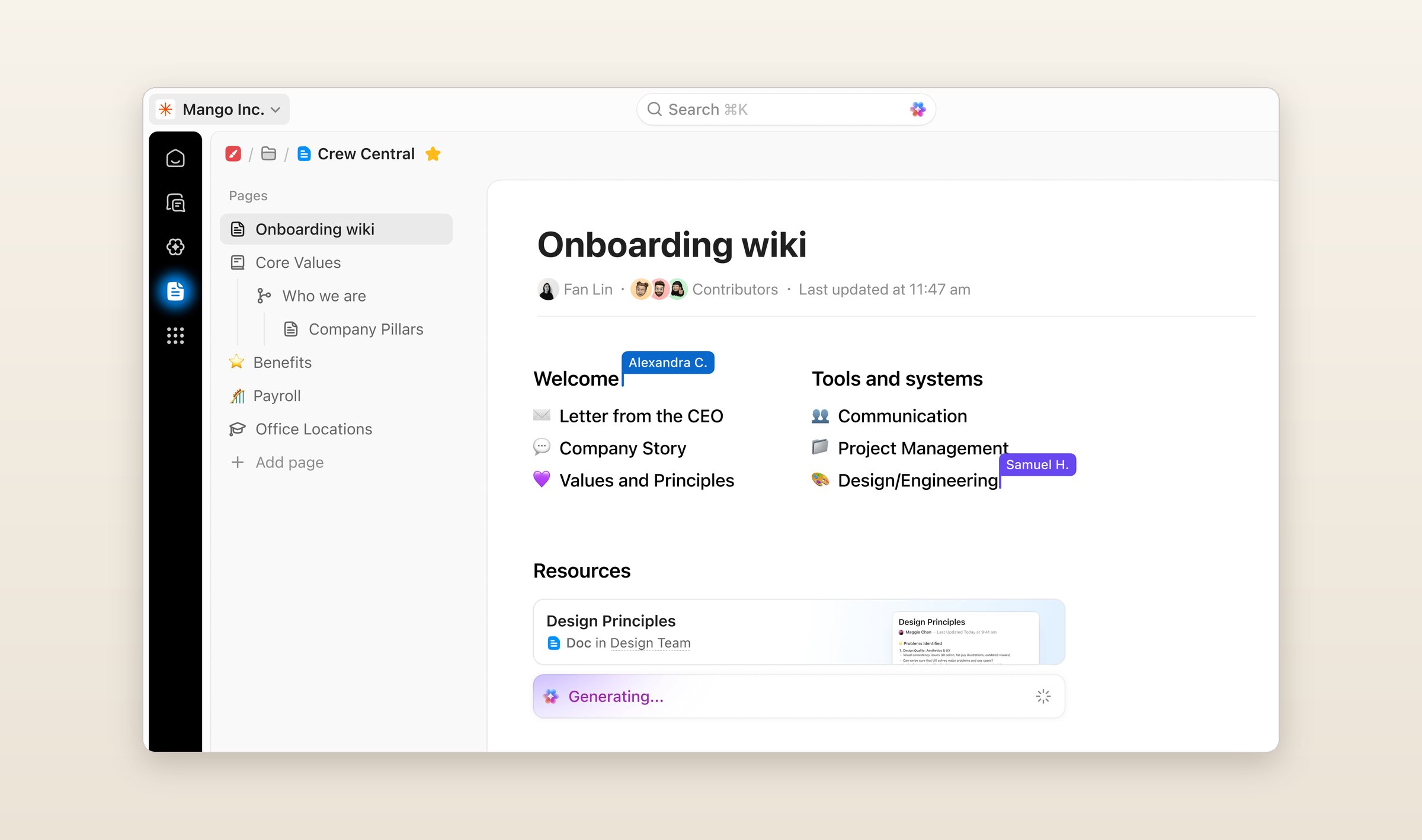
Importing is free on every plan. The free plan has 60 MB of storage and 500 AI credits, once, and Core is $9 per person a month paid yearly, with AI credits every month. It runs on Mac, Windows, Linux, iPhone, iPad, Android and the web.
What they cost
Monthly prices in US dollars, for one person unless the table says per seat, checked on October 24, 2026. The screenshots of the other ten apps are their makers' own, from their websites, help centers, App Store listings and GitHub.
| App | Free plan | Paid | Runs on | AI |
|---|---|---|---|---|
| Notion | One person | Plus $12, Business $24 per seat | Mac, Win, iOS, Android, web | Business, a trial before it |
| Grape | Unlimited notes, no account | Sync $3, Plus $9, Pro $19, Lifetime $49 once | Mac, Win, Linux, iOS, Android | Plus and Pro, or your own key |
| Obsidian | Everything but Sync and Publish | Sync from $5 | Mac, Win, Linux, iOS, Android | Plugins only |
| Capacities | Sync, offline, 5 GB of media | Pro $11.99 | Mac, Win, Linux, iOS, Android, web | Pro, a small budget |
| Apple Notes | Everything, 5 GB of iCloud | iCloud+ from $0.99 | Mac, iOS, iCloud.com | Apple Intelligence |
| Anytype | Everything, 100 MB on its servers | Plus $5 | Mac, Win, Linux, iOS, Android | None yet |
| AppFlowy | 100 MB of storage | Pro $16 per seat | Mac, Win, Linux, iOS, Android, web | Local models, more on Pro |
| Superhuman Docs | Docs, limited when shared | Pro $15 per seat | Web, Mac, iOS, Android | Beta |
| Craft | 1,500 blocks | Plus $10 | Mac, Win, iOS, Android, web | Every plan, limited |
| AFFiNE | Local workspaces, 10 GB of cloud | Pro $7.99 | Mac, Win, Linux, iOS, Android, web | Add-on |
| Outline | 30-day trial | $10 for up to 10 people | Web, Mac, Win | Every cloud plan |
| ClickUp | 60 MB of storage | Core $9 per seat, paid yearly | Mac, Win, Linux, iOS, Android, web | Credits on every plan |
Questions people ask
Is there a free Notion alternative?
Several, depending on what you need for free. Grape and Obsidian are free with no limit on notes, Anytype and AppFlowy are free with databases, AFFiNE keeps local workspaces free, and Apple Notes comes with every Apple device. What they charge for is sync, storage or AI.
What is the best open source Notion alternative?
AppFlowy, under the AGPL, is the closest to Notion in how it looks and works, and you can host its server yourself. AFFiNE is open source too and adds a whiteboard. Anytype's apps are source available, and the team says they are moving to the MIT license. Outline's license only becomes open source in 2030.
Which Notion alternative works offline?
Grape, Obsidian, Capacities, Anytype, AFFiNE and Apple Notes keep everything on your device and open with no connection. Notion's apps keep the pages you download, plus recent pages and favorites on paid plans, and only the first 50 rows of a database. Outline does not work offline at all.
Can I move my Notion databases?
As tables, yes: into Obsidian through its Notion account import, Anytype, AppFlowy, AFFiNE, Superhuman Docs and ClickUp, though formulas, relations and extra views mostly stay behind. Grape and Apple Notes bring each row in as a note and leave the table.
Which Notion alternative has AI included?
Notion's AI past a trial needs Business, $24 a month for each person. Grape includes its AI on Plus at $9 a month, and it reads across every note. Outline has AI answers on every cloud plan, Craft and Capacities include a small amount, and AppFlowy and Grape's desktop app run local models through Ollama or LM Studio.
Before you go
Run Export all workspace content today, once as HTML and once as Markdown & CSV, and keep both zips somewhere you back up. Whichever app you pick reads one of them, and Notion's link is gone after seven days.
Grape is available for iPhone, Android, Mac, Windows and Linux at grape.cool/download.