In November 2025 Evernote retired its Personal and Professional plans. It is moving subscribers to Advanced, $249.99 a year, at their next renewal, unless they switch to Starter, which is $99 a year and stops at 1,000 notes. The free plan stops at 50 notes in one notebook, synced to one device.
If that renewal is why you are reading, here are seven apps to move to. This list is on Grape's blog, so Grape comes first, and its entry says plainly where it falls short. The six after it are worth moving to on their own. Each entry says what the app costs, where it runs, what its AI is, and what happens to your notes on the way in, which is usually the hard part.
The seven at a glance
Prices are for monthly billing, in US dollars except Joplin Cloud, which sells in euros, and were checked on September 24, 2026. The screenshots of the other six apps are their makers' own, from their websites and App Store listings.
| App | Price | Runs on | Offline | AI |
|---|---|---|---|---|
| Evernote, for reference | Free for 50 notes, Starter $14.99/mo | Mac, Win, iOS, Android, web | Desktop, plus notebooks you mark | All plans, with monthly limits |
| Grape | Free, Sync $4.99/mo, Pro $19/mo | Mac, Win, Linux, iOS, Android | Yes | Pro, or your own key |
| Joplin | Free, Joplin Cloud from €2.99/mo | Mac, Win, Linux, iOS, Android | Yes | Beta, desktop only |
| UpNote | $1.99/mo or $39.99 once | Mac, Win, Linux, iOS, Android | Yes | None |
| Obsidian | Free, Sync from $5/mo | Mac, Win, Linux, iOS, Android | Yes | Plugins only |
| Notion | Free, Plus $12/mo | Mac, Win, iOS, Android, web | Pages you pick | Business plan |
| Apple Notes | Free | Mac, iOS, web | Yes | Apple Intelligence |
| OneNote | Free | Win, Mac, iOS, Android, web | Yes | Copilot, paid |
- Grape is for asking your notes questions.
- Joplin is the closest to Evernote, with notebooks, tags and an importer that keeps both.
- UpNote is for paying once and being done, at $39.99.
- Obsidian is for plain files you own.
- Notion is for a workspace a team shares.
- Apple Notes is for people with only Apple devices.
- OneNote is for people who already pay for Microsoft 365.
Get your notes out first
The move starts in Evernote's desktop app, because Evernote Web cannot export. Select a notebook, right-click it and choose Export. A whole notebook goes out at once, while a hand-picked selection stops at 100 notes. Choose ENEX, the format most of the importers below read, and leave tags ticked. The free plan can export too. Notebook stacks do not come out. Each notebook arrives in the new app on its own, so write the stacks down before you start. Then keep the .enex files somewhere you back up. They are a full copy of your notes that does not depend on any app.
Grape: if you want to ask your notes questions
Grape is the app this blog belongs to. It is a note app for one person: the notes live in a database on your own computer or phone, and an AI agent can search them by meaning, answer from them, and name the note it read.
- Costs: Free for unlimited notes and folders, with no account. Sync is $4.99 a month, Pro is $19 a month with the AI included, and Lifetime is $69 once, where the AI runs on your own API key and there is no sync.
- Runs on: Mac, Windows, Linux, iPhone, iPad and Android, fully offline, with the database file in a folder you pick. No web version.
- From Evernote: No direct import. The desktop app imports a folder of Markdown files on any paid plan, turning subfolders into folders and bringing titles and pictures with them. So the .enex files go through a converter first, and Obsidian's free Importer plugin, below, is one. PDFs and other attachments stay behind.
- The catch: No shared notebooks, no web version, and search does not read the words inside PDFs or photos the way Evernote's does. The web clipper is a Chrome extension.
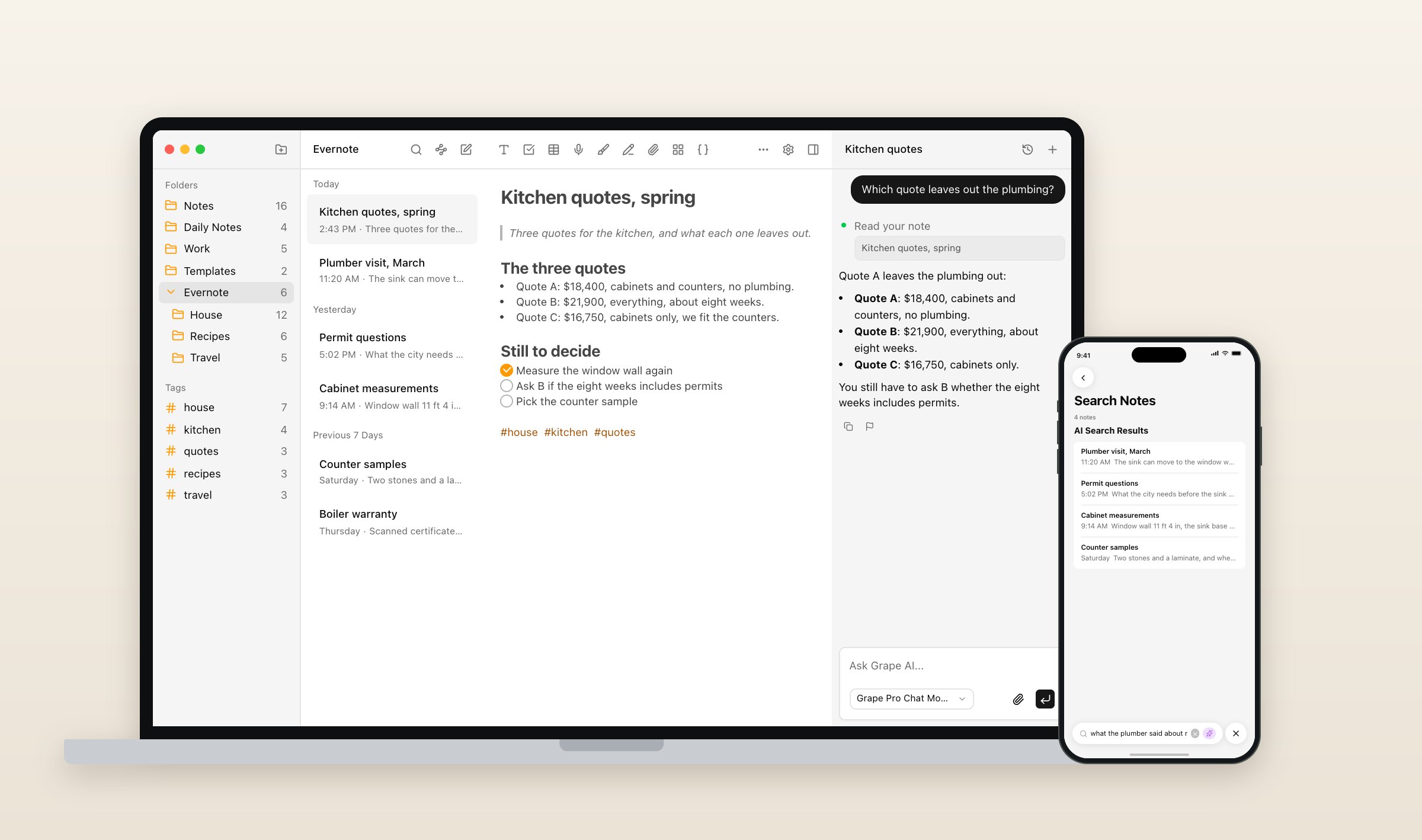
Evernote now has semantic search and an AI assistant on every plan, so AI alone is not a reason to move. The differences are where the notes live and who runs the model. Grape's search takes the sentence you remember: "what the plumber said about moving the sink" brings back the plumber's visit, the permit questions and the cabinet measurements. On Pro the model is Grape's, with no keys to manage. On Lifetime it is your own key, and on either plan the desktop app can run the chat on a local model through Ollama or LM Studio instead.
The agent reads across all your notes, not only the one you have open. Ask which kitchen quote leaves out the plumbing and it answers with the numbers and names the note it read. It can also file, tag and move notes when you ask. On iPhone and iPad the camera scans paper straight into a note, a picture per page, though search does not read the text on those pages either. For students there is a longer comparison of Grape and Evernote, and every plan is on the pricing page.
Joplin: the closest thing to Evernote
Joplin is free and open source, and it is built the way Evernote is: notebooks, tags, a web clipper, and the same notes on every device. It writes Markdown underneath, so a heavily formatted note comes in plainer than it left, unless you import it as HTML.
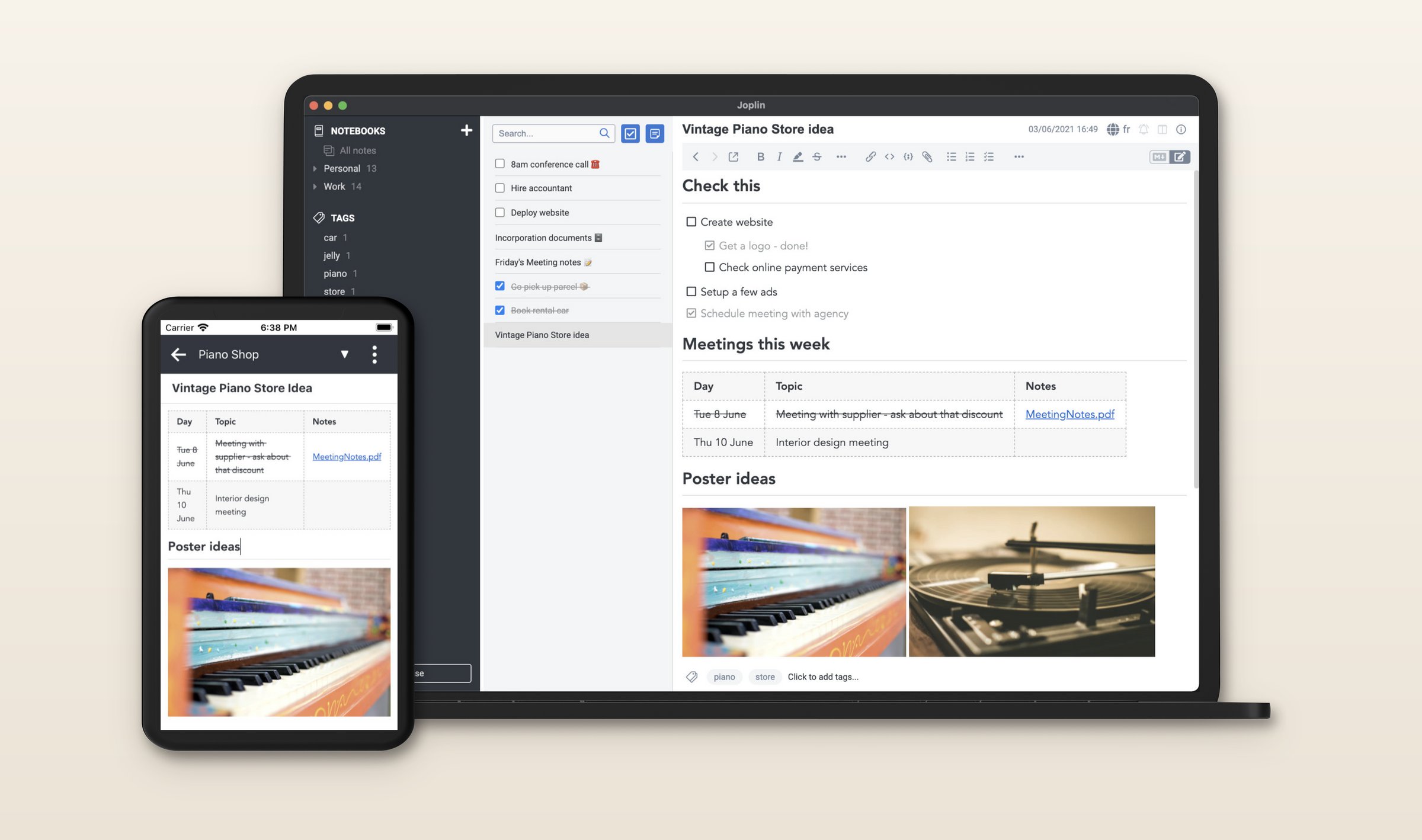
- Costs: Free. Sync runs through your own Dropbox, OneDrive, Nextcloud or WebDAV, or through Joplin Cloud from €2.99 a month, which is priced in euros.
- Runs on: Mac, Windows, Linux, iPhone, iPad and Android, fully offline. A web version comes with a paid Joplin Cloud plan.
- From Evernote: Built into the desktop app. Each .enex file becomes a notebook, with its tags, attachments and dates kept.
- The catch: The web clipper only works while the desktop app is running. The AI that arrived in version 3.7 on August 31 is a beta, on the desktop only, and runs on Joplin Cloud, your own OpenAI or Anthropic key, or a local model.
UpNote: pay once and be done
UpNote is a plain notebook app: notebooks, tags, a clean editor and little else.
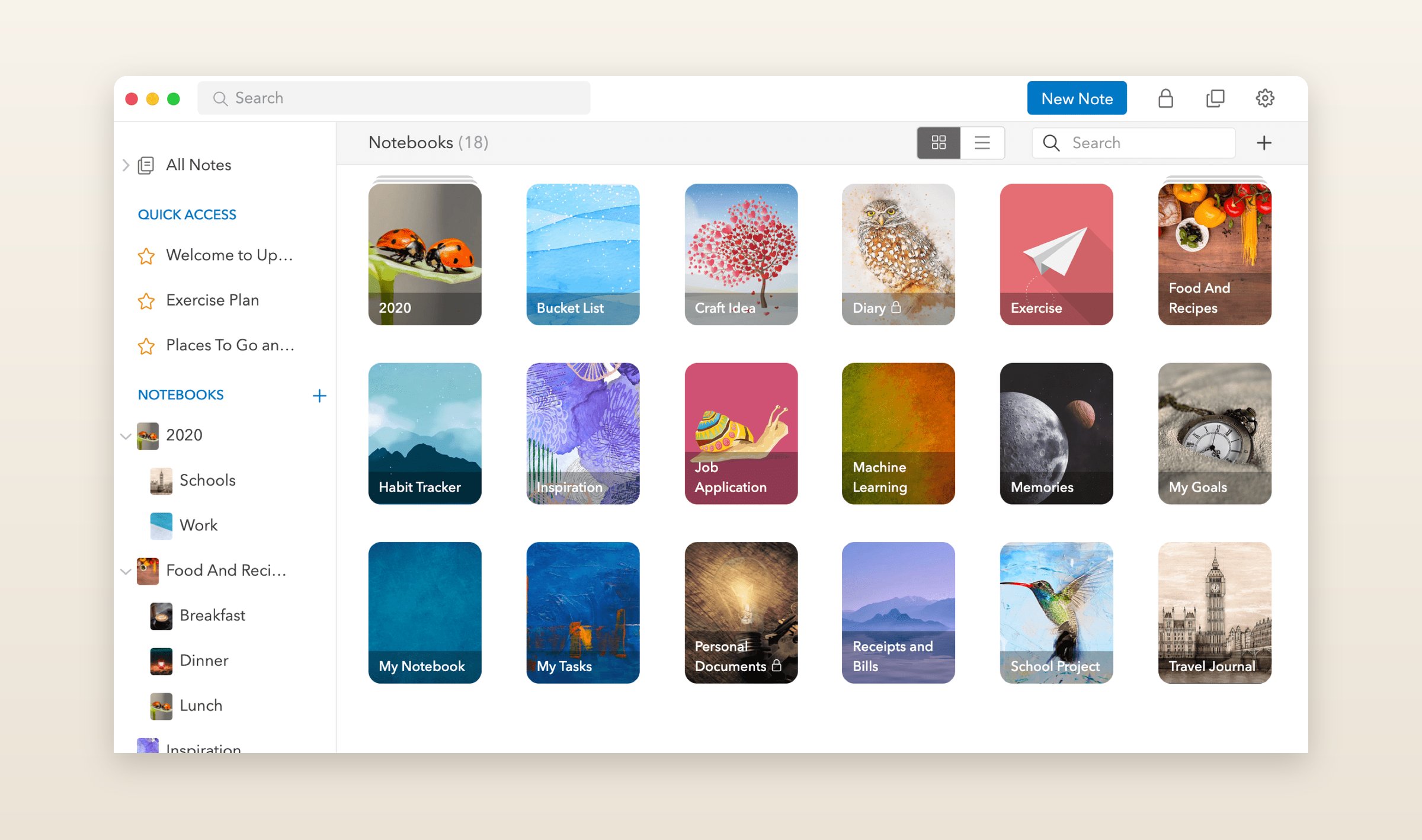
- Costs: Free for 50 notes, the same limit as Evernote's free plan. Premium is $1.99 a month or $39.99 once, and there is no yearly plan.
- Runs on: Mac, Windows, Linux, iPhone, iPad and Android, offline, with attachments downloaded when you open them. No web version.
- From Evernote: .enex import in the desktop apps, on Premium only. Tags become hashtags and Evernote tasks become checklists. You rebuild stacks by hand.
- The catch: No AI of any kind, and links between your Evernote notes do not survive the import.
Obsidian: your notes as plain files
Obsidian keeps every note as a Markdown file in a folder on your computer, so any text editor can open them, with or without Obsidian.
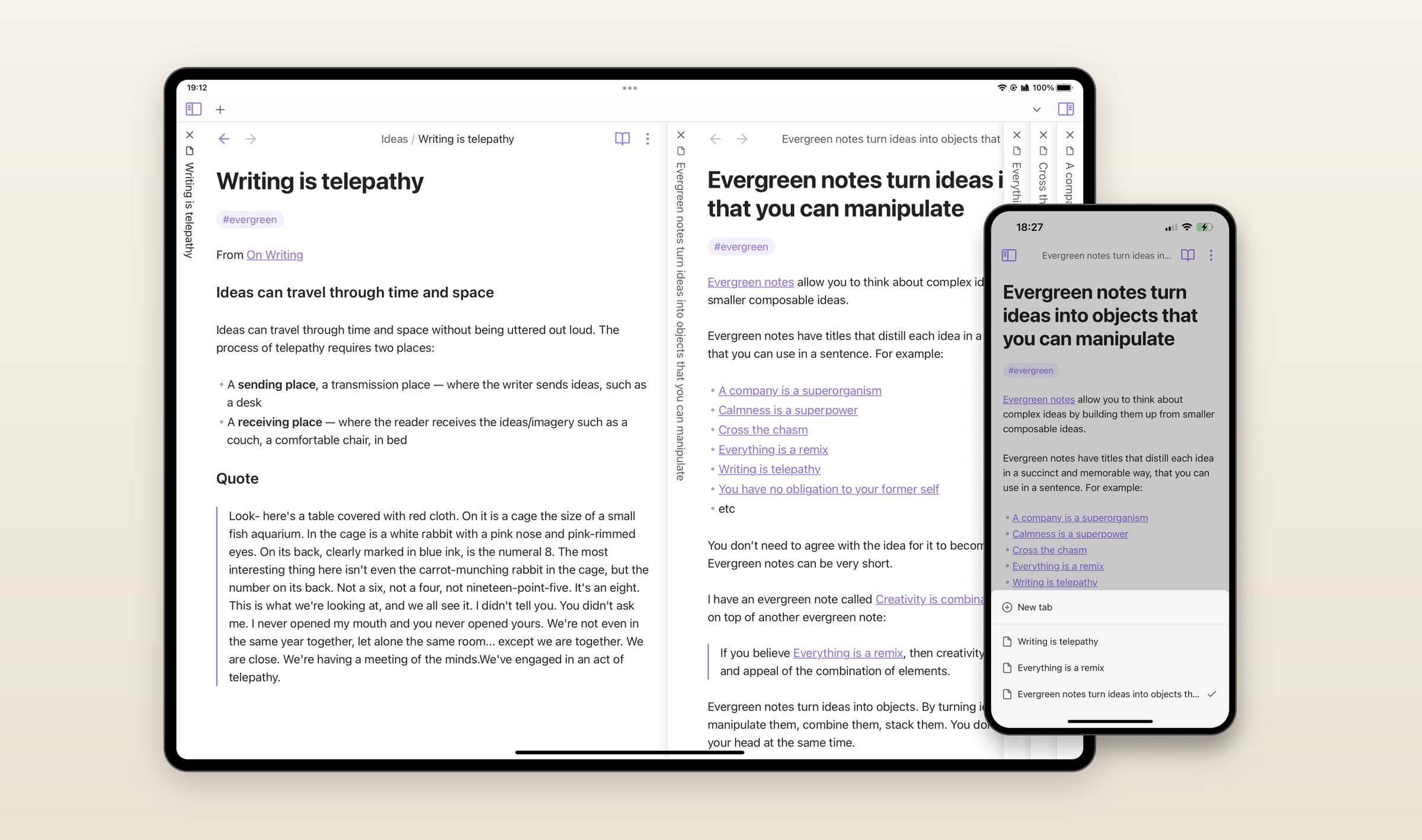
- Costs: Free, including for work. Obsidian Sync is $5 a month, or $4 a month paid yearly, or you sync the folder yourself through iCloud or another service.
- Runs on: Mac, Windows, Linux, iPhone, iPad and Android, fully offline. No web version.
- From Evernote: The official Importer plugin reads .enex files. Each notebook becomes a folder and the tags come along, though nested tags lose their nesting.
- The catch: No AI of its own. Community plugins add a chat that runs on your own key. Much of what people love about Obsidian comes from plugins, which are yours to install and keep working.
Notion: a workspace, not a notebook
If your Evernote turned into project plans, shared documents and checklists for other people, Notion is built for that. Notes live in pages and databases, and a team works in them together.
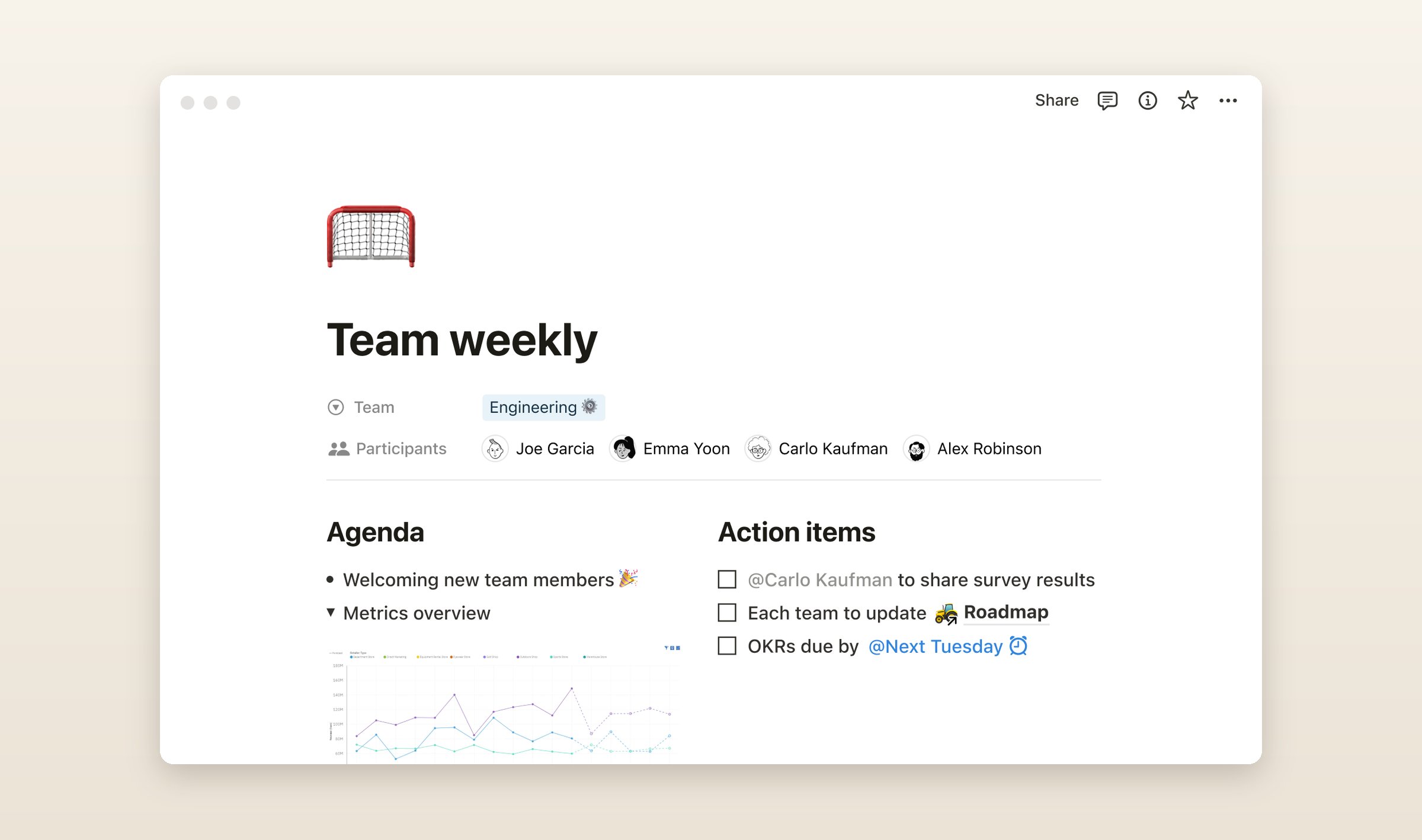
- Costs: Free for one person. Plus is $12 a month, or $10 a month paid yearly. Full Notion AI comes with Business at $24 a month, and Free and Plus get a limited trial.
- Runs on: Mac, Windows, iPhone, iPad, Android and the web. No Linux app. Offline is partial: since August 2025 the apps keep the pages you pick, not the whole workspace.
- From Evernote: A built-in importer signs in to your Evernote account. Each notebook becomes a page with its notes in a database, and Notion calls it reliable up to about 5,000 notes. Dates and images can need fixing afterward.
- The catch: It is a cloud app first. A page you did not make available offline may not be there on a plane.
Apple Notes: only Apple devices
If every device you own is an Apple one, Apple Notes is already installed and free. It has folders, tags, document scanning, and Apple Intelligence for rewriting and summaries on newer iPhones, iPads and Macs.
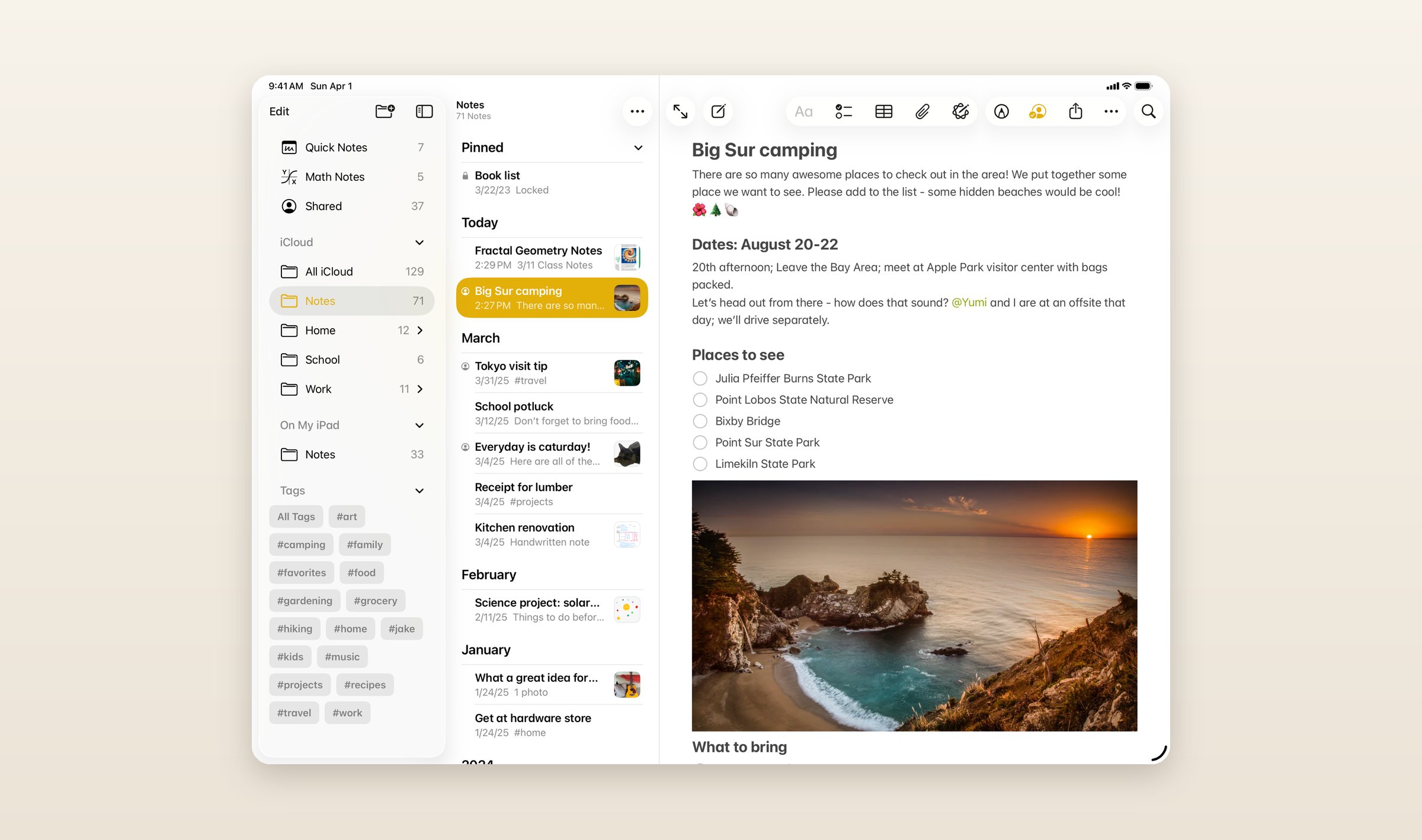
- Costs: Free, with 5 GB of iCloud storage shared with everything else. iCloud+ starts at $0.99 a month for 50 GB.
- Runs on: Mac, iPhone and iPad, offline in the apps, plus iCloud.com in a browser on Windows. No Android app.
- From Evernote: File, then Import to Notes, on a Mac only. Notes land in an Imported Notes folder, tags come along on macOS 13 or later, and anything Notes cannot hold is left out.
- The catch: The day you buy a Windows laptop or an Android phone, your notes are in a browser tab.
OneNote: if you already pay for Microsoft 365
OneNote is free, it runs on everything but Linux, and its free-form pages suit a pen on a tablet.
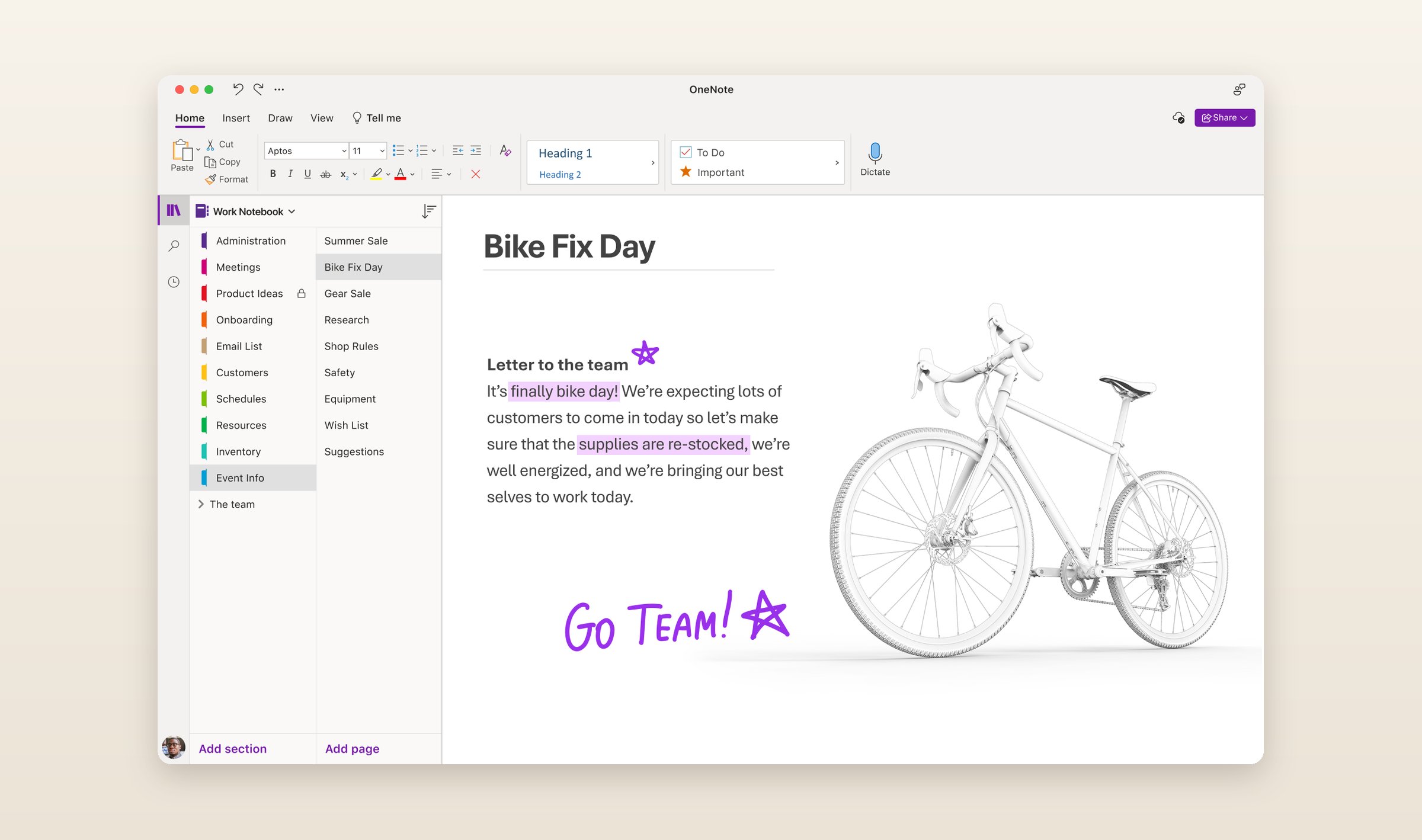
- Costs: Free, with 5 GB of OneDrive. Copilot in OneNote comes with Microsoft 365 Personal or Family, from $9.99 a month.
- Runs on: Windows, Mac, iPhone, iPad, Android and the web, with offline copies in the installed apps.
- From Evernote: Nothing official. Microsoft retired its Evernote importer in September 2022.
- The catch: Sections and pages are a different shape from notebooks and tags, and with no importer, a big archive moves by hand.
Do this today
Export every notebook to ENEX from Evernote's desktop app and put the files somewhere you back up. It works on the free plan, and whichever app you choose, those files are where the move starts.
Grape is available for iPhone, Android, Mac, Windows and Linux at grape.cool/download.