Joplin 3.7 came out at the end of August with an AI chat. Open it beside a note and it will sum the note up, answer questions about it or edit it. Ask it about anything else you wrote and it has nothing to go on: Joplin's help page says the panel "never reads or sends any other note." It is a beta that runs only on the desktop, and it stays off until you switch it on.
Joplin is still free and open source, and it still syncs through your own Dropbox, OneDrive, Nextcloud, WebDAV or S3. People leave it for something it does not do: encryption that is on from the first note instead of set up one device at a time, notes kept as files another app can open, notes that hold other notes, other people on the same page, or an assistant that reads more than one note. Below are five apps for those reasons, plus Grape. This is Grape's blog, so Grape goes first, and its section says where it falls short.
Getting your notes out of Joplin
Export from the desktop app. The phone apps only write a JEX file, Joplin's own format, which Joplin and Notesnook read and nothing else here does. On a computer, choose File > Export all and pick MD - Markdown + Front Matter, the export most of the apps below can use. Each notebook becomes a folder and each note a Markdown file named after it, opening with a block that holds its title, dates and tags. Pictures and attachments all go into one _resources folder at the top, and the notes link to them there. To take a single notebook, right-click it and choose Export. The export does not set the files' dates, so every file says it was made the day you exported it, and the real dates survive only in that block at the top of each note. The apps below do not all read the same export, or keep the same parts of it:
| App | How the notes get in | What comes across |
|---|---|---|
| Grape | The Markdown + Front Matter export, on desktop, phone or in the browser, any plan | Notebooks, titles, tags, checklists, tables, pictures and links between notes. Dates become the export day |
| Notesnook | Its own Joplin importer, from a JEX file, on the web or desktop | Formatting, pictures, attachments, tags, links and dates. Notebooks two levels deep |
| Obsidian | Copy the Markdown + Front Matter export into a vault | The files as they are, with pictures and tags working |
| Trilium | The Markdown export, zipped, imported into a note | A tree of notes. Its docs do not say what happens to pictures and tags |
| UpNote | The Markdown export, on Premium | Not documented, check afterward |
| Notion | The Markdown export, zipped | Text, and folders from the zip |
If you want an assistant that reads every note
Grape
Grape runs on iPhone, Android, Mac, Windows and Linux, and in a browser at app.grape.cool on a computer or a tablet, on every plan. Its agent is the part Joplin's chat does not have: it reads across all your notes, not only the one that is open. Ask what went wrong with the tomatoes this year while next spring's plan is open, and it answers from August's note and names the three notes it read. On Plus, Pro and Lifetime the chat can also run on your own API key, or on the desktop on a local model through Ollama or LM Studio, the same choice Joplin gives you.
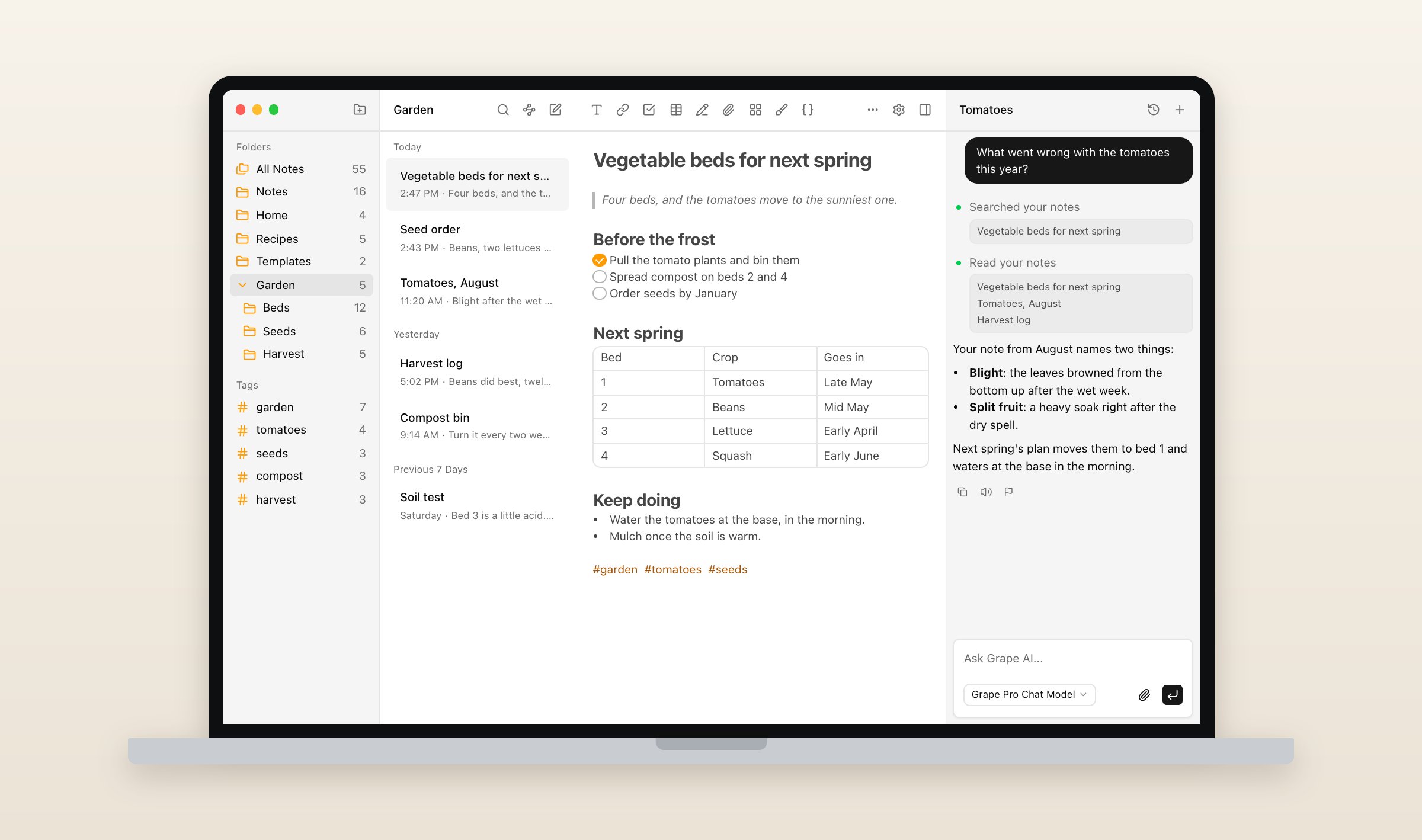
The free plan has no note limit and no account. The notes live in a database on your device, the way Joplin's do, so they open with no connection, and locked notes work on every plan. A locked note is encrypted on your device with a password only you know, so nobody else, Grape included, can read it.
Grape has no Joplin importer. It reads the Markdown + Front Matter export the way it reads any folder of Markdown, on every plan. Each notebook becomes a folder, nested as deep as it was, each note keeps its title, tags become tags, and checklists, tables, pictures and links between notes come across. PDFs and other attachments stay behind as links with their names, to-dos arrive as ordinary notes, and every note takes the export day as its date. Open a few notes with pictures afterward: one you resized in Joplin is saved as HTML, and it arrives as that line of HTML rather than the picture. The steps are in the help article.
What you give up: only locked notes are end-to-end encrypted, and a locked note holds text only, where Joplin encrypts everything once you turn it on. Grape is not open source and has no plugins. Sharing a folder with people who can edit it needs Sync, Plus or Pro for everyone in it. Grape is free with no account. Sync is $3 a month, Plus is $9 with Grape's AI, Pro is $19 with the best model, and Lifetime is $49 once, with the AI on your own key and sync through your own Dropbox or Google Drive, which is as close as Grape gets to Joplin's list of sync targets. Every plan is on the pricing page.
If you want encryption from the first note
Notesnook
In Joplin you turn encryption on yourself: on one device, then a full sync that its help says to leave running overnight if it has to, then each other device in turn. Notesnook encrypts every note end to end from the moment you sign up, notebook and tag names included, with nothing to switch on. It is open source, runs on Windows, Mac, Linux, iPhone, iPad, Android and the web, and its sync server can be self-hosted.
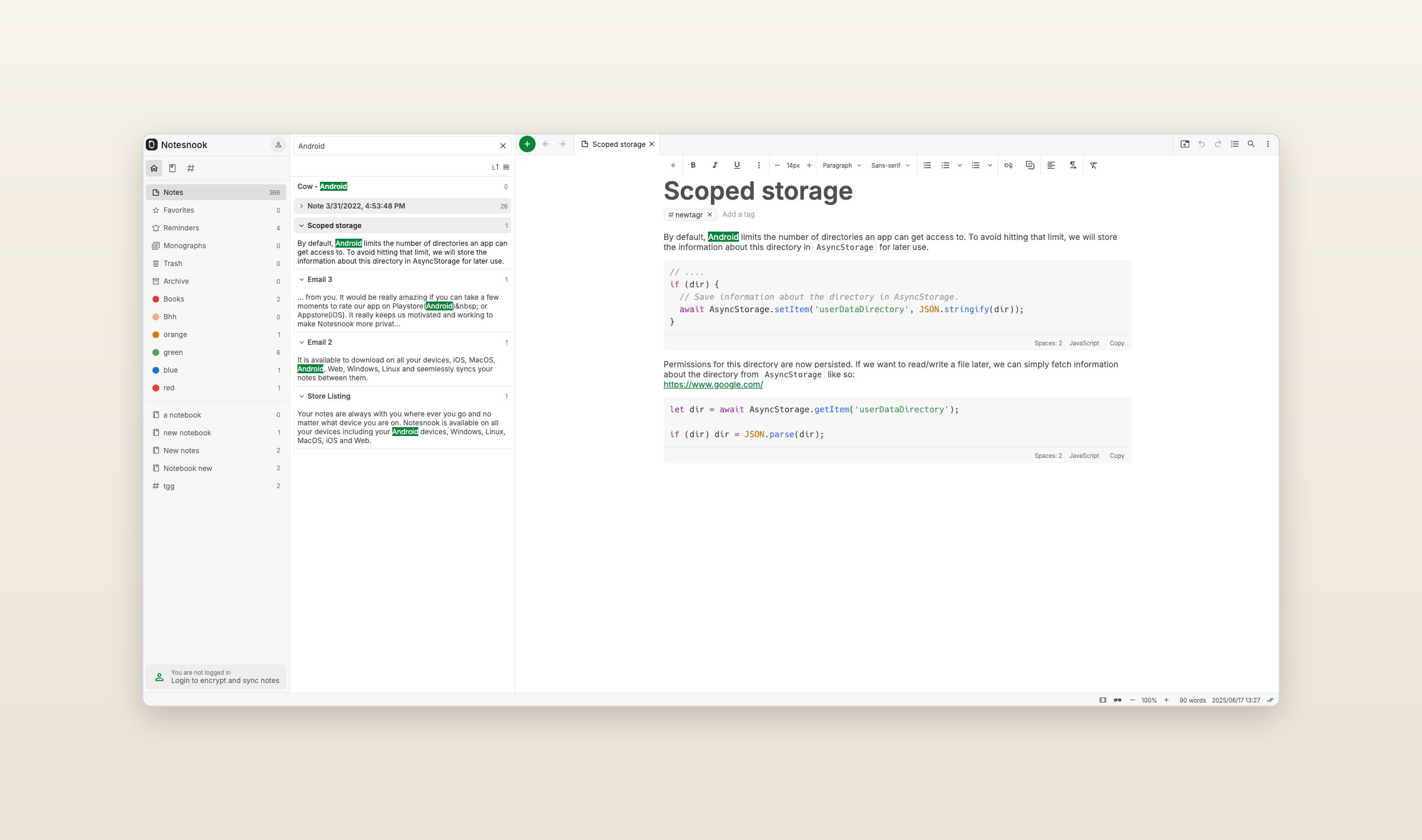
It is also the only app here with a Joplin importer. Export everything from Joplin's desktop app as JEX - Joplin Export File, then open Settings > Import & export > Notesnook Importer on the web or desktop and drop the file in. The import runs on your device, and its help says it keeps formatting, pictures, attachments, tags and links between notes. Notebooks go two levels deep, so check a deeper tree afterward, and to-dos lose whether they were done. The free plan has no limit on notes but uploads 50 MB of files a month and stops at 50 notebooks, which a big Joplin library can pass. Essential is $1.99 a month and Pro is $6.99. There is no AI and no editing together, though a note can be published as a web page.
If you want your notes as files
Obsidian
Joplin's own FAQ calls its sync folder "basically just a database." Obsidian keeps every note as a Markdown file in a folder you choose, which any editor can open and any sync service can carry. It is free on Mac, Windows, Linux, iPhone, iPad and Android, with no web version. Bases, built in, turns the properties at the top of those files into tables, boards and maps, and community plugins add what it leaves out.
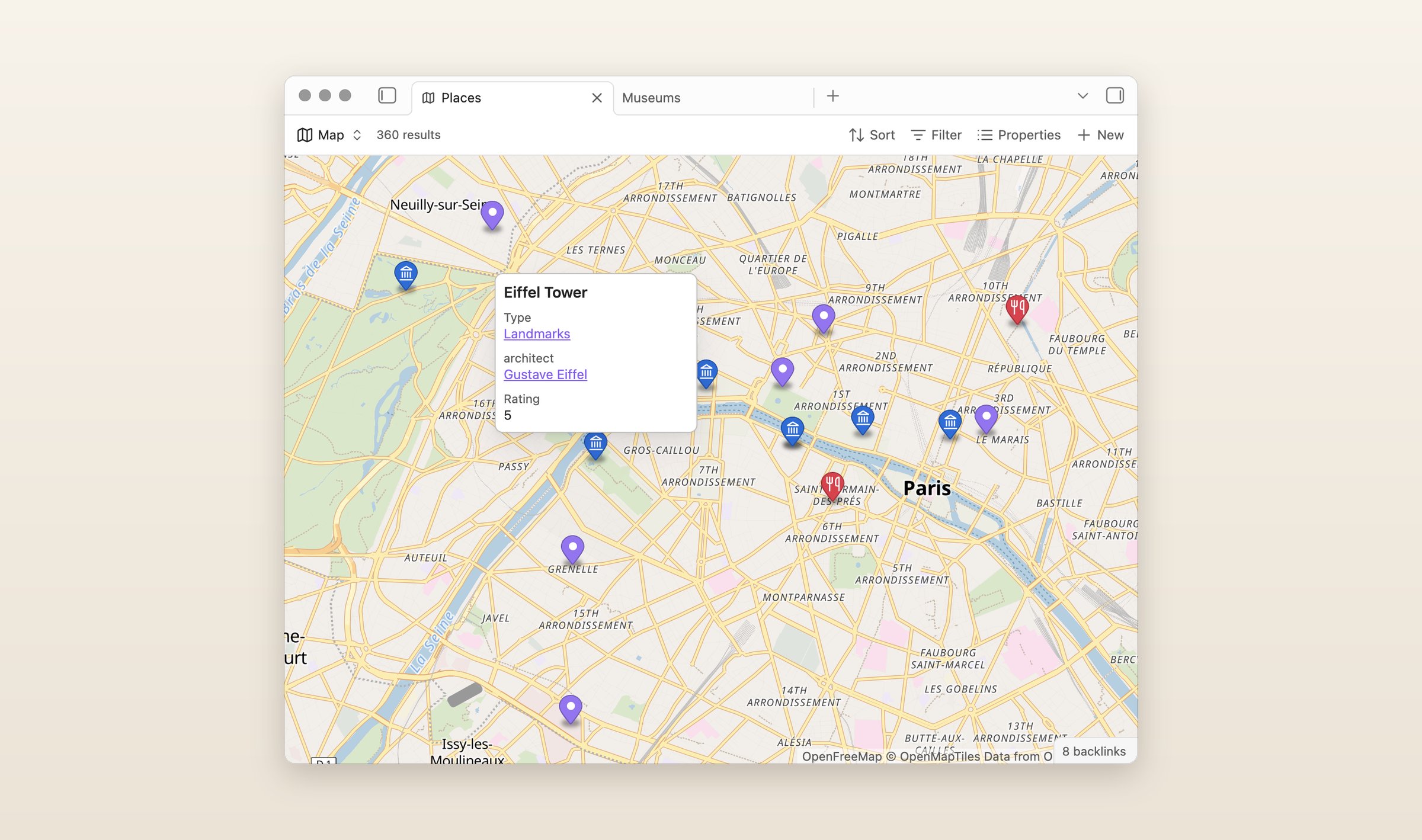
Copy the Markdown + Front Matter export into a vault and most of it works as it is: Obsidian follows the links to the pictures in _resources and reads the tags at the top of each note as tags. The official Importer plugin has no Joplin option, but its Markdown importer takes the same folder. Sync is $5 a month, or $4 paid yearly, end-to-end encrypted, or you sync the folder yourself through any service you already use. There is no AI built in, only community plugins.
If you want a deeper tree on your own server
Trilium Notes
In Joplin a notebook holds notes and a note holds text. In Trilium any note can hold other notes, so the tree goes as deep as you like, and a note can be text, code, a canvas, a mind map or a board. It is free and open source, looked after by the TriliumNext community since its first author handed it over, with desktop apps for Windows, Mac and Linux.
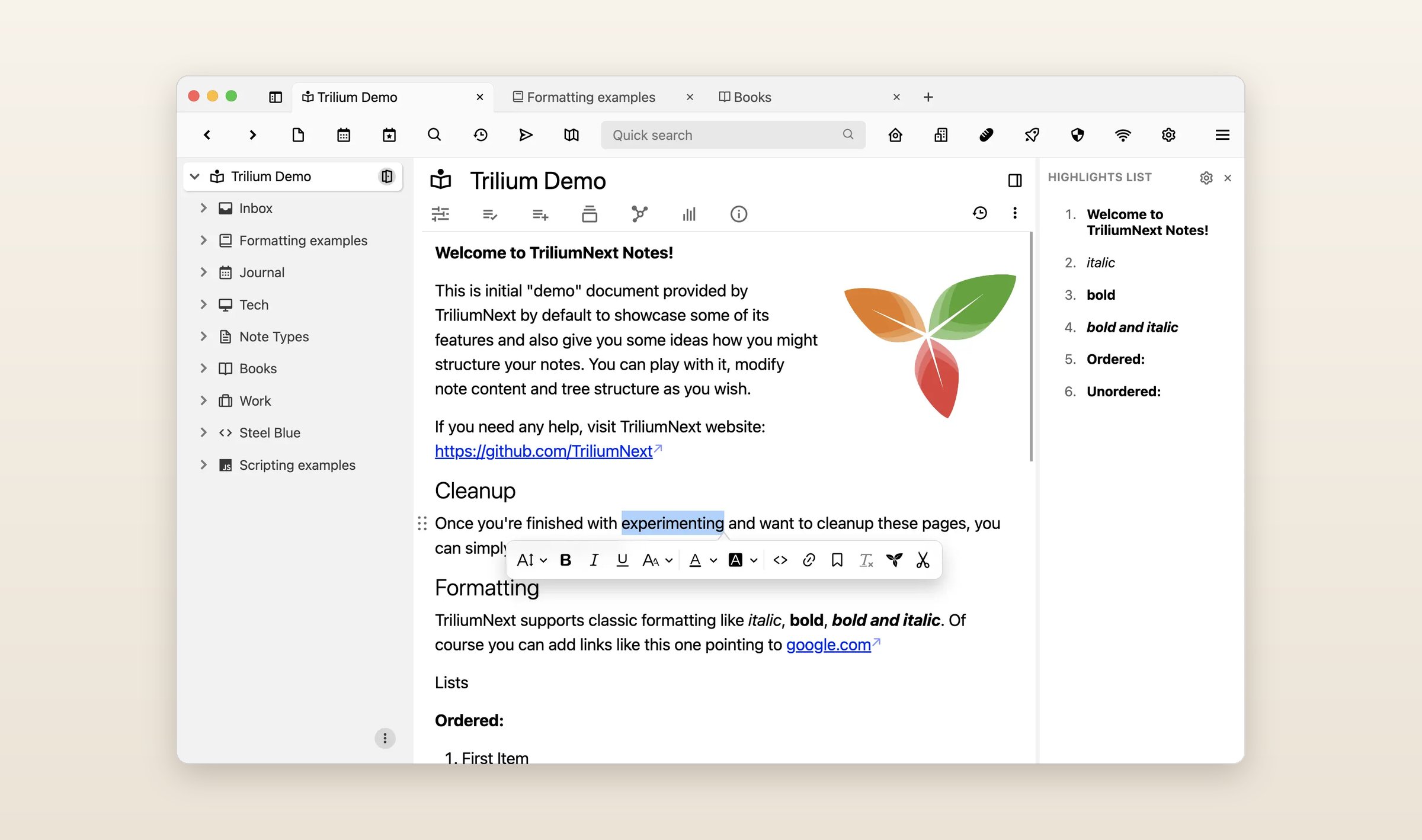
Sync goes through a server you run yourself, which is also how you open your notes in a browser. That is the catch: there is no official phone app, only the server's mobile web page, which does not work offline, and unofficial apps for Android and iPhone. Nothing is end-to-end encrypted, though a note you mark as protected is encrypted with a password. To bring Joplin in, zip the Markdown export and import it into a note, then look over the pictures and tags, which Trilium's docs do not cover. The AI chat runs on your own key or a local model.
If you want less to set up
UpNote
UpNote runs on the same five systems as Joplin, Mac, Windows, Linux, iPhone and Android, and notebooks nest inside each other the way Joplin's do. It works offline and without an account, and there is no sync target to choose or encryption to set up. Premium is $1.99 a month or $39.99 once, and the free plan stops at 50 notes.
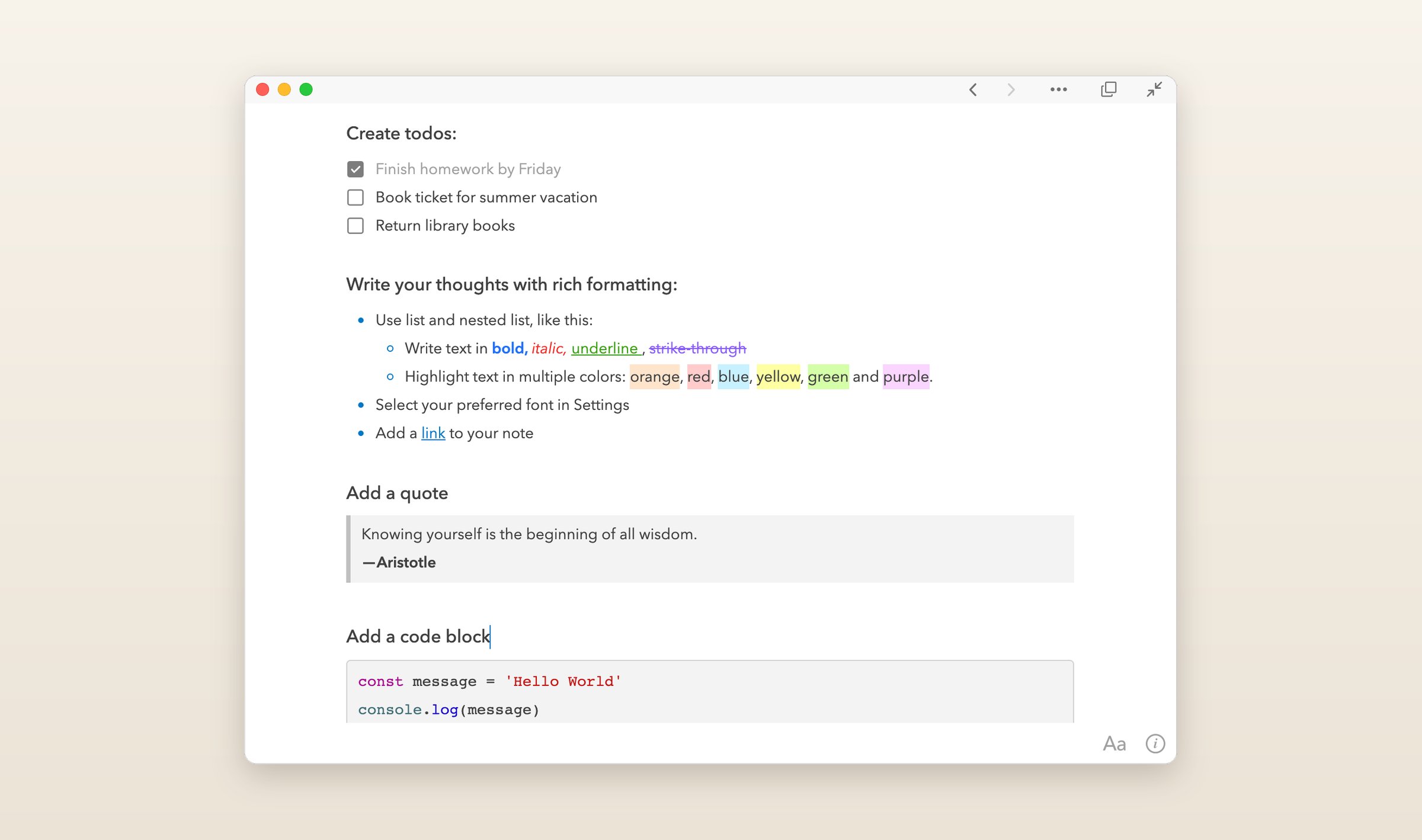
There is nothing to set up because UpNote syncs through Firebase, a Google service, and its FAQ answers whether notes are end-to-end encrypted with "Not at this time." It is not open source, and it has no web version and no AI. Joplin's Markdown export goes in through Premium's Markdown import: File > Import Notes > Markdown on a Mac, Settings > General on Windows. UpNote's help does not say what comes across beyond the text, so look over the notes with pictures.
If other people need to edit
Notion
Sharing a notebook from Joplin takes Joplin Cloud Pro at €5.99 a month, and the people in it see each other's changes when they sync. Notion is built for working on the same page at the same time: pages hold text, tables and databases, a team edits them together with comments and suggested edits, and a page can be published to the web. It runs on Mac, Windows, iPhone, iPad, Android and the web, with no Linux app.
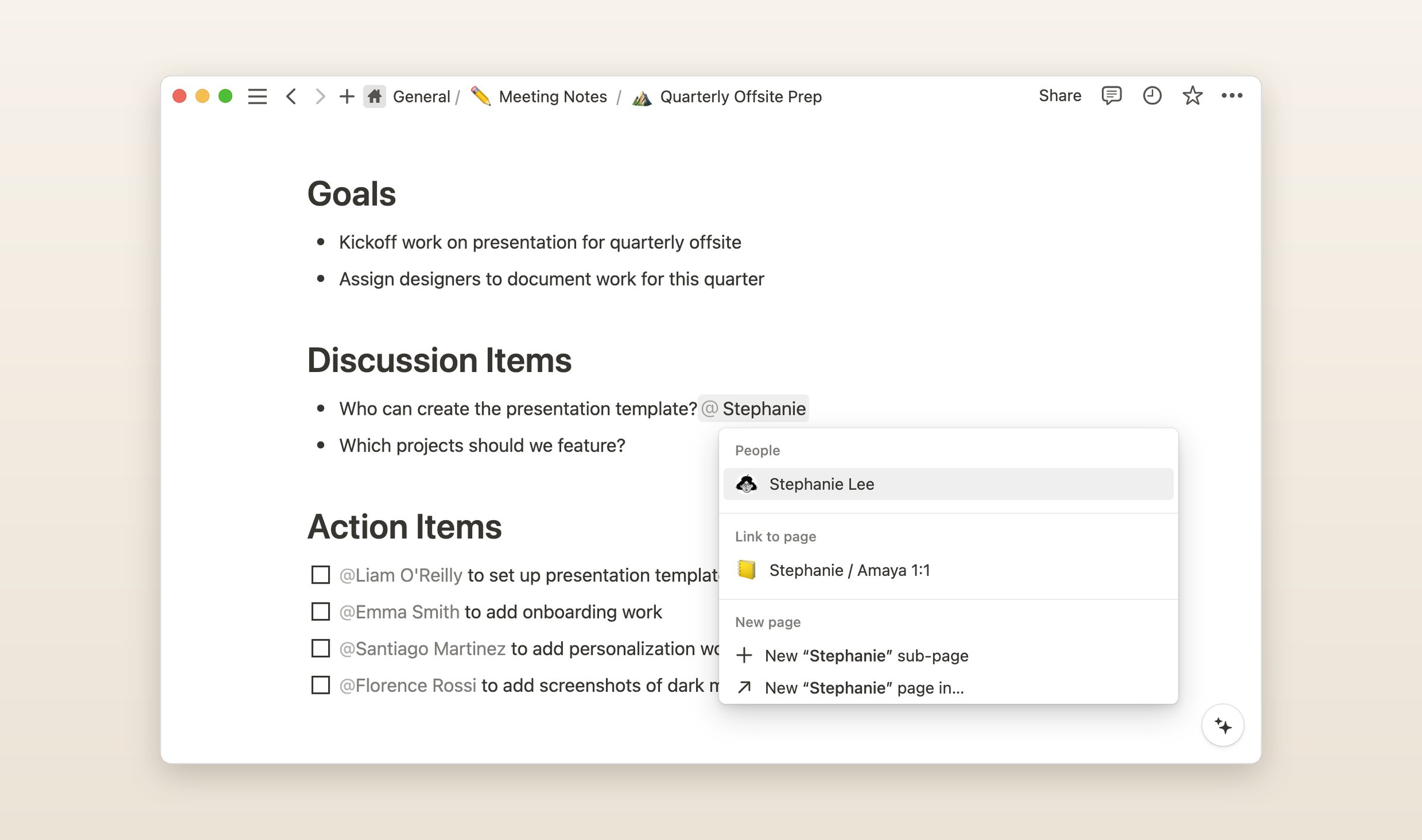
Joplin's Markdown export goes in through Notion's Markdown import, and zipping it first keeps its folders. It is free for one person, Plus is $12 a month or $10 paid yearly, and Notion AI comes with Business at $20 a month paid yearly, with a limited number of AI answers on Free and Plus to try it. The desktop and phone apps work offline, the browser does not, and nothing is end-to-end encrypted.
What they cost
Monthly prices in US dollars, checked in November 2026, except Joplin Cloud, which sells in euros. The screenshots of the other five apps are their makers' own, from their websites, blogs and app listings.
| App | Free plan | Paid | Runs on | AI |
|---|---|---|---|---|
| Joplin | The whole app, with the sync you set up | Joplin Cloud from €2.99 | Mac, Win, Linux, iOS, Android, web | Desktop only, in beta, the open note |
| Grape | Unlimited notes, no account | Sync $3, Plus $9, Pro $19, Lifetime $49 once | Mac, Win, Linux, iOS, Android, web | Plus and Pro, or your own key |
| Notesnook | Unlimited notes, 50 MB of uploads a month | Essential $1.99, Pro $6.99 | Mac, Win, Linux, iOS, Android, web | None |
| Obsidian | Everything but Sync and Publish | Sync $5, or $4 paid yearly | Mac, Win, Linux, iOS, Android | Plugins only |
| Trilium | Everything, on a server you run | Nothing to buy | Mac, Win, Linux, a phone's browser | Your own key |
| UpNote | 50 notes | $1.99, or $39.99 once | Mac, Win, Linux, iOS, Android | None |
| Notion | One person | Plus $12 | Mac, Win, iOS, Android, web | Business plan |
Questions people ask
Is Joplin still being developed?
Yes. Version 3.7 came out at the end of August with the AI chat, whiteboards and an Obsidian importer, and the desktop app had an update on October 28.
Does Joplin have AI?
Since 3.7, as a beta on the desktop, off until you turn it on. The chat works on the open note or a selection in it and never reads another note. Search by meaning runs on your computer, but not on an Intel Mac. Grape's agent reads all your notes, Notion's AI comes with Business, and Notesnook, UpNote and Obsidian have none built in.
How do I export all my notes from Joplin?
In the desktop app, choose File > Export all, then MD - Markdown + Front Matter for most apps, or JEX for Notesnook. Pictures and attachments land in a _resources folder inside the export. The phone apps can only export JEX.
Which Joplin alternative is end-to-end encrypted?
Notesnook, for every note, from the start. Obsidian Sync is too, and Grape encrypts the notes you lock. Trilium, UpNote and Notion do not encrypt end to end, though Trilium puts the notes you mark as protected behind a password.
What is the best free Joplin alternative?
Grape, Notesnook and Obsidian have no limit on notes on their free plans, and Trilium is free if you run its server. Notesnook's free plan uploads 50 MB of files a month, UpNote's stops at 50 notes and Notion's is for one person.
Before you switch
Export one notebook as Markdown + Front Matter today and import it into Grape on the free plan. Exporting changes nothing in Joplin, so you can keep using both while you decide.
Grape is available for iPhone, Android, Mac, Windows and Linux at grape.cool/download.