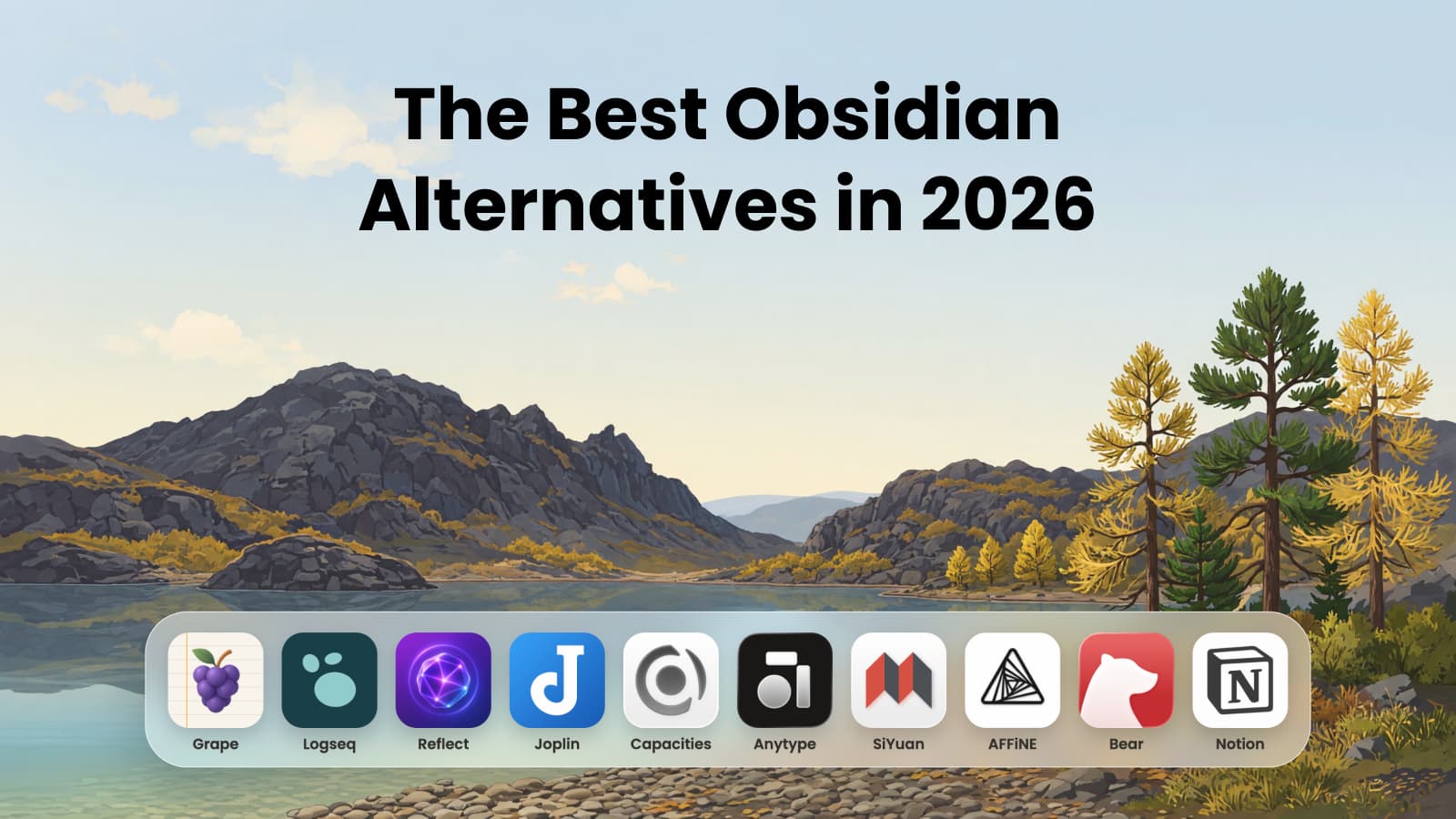
Evernote is inherited rather than chosen. An older sibling swears by it, a study skills post from 2014 has it at number one, and there is a green elephant in your dad's dock. So you sign up in week one and name the first note "Bio 101, lec 1", and it feels like the grown up decision.
Around week six you stop being able to write.
That is arithmetic rather than a complaint, and it is worth doing before you put a semester into an app.
Fifty notes is about six weeks
Four courses with two lectures each is eight notes a week. Add a reading note here, a seminar there, and it is closer to ten. The free plan holds 50.
Somewhere around week six, in the middle of term, the app stops taking new notes until you delete something or pay. Everything you wrote up to that point is in one notebook, because that is the other number on the free plan: 1. Bio, stats, psych and the reading list, one pile, from day one.
Evernote's own comparison page has the rest of the numbers:
| Free | Starter | Advanced | |
|---|---|---|---|
| Price | $0 | $99 a year | $249.99 a year |
| Notes | 50 | 1,000 | Unlimited |
| Notebooks | 1 | 20 | Unlimited |
| AI | None | None | Yes |
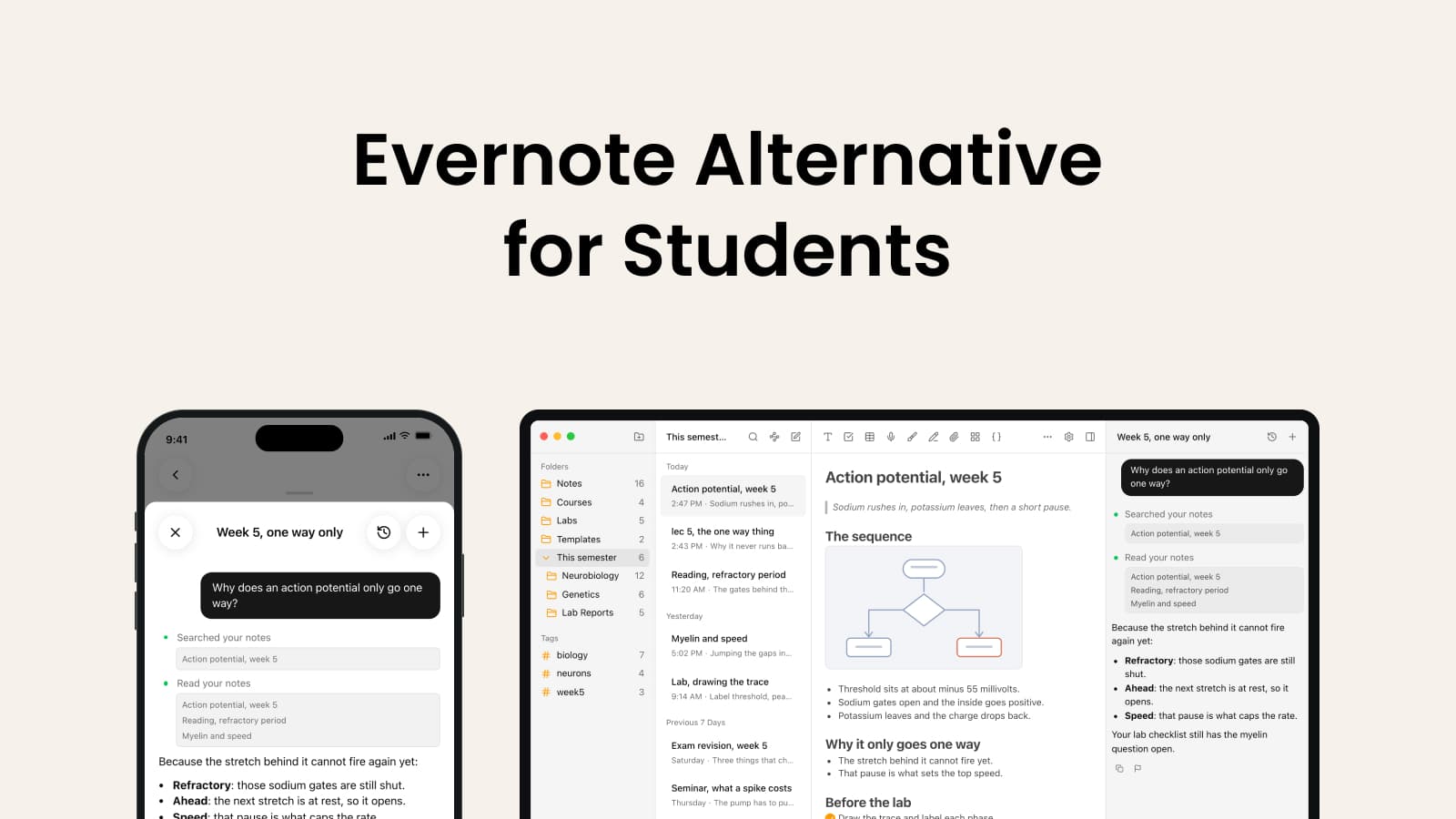
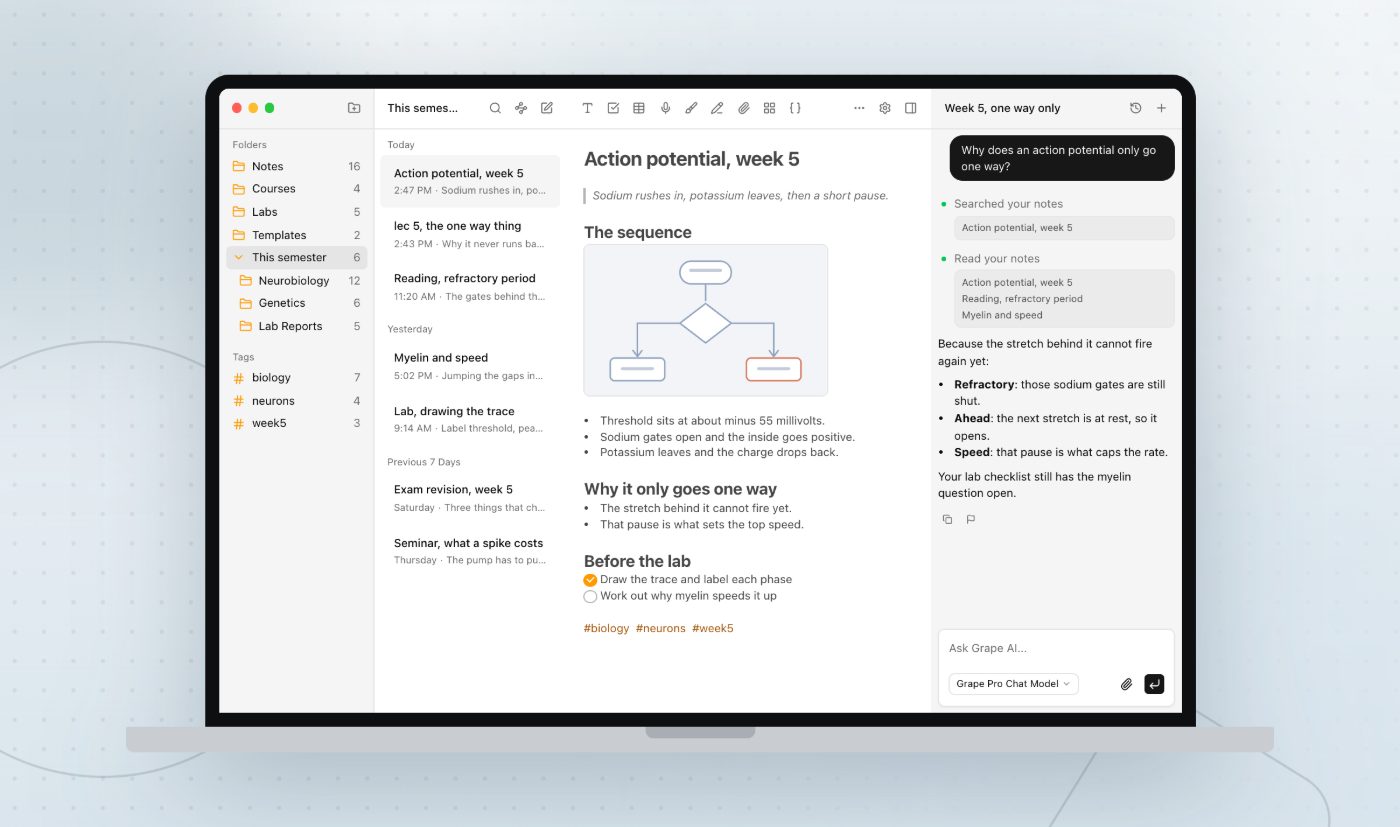
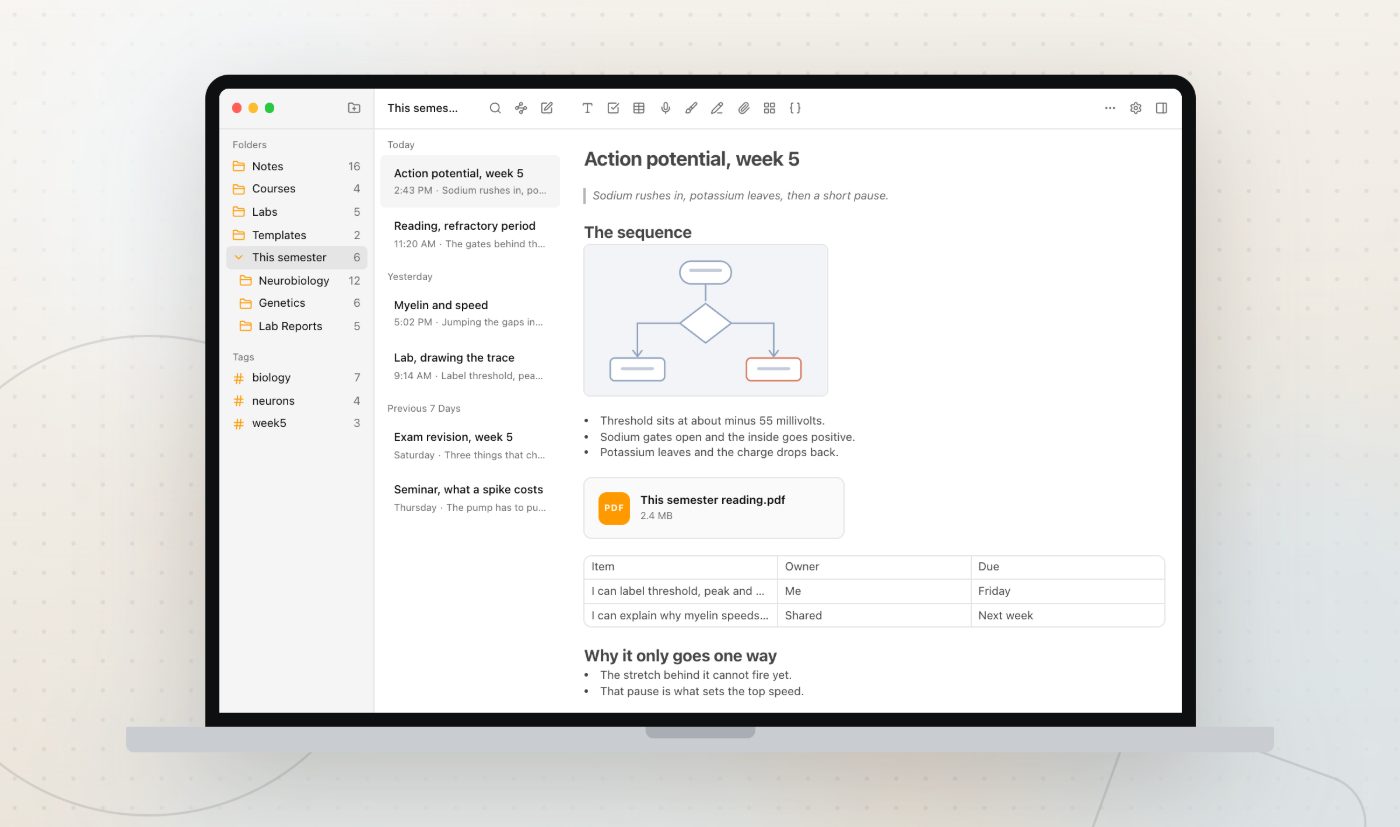
Grape's free plan does not count notes and does not count folders. You make a folder per course on the first afternoon, and no counter runs underneath it. There is no account to make either. Download it, open it, write.
The second wall is the device
Sync on Evernote's free plan covers one device. Whichever one you register is the one your notes exist on.
Which means picking. Type the lecture on the laptop and the phone on the bus home has nothing in it. Type it on the phone and the essay you write on Sunday is in the wrong place.
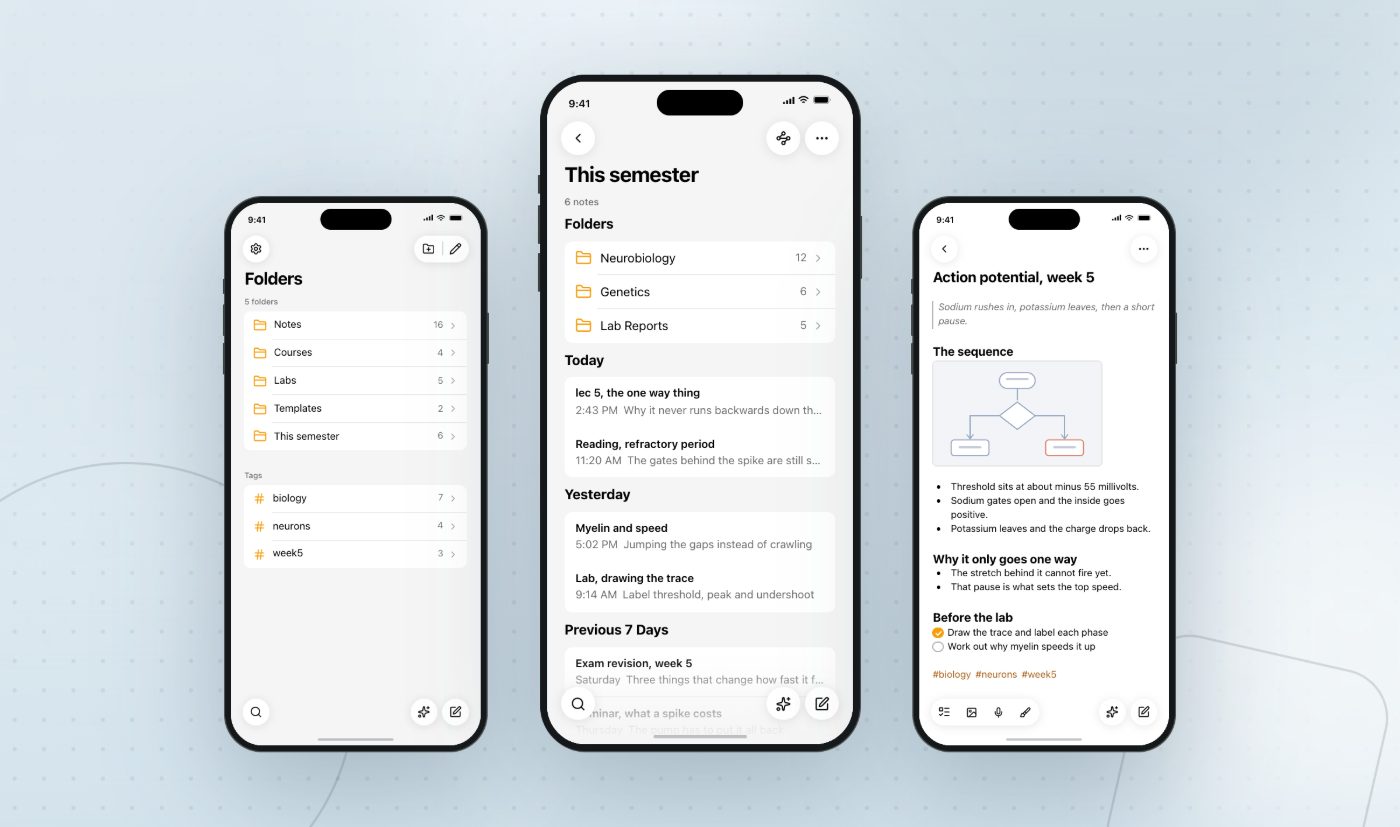
Grape is a real app on iPhone, Android, Mac, Windows and Linux, and each install keeps its own local database. The free app on your phone is the whole app, not a viewer with a login screen. What you write on it is on it, wifi or no wifi.
Sync between devices is the paid plan, which is Grape's own wall. Free gets you a full app on every device rather than the same library on every device.
What Evernote is genuinely good at
Evernote has been running for over fifteen years, and a receipt scanned into it in 2019 still opens today. Very few apps can say that. The web clipper still works on pages that defeat newer ones, the scanning is good, and search reaches inside PDFs and photographs. If your Evernote is an archive of documents rather than a semester of lectures, none of this article applies to it and there is no reason to move it.
Grape clips too, with a Chrome extension that turns the page into Markdown, downloads the images, and drops it in as an ordinary note. That is one browser, not all of them, and it is newer than Evernote's by about fifteen years. Attachments, slide PDFs, images and recordings sit in the note the same way.
The AI is on the $249.99 plan
This is the part most people find out after paying.
Starter is $99 a year. It lifts you to 1,000 notes and 20 notebooks. It includes no AI at all.
The AI search, the semantic search and the AI editing are on Advanced, at $249.99 a year, which is also the only tier with unlimited notes. So the version of Evernote that behaves like a 2026 app costs about $21 a month.
Grape Pro is $19 a month with all of it included and nothing metered: the agent that reads and edits your workspace, semantic search, voice transcription, and the study tools. That is roughly the same money per year as Advanced, except the money buys the work rather than a higher note limit.
There is also a Lifetime plan at $29 once, where the AI runs on your own API keys. You pay the model provider directly and Grape stops being a subscription. Cross device sync is not part of that one.
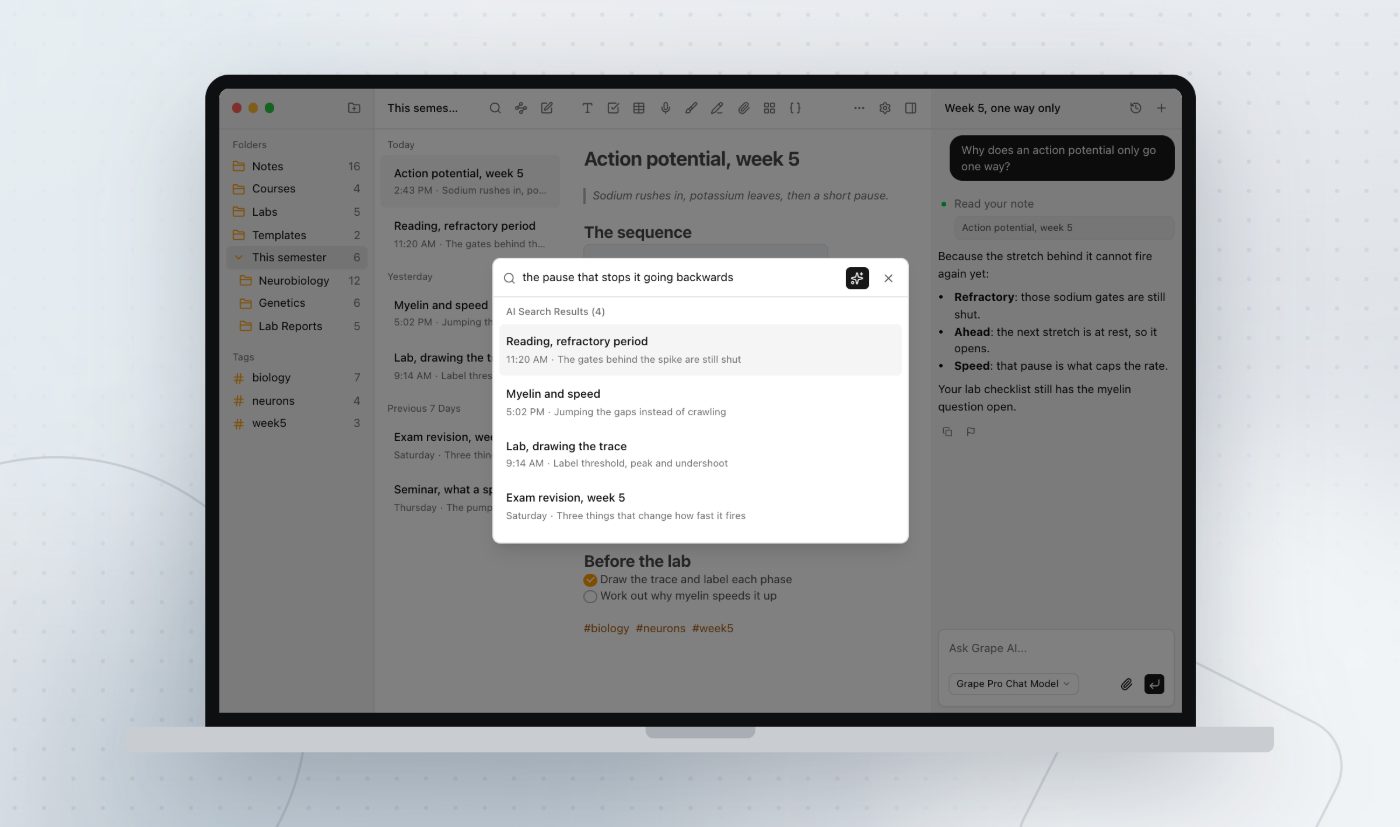
Semantic search is the piece to try first. Type the sentence you actually remember instead of the title you invented at 9am, and the lecture comes back.
Writing it down is the easy half
Evernote's job finishes when the note saves. You have a tidy record of fifty minutes and a reading week to do something with it.
In Grape the finished note is the input. From the note you already wrote, without typing anything twice:
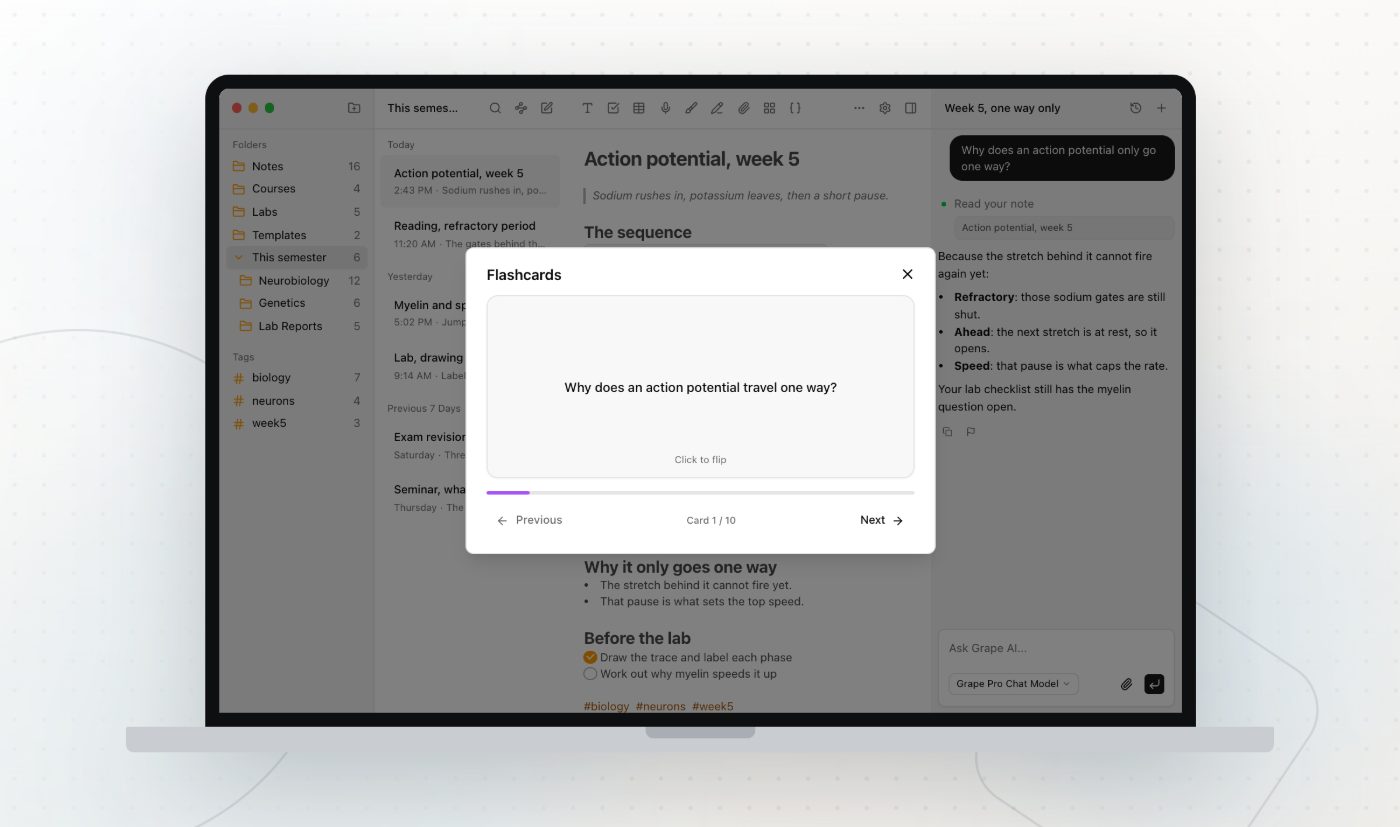
- Ten flashcards, front and back, kept inside the note.
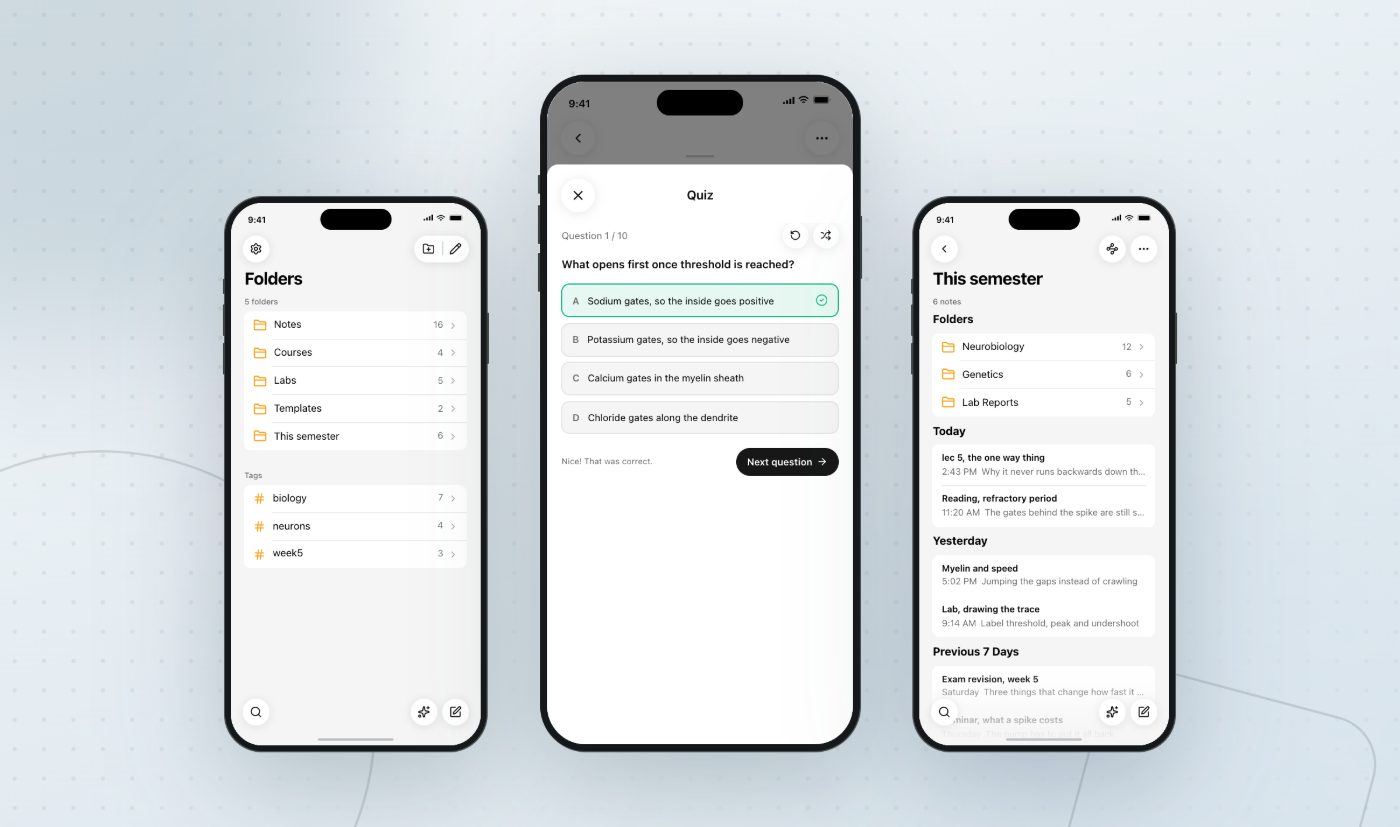
- A ten question quiz, four options each. Adaptive mode makes thirty instead, ten easy, ten normal, ten difficult.
- A mind map of the note as branches, which is the fastest way to find the part of a lecture you never actually understood.
- An agent you can ask about the lecture, whose answer names the note it read.
Record the lecture into the note and it gets transcribed, so the hour you half heard is text you can search in April.
What Grape will not do
It reads part of a note rather than all of it. Flashcards, quizzes and mind maps are built from the first 8,000 characters, which is a long lecture but not a whole transcript. Split the ninety minute ones.
The clipper is Chrome only. Firefox and Safari are not covered.
And sync is the paid plan. The free app is complete on each device and quiet between them.
Try one term
You do not need to migrate anything. Old notes get reread, not rewritten, so leave the archive where it is. Make a folder for this term, write the next lecture in it, and see whether it is still where you look for it in April.
Whatever you put in comes back out as Markdown, HTML or PDF, and the database file sits wherever you tell it to.
Grape is available for iPhone, Android, Mac, Windows and Linux at grape.cool/download.