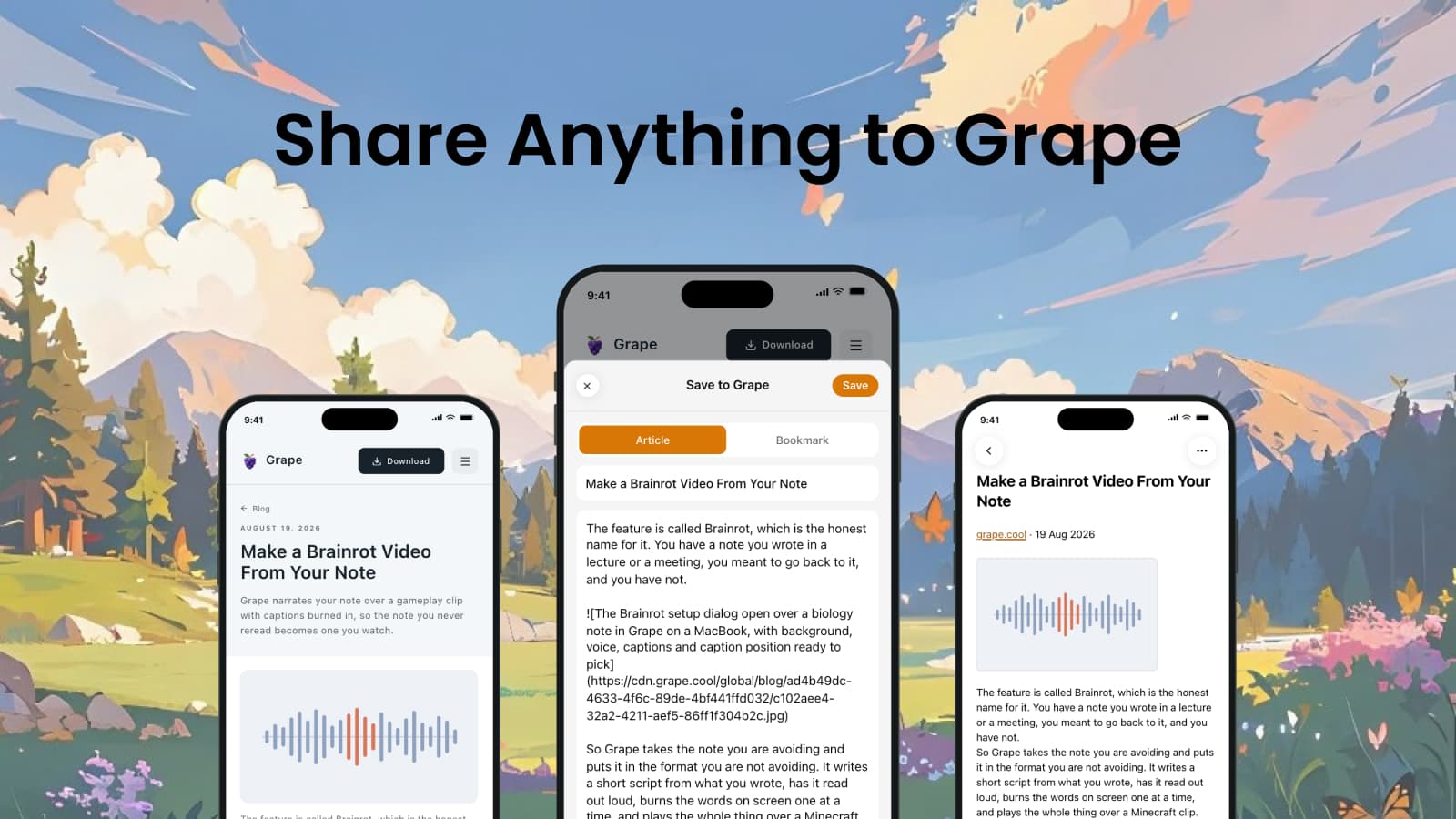
A friend sends you a link in a group chat. Your professor emails a PDF. Someone forwards the recording of the meeting you missed. All of it turns up on your phone, in an app that is not the one you write your notes in.
So you leave it where it is and tell yourself you will save it later. You usually do not. Grape is in the share sheet now: tap share in the app the thing came in, tap Grape, and it is a note.
What the sheet takes
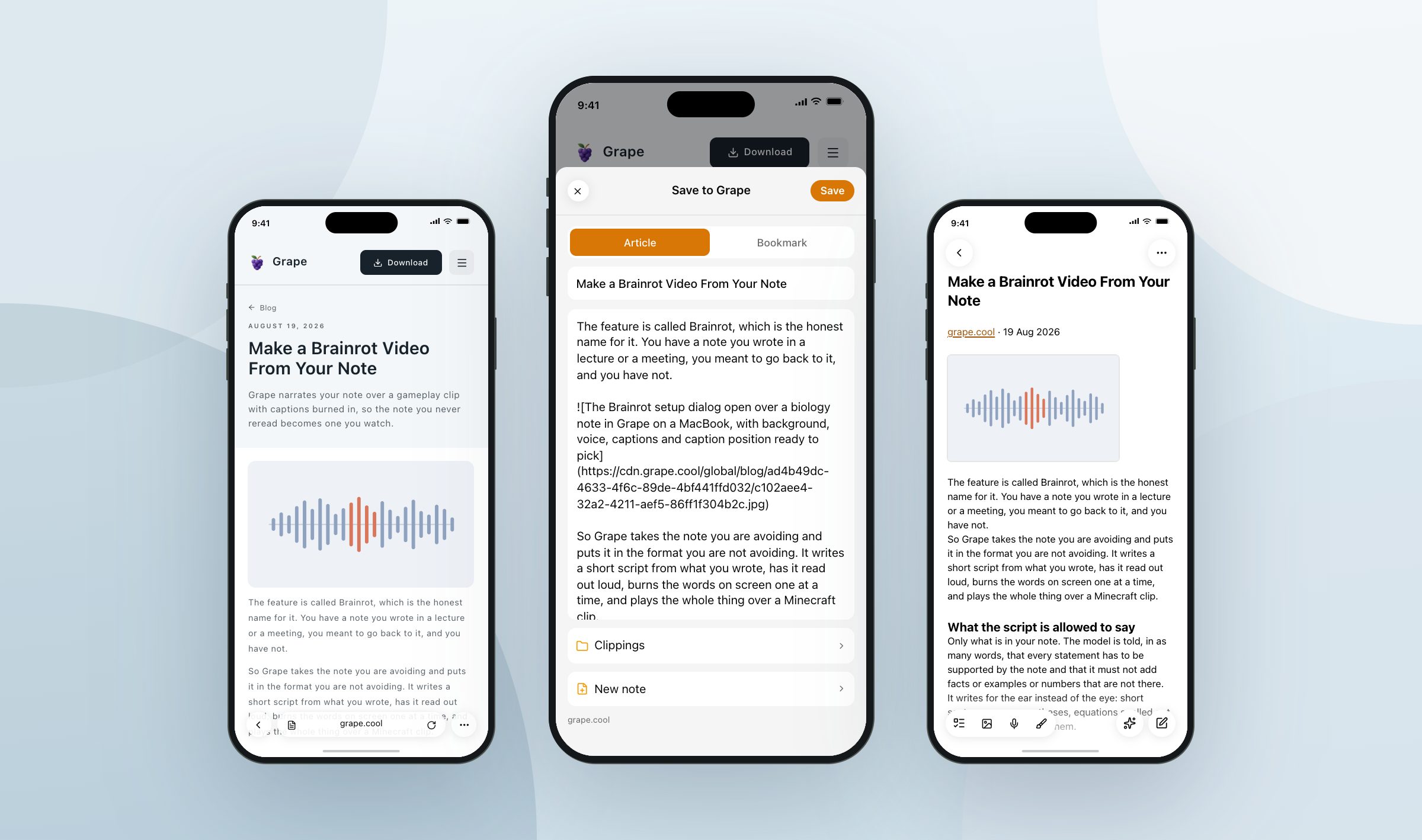
Share a page from Safari and Grape has already read it by the time the sheet opens. It reads the page the way you were seeing it: signed in, past the paywall you pay for, at the paragraph you had got to. Article saves the piece without the menus and the ads around it. Selection saves what you had highlighted, and the sheet opens on it when you had highlighted something, unless you told it otherwise the last time you saved. Bookmark saves the title, the link and the page's own summary, with no body at all.
Share a link from Chrome, Mail or a message and all Grape gets is the address, so the sheet goes and fetches the page itself. It reads that page the same way, but as a visitor who is not signed in to anything. An x.com link works a third way, because that page shows nothing at all to a reader who is logged out: Grape reads the post itself, or the whole article when it is a long one.
Anything that is not a page is saved as it is. Photos, PDFs and recordings come along as attachments, up to 100 MB each, and a recording is converted on the way in so it plays on your laptop as well as your phone. Plain text becomes the body of the note. A rich text brings its pictures with it. The one thing the sheet cannot save is an invitation to collaborate, which is what Notes and Pages hand over by default, and it tells you so and names the switch to change.
Or onto the end of a note you already have
Not everything you share needs a note of its own. A quote belongs in the chapter you are writing. The third article this week belongs with the other two. The photo of the whiteboard belongs in the notes from that meeting.
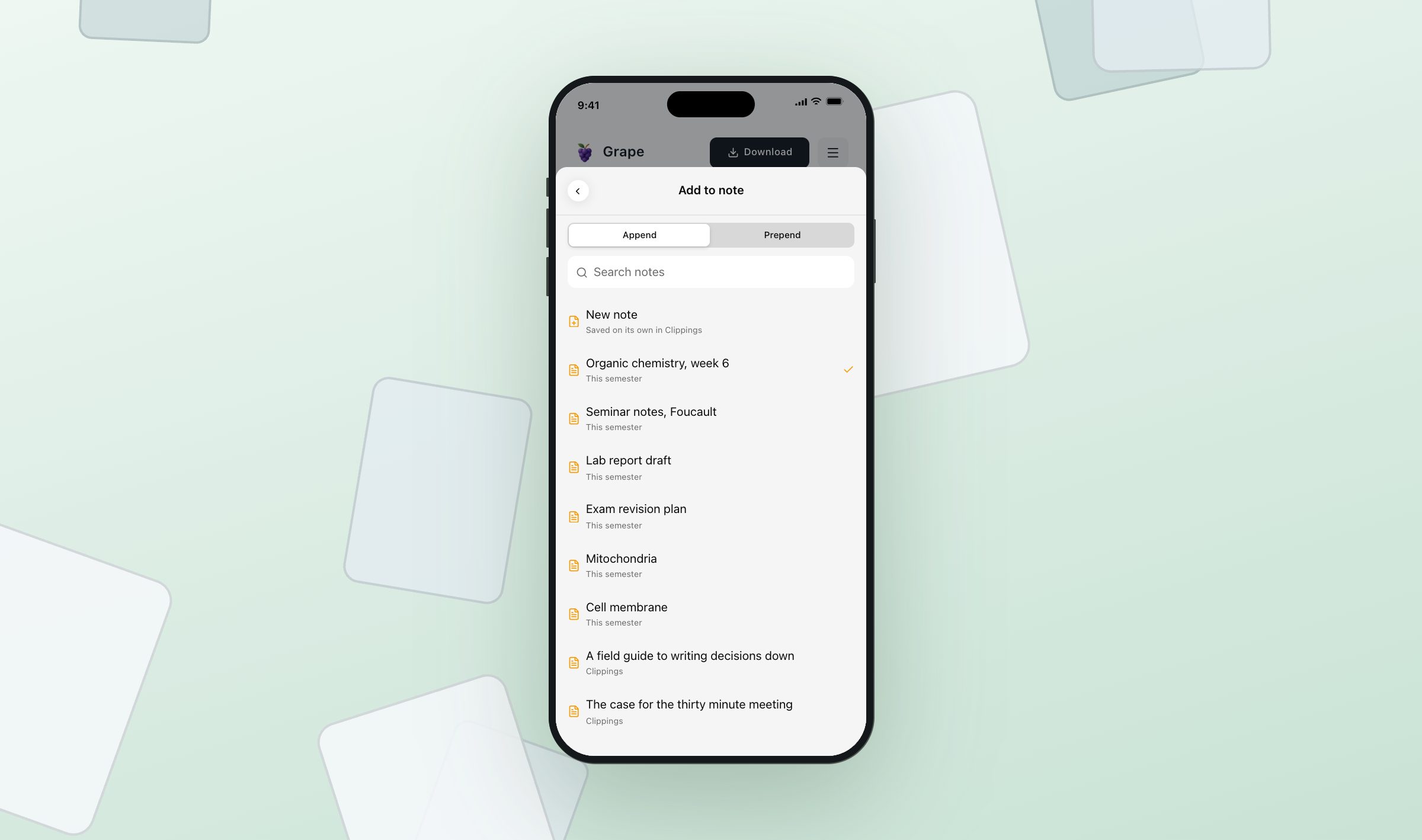
So the sheet lists your notes as well. Append puts what you shared at the end of the note, Prepend puts it at the top. The list holds the hundred notes you worked on last, and you can search it by the name of a note or by the folder it is in, so typing "essay" finds the one filed under Essays. What you add does not bring a heading with it: the note already has a title, and one line saying where the paragraphs came from is enough. The sheet remembers the note and the end you picked, so the next share that afternoon is two taps again.
Where it lands
The note starts with the title, then one line saying where it came from: the site, linked, with the author and the date after it. The pictures are downloaded instead of linked, so the note still reads on a train with no signal, and after the page itself comes down. What you shared is written to your phone the moment you press Save and becomes a note the next time you open Grape, so something you shared standing in a line is waiting for you later.
None of this needs a paid plan. Sharing writes a note on your own phone, and the same sync that carries your other notes to your laptop carries this one. Android works differently, because it has no sheet an app can put its own screen in: sharing opens Grape, Grape reads the page in the background, and a small message says it arrived.
What people put in it
Saving articles to read later is the obvious use, and the smallest one. People share in a recipe for Sunday, six competitor pages before a pricing meeting, an email from a landlord, a clause worth keeping, the number of the parking space in a garage they will come back to at midnight. A voice memo recorded on the walk home goes on the end of the chapter it was about.
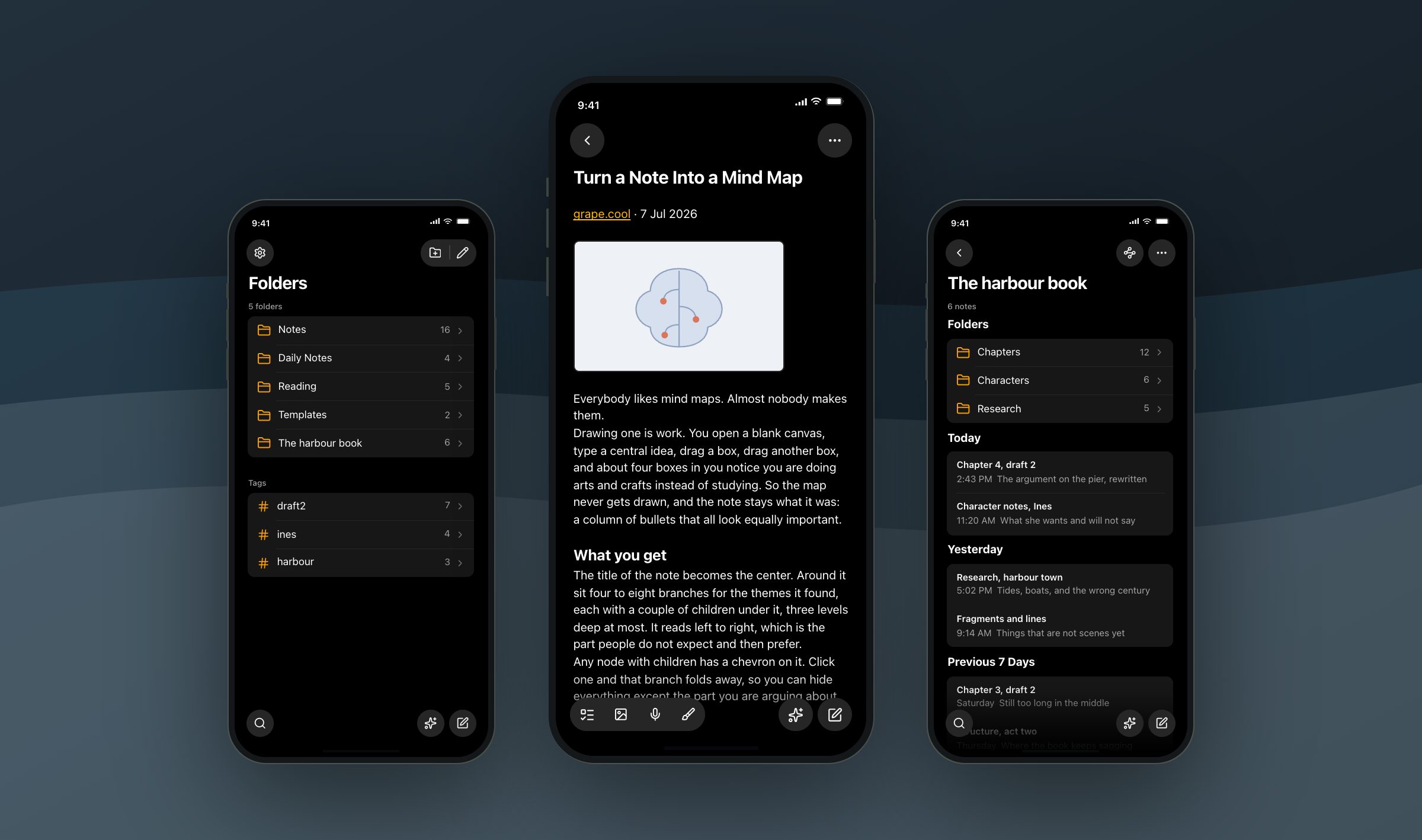
Open the three things you have been meaning to keep and share them. That is what the folder is for.
Grape is available for iPhone, Android, Mac, Windows and Linux at grape.cool/download.