Wednesday of the first week, the fifth note, and Notability asks for money.
You downloaded it because the person next to you had it. The iPad was flat on the desk, the pencil was going, the recording light was on in the corner, and later they tapped a word and the professor's voice played back from the exact second they wrote it. It looked like the way to do college. So you did the same, four classes, two lectures each, and by the middle of the first week you had used up the free plan.
The plans below are from Notability's pricing page and the App Store listing, taken one line at a time.
Five notes
Notability's free plan is called Starter. It holds five notes in total, and the count never resets. Eight lectures a week fills it on the second day, and after that every new note means paying or writing on top of an old one.
| Starter | Lite | Plus | Pro | |
|---|---|---|---|---|
| Price | $0 | $14.99 a year | $19.99 a year | $99.99 a year |
| Notes | 5 | Unlimited | Unlimited | Unlimited |
| Handwriting search | No | No | Yes | Yes |
| Quizzes and flashcards | None | None | 400 a month | Unlimited |
| Chat with your notes | No | No | No | Yes |
Grape's free plan does not count notes and does not count folders, and there is no account to make. Download it, make a folder per class, and write.
Handwriting search, $19.99 a year
Notability's pens are good, the paper is good, and the ink to audio link is the best thing any note app has done for lectures. When the class is a whiteboard of arrows and loops, a pencil beats a keyboard.
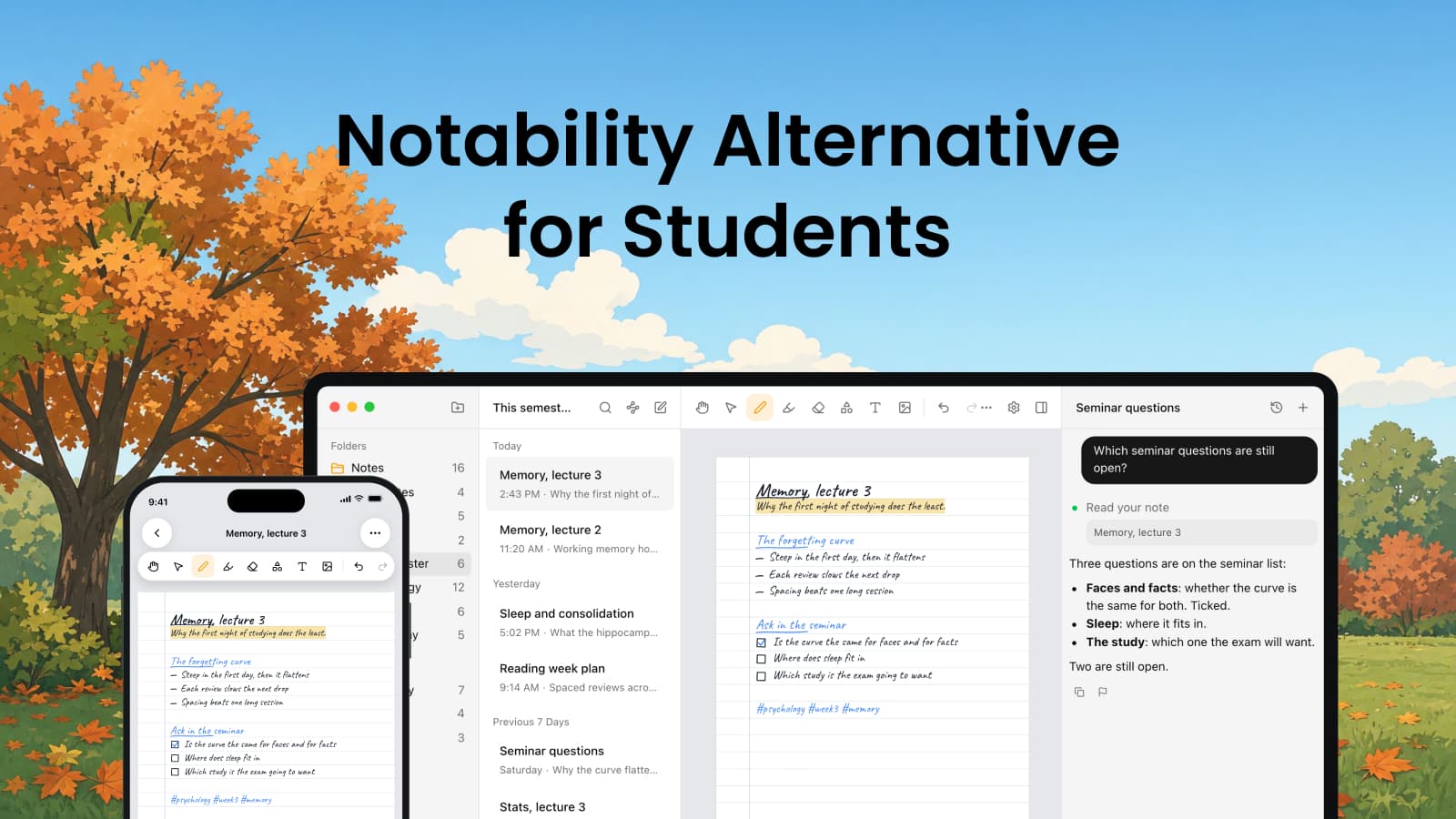
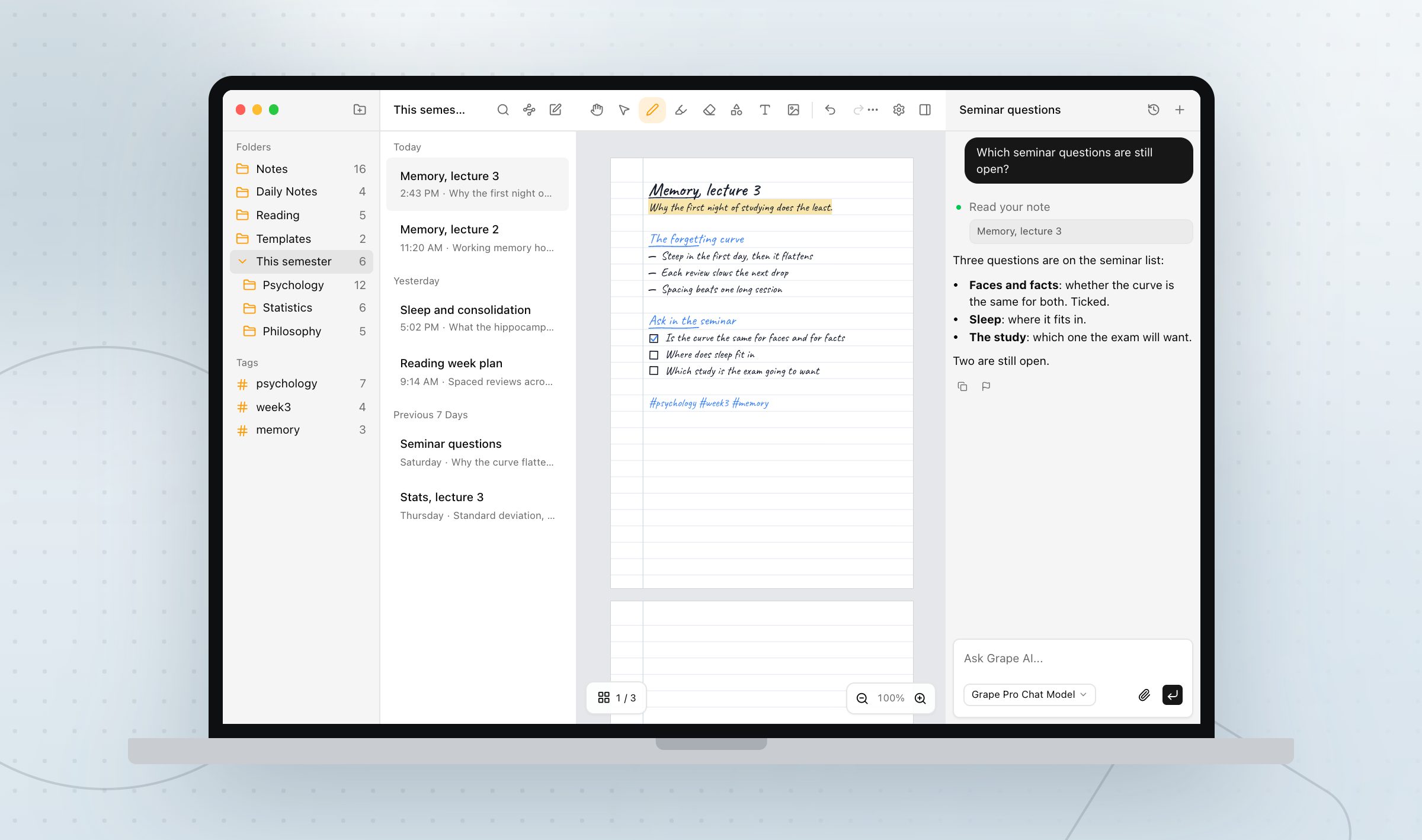
Grape has paper now too. Turn on handwriting notes and a new note is a stack of lined, plain, grid, dotted or graph pages, in A4 or Letter, up to a hundred pages long, written with an Apple Pencil, a finger, or a mouse on the desktop app. Import the slide PDF and its pages become the paper, so you ink over the diagram while the professor is still drawing it, and export the notebook as a PDF at the end.
While you write, your iPhone or iPad reads the ink and turns it into words, on the device, and a few seconds after the pen goes still the page shows up in search like any typed note. It needs no paid plan. The desktop app has no reader of its own, so a notebook that only ever existed on a laptop is found by its title until a phone or iPad opens it once.
In Notability that search is a Plus feature. On Starter and Lite you write all you like and flip through it to find the page.
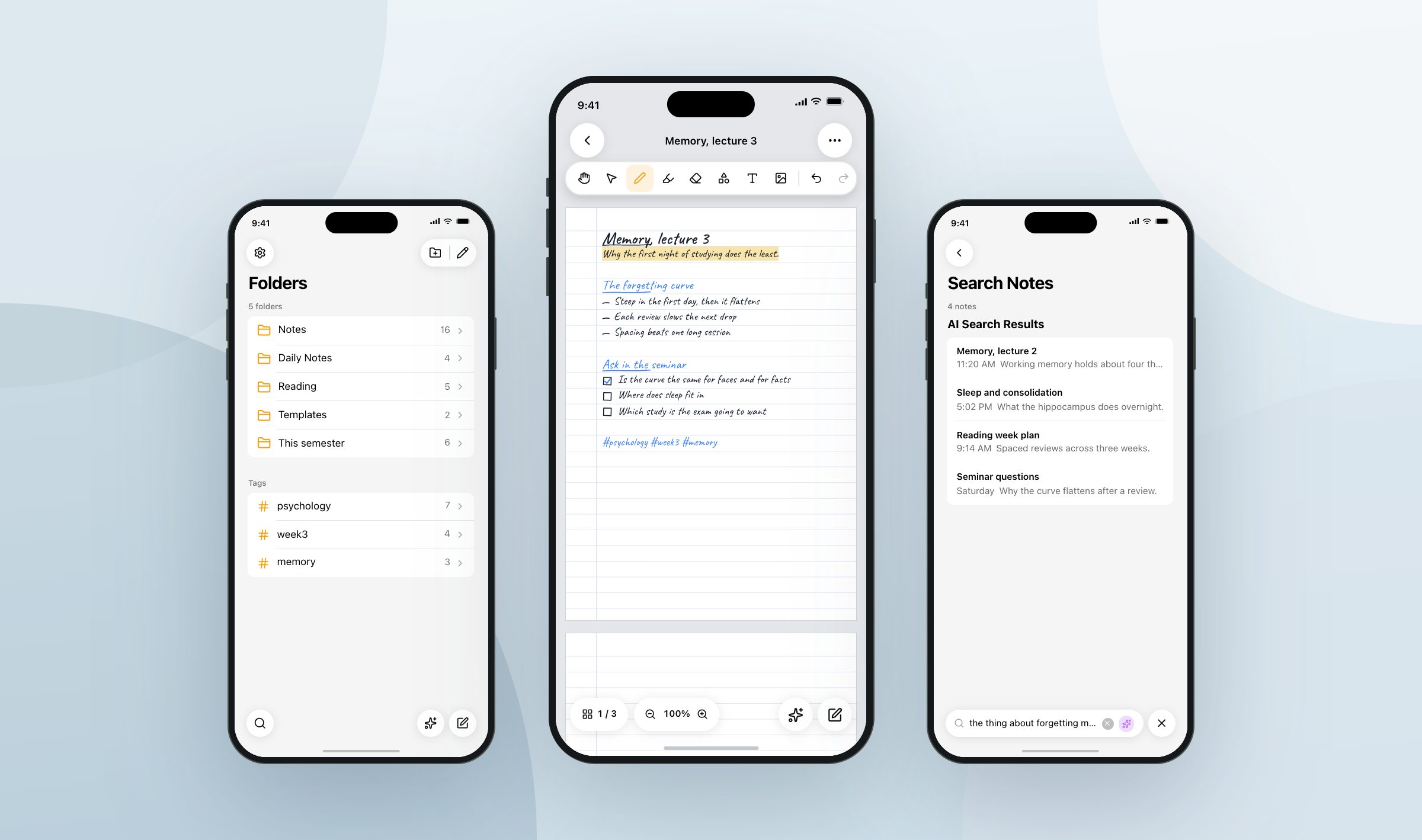
What Grape does not have is the audio tied to the ink. You can record a lecture into a note and it is transcribed, so the hour you half heard is text you can search in April, but you cannot tap a word and hear that moment. If that is why you use Notability, it is a real reason and it is worth the $19.99.
400 questions a month
This is the line to read before paying.
Plus includes Learn, which turns a note into flashcards and quizzes, and caps it at 400 questions and cards a month, combined. That sounds like plenty until finals week, when one class can spend it in an afternoon and the counter does not reset until next month.
Chat with your notes, where you ask a question and get an answer from what you wrote, is not on Plus at all. It is on Pro, at $99.99 a year, next to unlimited Learn and live transcription.
Grape Pro is $19 a month with all of it included and nothing metered. From a note you already wrote, without typing anything twice:
- Ten flashcards, front and back, kept inside the note.
- A ten question quiz, four options each, or thirty in adaptive mode, ten easy, ten normal, ten hard.
- A mind map of the note as branches, the fastest way to find the part of a lecture you never understood.
- An agent you can ask about the lecture or the whole semester, whose answer names the note it read.
Each of those is built from the first 8,000 characters of the note, which is a long lecture but not a whole transcript, so split the ninety minute ones.
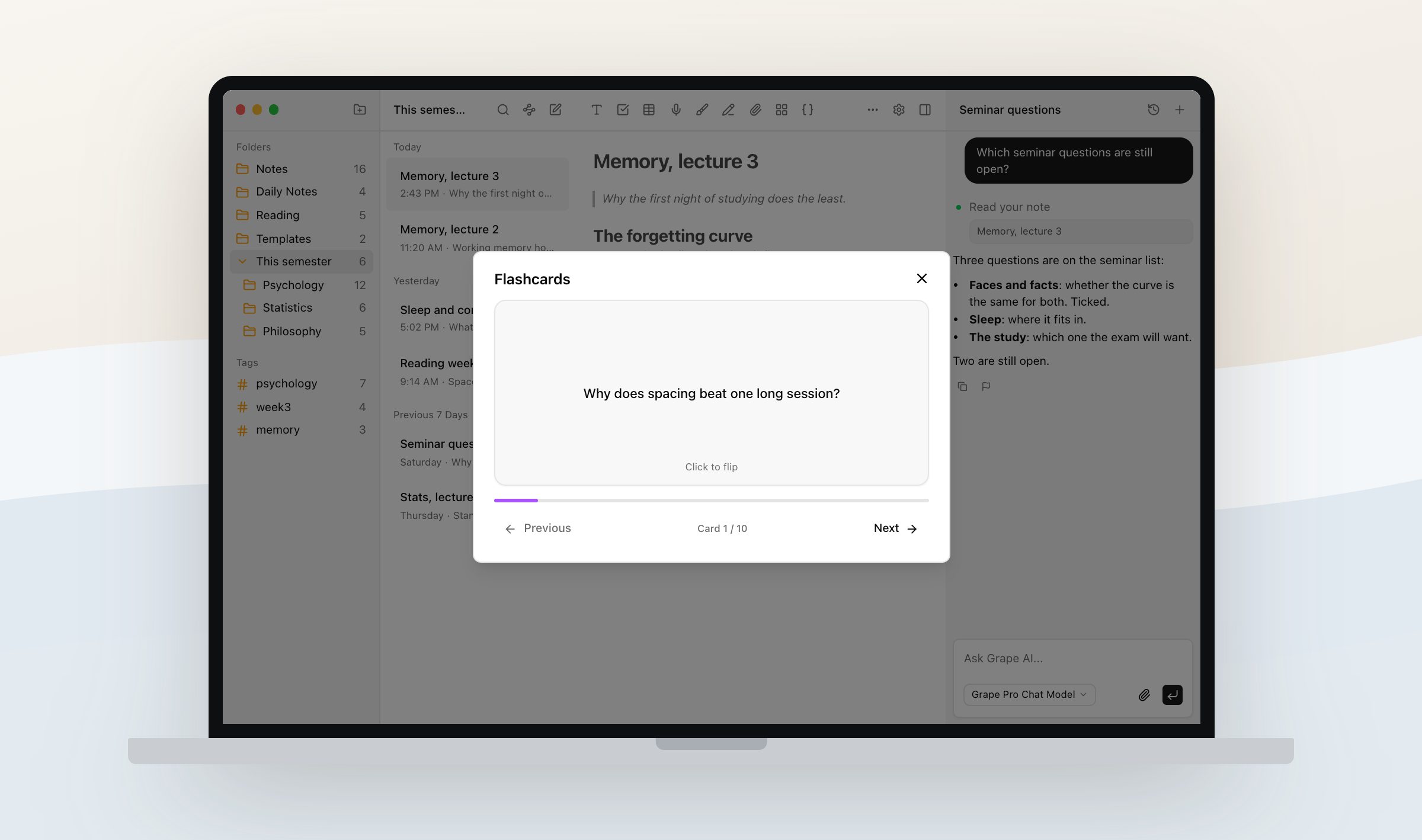
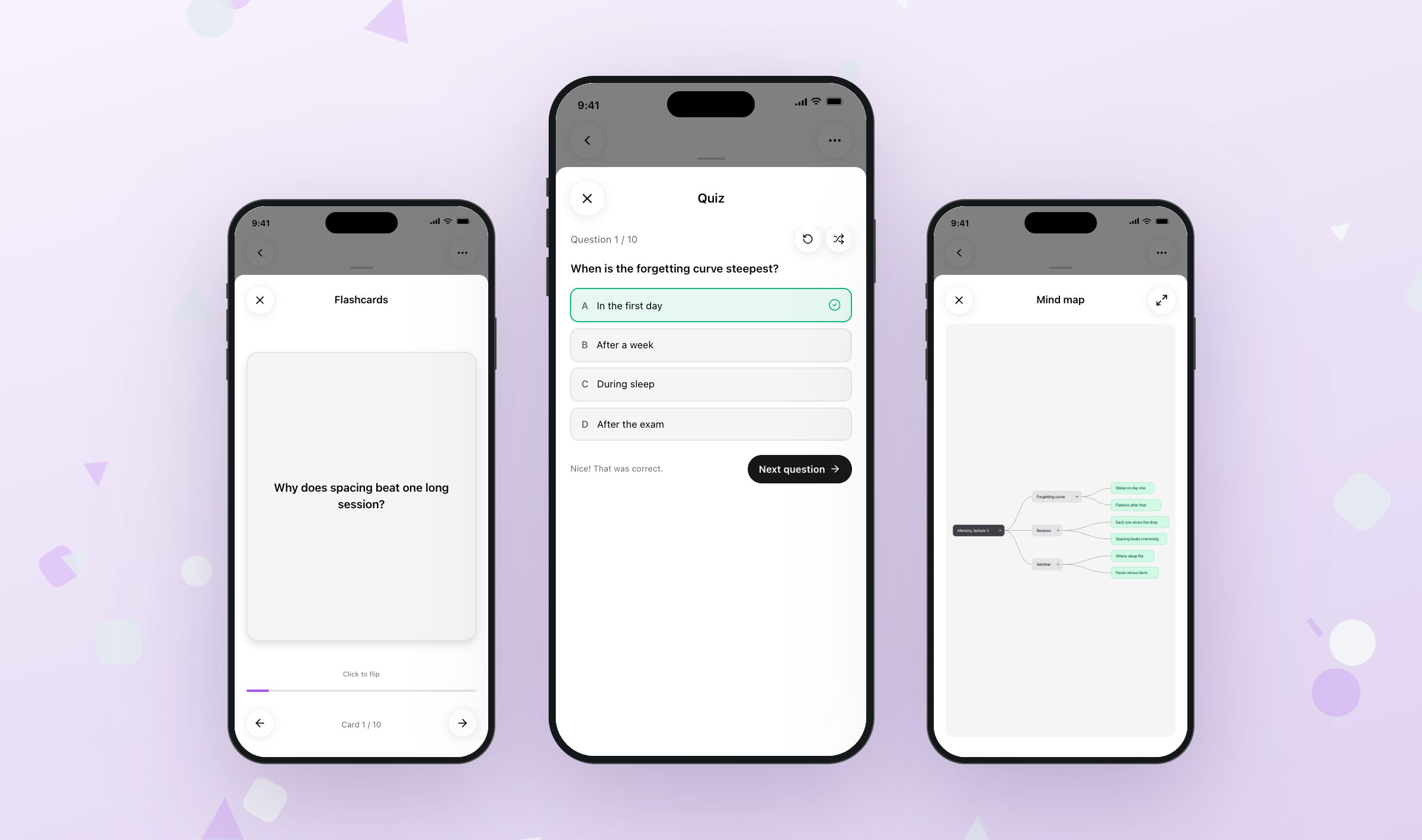
The agent reads handwritten pages too, because the words were already read on the device. It cannot edit ink, so an answer goes into a new note with a link back and your pages stay as you left them.
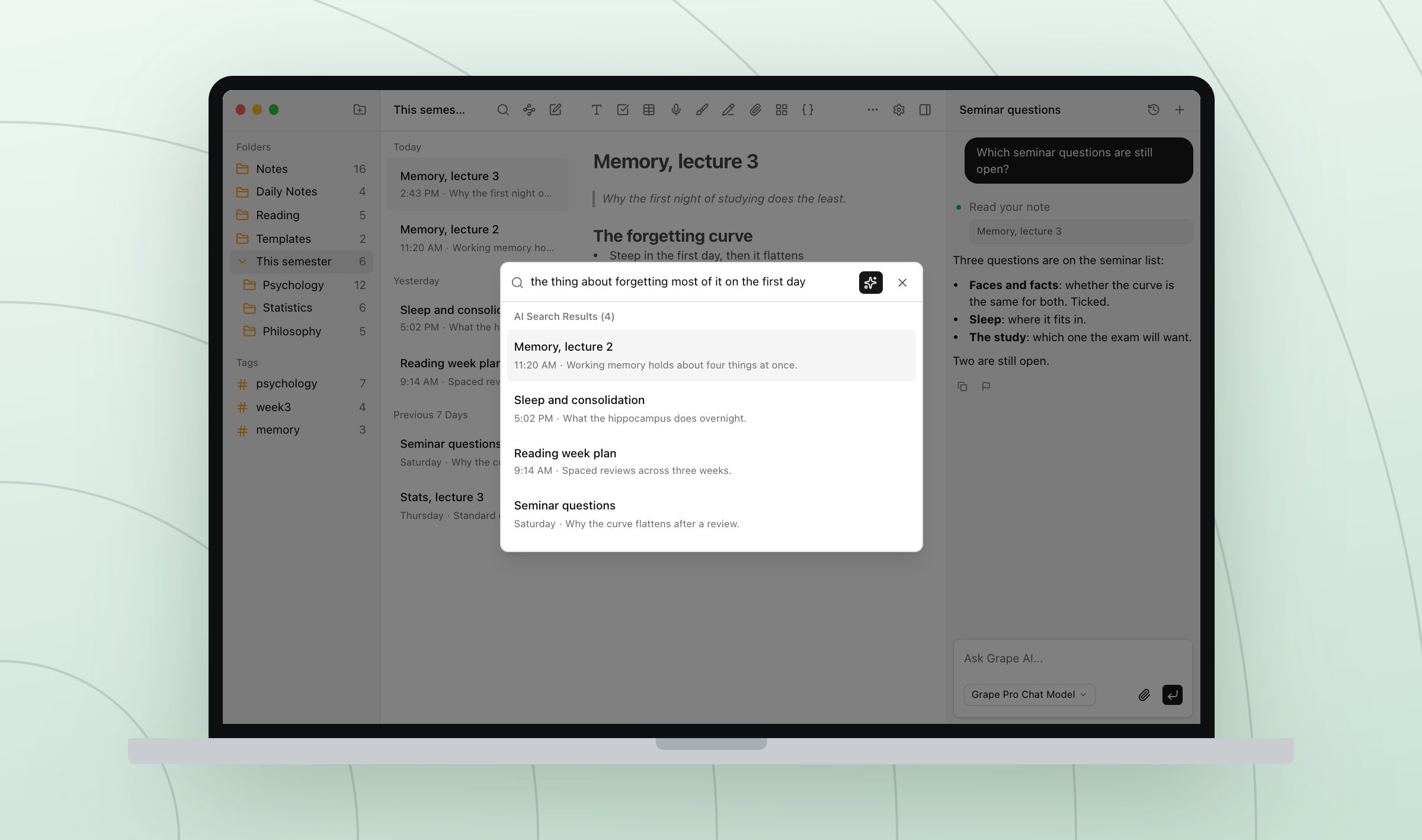
Semantic search is the piece to try first. Type the sentence you actually remember instead of the title you invented at 9am, and the lecture comes back, typed or handwritten.
There is also a Lifetime plan at $29 once, where the AI runs on your own API keys. You pay the model provider directly and Grape stops being a subscription. Sync between devices is not part of that one.
The laptop
Notability spent sixteen years as an Apple app. This year it arrived on Android and Windows, and there is a web version. Linux is not in the picture.
That changes who this article is for. If you have an iPad and a Mac, Notability's sync between them is very good and you do not need a reason to leave.
Grape is a real app on iPhone, Android, Mac, Windows and Linux, and each install keeps its own local database. What you write on it is on it, wifi or no wifi. The free app on the Linux laptop you write essays on is the whole app. Sync between devices is the paid plan, which is Grape's own wall: free gets you a full app on every device rather than the same library on every device.
One semester
You do not need to move anything. Notability exports a notebook as a PDF, and a PDF drops into a Grape note as an attachment, so the old semester can come along as a document or stay where it is. Old notes only get reread.
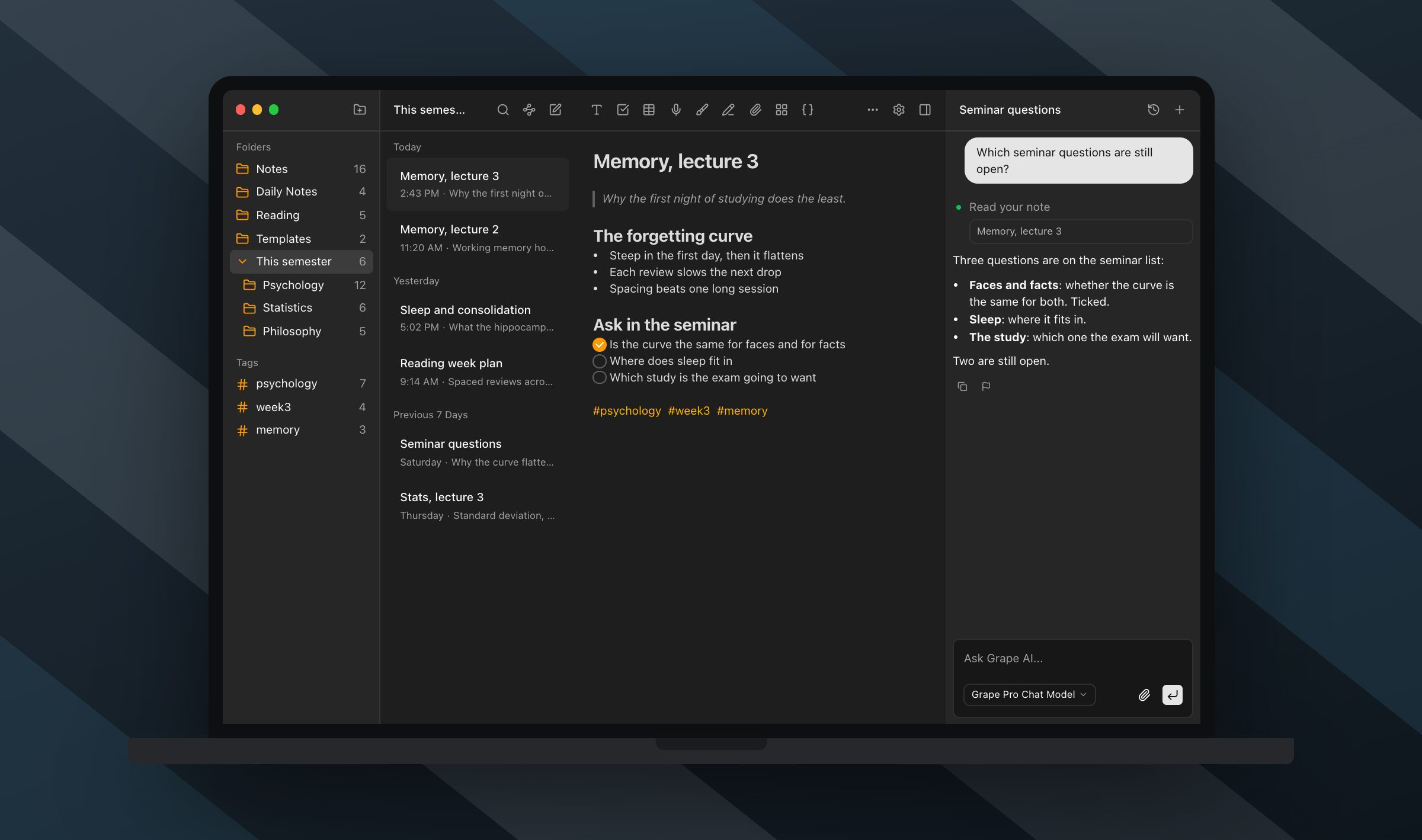
Make a folder for this semester, turn on handwriting notes if the class needs a pencil, and write the next lecture in it. See whether it is still where you look for it in April.
Whatever you put in comes back out as Markdown, HTML or PDF, and the database file sits wherever you tell it to.
Grape is available for iPhone, Android, Mac, Windows and Linux at grape.cool/download.