Nobody downloads Apple Notes. It is already on the phone, it opens before the lecturer has finished saying good morning, and it does not ask you to name a workspace. That is why it wins. The Notion dashboard is still in your dock. The Obsidian vault is still a project. The yellow pad is where the actual semester went.
I know this one from the inside. I used Apple Notes for ten years before I built Grape. Fast, simple, always there. The problems showed up later, and they are the same ones I hear from students now.
You cannot find the note because you titled it lec 4. You cannot open the library on the Windows laptop you actually write essays on. You can record the lecture now, which is new and good, and then the transcript sits in the note the same way the old typed notes sat there, waiting for you to make flashcards by hand the night before the exam.
Apple Notes is a genuinely great notes app. I'm not going to pretend it is slow or ugly or hard to start. It is none of those things. It is a pad of paper that syncs. What it is not is a study system, and what it will not do is leave the Apple machines you happened to buy.
That's the gap I built Grape for.
Where Apple Notes Gets Heavy for Students
I want to be fair, because most of these are the cost of being free and being Apple.
It only lives on Apple. The most common student setup I see is an iPhone and a Windows laptop, or an iPhone and a library PC. Apple Notes on that laptop is a browser tab on iCloud.com that cannot do half of what the phone can. Android, a Linux machine, a borrowed computer in a lab: the semester is not there.
Search wants the words you typed. It is fast when you remember the title. It is no help at all when you remember the idea and not a single word of how you wrote it down, which is the situation you are in at 11pm. "The thing about cutting the list in half each time" will not find the note you called lec 4.
Apple Intelligence works on the note you have open. It will proofread a paragraph and summarise a transcript. It will not search the rest of the semester, file the twelve loose notes from reading week, or tell you what you wrote about the same idea in two different courses. A writing tool and an agent over your library are different jobs.
The recording does not become revision. Notes can record a lecture now, and the transcript lands in the note. That is a real improvement. What still does not happen is the next step: flashcards, a quiz, a mind map. The transcript is another page in the pile.
Leaving is worse than staying. There is no good export of the whole library. You can PDF a folder, you can copy notes one at a time, and neither of those feels like a way to take three years of work somewhere else. The notes are iCloud's.
What Grape Does Instead
Grape is an AI note taking app for mobile and desktop. It is local first, so your notes live in a database on your device and you choose where that file sits. Writing, reading, organising, drawing and recording all work with no connection at all.
The point, if you are coming from Apple Notes, is that it should still feel like a notes app. The difference is what the notes can do after you write them, and the fact that the same library opens on a Windows machine.
It Still Opens and You Write
No workspace, no plugins, no account required to start. Download it, make a folder for each course, and type. Folders, subfolders and tags are there when you want structure and invisible when you don't.
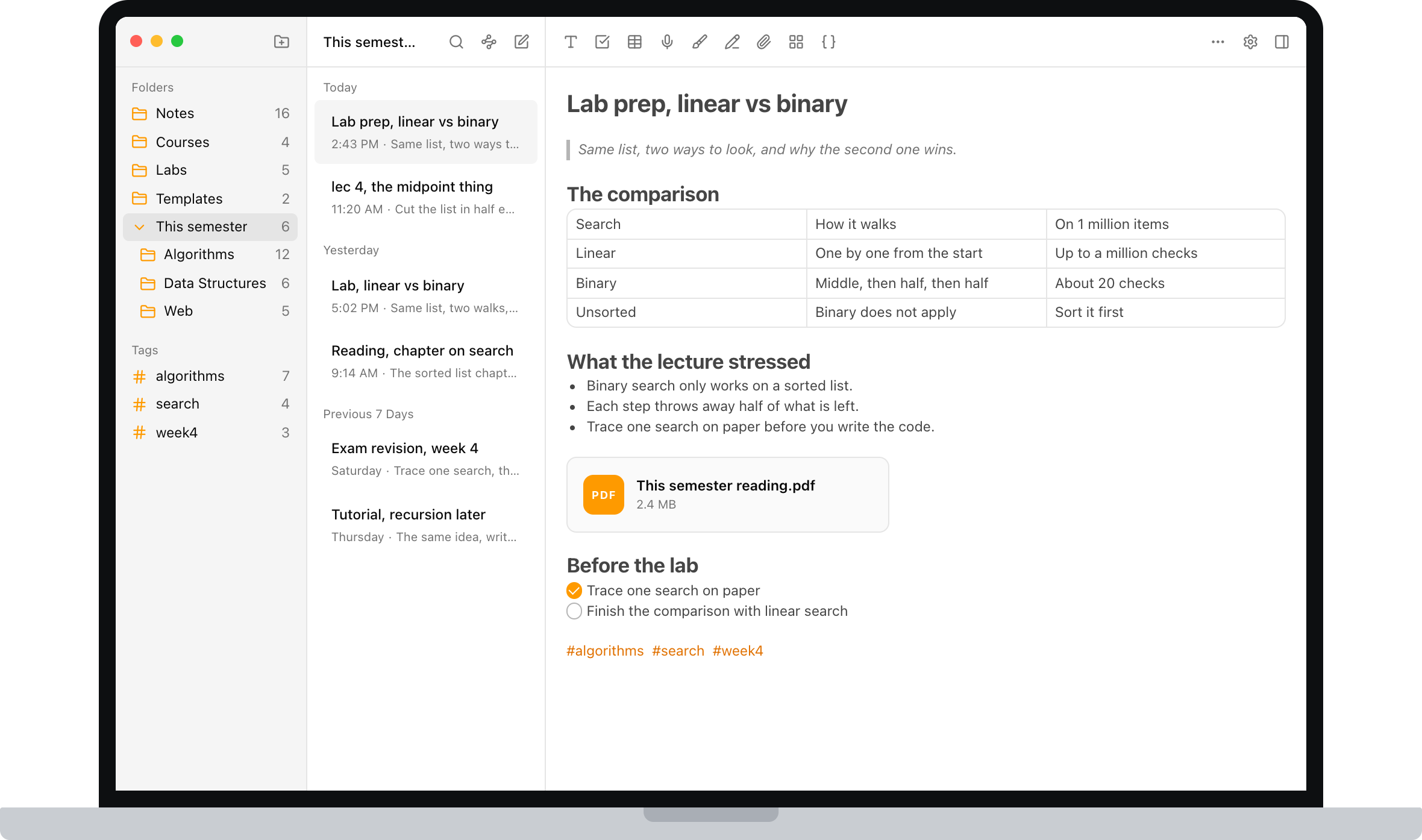
The editor covers what coursework actually throws at you: checklists, tables, code blocks, math formulas, images, PDFs and file attachments, and note to note links. It is a document, so it has an order, and next week you can still read it.
Bring the Library Across
This is the part I built first, because I was the person with ten years in Apple Notes.
On the Mac app: Settings, Data, Import, Apple Notes. Grape shows you how many folders, notes and images it found, and then it brings them over in the same order, folders included. The first time, macOS will ask for Full Disk Access, because that is how Apple protects the Notes database. After that it is a few seconds, even with thousands of notes.
You do not have to bring the shopping lists. Import the lot and ignore the old stuff, or leave Apple Notes as the archive and start the new semester in Grape. Both are fine. The courses you are taking now are the ones worth having flashcards for.
I wrote out the clicks in Import Apple Notes into Grape if you want them.
Record the Lecture, Then Ask It Questions
Hit record when class starts and the audio lives inside the note. Grape transcribes it, so you end up with the recording and searchable text you can revise from.
The difference from doing the same thing in Apple Notes is what you can do with that text. Ask the note to explain the second half in plainer language. Generate a deck from it. Search the transcript by the idea, not the phrase the professor used. You stop trying to type a lecture in real time and write down only the parts that are actually yours.
AI That Has Read the Semester
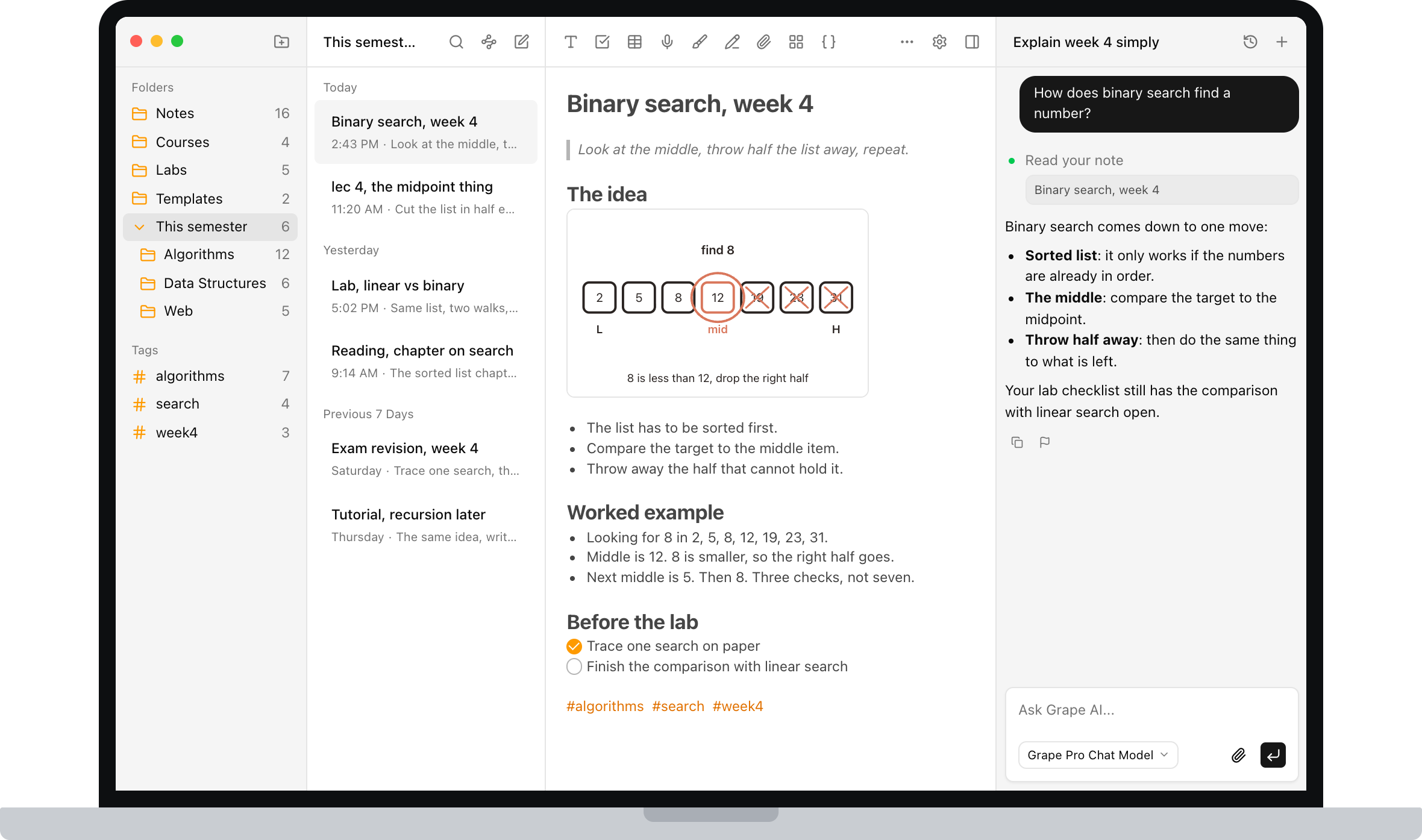
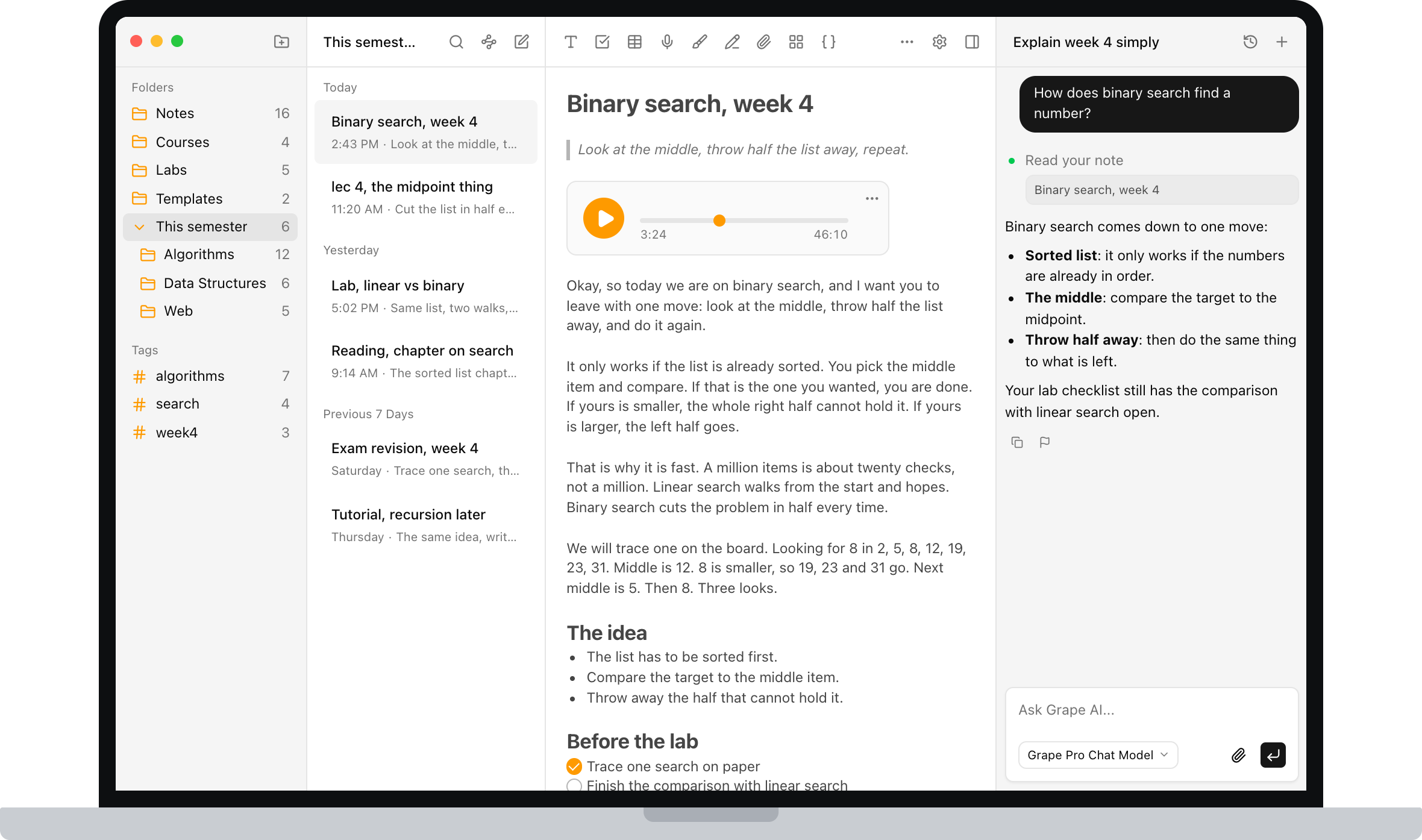
This is the part a rewrite button on the current note cannot replicate. Grape's AI is an agent over your library. It searches everything you've written, answers with the line you actually wrote and points back at the note it came from, and it can create, edit, move, tag and delete notes when you ask. When the answer isn't in your notes at all, it can search the web in the same conversation.
Ask it to explain Tuesday's lecture in plainer language. Ask what you've written about the same concept across three different courses. Ask it to file the twelve loose notes from reading week into the right course folders. That last one is the difference between an assistant and a pad of paper.
Flashcards, Quizzes and Mind Maps From the Note You Already Wrote
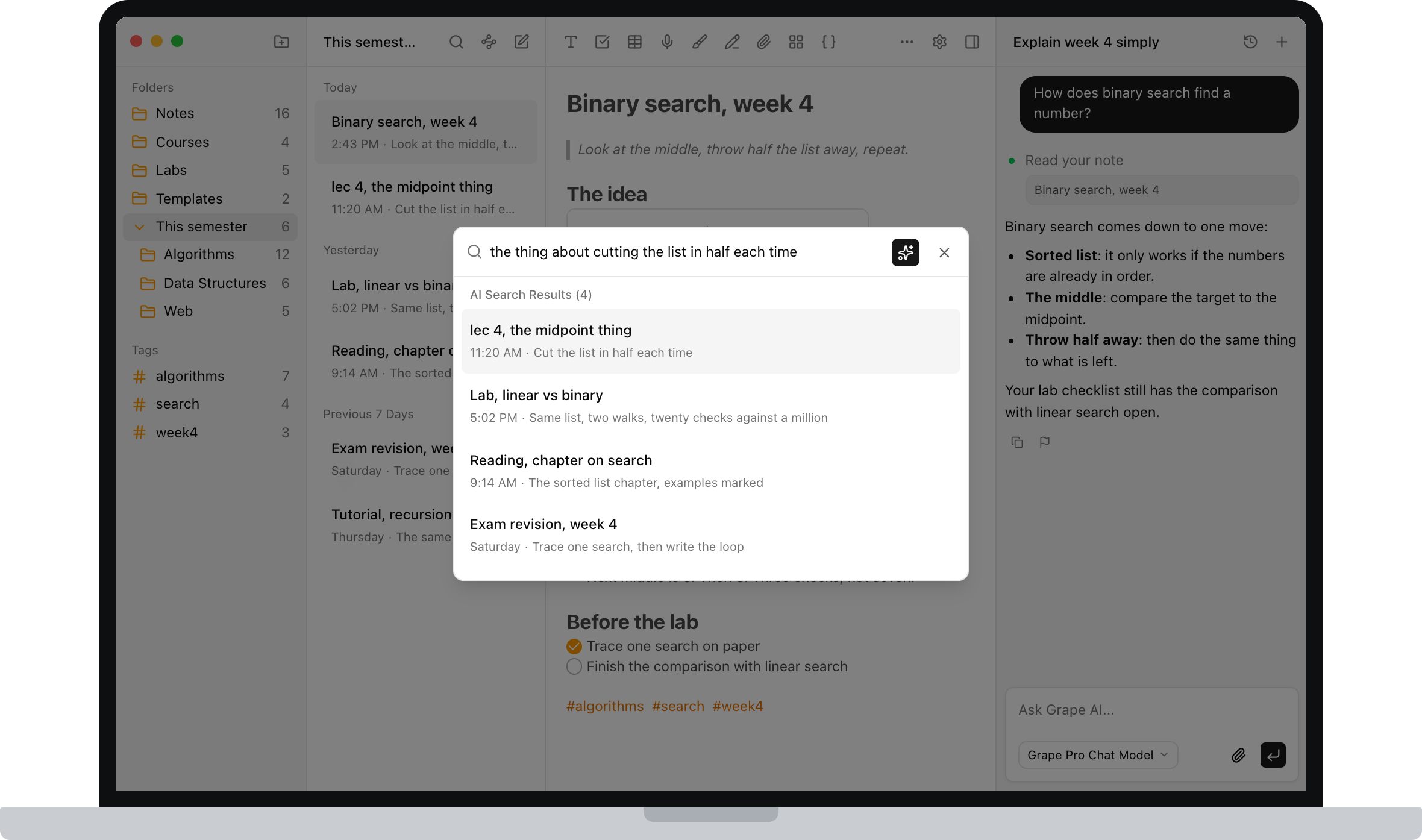
Open any note and generate study material from it. Flashcards for memorization, quizzes that adapt to what you keep getting wrong, and mind maps when you need to see how a chapter holds together.
You already did the writing, including the lectures you recorded and never looked at again. Making a deck by hand is the reason those notes stay unread. This is the step that actually moves the grade.
Search That Works on Meaning
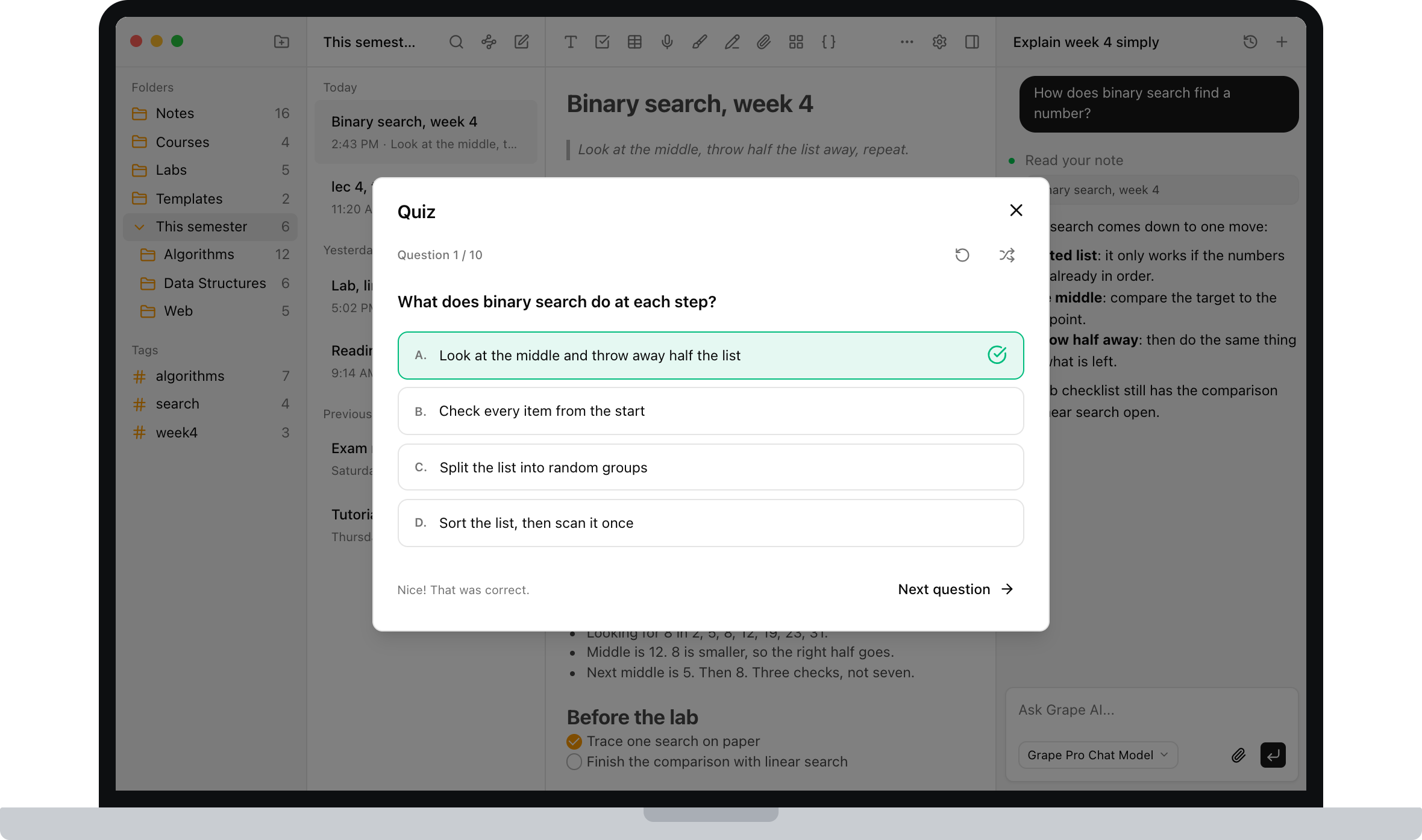
Every note is indexed as you write it. Search for "the thing about cutting the list in half each time" and the lecture comes back, even though you titled it lec 4 and never used those words.
If search is the reason you are reading this, this is the paragraph to try for yourself. It is the difference you feel at 11pm, and it is the first reason I stopped using Apple Notes.
The Laptop Does Not Have to Be a Mac
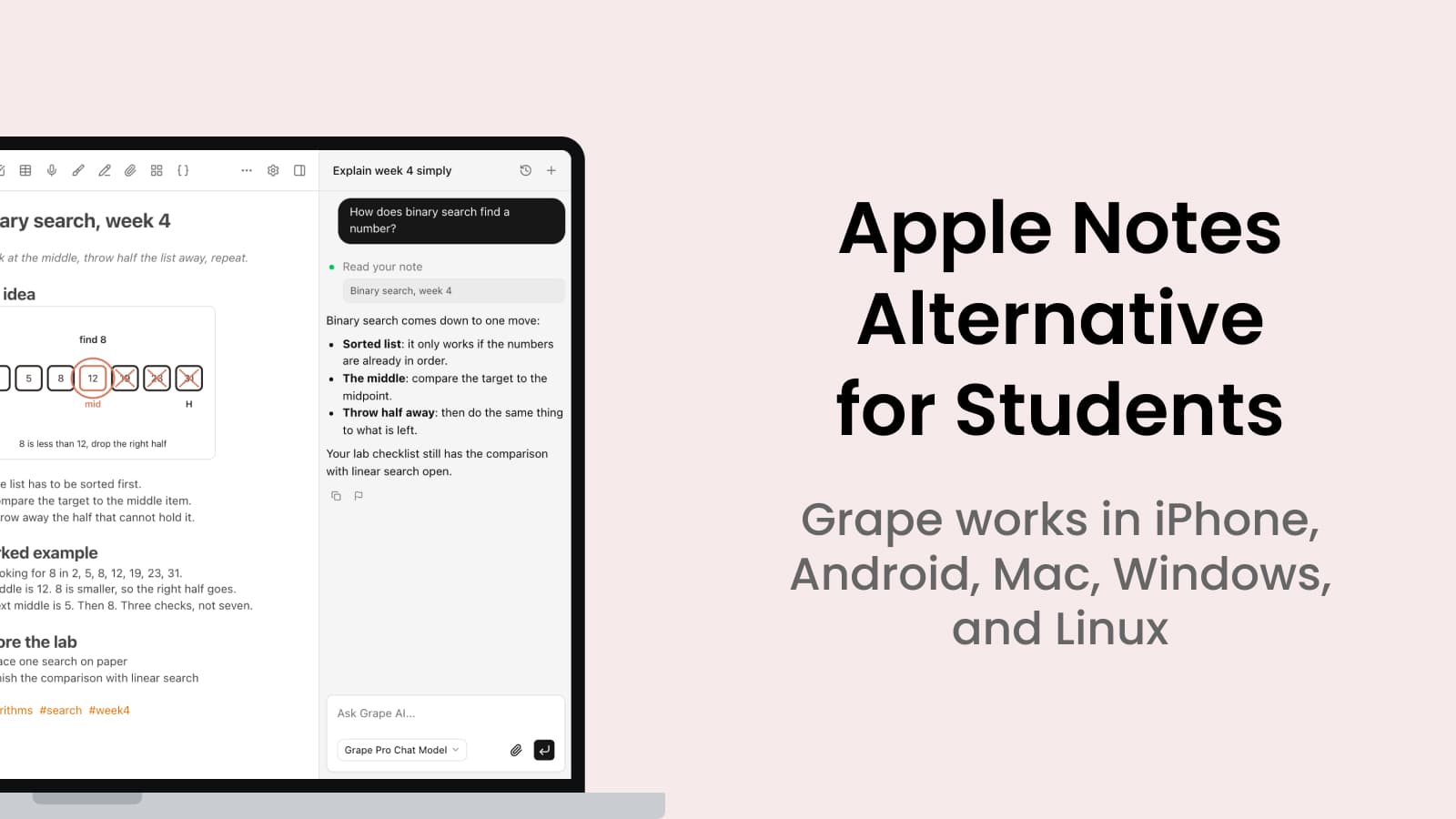
Start a note on the iPhone in the lecture hall, finish it on a Windows laptop in the library, read it on Android on the bus. Grape is a real app on iPhone, Android, Mac, Windows and Linux. Cross device sync is part of the paid plan, and it is not the only way to have your notes, because the notes were on the device to begin with.
If you have ever opened iCloud.com on a lab PC and tried to study from it, you already know why this paragraph is here.
Draw the Diagram
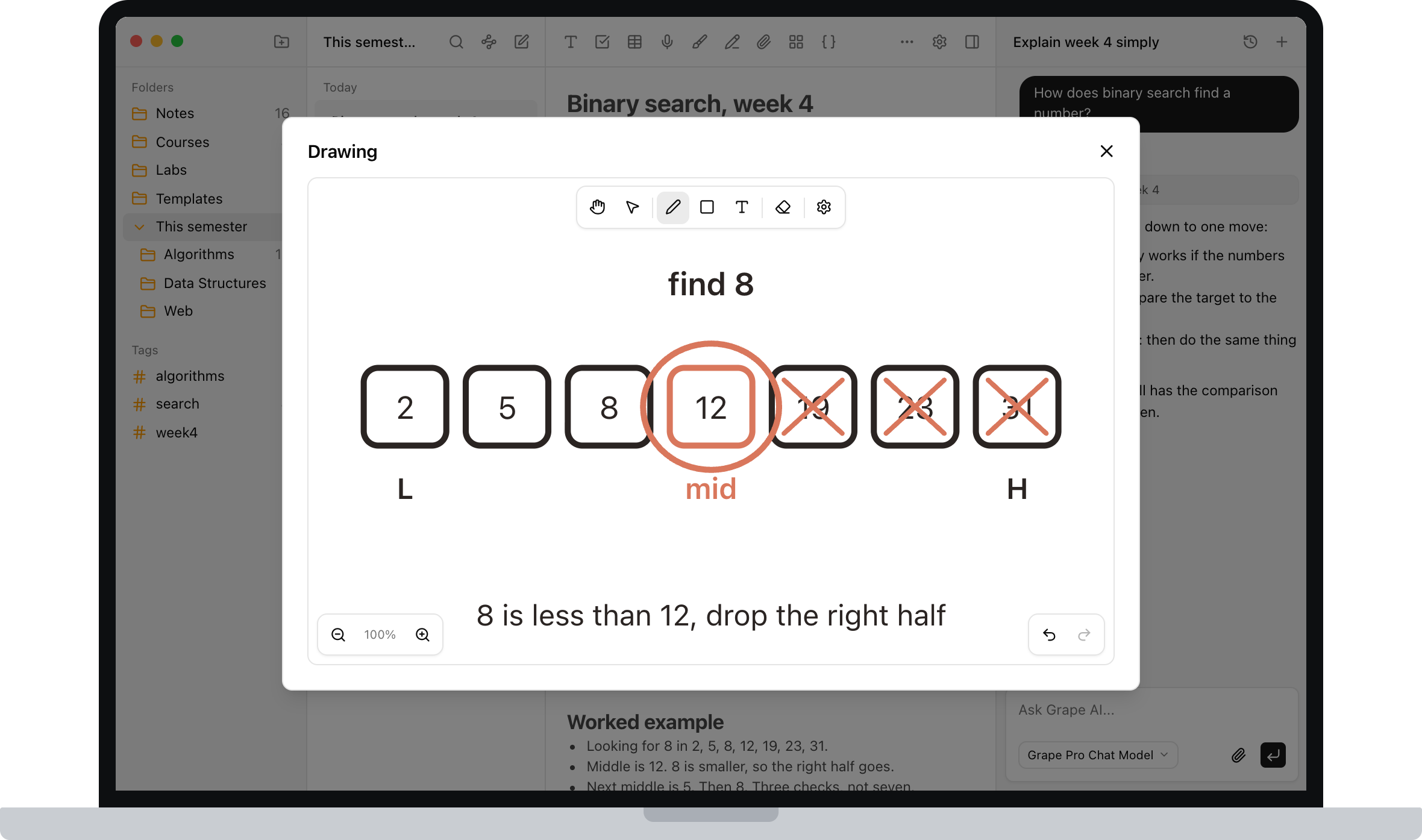
Some things aren't text. There's an infinite drawing canvas inside notes, so you can sketch a mechanism, work through a problem, or annotate a structure without switching to a separate tablet app.
About Leaving Apple Notes
If Apple Notes is where three years already live, here is the honest version.
The importer runs on the Mac desktop app, because that is where the Apple Notes database is. Folders, notes and images come across. Formatting holds for the common things: headings, lists, bold, links. Unusual old attachments are worth a spot check. After a large import, give semantic search a few minutes to index before you rely on it.
You can also not migrate. Leave the old notes where they are and start the new semester in Grape. Old notes are usually revisited, not rewritten.
Going the other way is deliberately easy. Export any note or the entire library as Markdown, HTML or PDF. Backups produce a file you can restore, and version history is there when you overwrite something you shouldn't have. If you want to run the AI locally as well, Grape works with Ollama and LM Studio, so nothing has to leave your machine at all. Your notes should outlive whatever app you're using this year, including mine.
What It Costs
Apple Notes is free and already installed, so this deserves a straight answer.
The free plan is genuinely usable: unlimited notes and folders, the full editor, tags, attachments, voice recording, version history, exports to Markdown, HTML and PDF, and a local database you own. No account needed.
Pro is $19 a month and adds unlimited AI chat and tools, semantic search, voice transcription, AI web search, the study tools and cross device sync.
There's also a $29 one time Lifetime plan where you bring your own AI API keys. You pay once for the app and pay your provider directly for what you use.
Try It This Semester
Grape is available for iPhone, Android, Mac, Windows and Linux at grape.cool/download.
If the yellow pad is where the semester actually went, because everything else asked you to become a system builder first, try one term somewhere the notes still open that fast and then do something after you write them. Make a folder per course, bring the old library across if you want it, record the lectures, and let the AI build the decks.