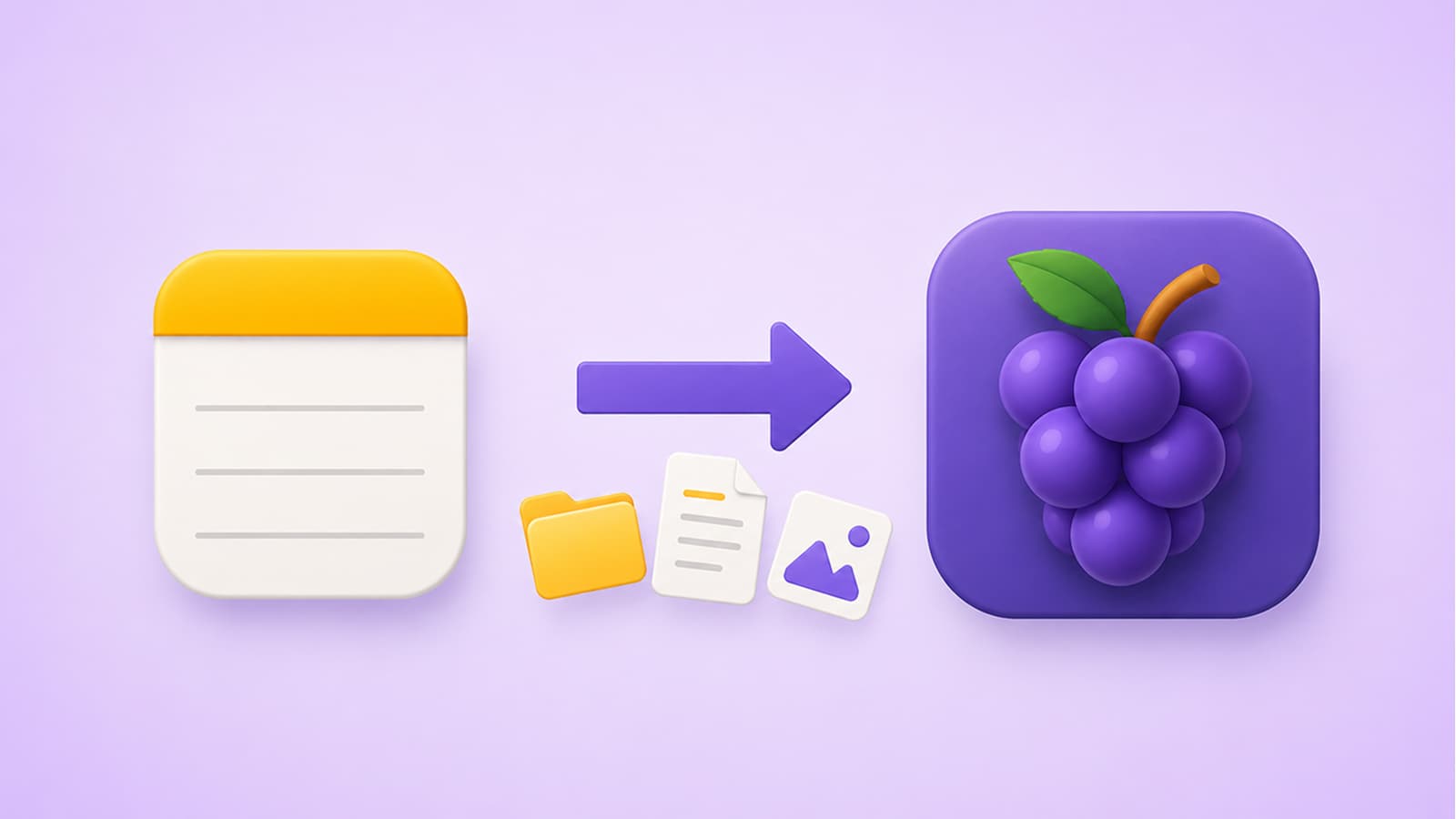
I used Apple Notes for 10 years before building Grape, so I know exactly how it feels to have years of notes locked in one app. That's why one of the first things I built into Grape Desktop is a full Apple Notes import. Folders, notes, images, everything comes over in seconds, in the exact same order you had it.
How to Import Your Apple Notes
The whole process takes just a few clicks.
- Open the Grape Desktop app and go to Settings.
- Click the Data tab.
- Click Import, then choose Apple Notes.
- A dialog appears showing exactly what will be imported: your total folders, total notes, and total media files.
- Click Continue and the import starts.
That's it. Even if you have thousands of notes, the import finishes in a couple of seconds. This isn't an exaggeration, it's genuinely that fast. When it's done, just close the settings dialog and everything is there. All your folders, all your notes, all your images, in the same order you see in Apple Notes.
No Learning Curve
Grape is designed to feel familiar if you're coming from Apple Notes. The layout, the folder structure, the way notes are organized, it all works the way you already expect. You don't have to relearn anything or rebuild your organization system from scratch. Your folders and subfolders arrive intact, so day one in Grape feels like day ten years in Apple Notes.
The difference is what happens after you're in.
What Your Notes Can Do Now
Once your notes are in Grape, they stop being a static archive and start working with you.
Semantic Search All your imported notes are automatically indexed with vector embeddings. That note you wrote five years ago but can't remember any keywords from? Now you can find it by meaning, not just exact words.
AI Chat with Tools Chat with AI that actually knows your notes. It can search everything you've written, create new notes, update them, move them into folders, and even search the web. Ten years of Apple Notes suddenly becomes something you can have a conversation with.
Voice Recording and Transcription Record voice memos directly in your notes and get instant AI transcription. You can also drag and drop audio files into any note.
AI Study Tools Generate flashcards, adaptive quizzes, and mind maps from your notes. If you've been keeping study notes or research in Apple Notes, this alone is worth the switch.
A More Powerful Editor Tables, checklists, code blocks, math formulas, PDFs, an infinite drawing canvas, and slash commands. Everything Apple Notes gives you, plus everything it doesn't.
And there's much more: nested folders, tags, pin notes, version history, linked notes, dark mode, cross-device sync on paid plans, multiple AI providers, and the ability to bring your own API keys.
Your Data Stays Yours
Grape is local first. Your imported notes live in a local database on your machine, not on someone else's server. And if you ever want to leave, you can export everything as Markdown, HTML, or PDF. No lock-in, in either direction.
Ready to Make the Switch?
Download Grape Desktop for free at grape.cool. No account is required to get started. Open Settings, go to the Data tab, and bring your Apple Notes with you. It takes seconds, and your notes will finally have an app that thinks with you.