Almost nobody chooses OneNote. Your university hands you a Microsoft account in the first week, OneNote is already sitting in the launcher, and it costs nothing, so that's where the first lecture goes. By November you have a notebook called Semester 1 with four section groups, thirty odd pages, and a page called Untitled page that you're afraid to delete because it might be the methods lecture.
That's not a knock on the app. Free and already installed is a genuinely strong position, and OneNote earns some of it: the infinite page is lovely, handwriting on a tablet feels right, and it has been around long enough that it isn't going anywhere.
But it was built as a digital ring binder, and a ring binder is where notes go to sit still. What it never does is help you with the part after the writing.
Where OneNote Gets Heavy for Students
I want to be fair, because a few of these are the cost of being free and being old.
The canvas turns into a junk drawer. Notebooks contain section groups contain sections contain pages contain subpages, and inside a page every block of text floats wherever you dropped it. Nothing forces an order on any of it, so by week ten you have five plausible places the kinetics lecture could be, and you check all five.
Search is the complaint everyone has. It's the first thing students bring up and it stays literal, so it only finds the exact words you typed. It's no help when you remember the idea and not a single word of how you wrote it down, which is exactly the situation you're in the night before an exam. Anything you handwrote or photographed is even further out of reach.
Copilot is a Microsoft 365 upsell. AI in OneNote means a separate subscription, sold at the Office suite level, and what you get is a chat box beside your notes rather than something that has read your library and can act on it.
Your handwriting is inert. OneNote is where students take beautiful iPad notes with a stylus, and those pages then sit there. They can't be turned into a deck, they don't answer questions, and they mostly can't be searched.
There are no study tools. No flashcards, no quizzes, no mind maps. Your notes stay in the shape you first wrote them, and turning them into revision material is a separate job you do by hand, in a different app, at the worst time of the term.
Sync means OneDrive, or nothing. OneNote is a cloud app with a cache. There's no local file you own, no choice about where it lives, and no plan for the lecture hall in the basement where the wifi gives up.
What Grape Does Instead
Grape is an AI note taking app for mobile and desktop. It's local first, so your notes live in a database on your device and you choose where that file sits. Writing, reading, organising, drawing and recording all work with no connection at all.
The difference is what's already in the box.
Open It and Write
No notebook to set up, no sections to plan, no account required to start. Download it, make a folder for each course, and type.
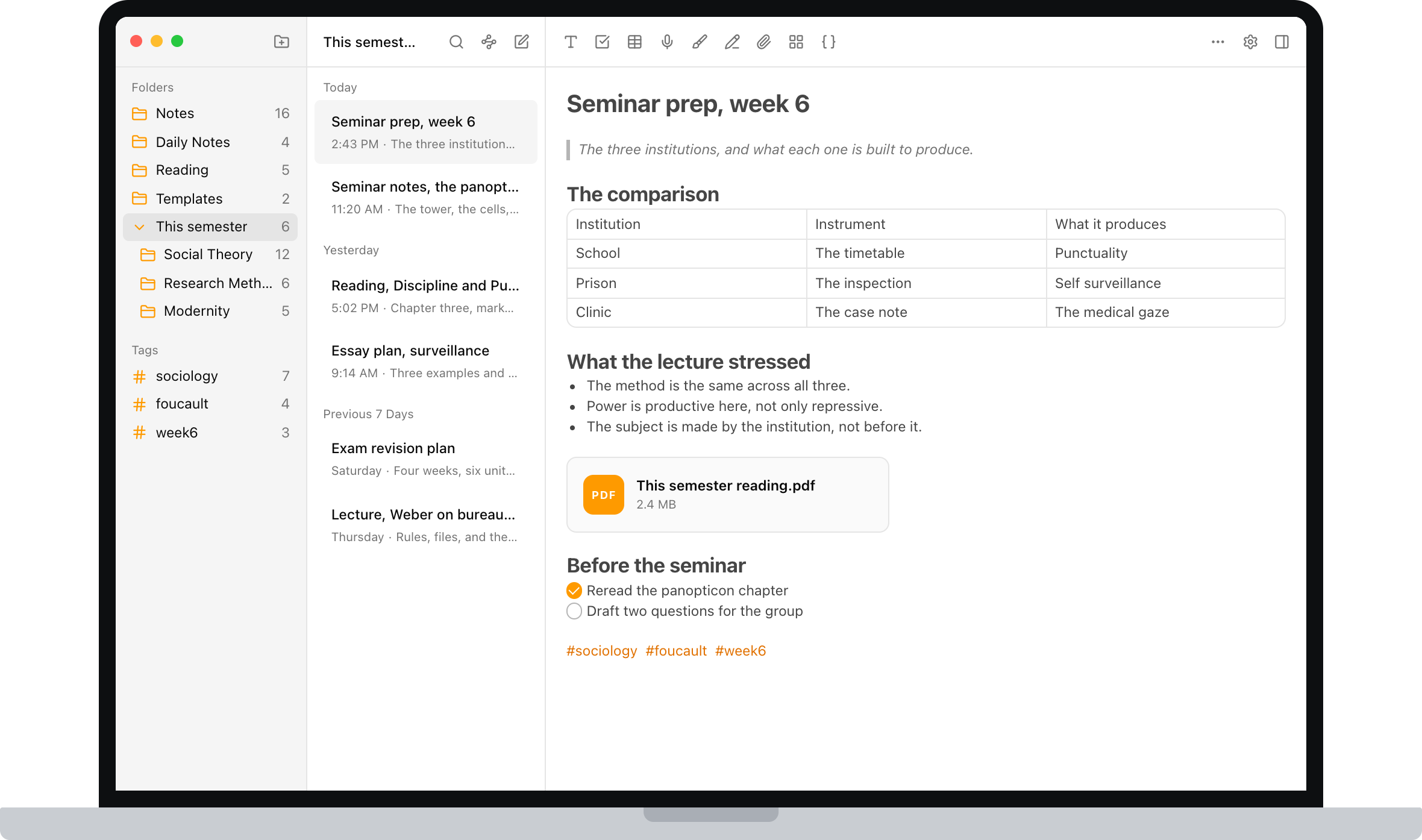
The editor covers what coursework actually throws at you: checklists, tables, code blocks, math formulas, images, PDFs and file attachments, and note to note links. It's a document, so it has an order, and next week you can still read it.
One Folder Per Course, Not Five Levels of Notebook
Folders, subfolders and tags are there when you want structure and invisible when you don't. A tag like #week6 cuts across every course at once, which is the view you actually want in the last two weeks of term, and the one a notebook hierarchy can never give you.
Record the Lecture, Get the Transcript
Hit record when class starts and the audio lives inside the note. Grape transcribes it, so you end up with the recording and searchable text you can revise from. You stop trying to transcribe a professor in real time and write down only the parts that are actually yours.
AI That Has Read Your Notes and Can Act on Them
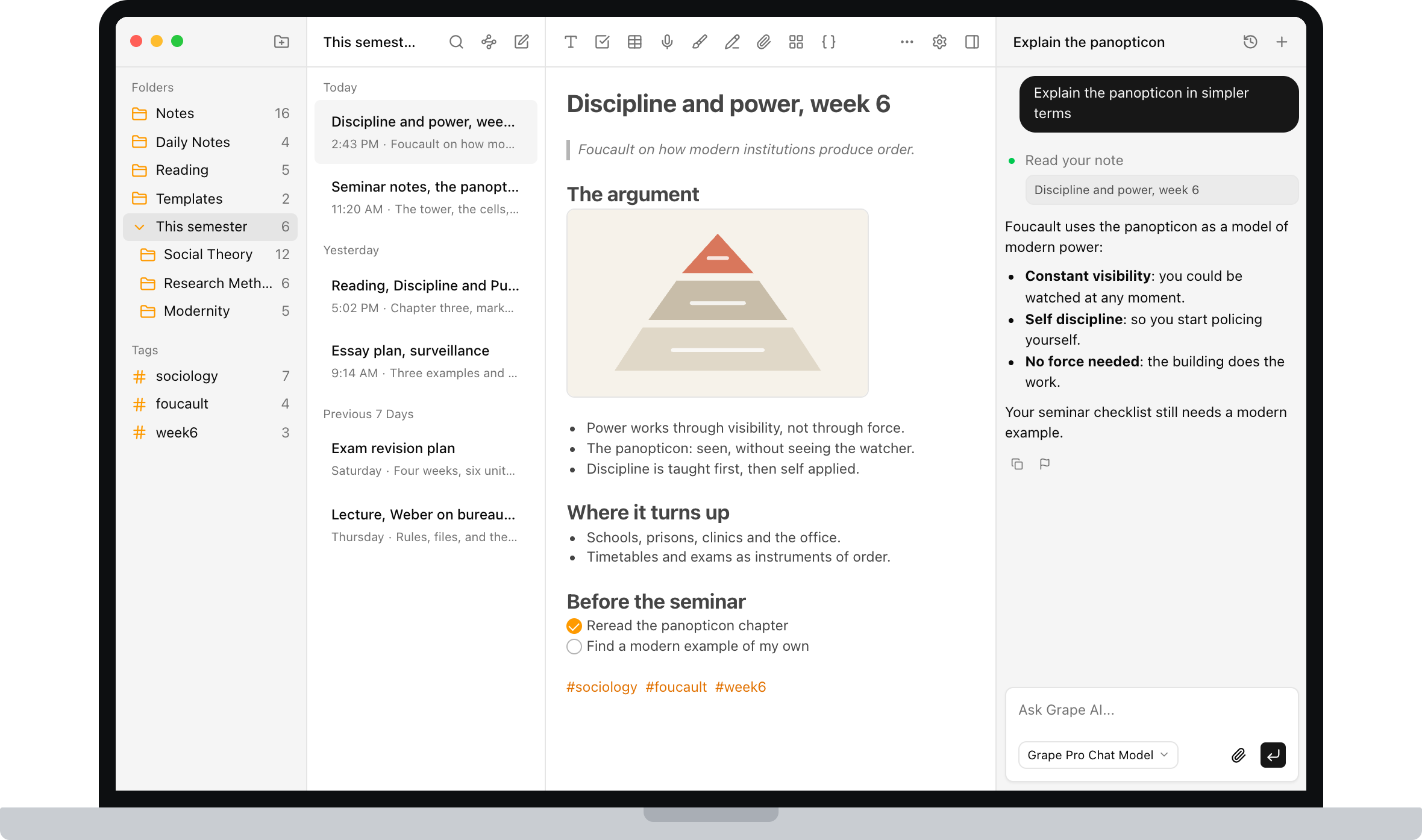
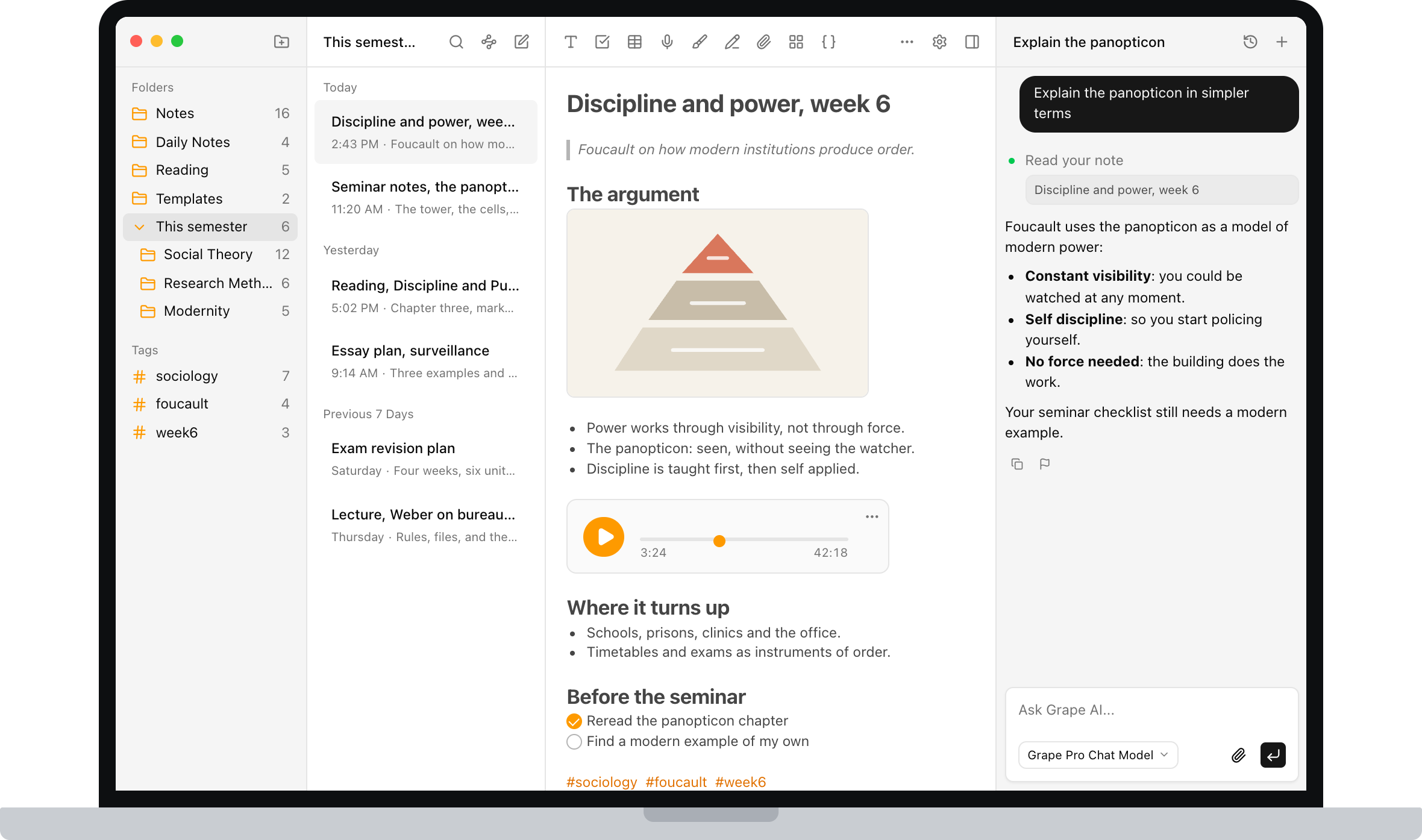
This is the part a chat box in the sidebar can't replicate. Grape's AI is an agent over your library. It searches everything you've written, answers with the line you actually wrote and points back at the note it came from, and it can create, edit, move, tag and delete notes when you ask. When the answer isn't in your notes at all, it can search the web in the same conversation.
Ask it to explain Tuesday's lecture in plainer language. Ask what you've written about the same concept across three different courses. Ask it to file the twelve loose notes from reading week into the right course folders. That last one is the difference between an assistant and a ring binder.
Flashcards, Quizzes and Mind Maps From the Note You Already Wrote
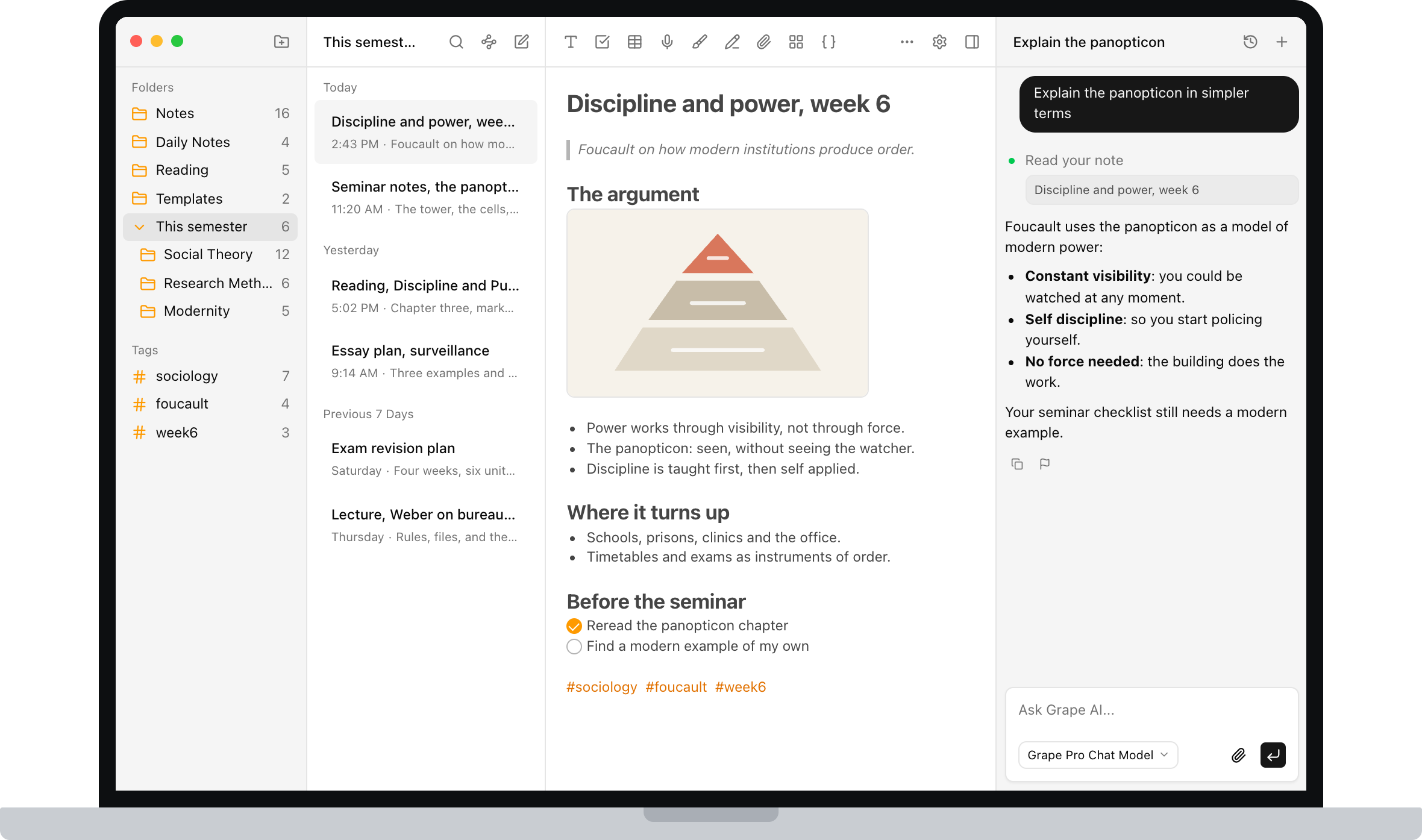
Open any note and generate study material from it. Flashcards for memorization, quizzes that adapt to what you keep getting wrong, and mind maps when you need to see how a chapter holds together.
You already did the writing. This is the step almost everyone skips, because making a deck by hand is tedious, and it's also the step that actually moves the grade.
Search That Works on Meaning
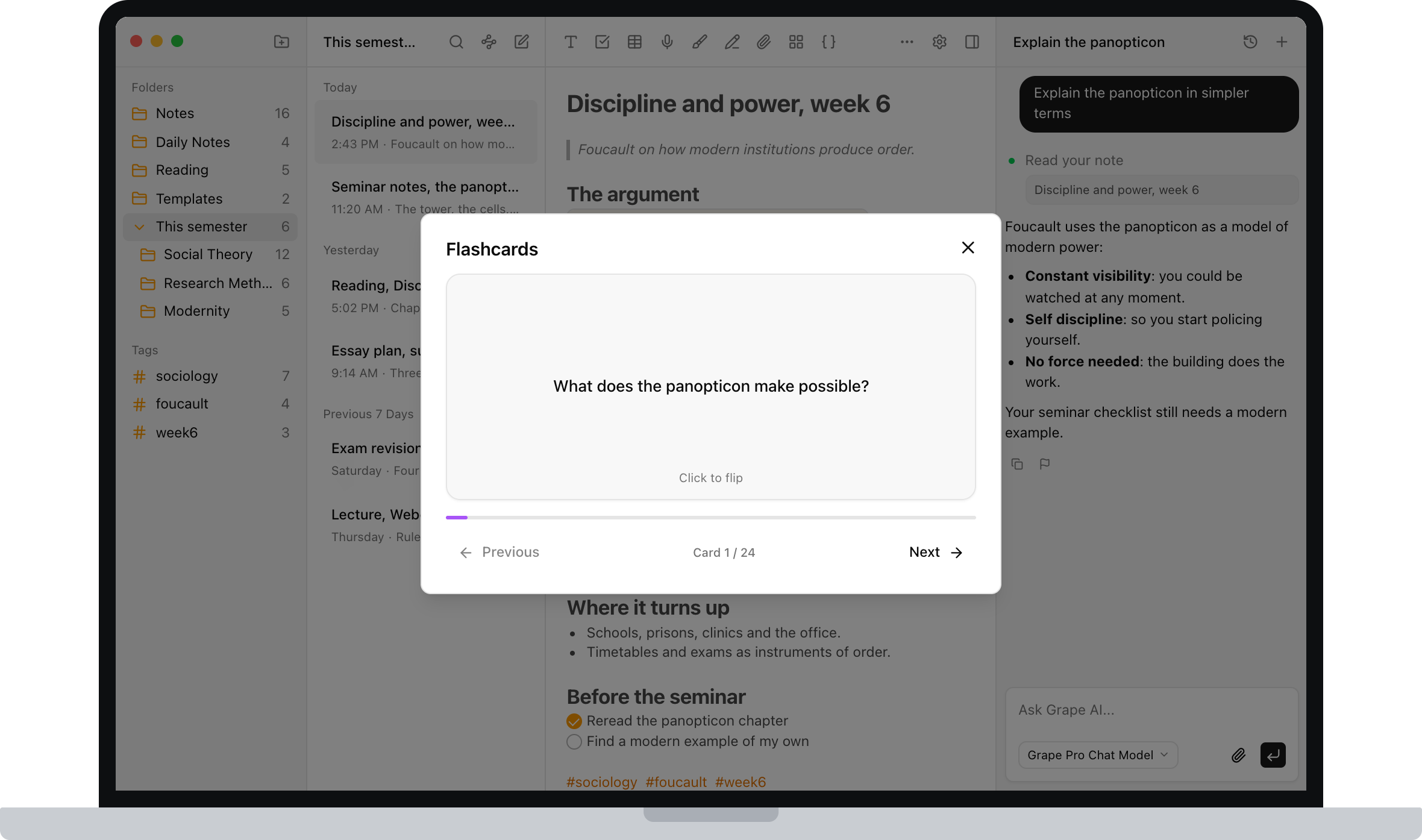
Every note is indexed as you write it. Search for "the thing about being watched without seeing who" and the seminar note comes back, even though you titled it week 6 and never used those words in it.
If OneNote search is the reason you're reading this, this is the paragraph to try for yourself. It's the difference you feel at 11pm.
Draw the Diagram
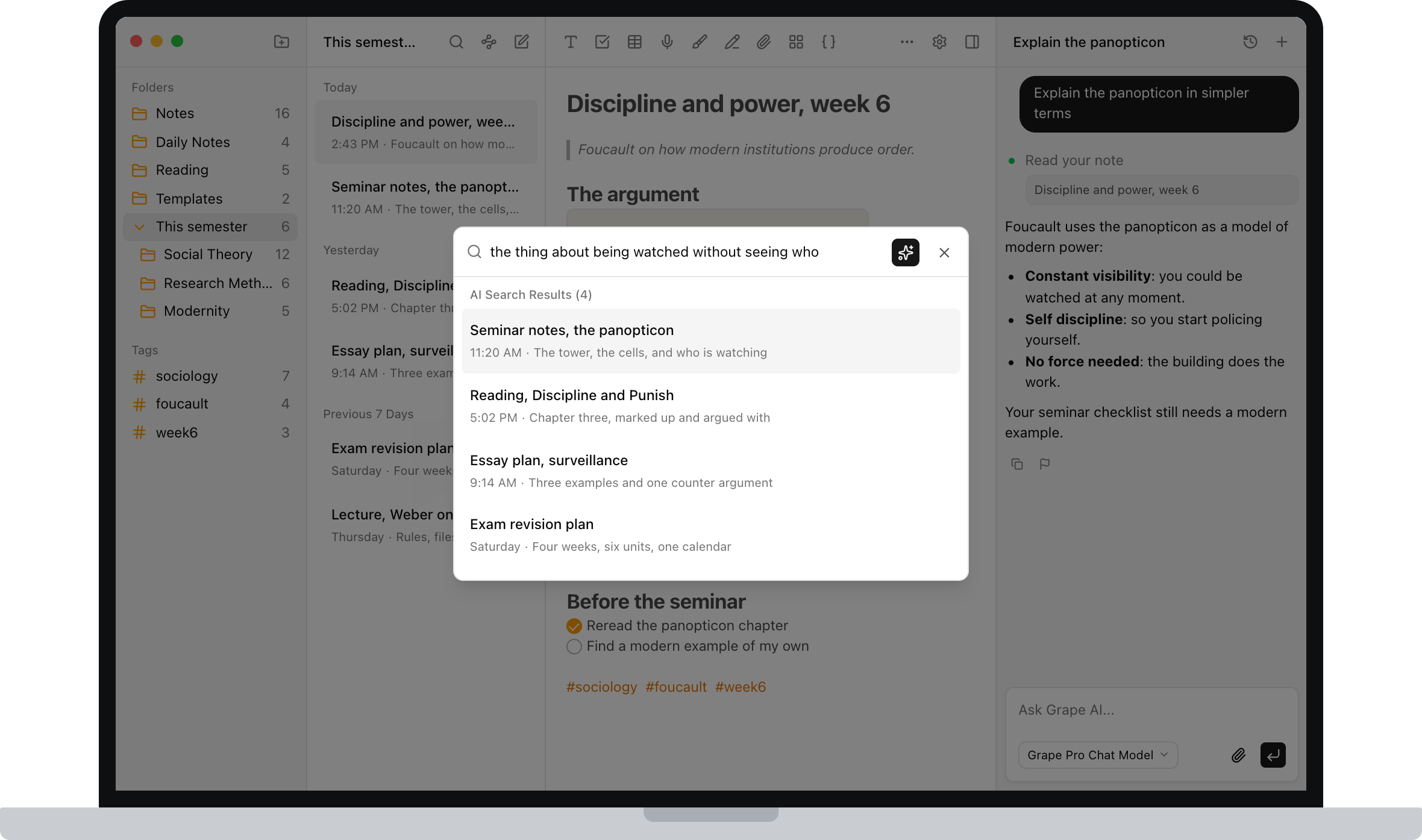
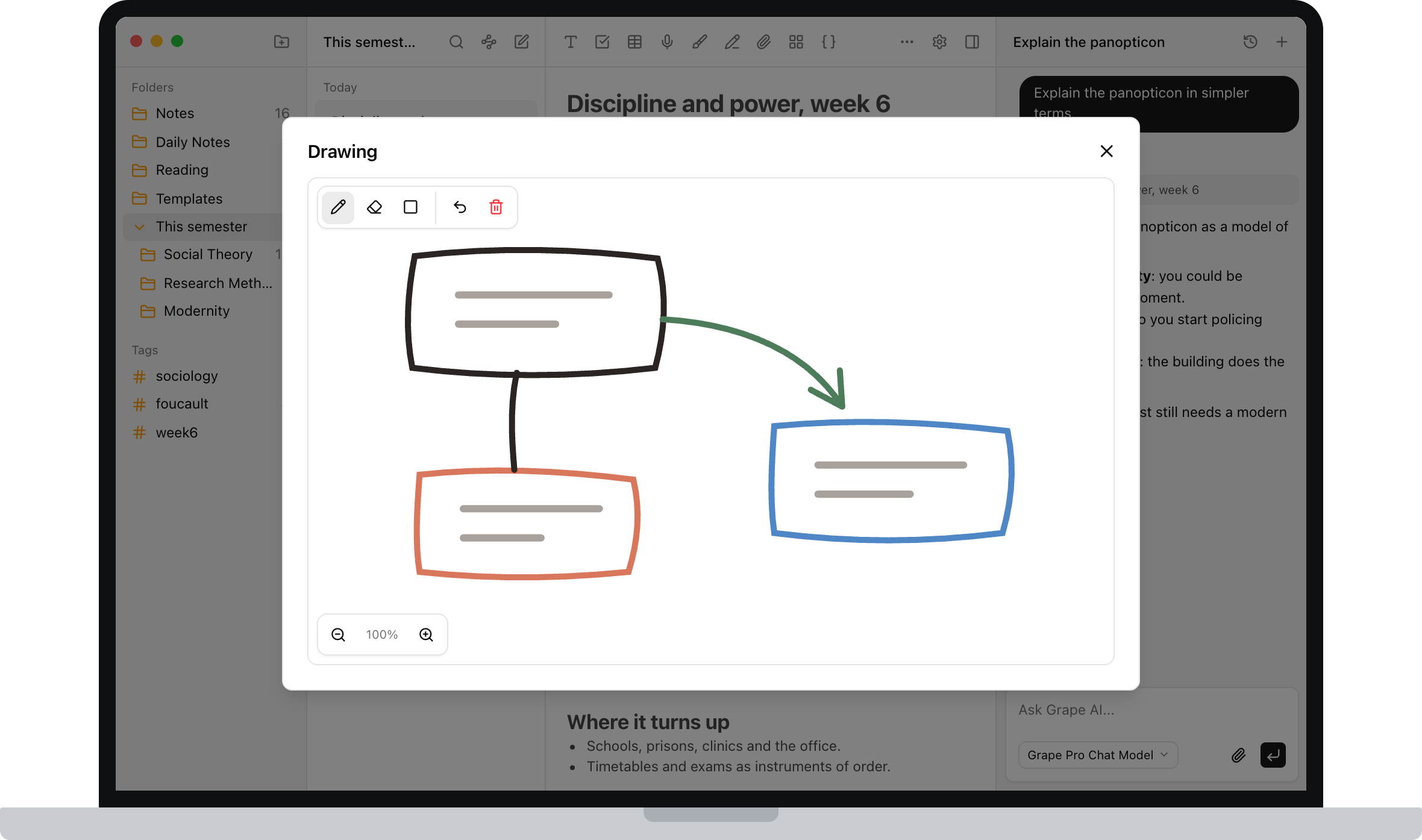
Some things aren't text, and this is the part of OneNote you'd miss most. There's an infinite drawing canvas inside notes, so you can sketch a mechanism, work through a problem, or annotate a structure without switching to a separate tablet app. The difference is that it sits inside a note the AI can read, rather than on a page that only you can.
Sync Is Included, Not a Separate Login
Start a note on your phone in the lecture hall, finish it on your laptop in the library. Cross device sync is part of the paid plan, and it isn't the only way to have your notes, because the notes were on your device to begin with.
About Leaving OneNote
If OneNote is where four semesters already live, this is the honest part.
There's no one click OneNote importer. Apple Notes has a direct import, and everything else arrives as Markdown you paste or PDFs you drag in, which is fine for the handful of pages you actually reread and not a way to move a hundred of them. OneNote can export a section as PDF, and dragging those into a course folder keeps them attached and readable next to the new work.
What I'd actually suggest is not migrating at all. Leave the old notebooks where they are, and start the new semester in Grape. Old notes are usually revisited, not rewritten, and the courses you're taking now are the ones worth having flashcards for.
Going the other way is deliberately easy. Export any note or the entire library as Markdown, HTML or PDF. Backups produce a file you can restore, and version history is there when you overwrite something you shouldn't have. If you want to run the AI locally as well, Grape works with Ollama and LM Studio, so nothing has to leave your machine at all. Your notes should outlive whatever app you're using this year, including mine.
What It Costs
OneNote is free, so this deserves a straight answer.
The free plan is genuinely usable: unlimited notes and folders, the full editor, tags, attachments, voice recording, version history, exports to Markdown, HTML and PDF, and a local database you own. No account needed.
Pro is $19 a month and adds unlimited AI chat and tools, semantic search, voice transcription, AI web search, the study tools and cross device sync.
There's also a $29 one time Lifetime plan where you bring your own AI API keys. You pay once for the app and pay your provider directly for what you use.
Try It This Semester
Grape is available for iPhone, Android, Mac, Windows and Linux at grape.cool/download.
If you've been writing into OneNote for two years because it was already there, try one semester somewhere the notes do something after you write them. Make a folder per course, record the lectures, and let the AI build the decks.