The Obsidian story usually starts with a YouTube video about building a second brain. You download it, install Dataview, install a spaced repetition plugin, install something that promises AI, paste in an API key, argue with yourself about folders versus tags, and then find out your phone won't have any of it unless you pay for Sync or set up a git repo you'll be maintaining for the rest of the semester.
Two weeks later you're taking lecture notes in the default notes app again, because it opens in one second and doesn't ask you anything.
Obsidian is a genuinely great piece of software, and the part everyone loves about it is the part I agree with completely: your notes are yours, they sit on your machine, and no company can hold them hostage. That's not what I want to argue with.
What I want to argue with is the assembly. Obsidian hands you a very good empty room and a catalog of furniture. When you're a student with a lecture at nine, you don't want a catalog.
Where Obsidian Gets Heavy for Students
I want to be fair here, because most of these are trade offs Obsidian made on purpose.
Every feature is an install. Flashcards are a plugin. Better tables are a plugin. AI is a plugin. Each one has settings, each one can break on an update, and none of them were written by the same person. You end up maintaining a study setup instead of studying.
AI is bolted on, not built in. There's no first party AI in Obsidian. You install a community plugin, bring your own key, and what you get back is a chat box sitting next to your notes rather than something that has actually read them and can act on them.
Search is literal. Obsidian search is very good at finding words you typed. It's no help at all when you remember the idea and not a single word of how you wrote it down, which is exactly the situation you're in the night before an exam.
Your phone costs extra. The mobile app is free, but getting your vault onto it means paying for Obsidian Sync or building your own sync out of iCloud or git and then debugging it at the worst possible moment.
Lectures aren't part of the model. Obsidian is built around markdown files you type. Hitting record when the lecturer starts talking, getting a transcript back, and having it land in the right note is not something the app does.
What Grape Does Instead
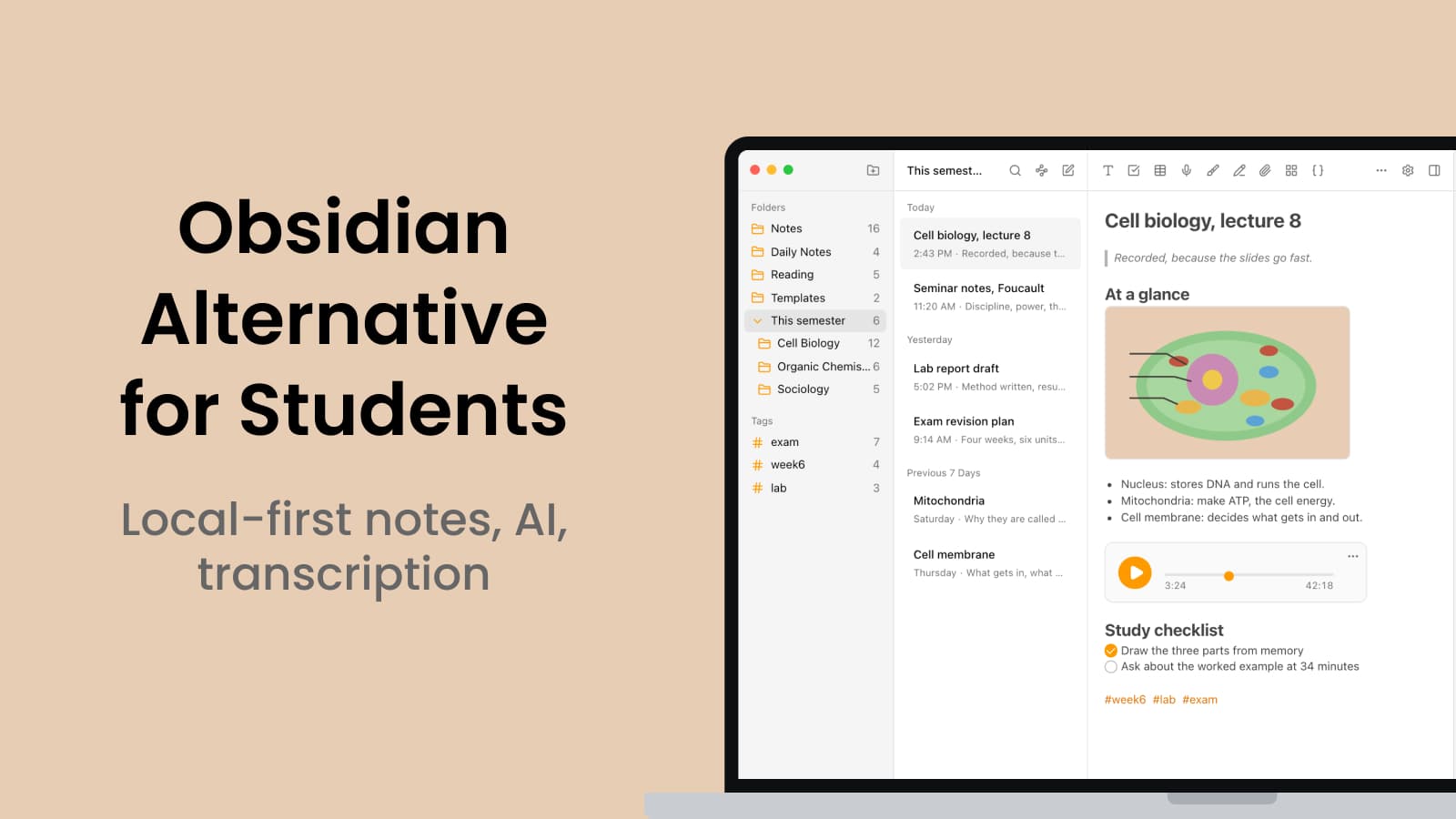
Grape is an AI note taking app for mobile and desktop, and it's local first for the same reason Obsidian is. Your notes live in a database on your device, you choose where that file sits, and writing, reading, organising, drawing and recording all work with no internet at all.
The difference is what's already in the box.
Open It and Write
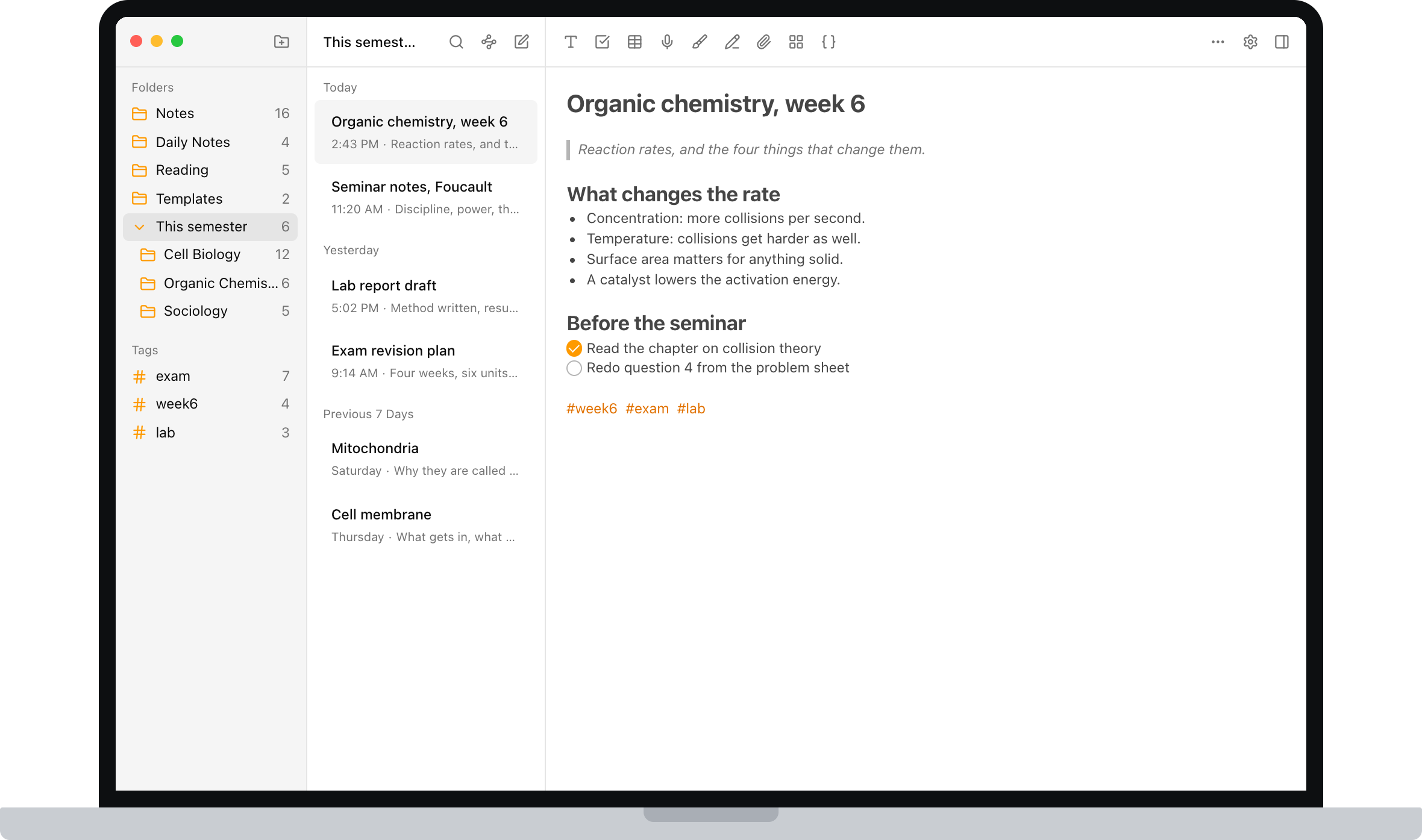
No vault to configure, no plugins to pick, no account required to start. Download it, make a folder for each course, and type. Folders, subfolders and tags are there when you want structure and invisible when you don't.
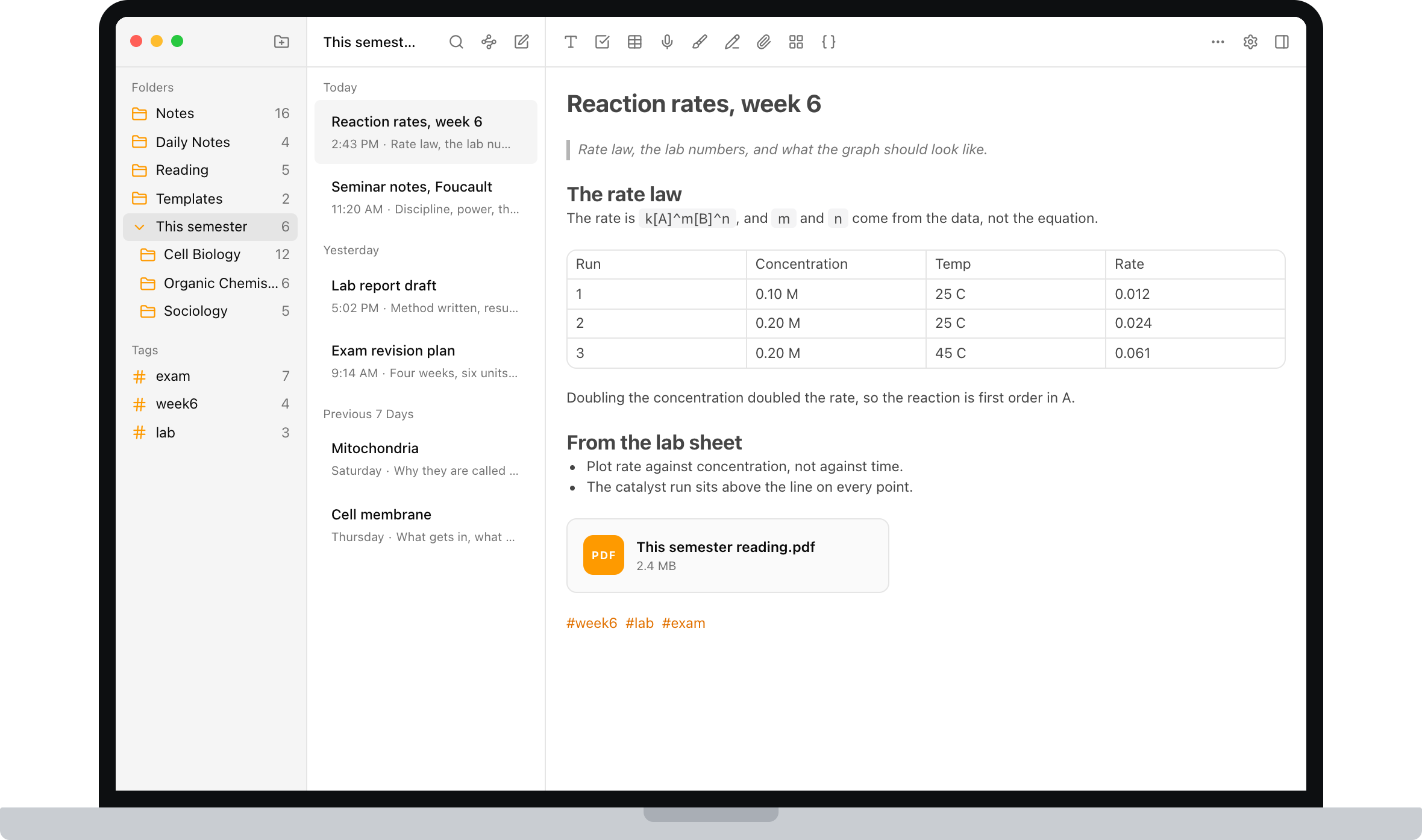
The editor covers what coursework actually throws at you: checklists, tables, code blocks, math formulas, images, PDFs and file attachments, and note to note links.
Record the Lecture, Get the Transcript
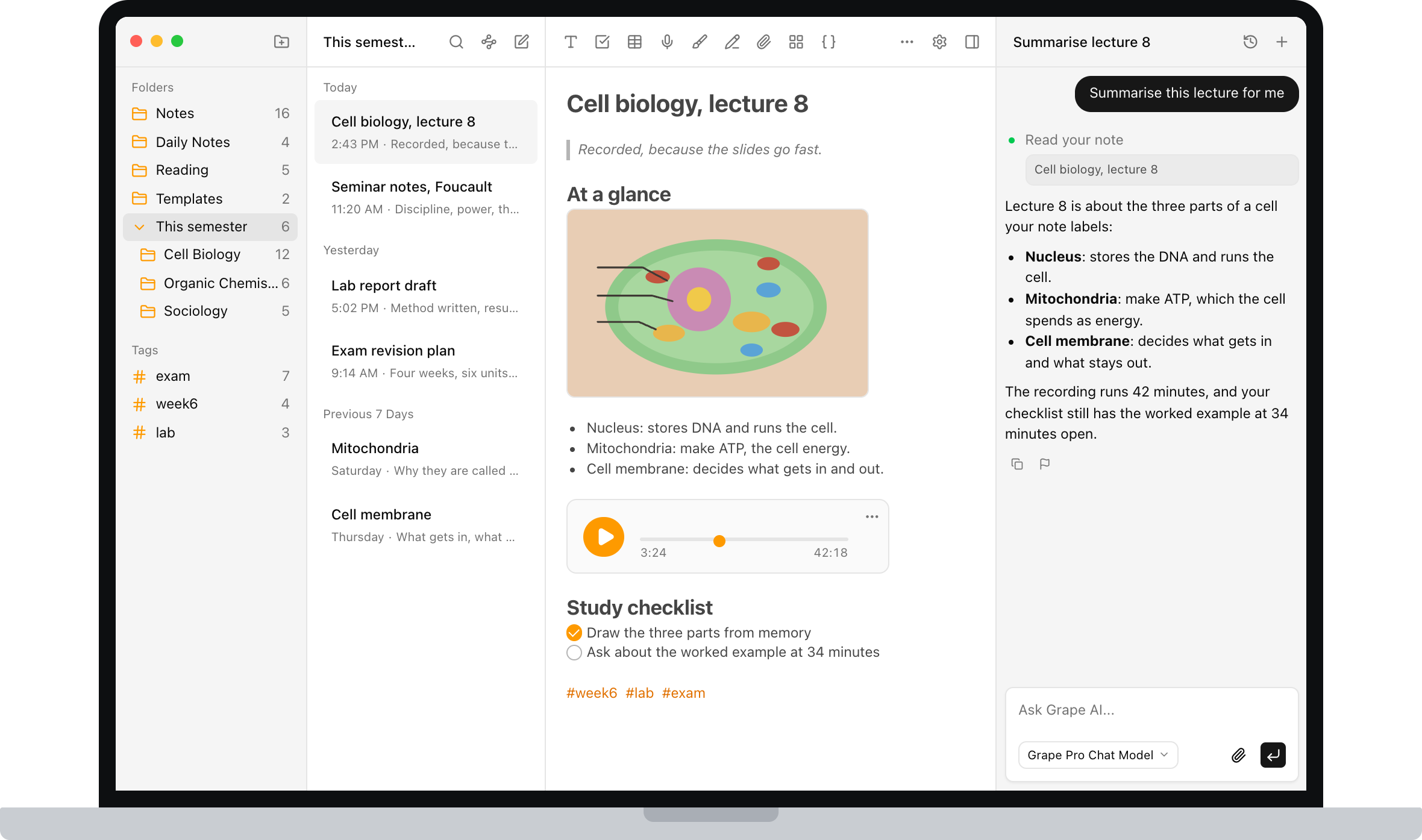
Hit record when class starts and the audio lives inside the note. Grape transcribes it, so you end up with the recording and searchable text you can revise from. You stop trying to transcribe a professor in real time and write down only the parts that are actually yours.
AI That Has Read Your Notes and Can Act on Them
This is the part a plugin can't really replicate. Grape's AI is an agent over your library. It searches everything you've written, answers with the line you actually wrote and points back at the note it came from, and it can create, edit, move, tag and delete notes when you ask. When the answer isn't in your notes at all, it can search the web in the same conversation.
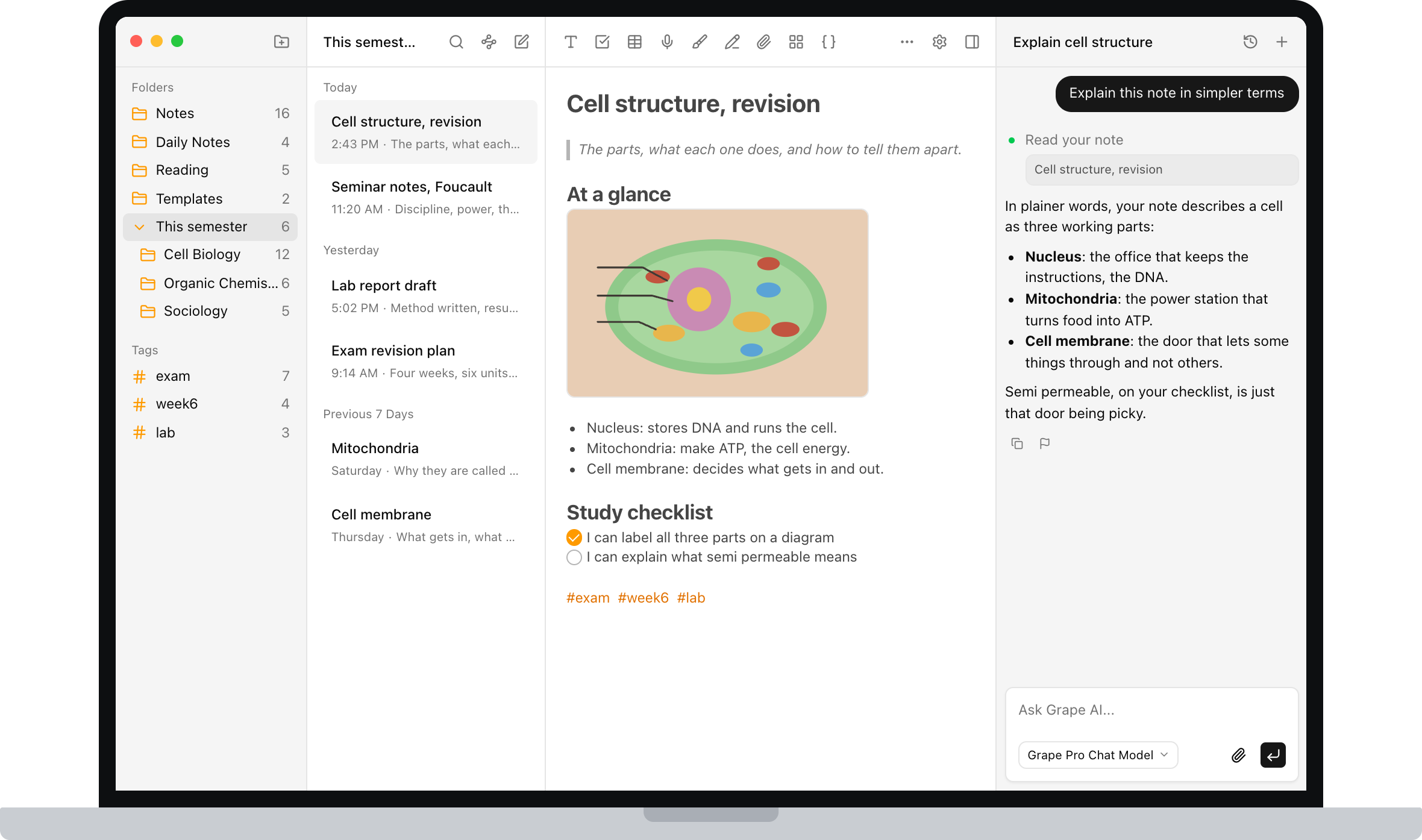
Ask it to explain Tuesday's lecture in plainer language. Ask what you've written about the same concept across three different courses. Ask it to file the twelve loose notes from reading week into the right course folders. That last one is the difference between an assistant and an archive.
Flashcards, Quizzes and Mind Maps Without a Plugin
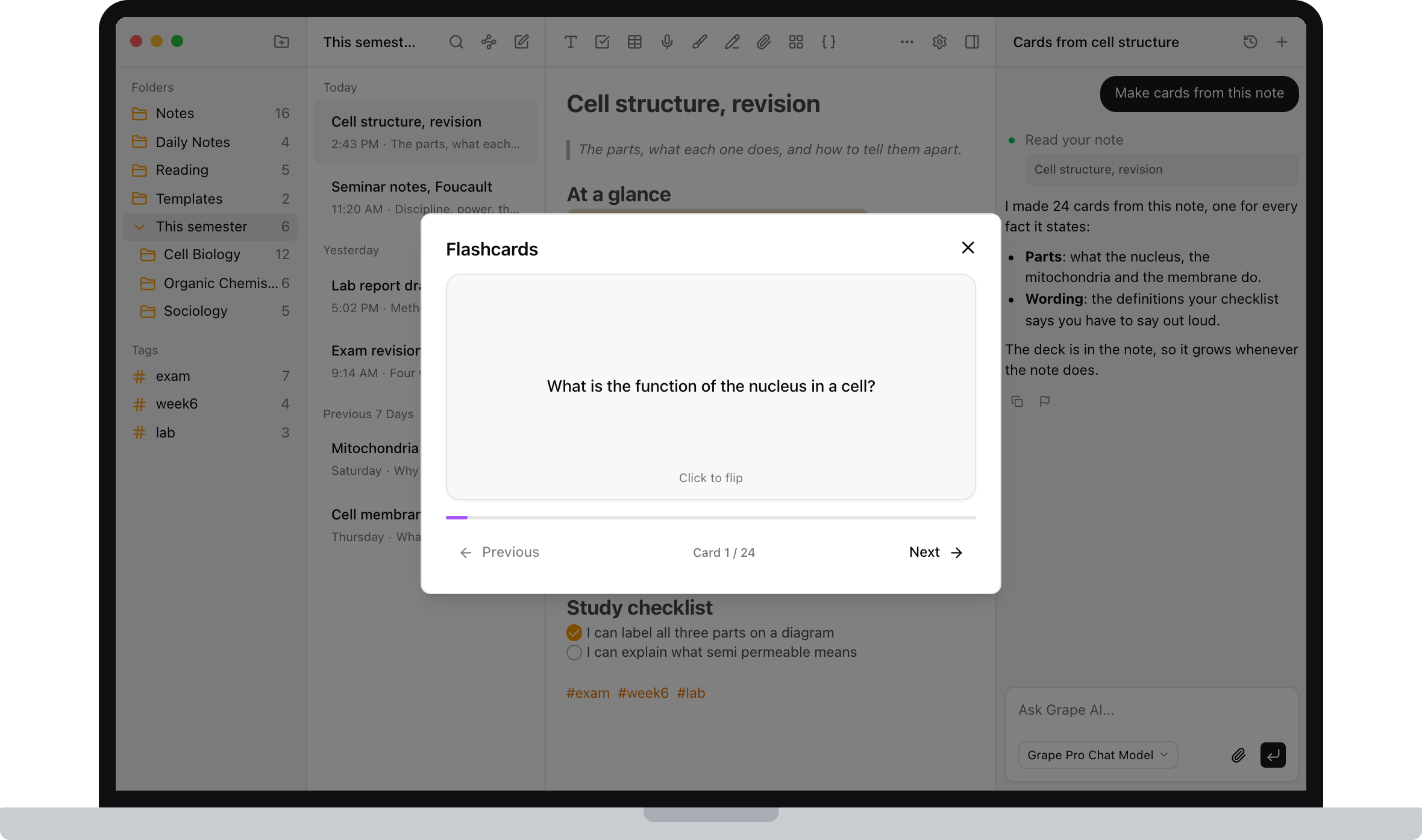
Open any note and generate study material from it. Flashcards for memorization, quizzes that adapt to what you keep getting wrong, and mind maps when you need to see how a chapter holds together.
You already wrote the notes. This is the step almost everyone skips, because making a deck by hand is tedious, and it's also the step that actually moves the grade.
Search by Meaning, Not by Memory
Every note is indexed as you write it. Search for "the thing about enzymes slowing down when it gets cold" and the right note comes back even if you titled it Week 6 and never typed the word enzyme.
This is the single biggest day to day difference from Obsidian, and it's the one you feel at 11pm.
You Don't Lose the Graph
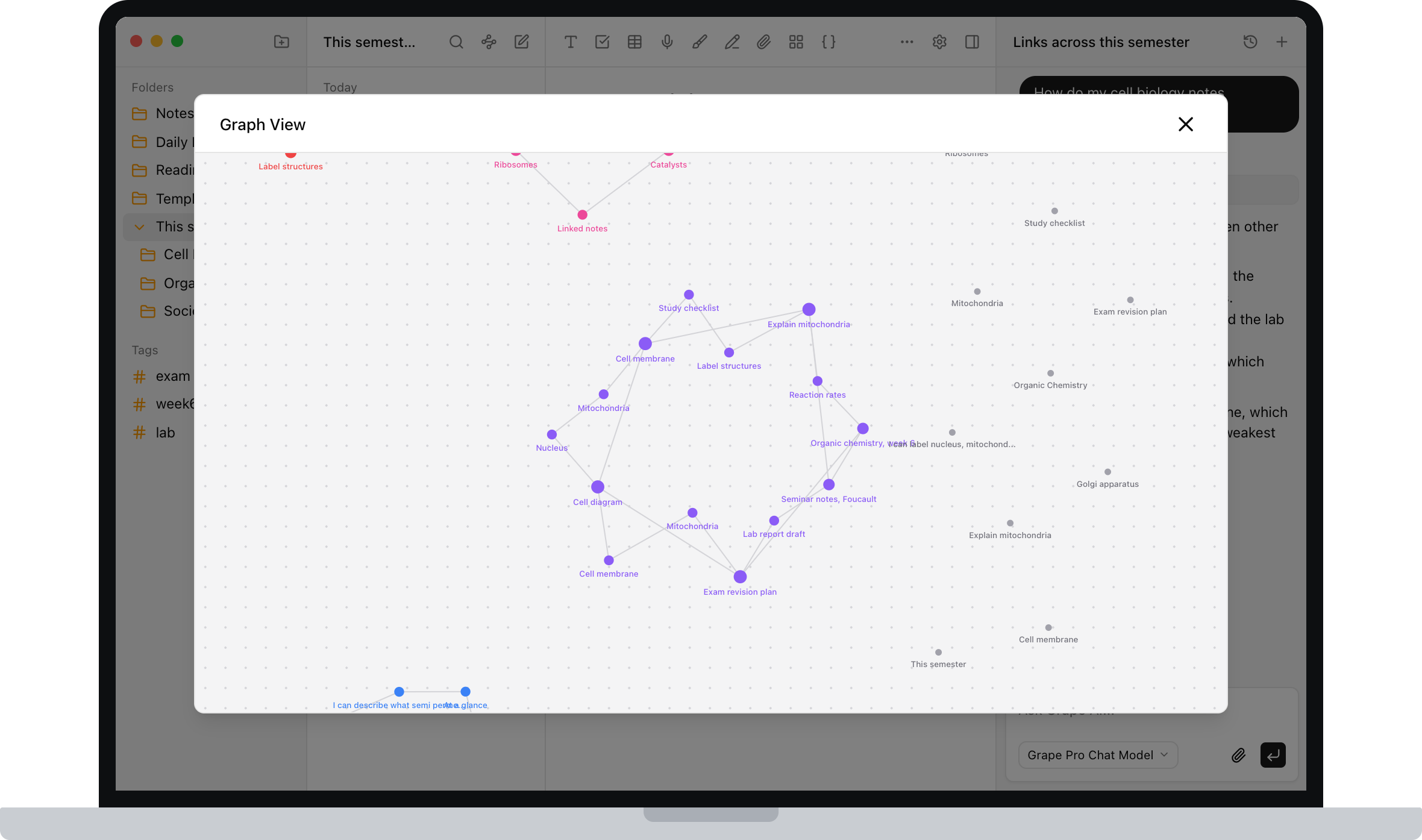
Grape has a graph view too. Every linked note plotted across the whole library, clusters you never filed together, and a jump straight from the map into the note. If the graph is the reason you liked Obsidian, it's still here.
Draw the Diagram
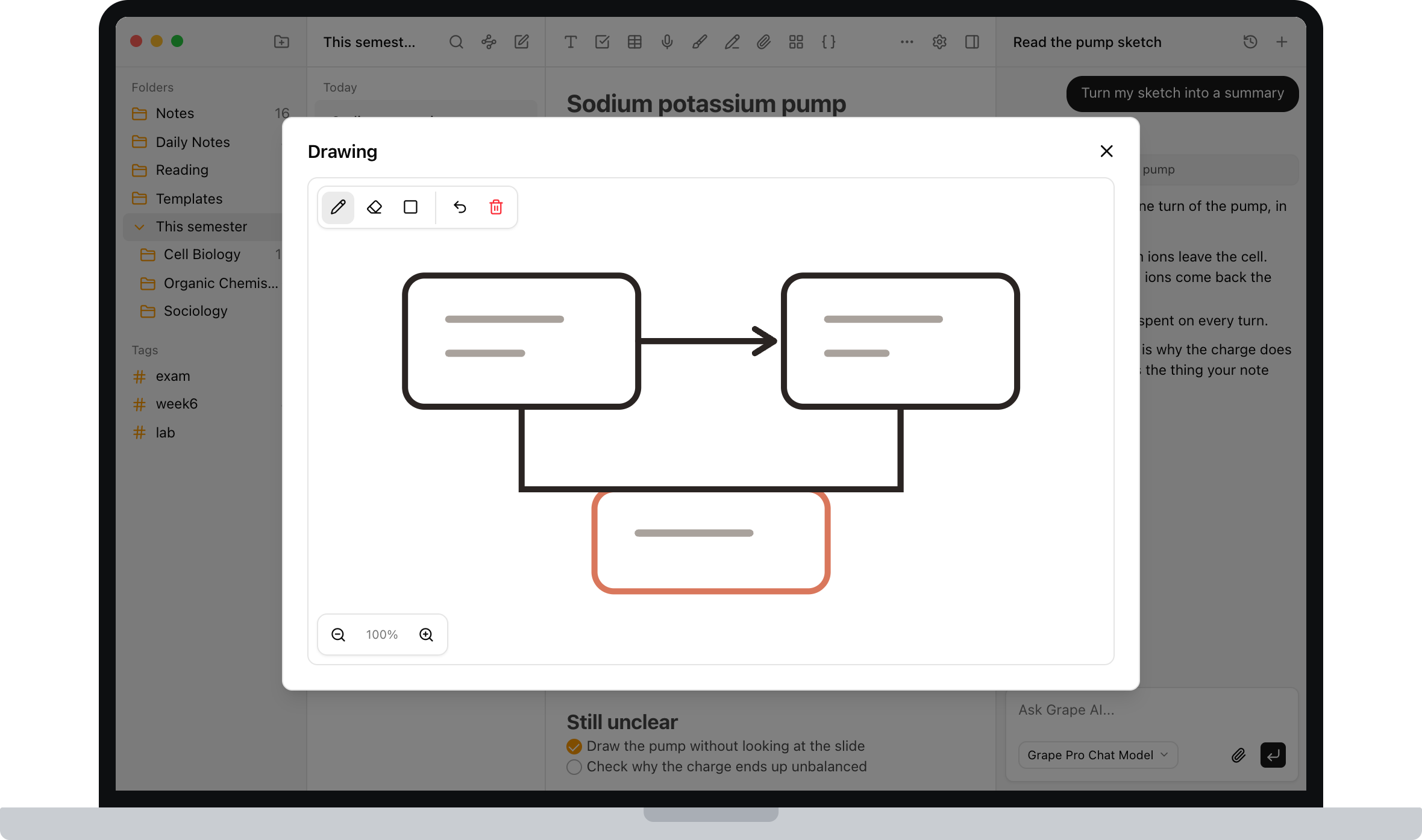
Some things aren't text. There's an infinite drawing canvas inside notes, so you can sketch a mechanism, work through a problem, or annotate a structure without switching to a separate tablet app.
Sync Is Included, Not a Separate Subscription
Start a note on your phone in the lecture hall, finish it on your laptop in the library. Cross device sync is part of the paid plan rather than a second bill on top of it.
About the Plain Files Question
If you're an Obsidian person, this is the objection you've been holding since the first paragraph, so let me answer it straight rather than dodge it.
Obsidian stores plain markdown files in a folder you own. That's a real advantage and I'm not going to pretend Grape's model is identical. Grape keeps your notes in a database on your device, and you choose where that file lives.
What I can tell you is that nothing is locked in. Export any note or the entire library as Markdown, HTML or PDF. Backups produce a file you can restore, and version history is there when you overwrite something you shouldn't have. If you want to run the AI locally as well, Grape works with Ollama and LM Studio, so nothing has to leave your machine at all.
Your notes should outlive whatever app you're using this year, including mine.
What It Costs
The free plan is genuinely usable: unlimited notes and folders, the full editor, tags, attachments, voice recording, version history, exports to Markdown, HTML and PDF, and a local database you own. No account needed.
Pro is $19 a month and adds unlimited AI chat and tools, semantic search, voice transcription, AI web search, the study tools and cross device sync.
There's also a $29 one time Lifetime plan where you bring your own AI API keys. If you already have a key from building your Obsidian setup, you pay once for the app and pay your provider directly for what you use.
Try It This Semester
Grape is available for iPhone, Android, Mac, Windows and Linux at grape.cool/download.
If your vault has turned into a project you maintain instead of a place you study, try starting this semester with something that's finished on the day you install it. Make a folder per course, record the lectures, and let the AI build the decks.