The feature is called Brainrot, which is the honest name for it.
You have a note you wrote in a lecture or a meeting, you meant to go back to it, and you have not. Meanwhile you will happily watch forty minutes of vertical video about nothing at all, thumb moving on its own.
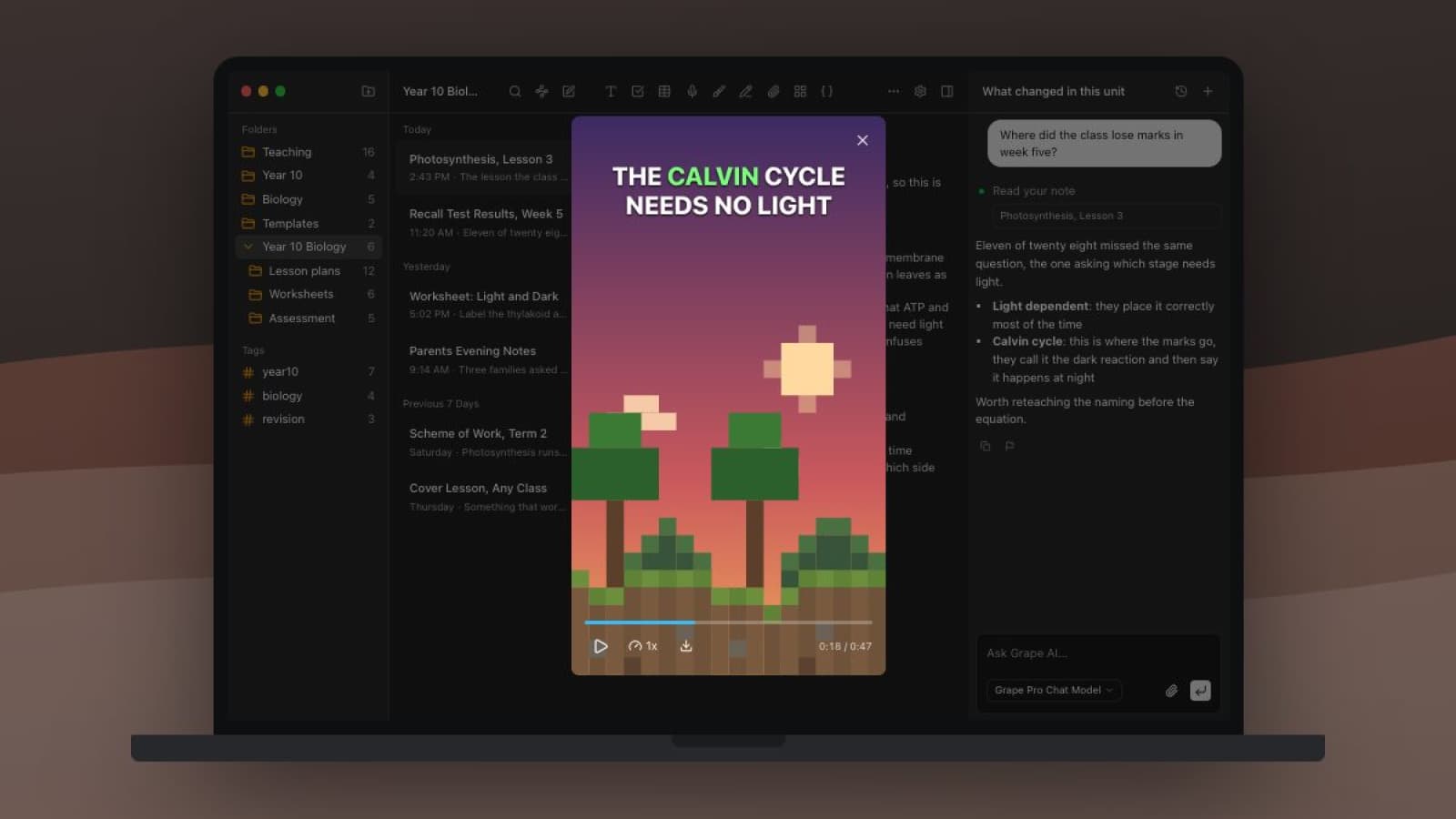
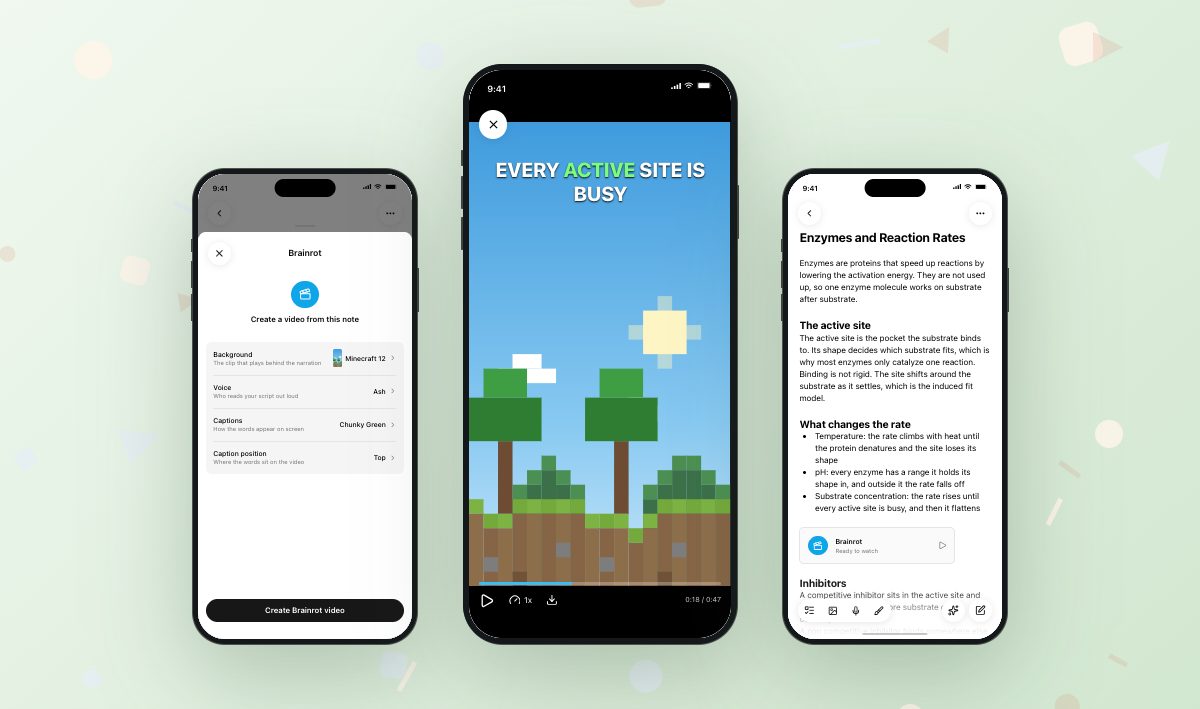
So Grape takes the note you are avoiding and puts it in the format you are not avoiding. It writes a short script from what you wrote, has it read out loud, burns the words on screen one at a time, and plays the whole thing over a Minecraft clip. Sixty to ninety seconds, portrait, sound on.
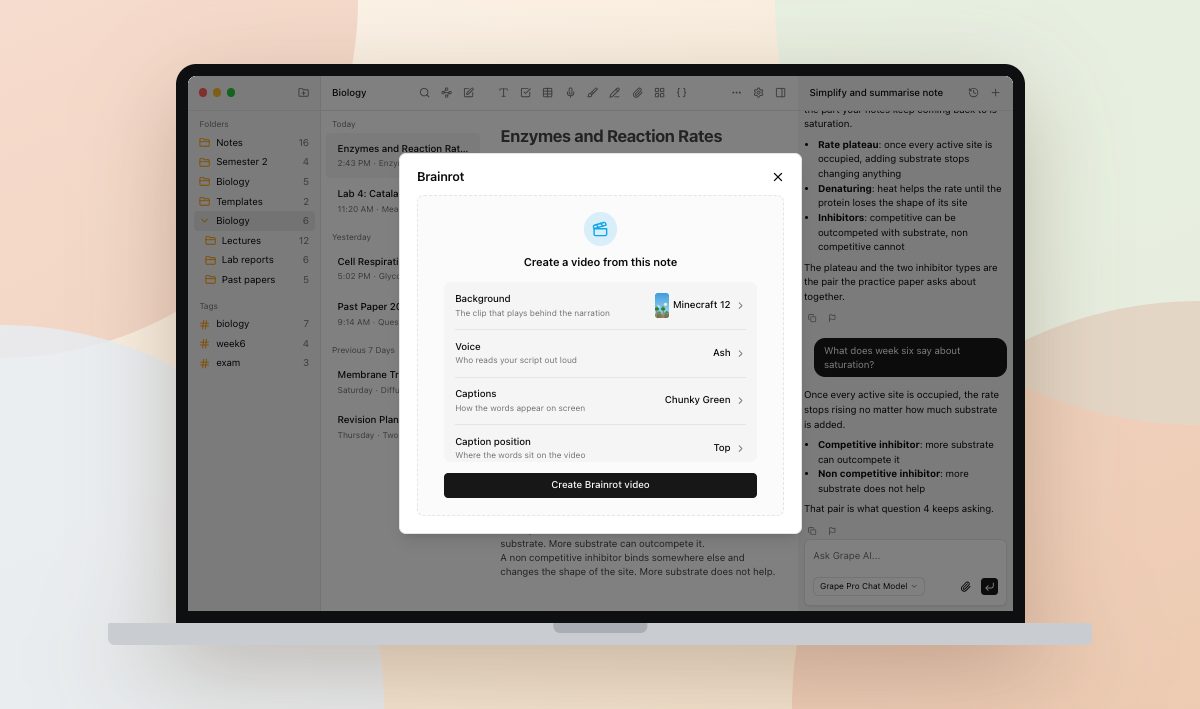
The clip is one of forty. The voice is one of six, and you can hear each of them before you pick. The captions come in twenty one looks, which is where a surprising amount of time goes, because Retro VHS and Matrix and Gold Standard are all sitting right there. You can also ignore all four. The defaults make a video.
While it works it says what it is doing, and each step is a real stage rather than a bar filling on a timer. Rendering is the slow one, so give it a couple of minutes.
What the script is allowed to say
Only what is in your note. The model is told, in as many words, that every statement has to be supported by the note and that it must not add facts or examples or numbers that are not there. It writes for the ear instead of the eye: short sentences, no parentheses, equations spelled out the way you would say them.
It aims for 150 to 220 spoken words, opens on a hook and ends on the idea that matters most, with no sign-off and no ask to subscribe.
Which means a thin note makes a thin video. If your note on photosynthesis is four bullets, you get twenty seconds of somebody reading four bullets over a Minecraft clip. That is useful information about your note.
The video belongs to the note
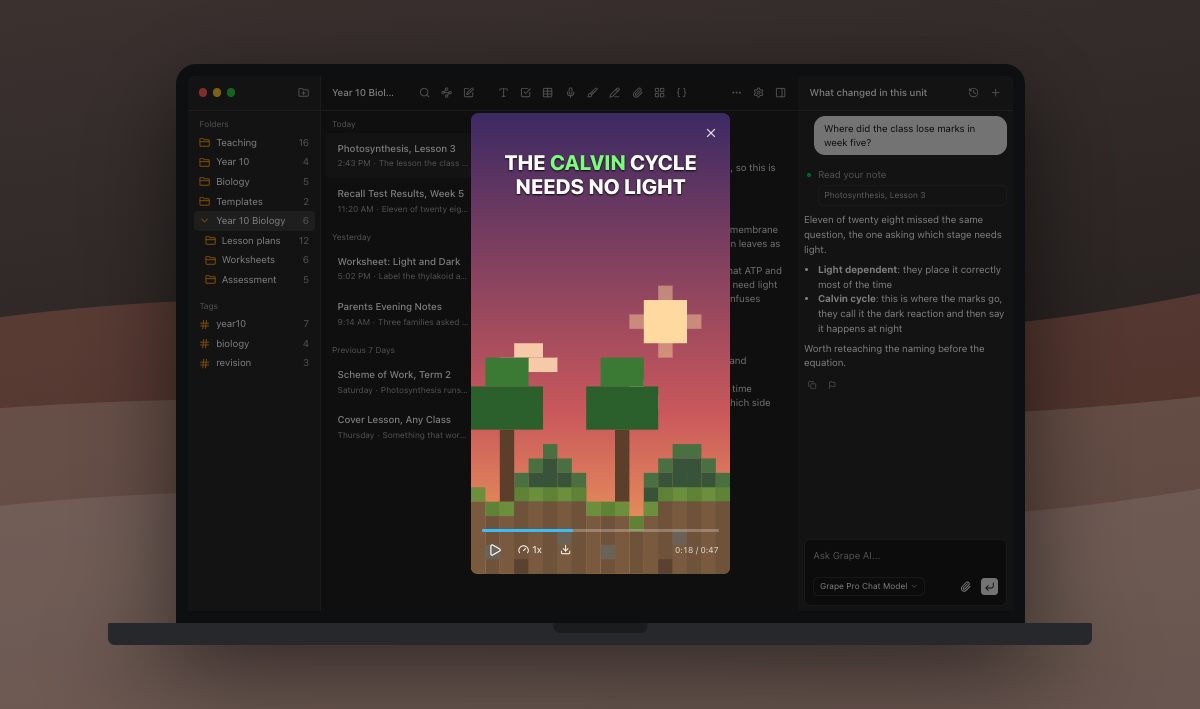
The chip sits in the note itself. Reopen that note next week and the video is still in there, ready to play, keyed to that spot rather than filed in a video library you would have to remember to visit.
Once the render finishes, Grape downloads the file to your device and plays it from there. Nothing streams, and you do not need a connection. You can scrub it, speed it up to 2x, and export it: a saved file on desktop, the system share sheet on the phone, which is how it reaches your camera roll or a group chat.
Ask again for a note you have not touched and Grape hands back the video it already made instead of narrating it twice. Edit the note and ask again, and it makes a new one from what the note says now. Delete the note and the video goes with it.
The part you will not like
Brainrot needs Grape Pro, and Lifetime does not cover it. Every other AI feature on Lifetime runs on your own API key. This one cannot, because the rendering happens on our servers and costs us money per video no matter whose key wrote the script.
On Pro it is 100 videos a month, and 25 in any five hour stretch. Long notes are trimmed at 8,000 characters before they are sent, so a note you have been adding to since March is better split than narrated whole.
Outside of exam week
Teachers make one from a lesson note and hand it to the class that missed the point on Friday. It costs a couple of minutes instead of an evening with editing software.
The same trick works on any note nobody wants to read: onboarding docs, a messy discovery week, the thirty page policy update your team scrolled past.
Try it on the note you have reopened four times without reading. Watching it is somehow easier than reading it, which is embarrassing, and it works anyway.
Grape is available for iPhone, Android, Mac, Windows and Linux at grape.cool/download.