The GoodNotes story usually starts with the iPad. You buy it for lectures, you download the app everyone in the group chat already has, and by week three your notebooks look better than anything you ever typed. Lined paper, the good pen, the lecture slides imported as a PDF so you can ink the diagram while the professor is still drawing it. That part is real, and I'm not going to pretend Grape does it better.
The trouble is not the handwriting. The trouble is everything that has to happen to those pages after class.
You cannot find the one you need because you remember the idea and not a single word of how you wrote it down. The Windows laptop you write essays on opens a thinner copy of the notebook, or a browser tab, and the pencil feel is gone. GoodNotes will transcribe the lecture now, and it will build Study Sets from the handwriting, and then the semester is still a stack of notebooks you flip through at 11pm.
GoodNotes is the best paper on an iPad. The handwriting is not slow, the templates are not ugly, and the pencil is not a gimmick. It is a notebook that syncs. A notebook is a place pages go to sit. I built Grape for the part after that: a library you can ask questions of, on the machine you are actually sitting at.
The pages stay on the tablet
GoodNotes exists on Windows, Android and the web now. Handwriting sensitivity does not. The Surface or the Samsung tablet gets a version of the notebook. The Windows laptop you write the essay on does not feel like the iPad you took the lecture on, and Linux is not in the picture at all.
Most students I talk to have an iPad for class and something else for the rest of the week. Capture is solved. Thursday in the library is not. The notes have to survive that split, and a notebook that only really lives on the tablet does not.
A binder full of beautiful pages is still a binder
Handwriting is lovely to take and slow to reuse. You cannot quote a paragraph into an essay without retyping it. You cannot link week 3 to the reading it belongs with. You cannot ask anything to file the twelve loose notebooks from reading week.
Handwriting search is a genuine trick, and it is impressive when it works. It is no help at all when you remember the idea and not how you wrote it, which is the situation you are in at 11pm. "The thing about attacking from the back and flipping" will not find the page you titled lec 5.
Ask Goodnotes answers from the notebook you have open. It will not search the rest of the semester, compare the same idea across three courses, or file anything. A chat on the current notebook and an agent over your library are different jobs.
Study Sets from handwriting are new and good. They still start from ink. Convert-to-text helps when the writing is clean and fails when it isn't, which is most lectures. The transcript sits next to the notebook the same way the old ink sat there. The next step, the one that actually moves the grade, is still on you.
And free means three notebooks. After that you are on a plan, and the full AI is another pass on top. The semester does not fit in three notebooks. Leaving is a stack of PDFs. The notebooks are GoodNotes'.
The pencil was never the problem
Grape is an AI note taking app for mobile and desktop. It is local first, so your notes live in a database on your device and you choose where that file sits. Writing, reading, organising, drawing and recording all work with no connection at all.
If you are coming from GoodNotes, the point is not a better pencil. The point is that the notes become a document the rest of the week can use, on a phone or a Windows laptop, and then they turn into revision.
Type the lecture you will actually reread
No notebook to design, no paper template to pick, no account required to start. Download it, make a folder for each course, and type. Folders, subfolders and tags are there when you want structure and invisible when you don't.
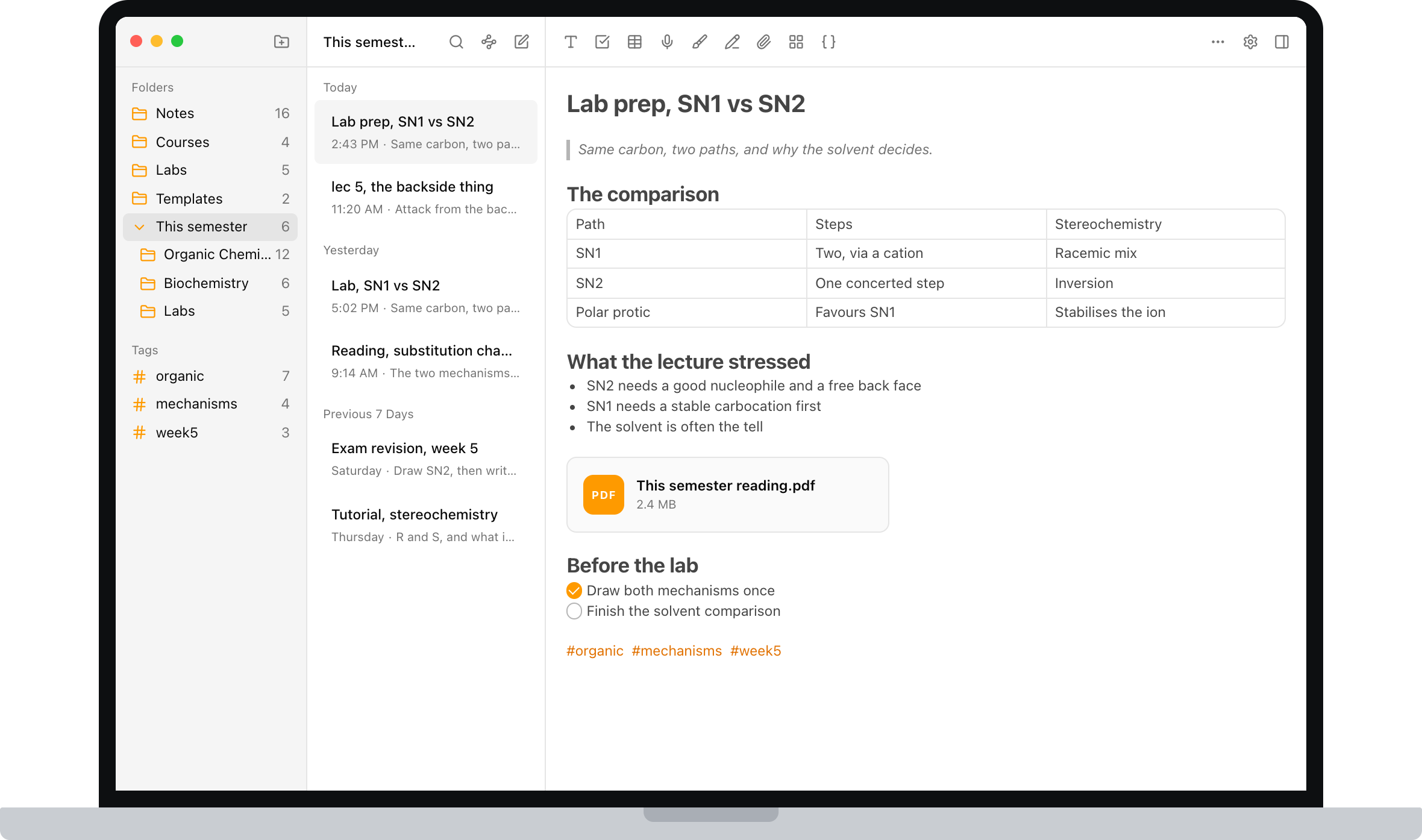
The editor covers what coursework actually throws at you: checklists, tables, code blocks, math formulas, images, PDFs and file attachments, and note to note links. It is a document, so it has an order, and next week you can still read it. A tag like #week5 cuts across every course at once, which is the view you actually want in the last two weeks of term, and the one a pile of notebooks can never give you.
Stop inking fifty minutes of someone else's sentences
Hit record when class starts and the audio lives inside the note. Grape transcribes it, so you end up with the recording and searchable text you can revise from.
You stop trying to ink a lecture in real time and write down only the parts that are actually yours. Attach the slides to the same note. Ask it to explain the second half in plainer language. Search the transcript by the idea, not the phrase the professor used.
GoodNotes can record and transcribe too. The difference is what the text can do after it lands: sit inside a note the AI has actually read, across the whole library, not only the notebook you have open.
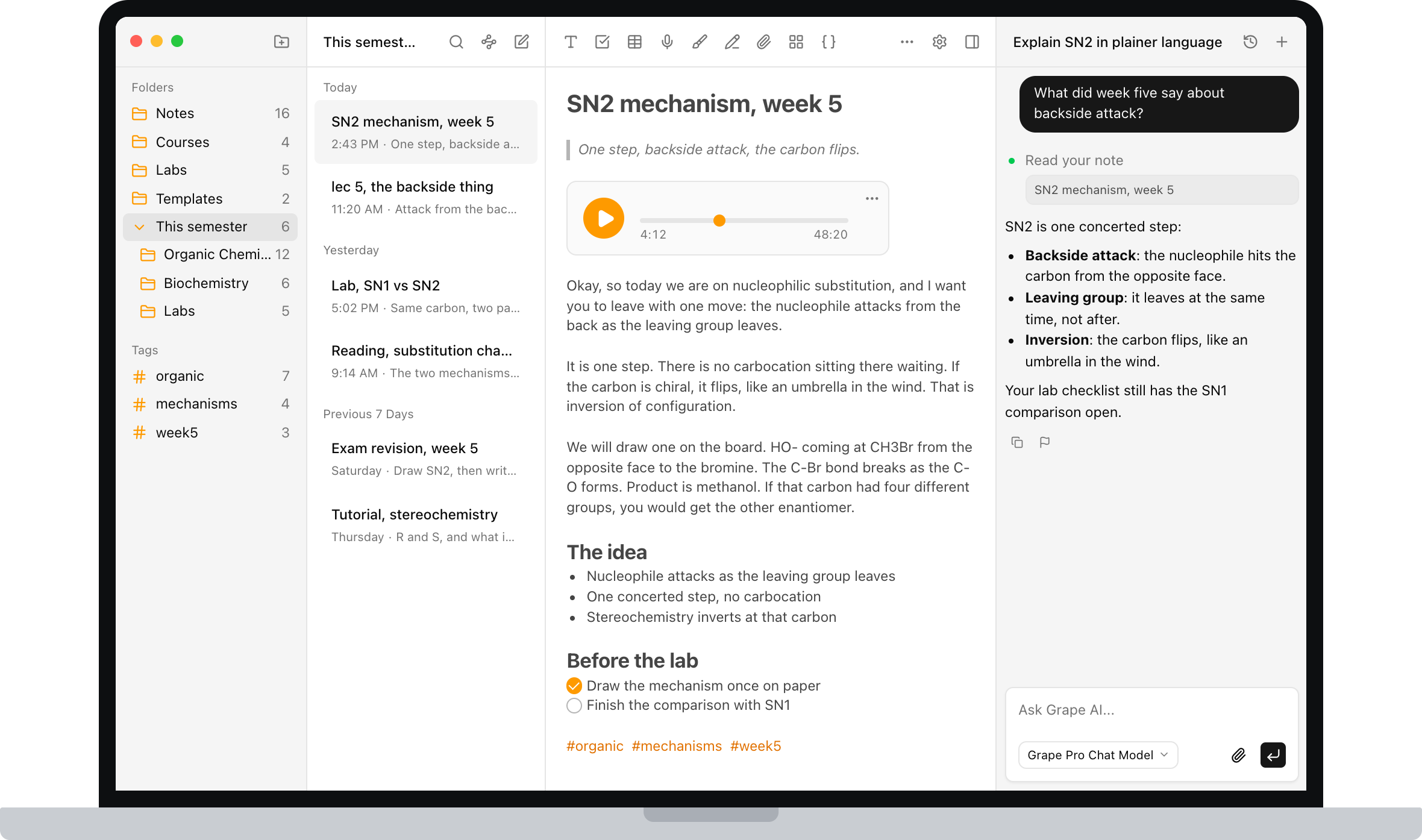
Ask the folder, not the page you have open
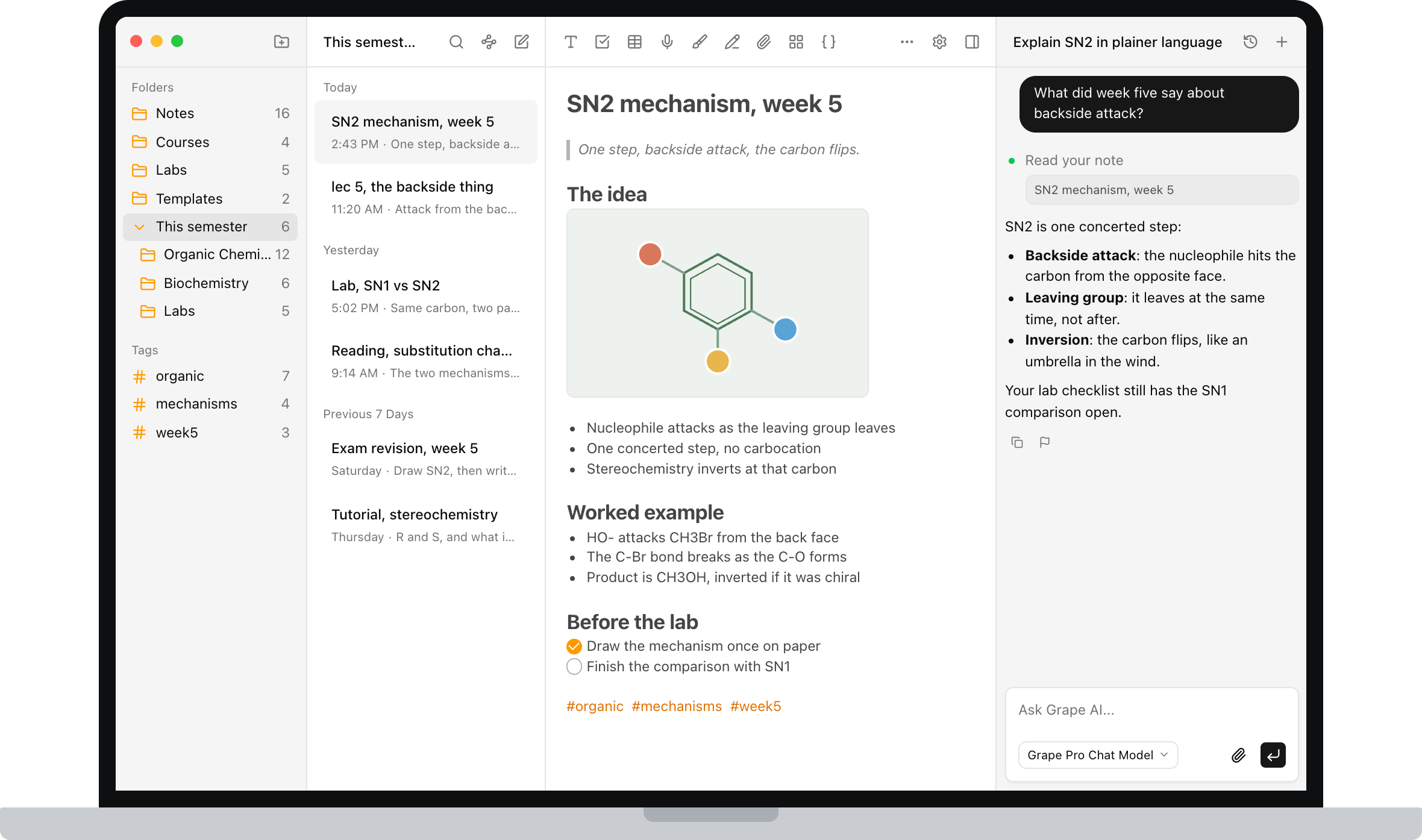
This is the part a chat on the current notebook cannot replicate. Grape's AI is an agent over your library. It searches everything you've written, answers with the line you actually wrote and points back at the note it came from, and it can create, edit, move, tag and delete notes when you ask. When the answer isn't in your notes at all, it can search the web in the same conversation.
Ask it to explain Tuesday's lecture in plainer language. Ask what you've written about the same concept across three different courses. Ask it to file the twelve loose notes from reading week into the right course folders. That last one is the difference between an assistant and a notebook.
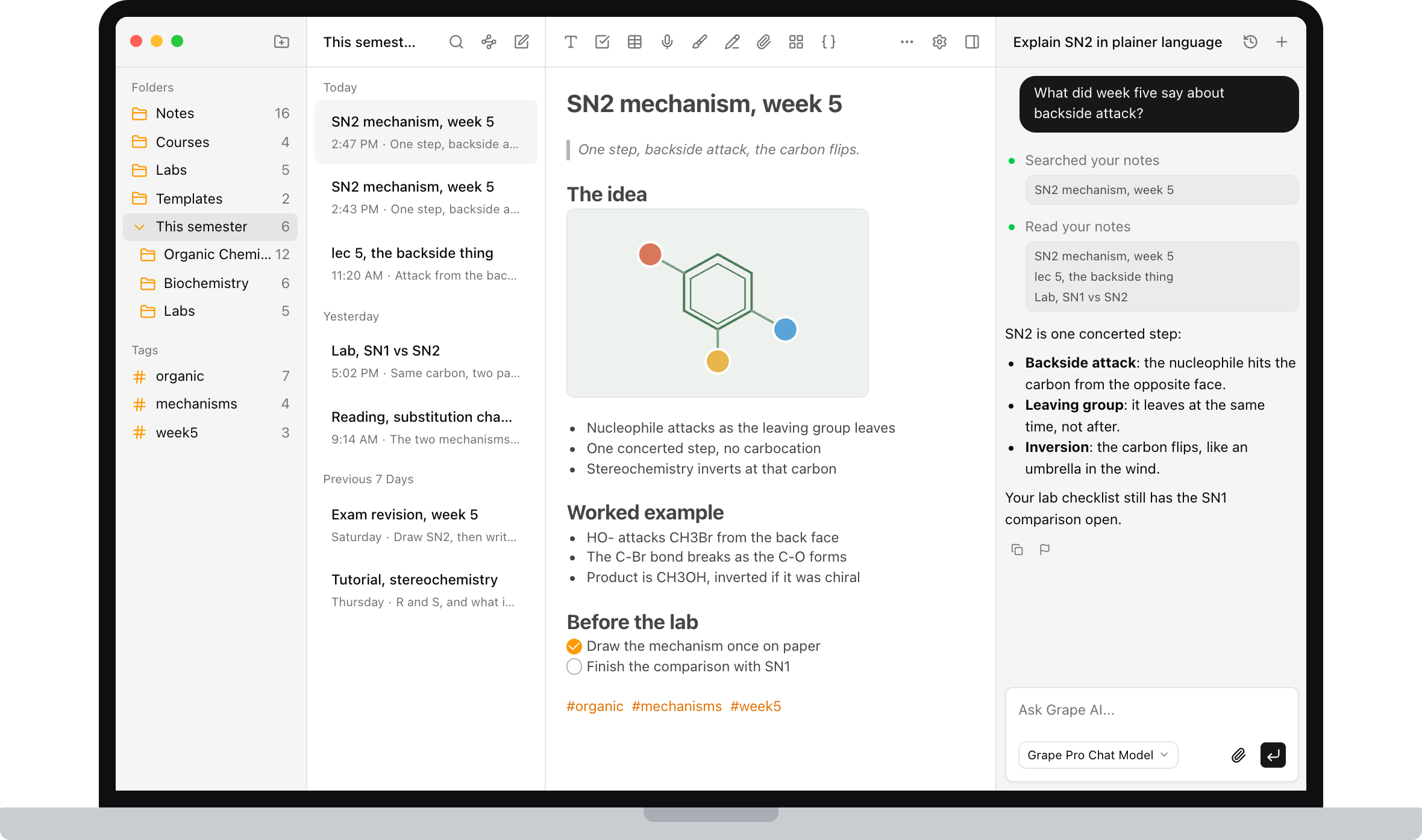
The cards should come out of the note, not the night before
Open any note and generate study material from it. Flashcards for memorization, quizzes that adapt to what you keep getting wrong, and mind maps when you need to see how a chapter holds together.
Study Sets already do flashcards from a GoodNotes page. What they do not do is an adaptive quiz, a mind map of the week, or a deck built from a transcript and the three lines you actually bothered to write. You already did the writing. This is the step that actually moves the grade.
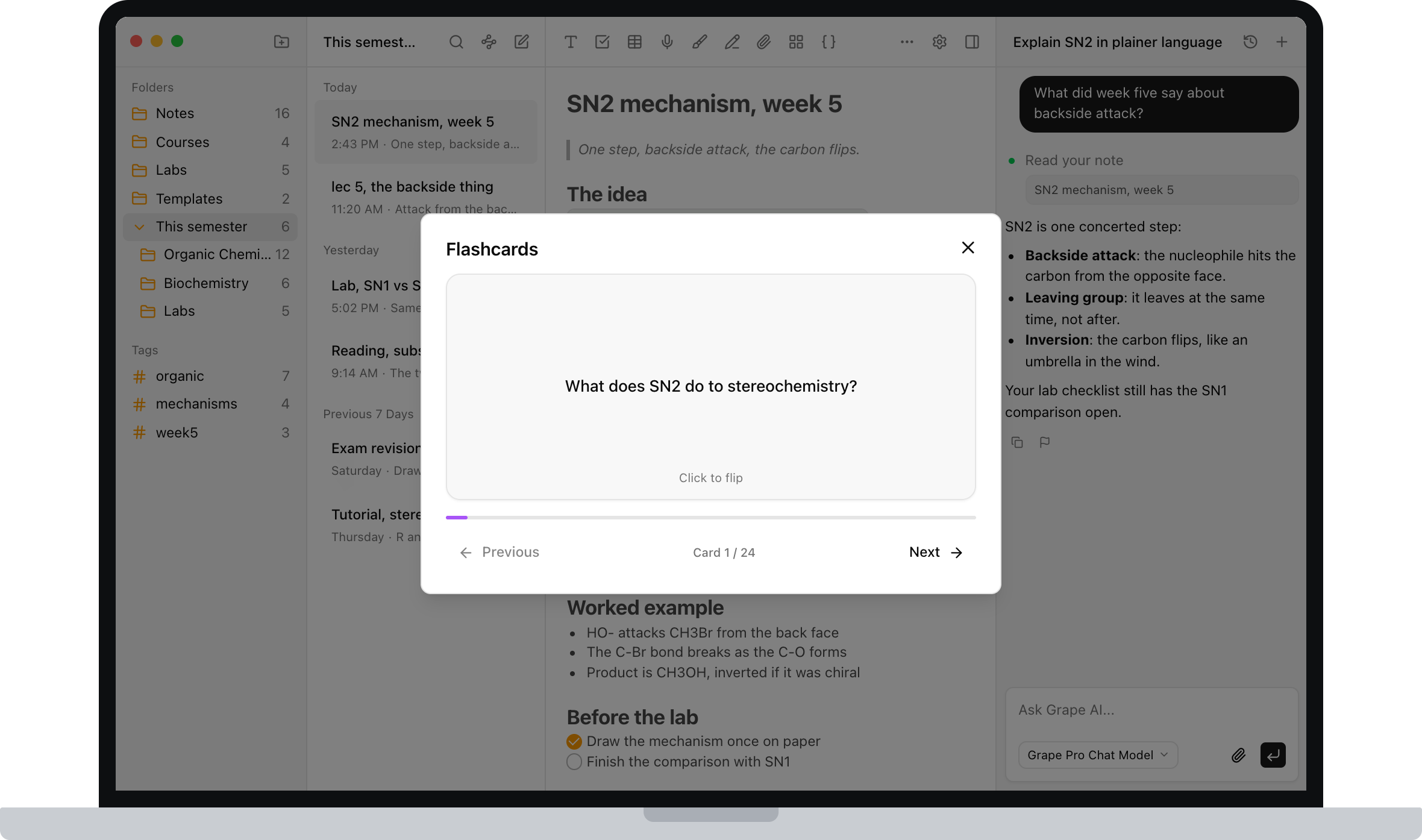
Find lec 5 without remembering you called it lec 5
Every note is indexed as you write it. Search for "the thing about attacking from the back and flipping" and the lecture comes back, even though you titled it lec 5 and never used those words.
Handwriting search finds the word if you wrote the word. Semantic search finds the idea. If search is the reason you are reading this, this is the paragraph to try for yourself. It is the difference you feel at 11pm.
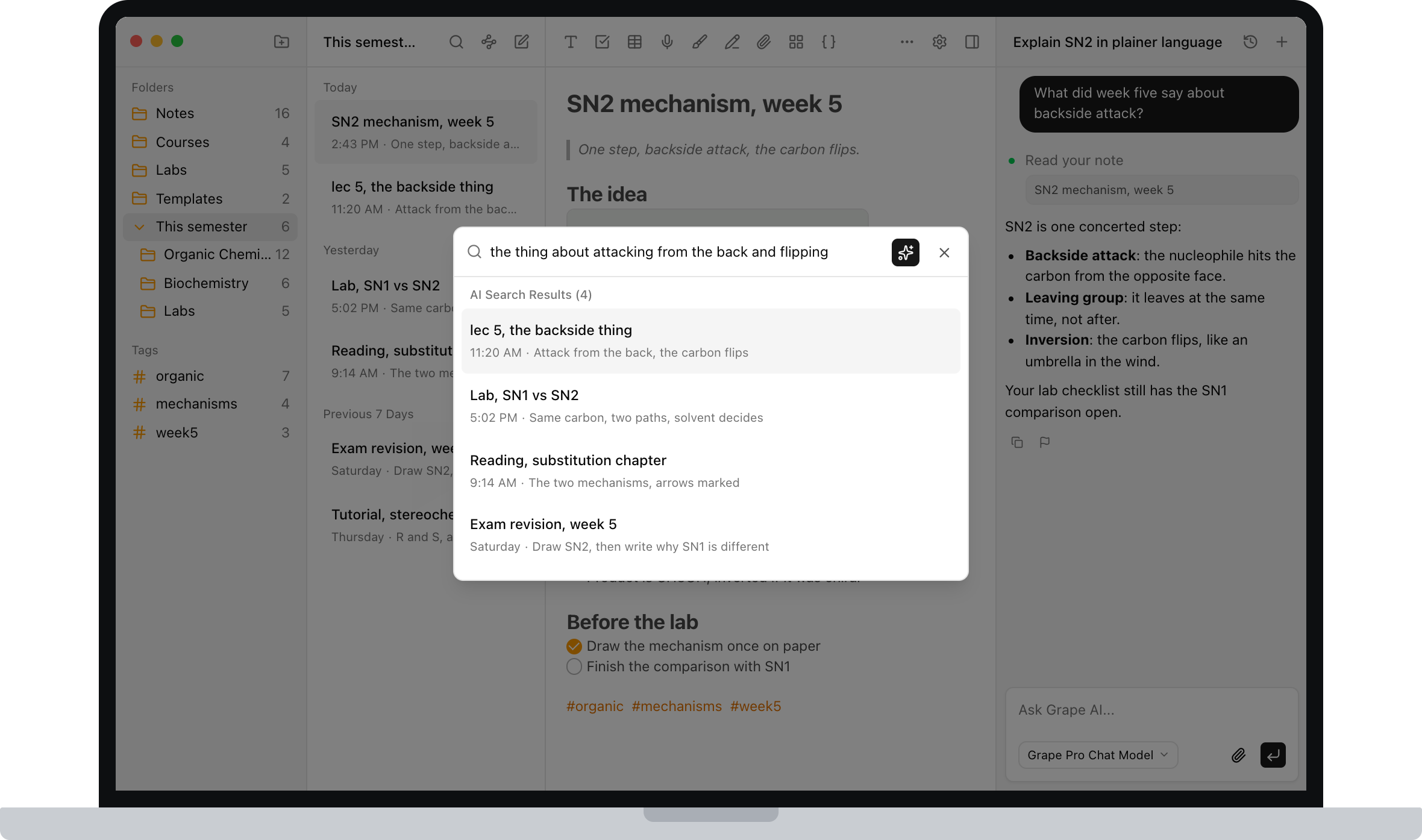
One diagram, next to the sentence that explains it
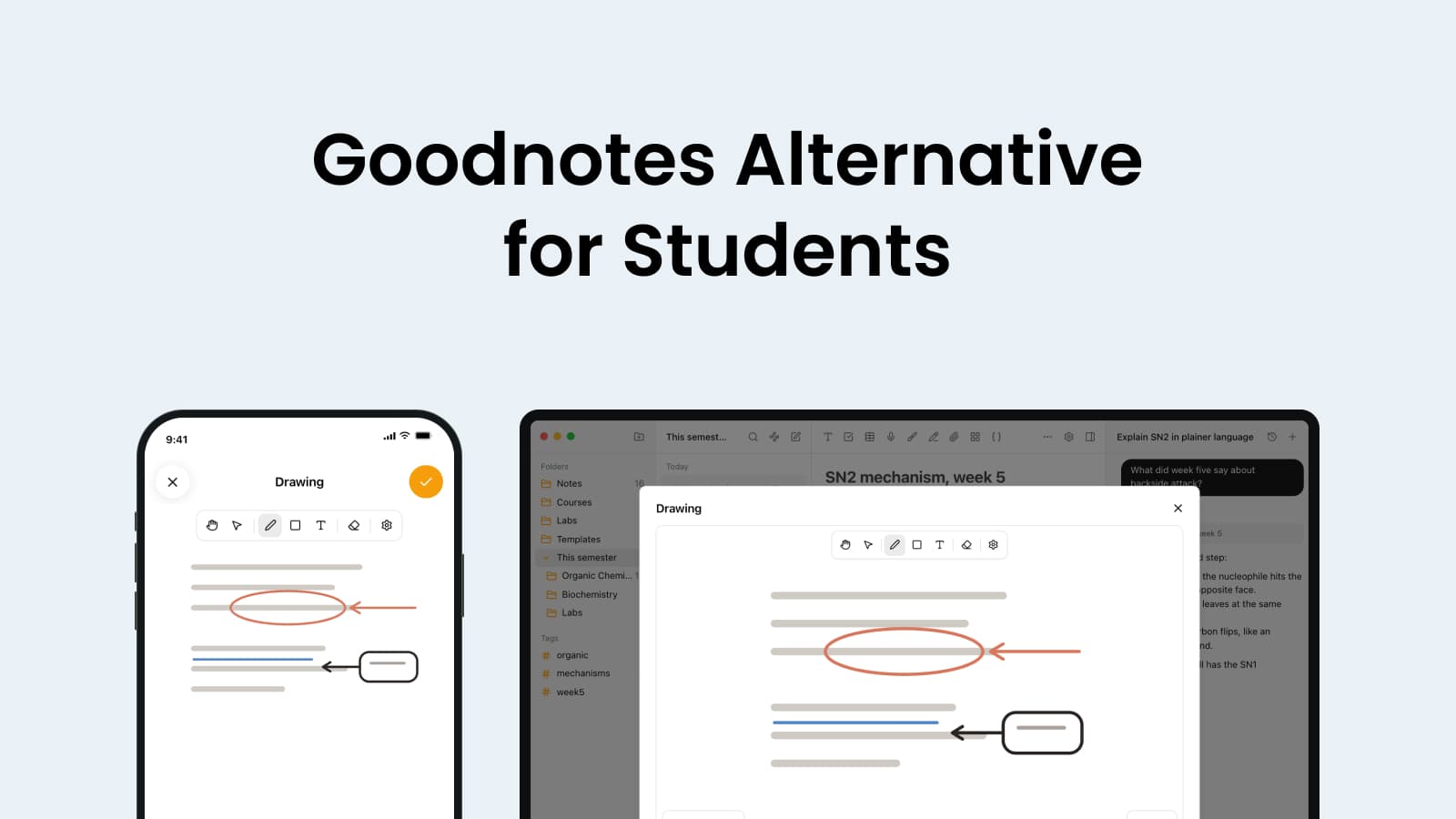
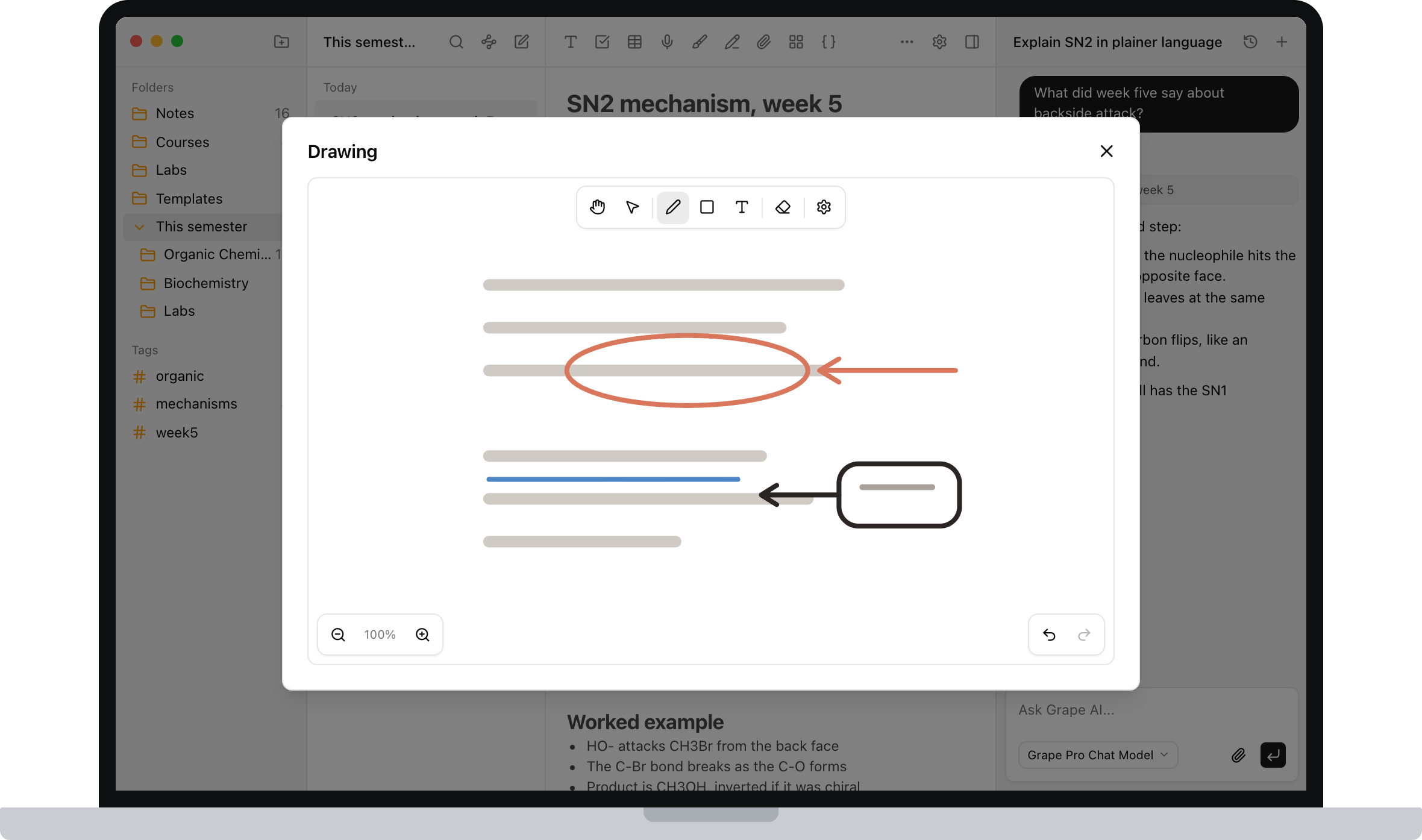
Some things aren't text. There's an infinite drawing canvas inside notes, so you can sketch a mechanism, work through a problem, or annotate a structure without switching to a separate tablet app. Pens, shapes, a pencil, a highlighter. On the phone it opens full screen for a finger or a stylus.
This is the part of GoodNotes you would miss, so I want to be straight. Grape's canvas is a drawing that lives inside a document, next to the writing that explains it. It is not 80 pages of inked slides with palm rejection. Keep GoodNotes for that if that is the thing. Use Grape for the diagram that belongs with the note, because the caption underneath is what search can actually find.
Thursday does not have to be a worse iPad
Start a note on the iPhone in the lecture hall, finish it on a Windows laptop in the library, read it on Android on the bus. Grape is a real app on iPhone, Android, Mac, Windows and Linux. Cross device sync is part of the paid plan, and it is not the only way to have your notes, because the notes were on the device to begin with.
If you have ever opened last Tuesday's notebook on a lab PC and tried to study from it, you already know why this paragraph is here.
The same reason the basement lecture hall is fine. No spinner, no waiting for a notebook to download before you can write the first line. Sync is there if you want it, but it is a feature, not a requirement.
Leave the old ink where it is
If GoodNotes is where three years of handwritten lectures already live, here is the honest version.
There is no one click GoodNotes importer. Apple Notes has a direct import, and everything else arrives as Markdown you paste or PDFs you drag in. Export a notebook as PDF and drop it in the course folder if you want the old pages next to the new work.
I would not migrate. Leave the old notebooks where they are, and start the new semester in Grape. Old notes are usually revisited, not rewritten, and the courses you're taking now are the ones worth having flashcards for. If the iPad is still how you mark up slides, keep doing that. The typed notes, the recordings and the revision do not have to live there too.
Going the other way is deliberately easy. Export any note or the entire library as Markdown, HTML or PDF. Backups produce a file you can restore, and version history is there when you overwrite something you shouldn't have. If you want to run the AI locally as well, Grape works with Ollama and LM Studio, so nothing has to leave your machine at all. Your notes should outlive whatever app you're using this year, including mine.
Three notebooks is not a semester
GoodNotes is cheap to start and the free plan is three notebooks, so this deserves a straight answer.
The free plan is genuinely usable: unlimited notes and folders, the full editor, tags, attachments, voice recording, version history, exports to Markdown, HTML and PDF, and a local database you own. No account needed.
Pro is $19 a month and adds unlimited AI chat and tools, semantic search, voice transcription, AI web search, the study tools and cross device sync.
There's also a $29 one time Lifetime plan where you bring your own AI API keys. You pay once for the app and pay your provider directly for what you use.
Keep the iPad. Move the revision.
Grape is available for iPhone, Android, Mac, Windows and Linux at grape.cool/download.
If the notebooks are where the semester actually went, because the pencil felt like thinking, try one term somewhere the notes still hold a diagram and then do something after you write them. Keep GoodNotes for the slides if you want. Put everything else in a folder per course, record the next lecture, and let the decks build from the notes you already have.