Most people do not revise from flashcards because making a deck by hand takes the evening they were going to spend revising. So the deck never gets made, the notes get reread instead, and rereading feels like it is working right up until the exam.
Grape does the making part. Open a note you already wrote, add a flashcards block, and you get ten cards out of it.
How It Works
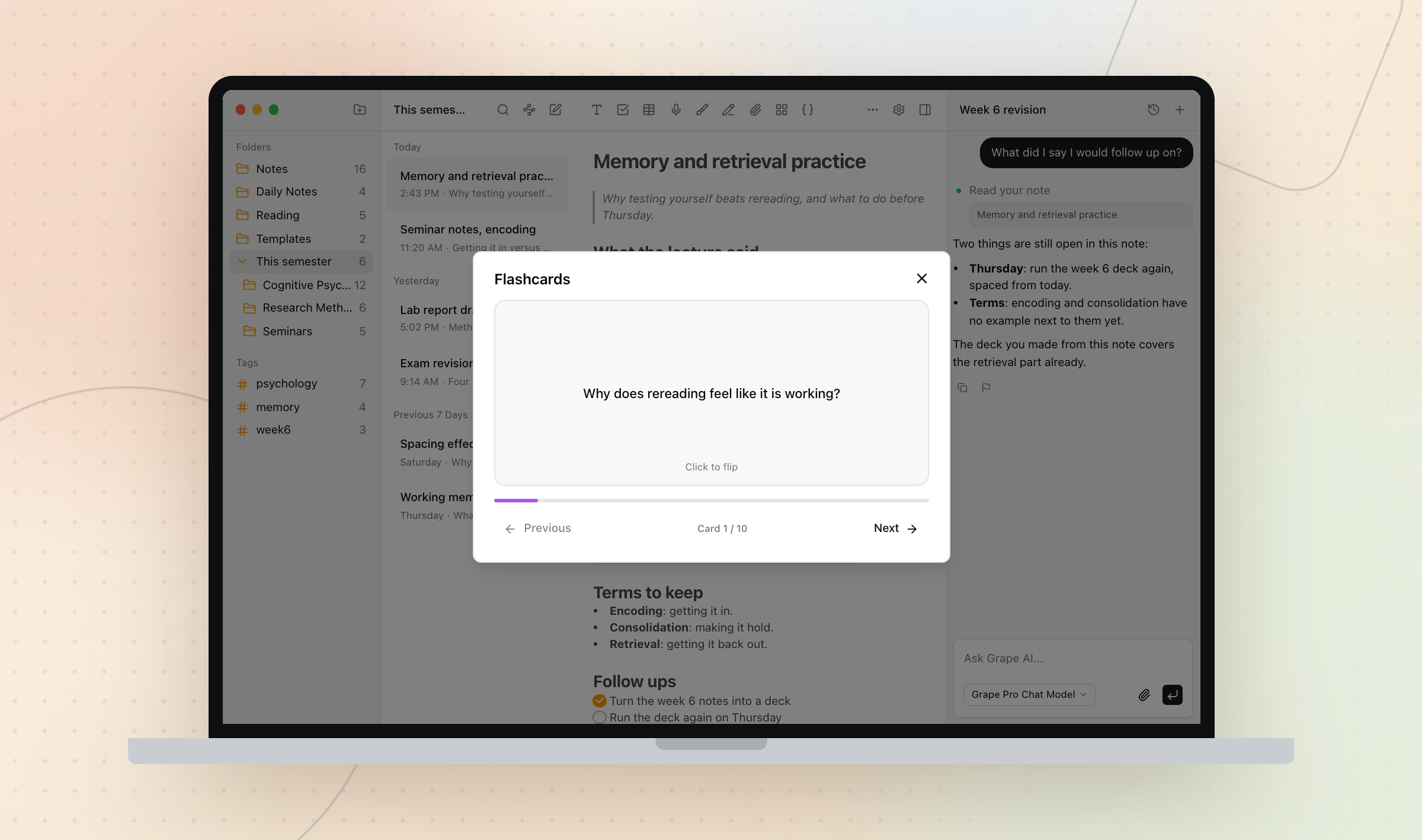
On the desktop app, type / in the note and pick Flashcards, or use the apps menu in the toolbar. On mobile, open the apps group in the format toolbar and tap Flashcards. Either way a card lands in the note where your cursor was.
Press it, then press Create flashcards. Grape reads the note, sends it to whichever chat model you have selected, and comes back with ten cards drawn from what you wrote rather than from the internet.
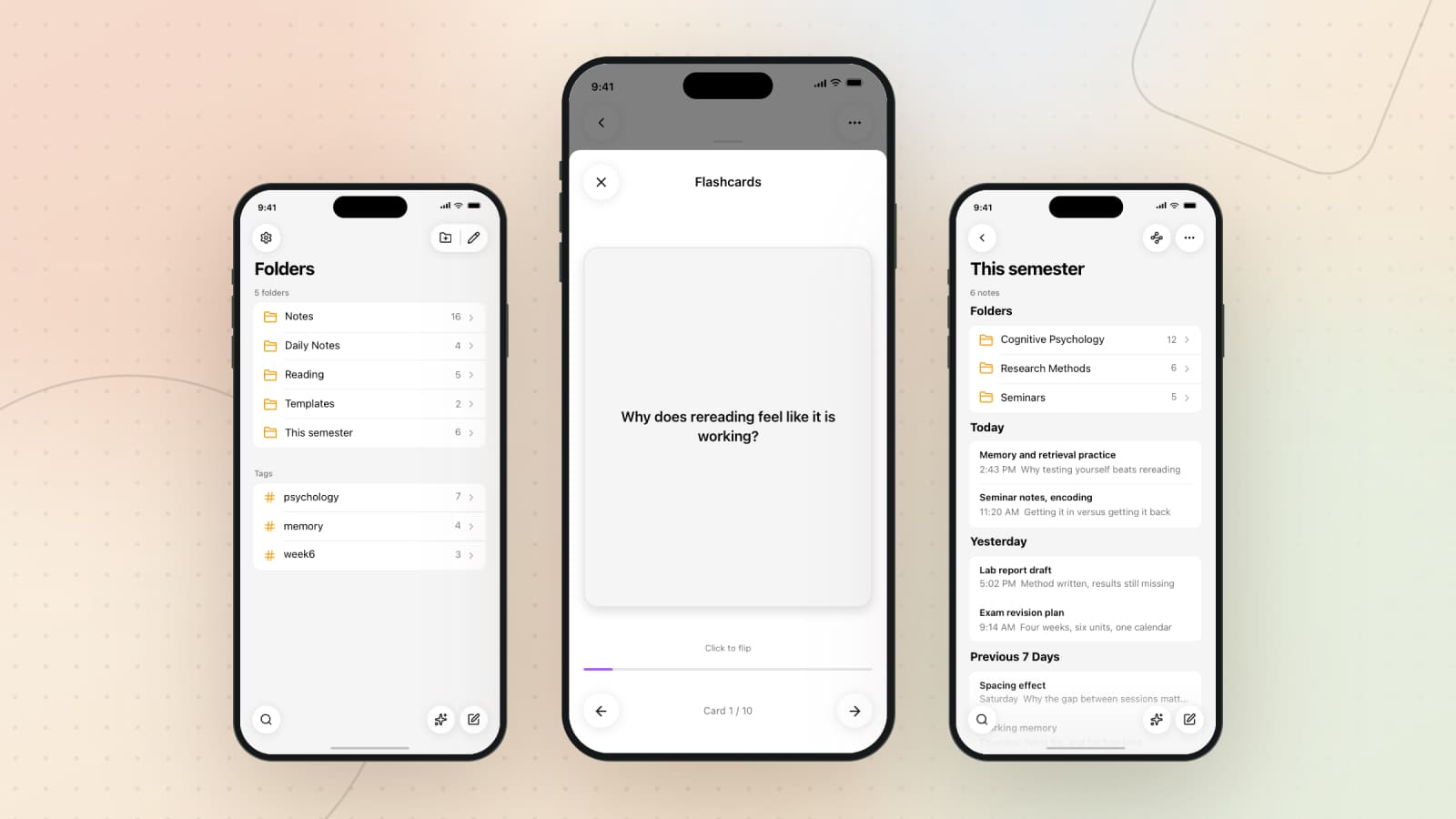
Then you study. Click or tap to flip, arrows to move through the deck, a progress bar and a counter. No scheduler, no ease factor, no daily queue to fall behind on.
The Deck Belongs to the Note
The block sits inside the note, so the deck goes wherever the note goes. It syncs to your other devices, it shows up in version history, and it is deleted with the note rather than sitting in a database forever with nothing attached to it.
It also means you never go looking for the deck. You go looking for week six, and the deck is in it.
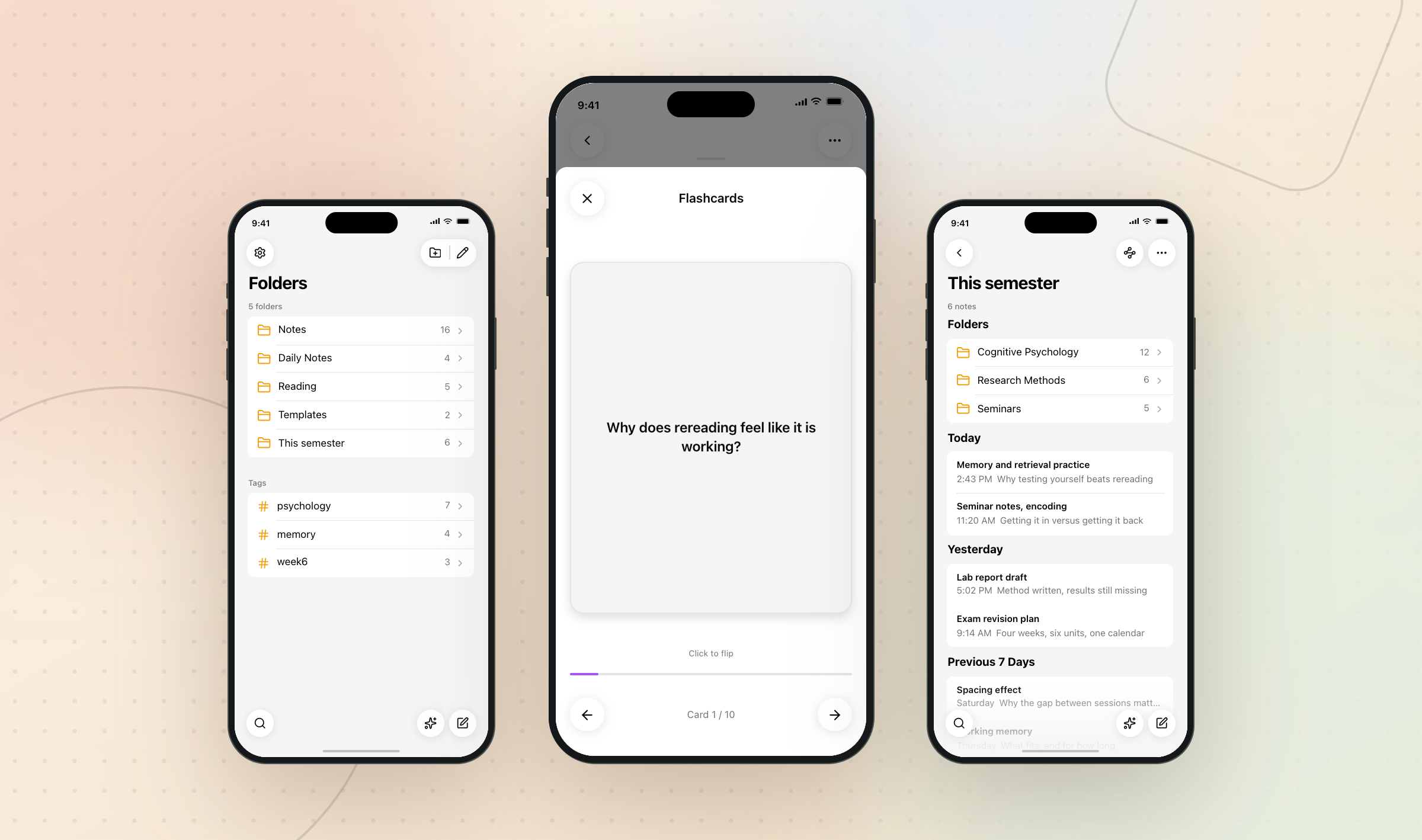
Both apps make the same deck, so one generated on the laptop opens on the phone, which is how most people use it: the writing happens at a desk, the revision happens standing up somewhere.
Study tools need Pro or Lifetime. On Lifetime the cards are generated with your own API key. Very long notes are trimmed before they are sent, so split a note you have been adding to since February before you make a deck from it.
Not Only for Students
Anything you have to hold in your head and cannot look up in the moment is a deck. A doctor with a guideline summary, a developer with the parts of a codebase that keep catching them out, a new starter with eighty names and acronyms.
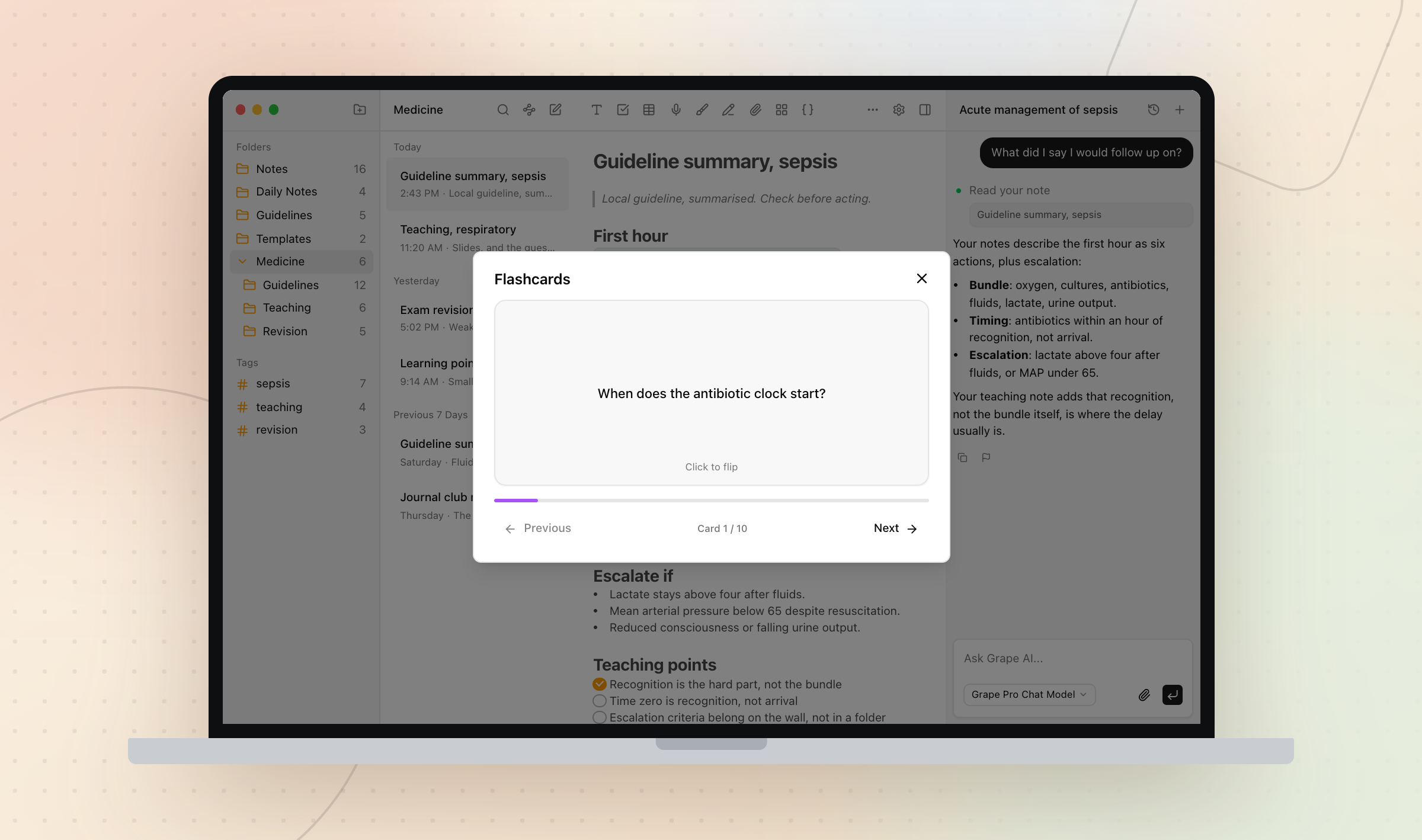
Open the longest note you took last month and see what it asks you. The first card usually tells you whether you ever read it back.
Grape is available for iPhone, Android, Mac, Windows and Linux at grape.cool/download.