Everything else Grape does starts with something you wrote. The flashcards, the mind map, the poster, the chat that answers questions about week six: all of it reads a note that was yours to begin with.
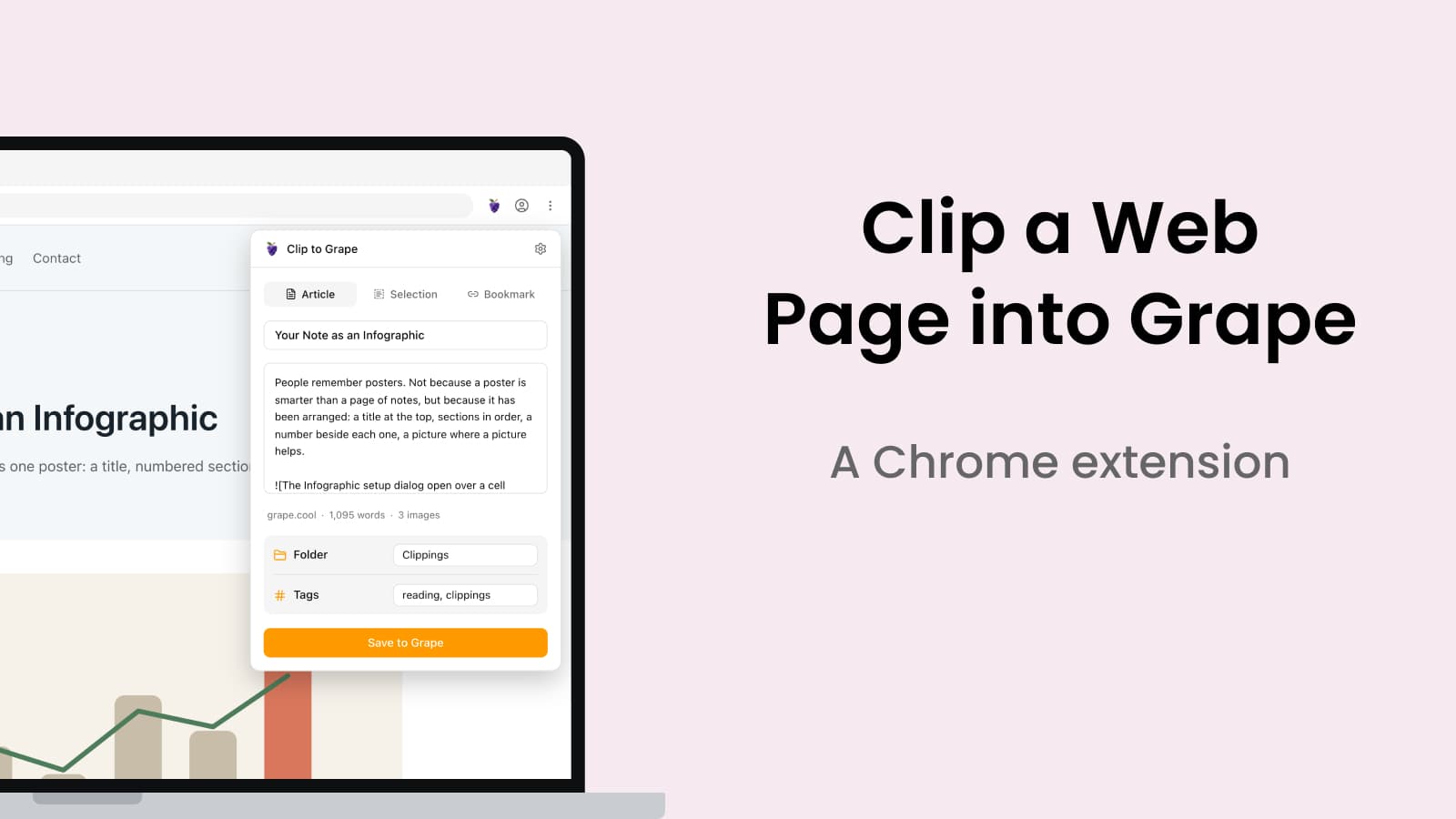
Reading is the other half of the day, and it stays in the browser. You keep a tab open because the piece was good, then eleven of them, then you close the window on a Friday. Saving to a read later service moves the problem rather than solving it, because the page lands somewhere that is not where your notes are, and the thing you read never meets the thing you wrote. The web clipper is a Chrome extension that puts them in the same place.
Three ways to take a page
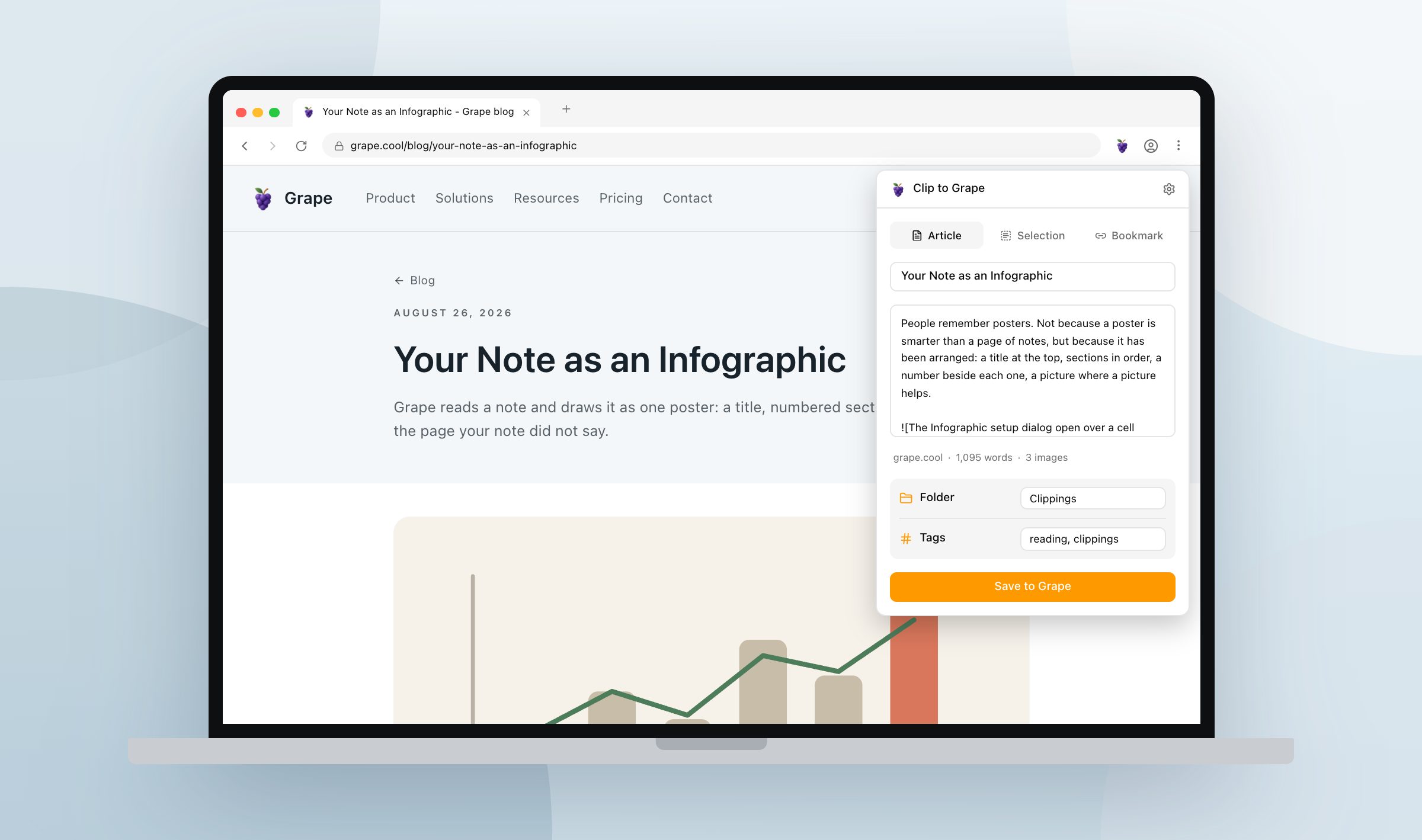
Article is the readable body of the piece, with the navigation, the ads and the newsletter box stripped out. Selection is only what you highlighted, exactly as it stands. Bookmark is the title, the link and the page's own summary, with no body at all.
The page is read once and all three are answered from that single pass, so switching between them is instant. The title and the body sit in fields you can correct, and what stands in them when you press Save is what the note gets. If you had something highlighted when you opened the panel, it opens on Selection, because that is almost always what you meant.
The folder is a path rather than a name, so Clippings/Recipes files a page two levels down and creates whatever is missing on the way. Set the folder and the tags once in the settings and you never look at that half of the panel again, or skip the panel altogether: Cmd/Ctrl+Shift+U takes the page with your defaults, Cmd/Ctrl+Shift+Y takes the selection, and the right click menu carries all three.
What lands
It goes into Clippings unless you said otherwise, and Grape opens it for you: the folder selected, the note on screen, the sync already scheduled. The note opens with the title and then one line saying where it came from, the site linked, the author, the date. One line rather than a block of fields, so it reads like a note instead of like a form.
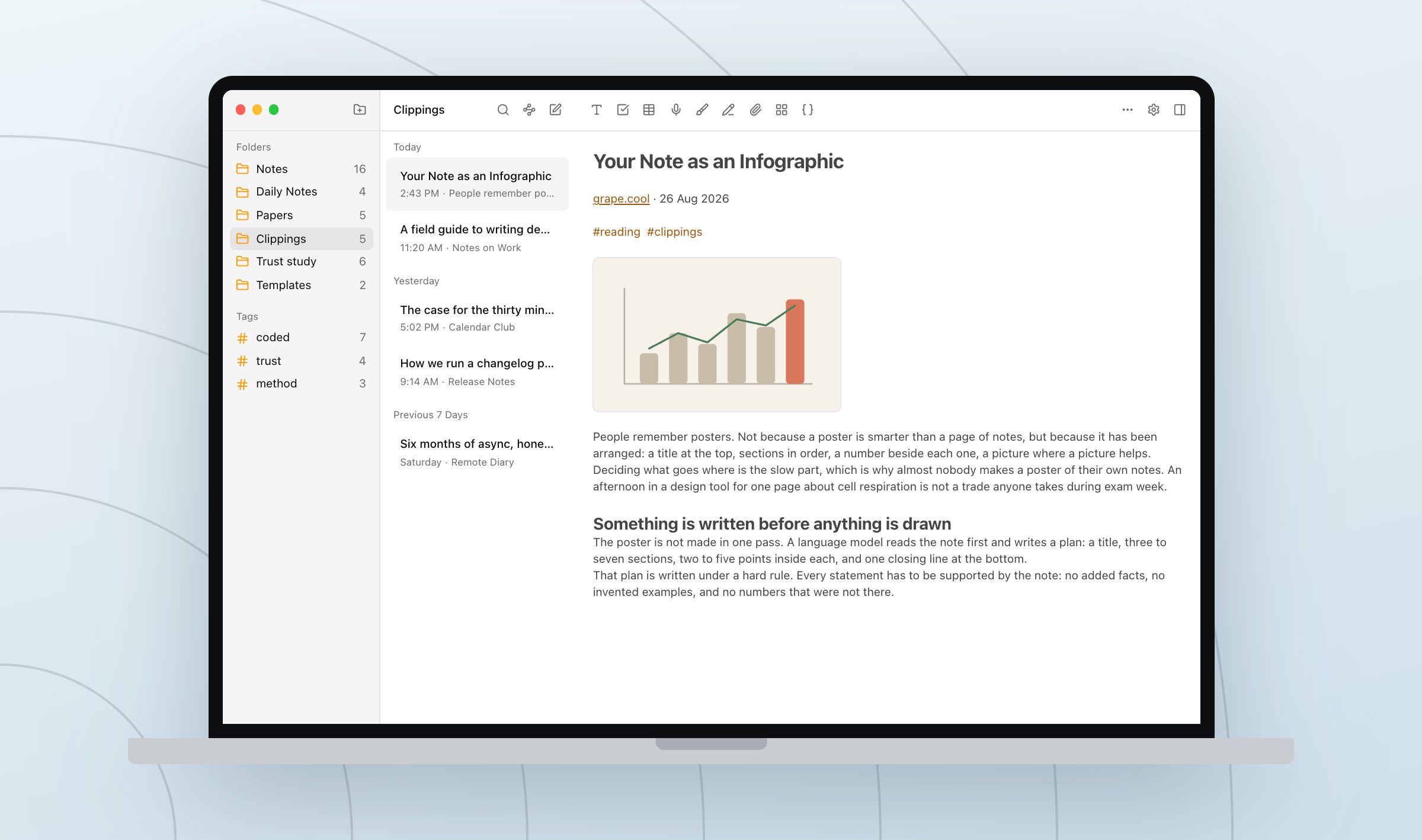
The pictures are downloaded rather than pointed at. Grape fetches each one and writes it beside every other note image on your disk, which is what keeps a clip readable on a train with no signal and after the original comes down.
Nothing passes through a server
The extension reads the page in your browser, turns it into markdown, and hands it to the desktop app over the same grape:// links Grape already registers for signing in. It has no account of its own and nowhere to send a copy, and it needs no plan, because a clip is a note being written to your own database.
A url is the only channel a link like that gives you, which is a strange thing to build a clipper on. So the clip is compressed before it is encoded, and a 33 KB article comes out as a 3 KB link. The rare page still too long after that is split across several links, and Grape holds the parts until the last one arrives, so a clip is never written half finished. Images cannot travel in a url at all, which is why the app downloads them itself, on your machine, from the page they were published on.
Not only for reading lists
The pile of good articles is the obvious use and the smallest one. A recipe you will cook on Sunday, six competitor pages before a pricing meeting, a job listing that will be edited within the week, a clause worth keeping, the documentation page you have looked up four times. All of them are better in the folder where you already think than in a tab you will close.
Open the tabs you have been meaning to read and clip the three you would be annoyed to lose. That is the pile the folder is for.
Grape is available for iPhone, Android, Mac, Windows and Linux at grape.cool/download.