A Notion Alternative for Students
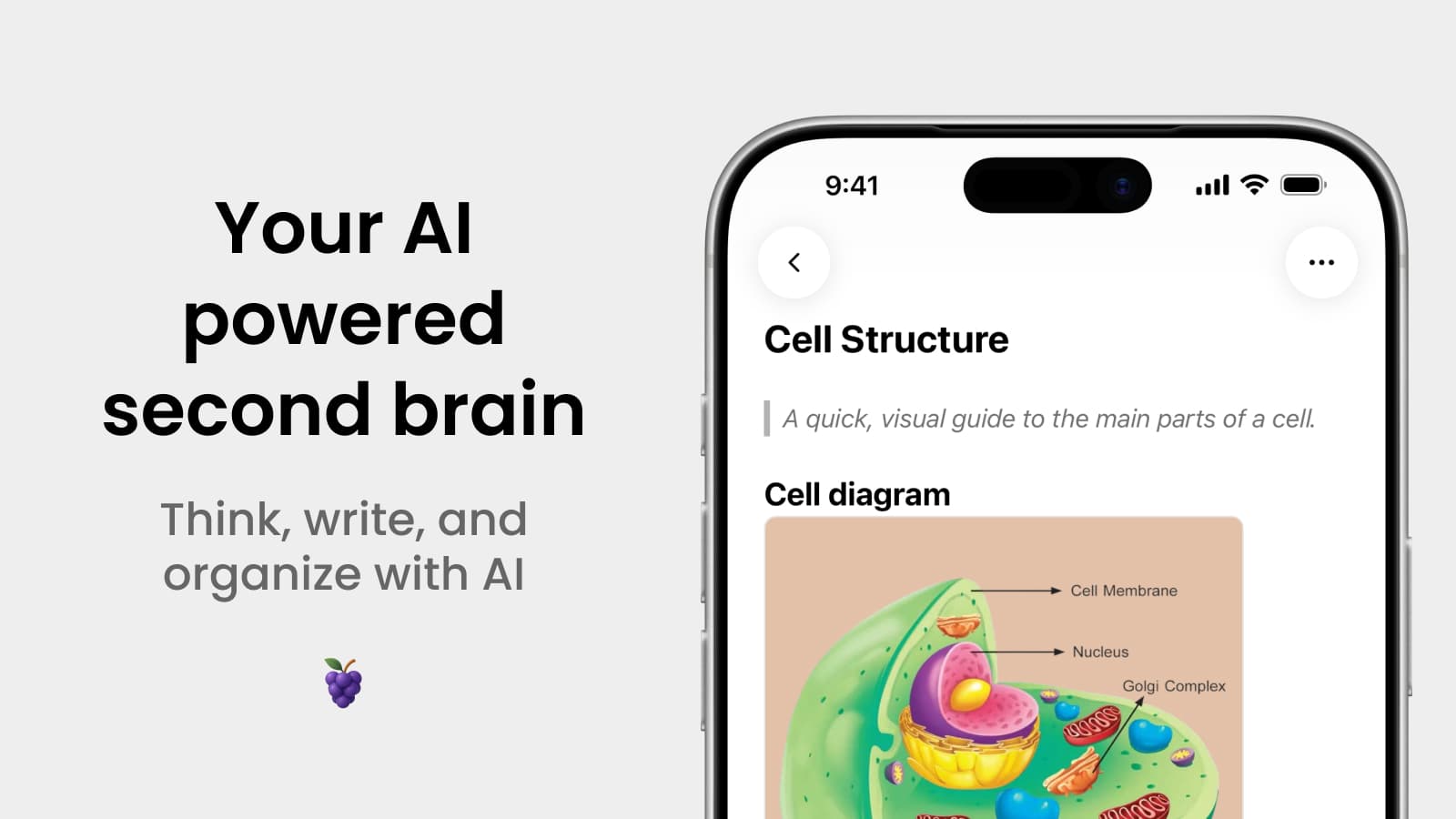
Almost every student I talk to has the same story with Notion. You start a semester full of energy, spend a weekend building the perfect dashboard with databases, relations, and a color coded course tracker, and then two weeks later you're taking lecture notes in your phone's default notes app because it opens faster.
Notion is a fantastic tool. It's just that it asks you to be a system builder before it lets you be a student. And when you're sitting in a lecture hall with three minutes before class starts, you don't want to configure anything. You want to open the app and start writing.
That's the gap I built Grape for.
Where Notion Gets Heavy for Students
I used Notion for years before building Grape, so this isn't a hit piece. But there are a few things that consistently get in the way when you're studying.
Setup takes longer than the notes. Databases, properties, views, and templates are powerful, but they're also a project. Most students spend more time organizing than reviewing.
It needs the internet. Campus wifi, basement lecture halls, and trains are exactly where you need your notes and exactly where a cloud first app struggles.
Mobile is a compromise. Notion on desktop is excellent. Notion on a phone during a fast moving lecture is a different experience.
AI is a separate bill. Notion AI is an add on, and it's priced per member on top of your plan.
There are no study tools. Notion stores your notes beautifully. It won't turn them into flashcards, quiz you before an exam, or draw you a mind map of a chapter.
What Grape Does Instead
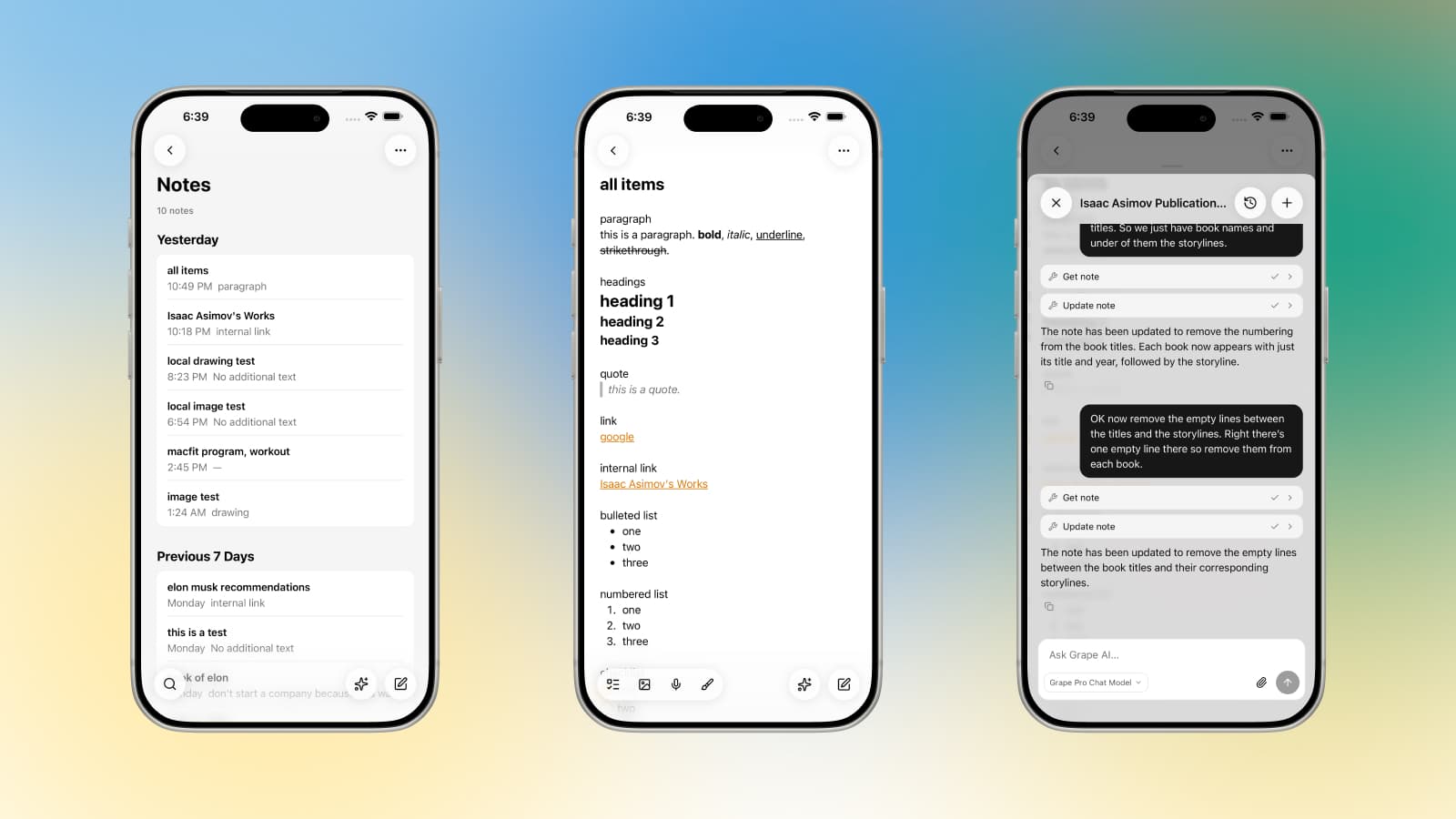
Grape is an AI note taking app for mobile and desktop. It's local first, which means your notes live in a database on your device, and it's built around the things students actually do: take notes fast, record lectures, understand material, and review before an exam.
Open It and Write
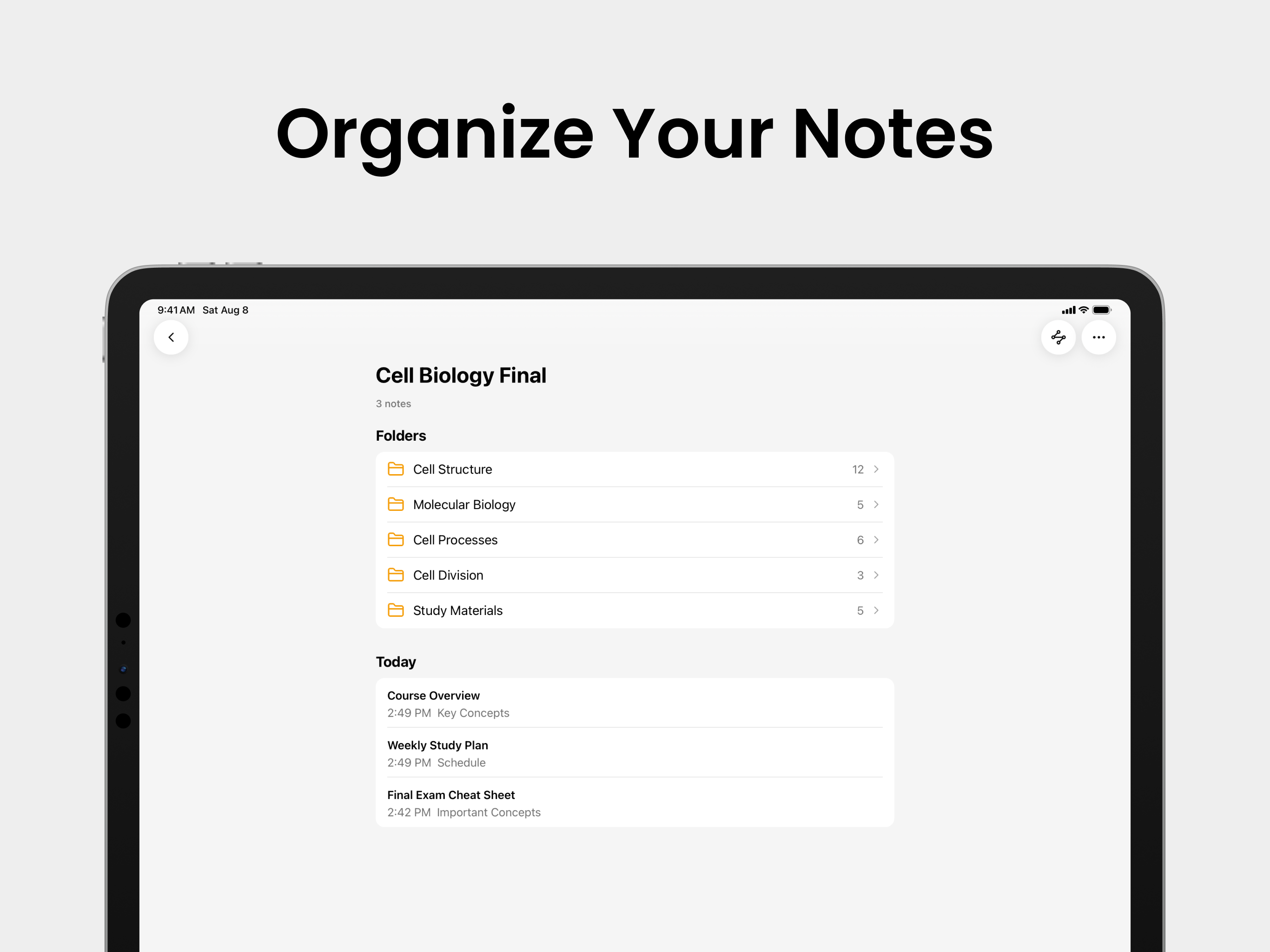
There's no workspace to configure and no account required to get started. You download the app, create a folder for your course, and start typing. Folders, subfolders, and tags are there when you want structure, and completely out of the way when you don't.
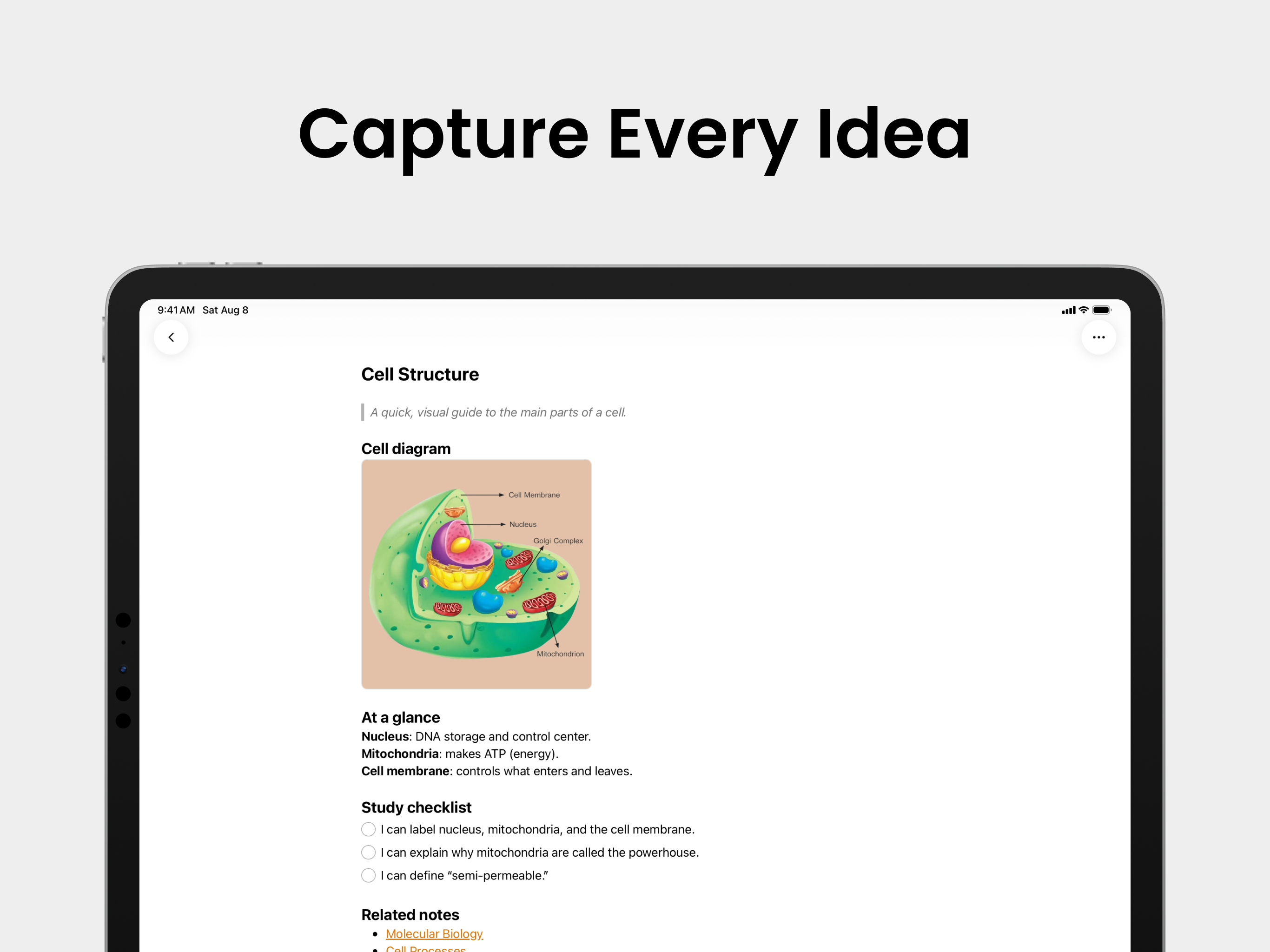
The editor handles what coursework throws at it: checklists, tables, code blocks, math formulas, images, PDFs and file attachments, and note to note links.
Record the Lecture, Get the Transcript
Hit record at the start of class and the audio lives inside the note. Grape transcribes it with AI, so you get both the recording and searchable text you can actually study from. You can stop trying to write down every word the professor says and just capture the parts that matter to you.
Chat with AI That Has Actually Read Your Notes
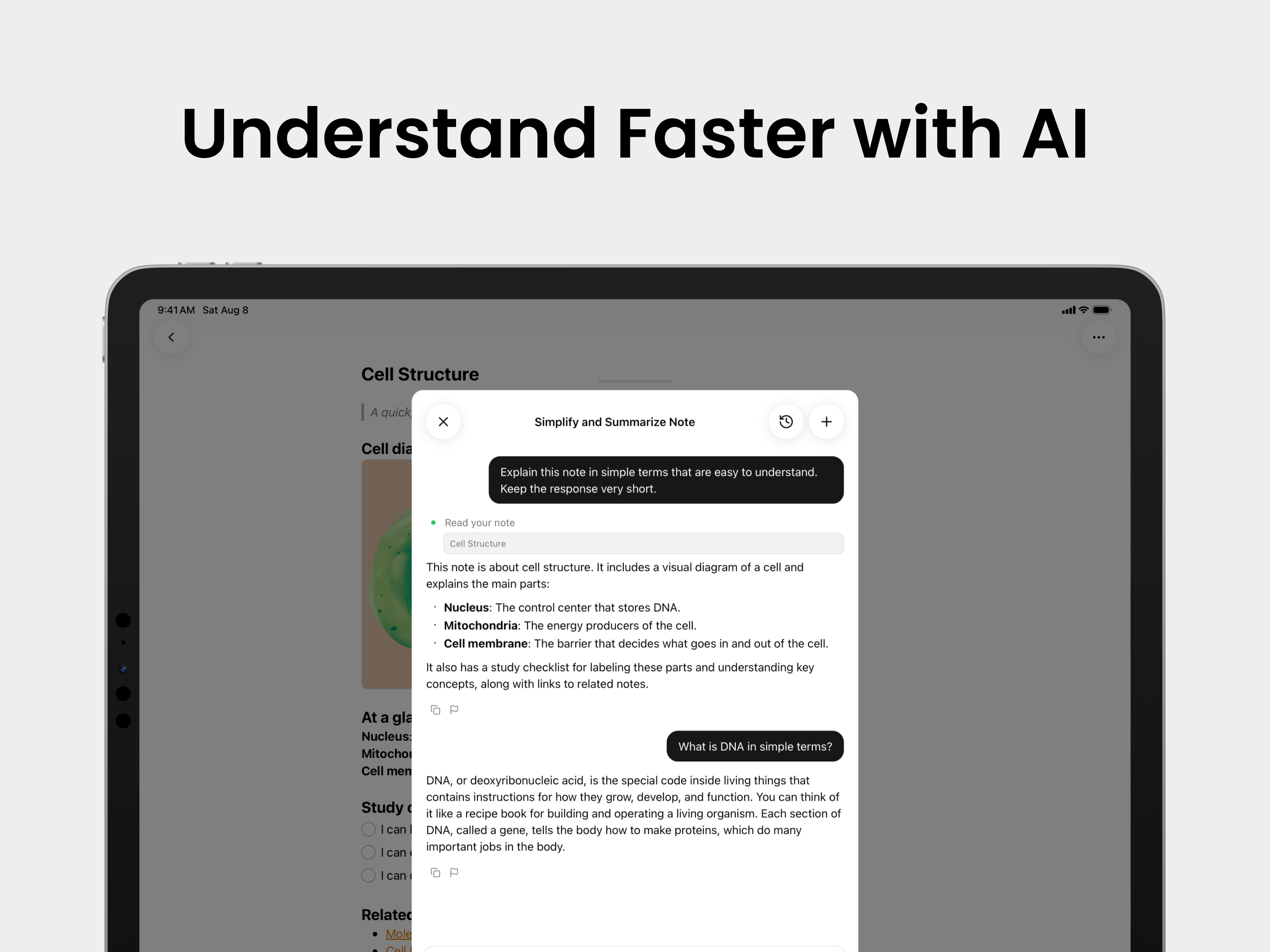
This is the part that changes how studying feels. Grape's AI chat can search everything you've written, pull in the relevant notes, answer questions about them, create and update notes for you, and search the web when your notes don't have the answer.
Ask it to explain a concept from Tuesday's lecture in simpler terms. Ask it what you wrote about a topic across three different courses. Ask it to summarize a forty page chapter you pasted in last week. It's the difference between an archive and a study partner.
Flashcards, Quizzes, and Mind Maps in One Tap
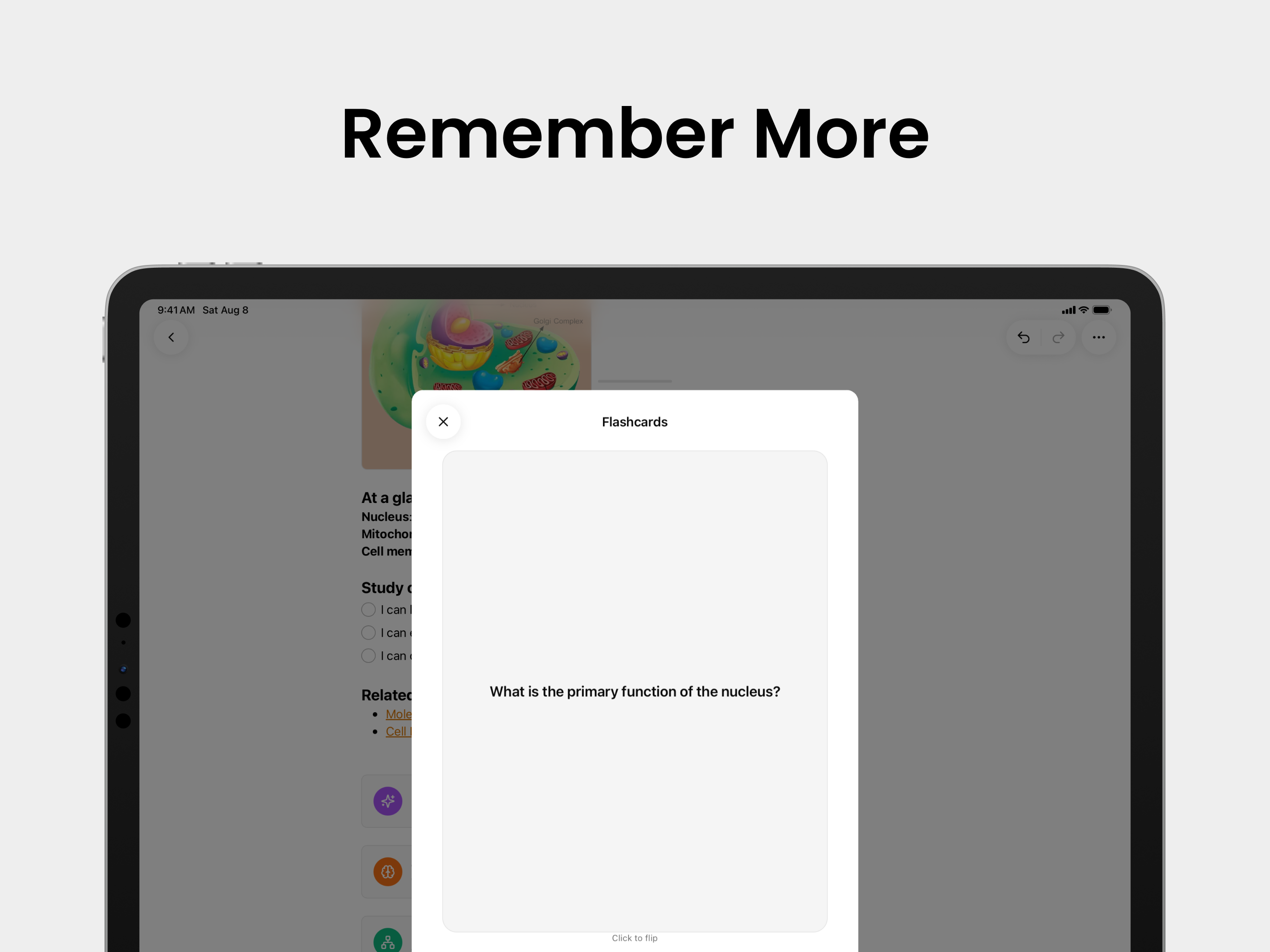
Open any note and generate study material from it. Flashcards for memorization, adaptive quizzes that adjust to what you keep getting wrong, and mind maps when you need to see how a chapter fits together.
You already wrote the notes. This is the step most students skip because making flashcards by hand is tedious, and it happens to be the step that actually moves your grade.
Find Notes by Meaning, Not Keywords
Semantic search means you don't have to remember the exact words you used. Search for "that thing about enzymes slowing down when it gets cold" and Grape will find the note, even if you titled it something else entirely and never wrote the word enzyme.
Draw the Diagram
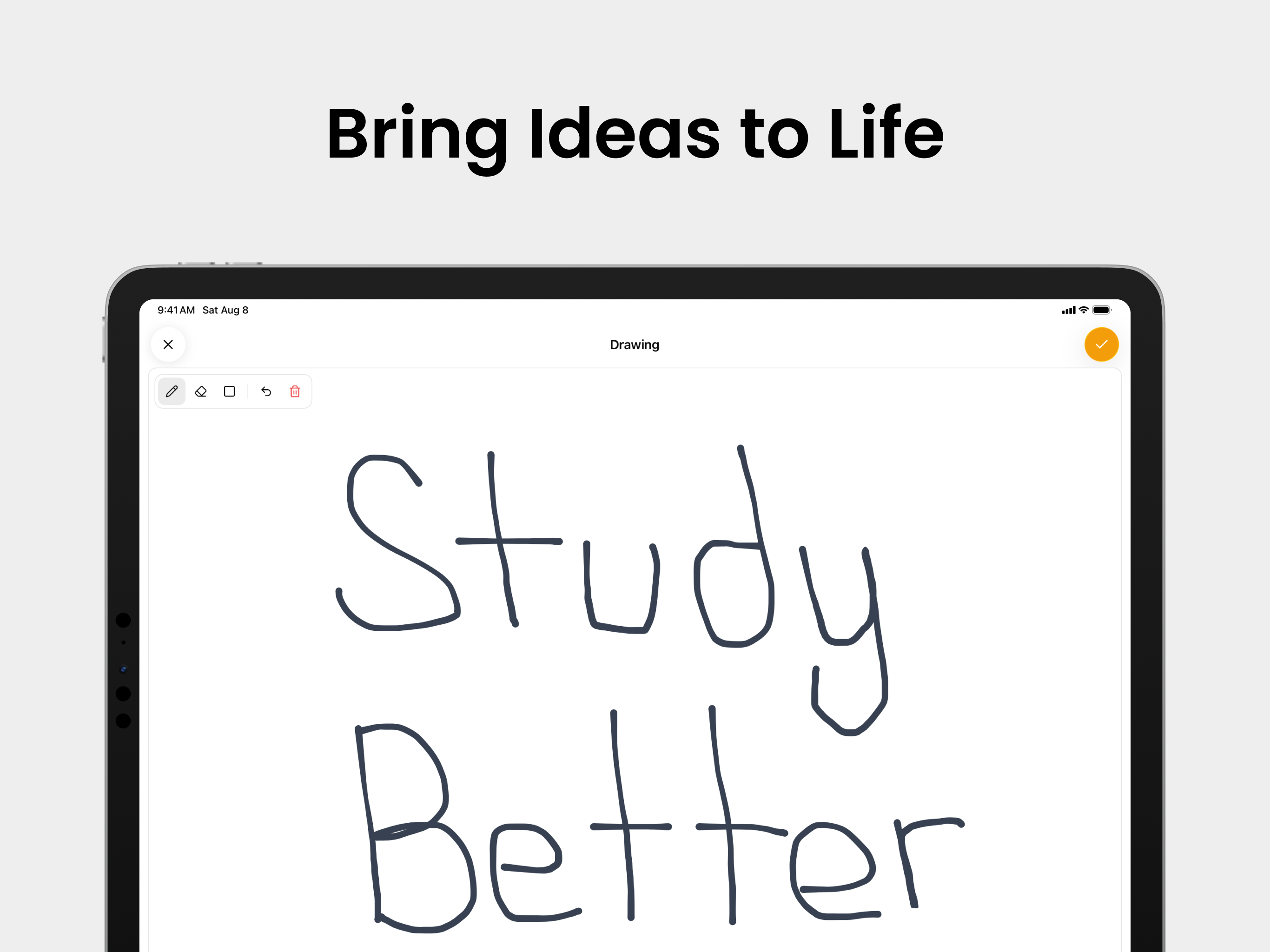
Some things aren't text. Grape has an infinite drawing canvas inside notes, so you can sketch a diagram, work through a problem, or annotate a structure without leaving the app or switching to a separate tablet app.
Your Notes Work Offline
Because Grape is local first, your notes are on your device. No spinner in a lecture hall with bad reception, no waiting for a page to load before you can write the first line. Sync is there if you want it, but it's a feature, not a requirement.
What It Costs
The free plan is genuinely usable: unlimited notes and folders, the full editor, tags, attachments, voice recording, version history, exports to Markdown, HTML, and PDF, and a local database you own. No account needed.
Pro is $19 a month and adds unlimited AI chat and tools, semantic search, voice transcription, AI web search, the study tools, and cross device sync between your phone and computer.
There's also a $29 one time Lifetime plan where you bring your own AI API keys. If you already have an API key, you pay once for the app and pay your provider directly for the AI you use.
No Lock In, In Either Direction
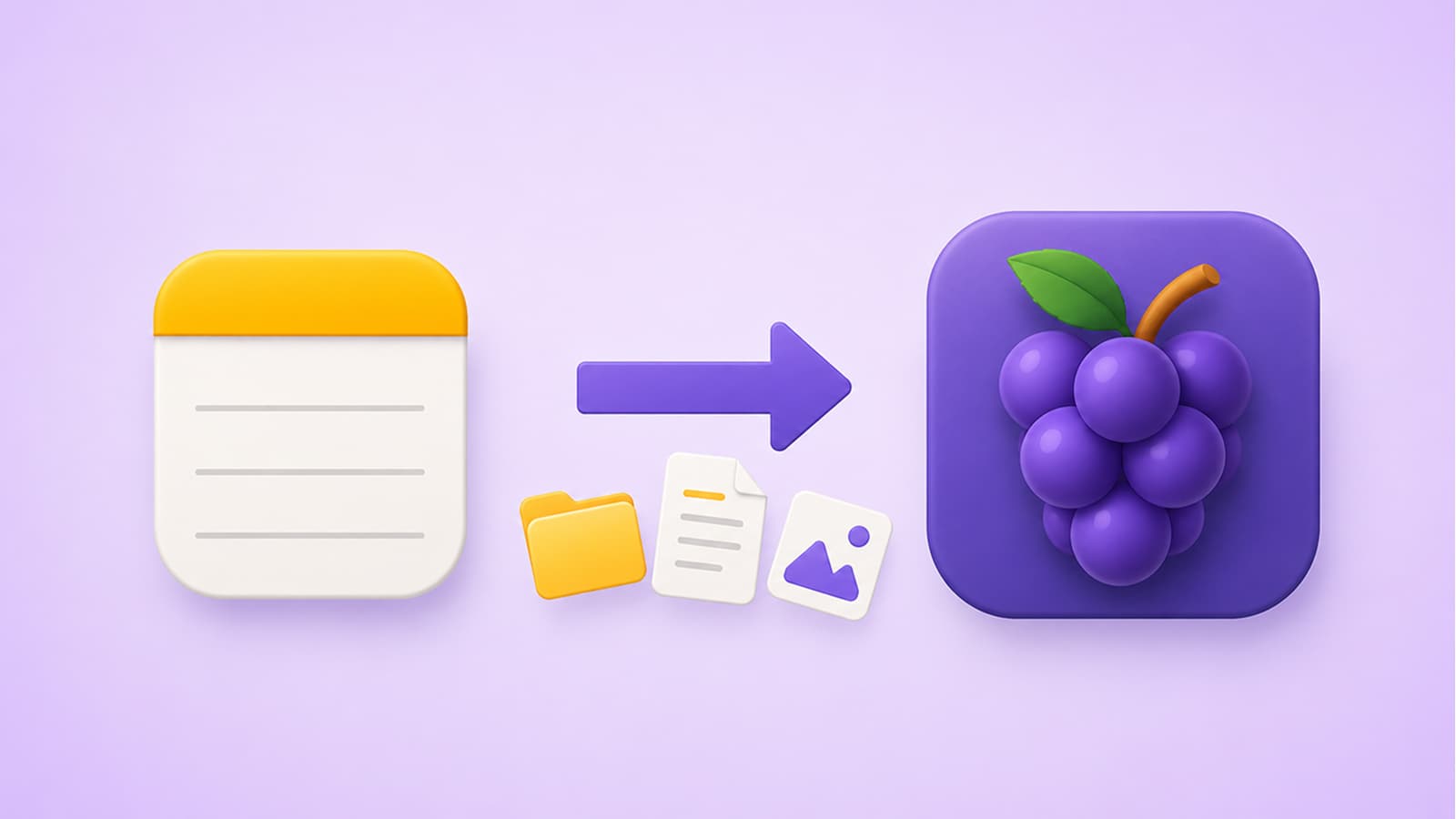
If you're coming from Apple Notes, Grape imports everything in a few seconds, folders and images included. And if you ever want to leave, you can export your notes as Markdown, HTML, or PDF. Your notes should outlive whatever app you're using this year, including mine.
Try It This Semester
Grape is available for iPhone, Android, Mac, Windows, and Linux at grape.cool/download.
If Notion has been sitting in your dock as a beautiful dashboard you never open, try starting the semester with something simpler. Make a folder for each course, take notes, record the lectures, and let the AI handle the flashcards.
I'd love to hear how it goes.